Screenshots
A tour of what a generated project looks like out of the box — chat, marketing site, dashboard, billing, admin, and orchestration.
Light / dark
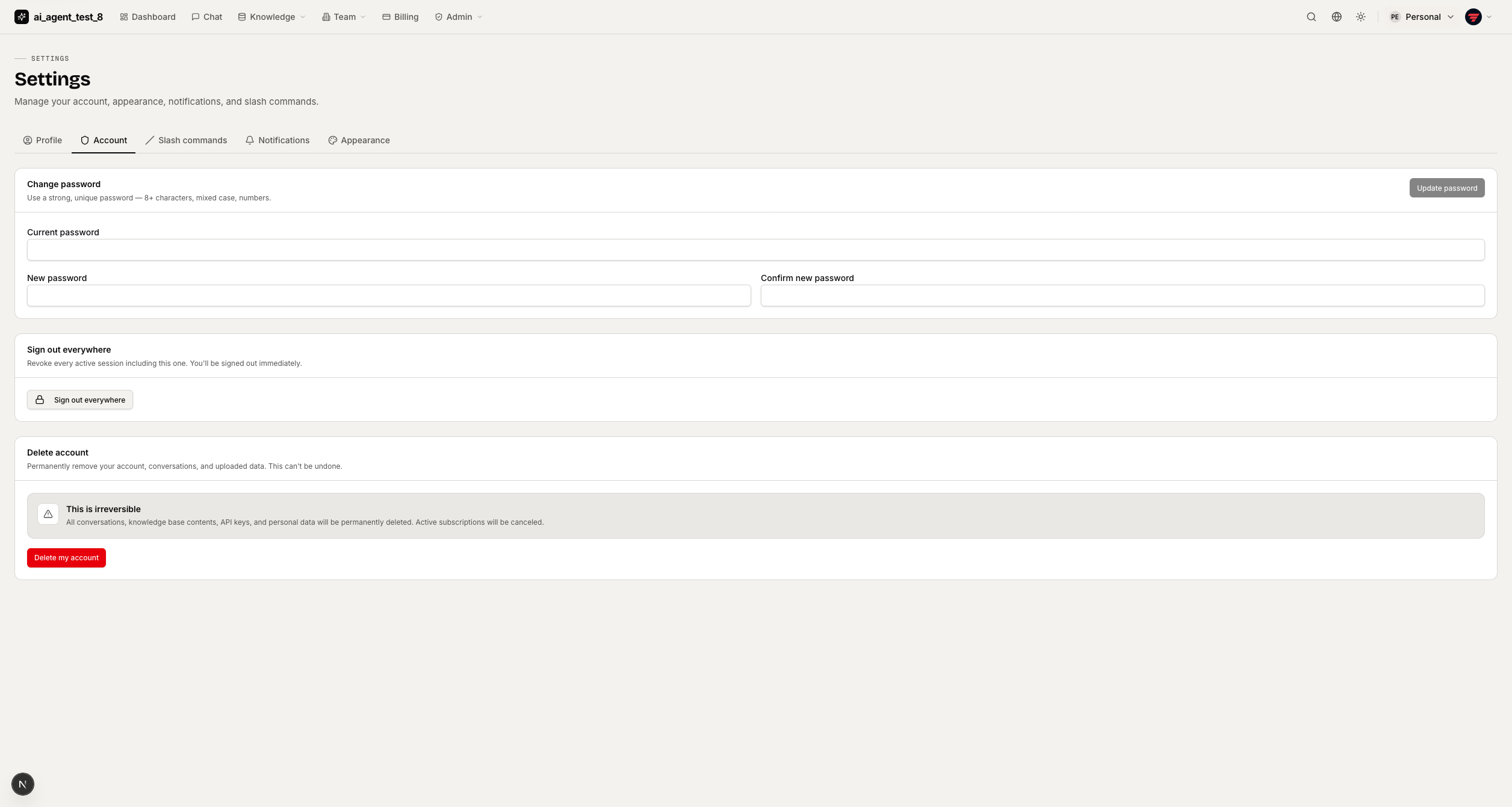
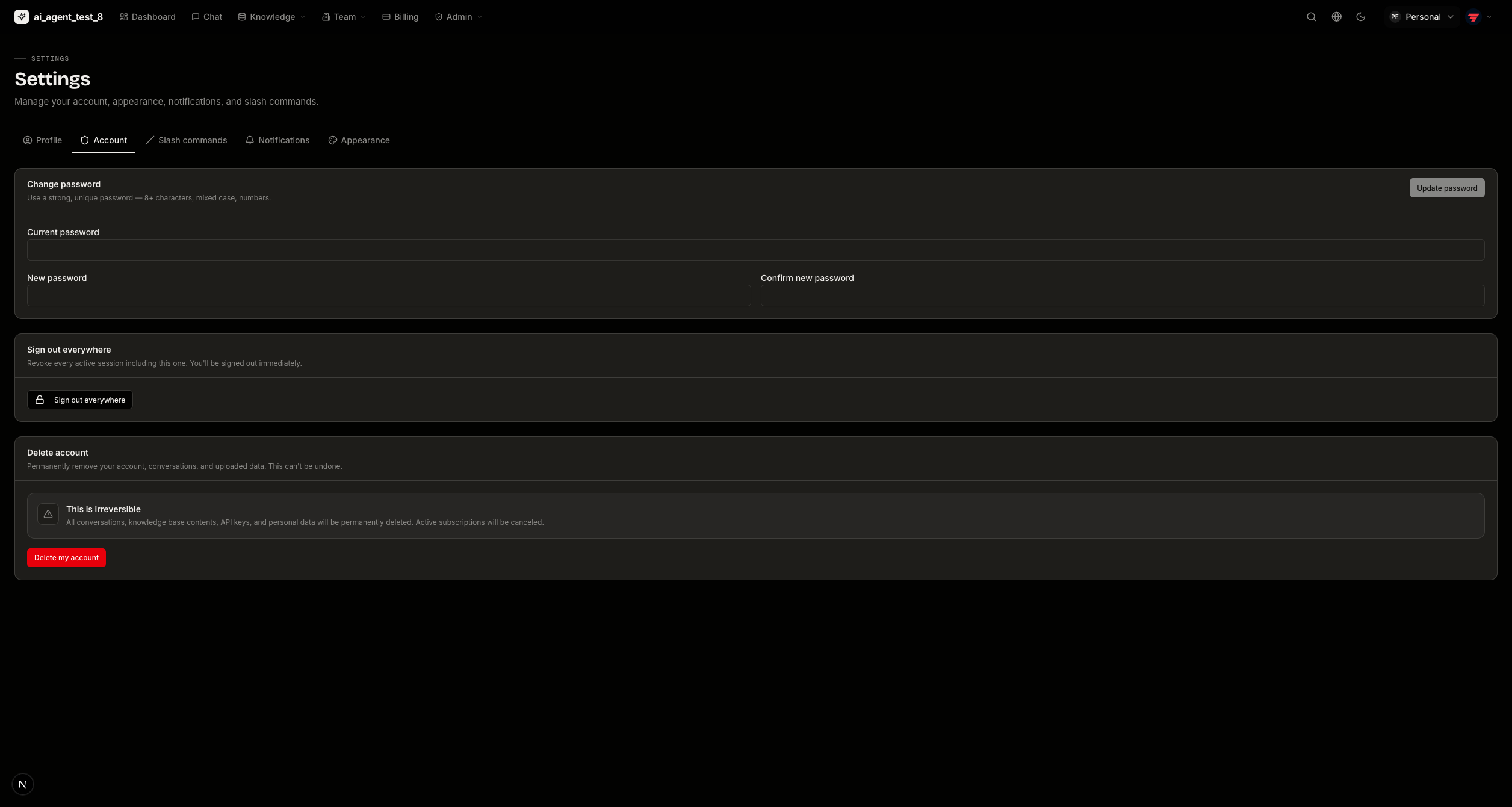
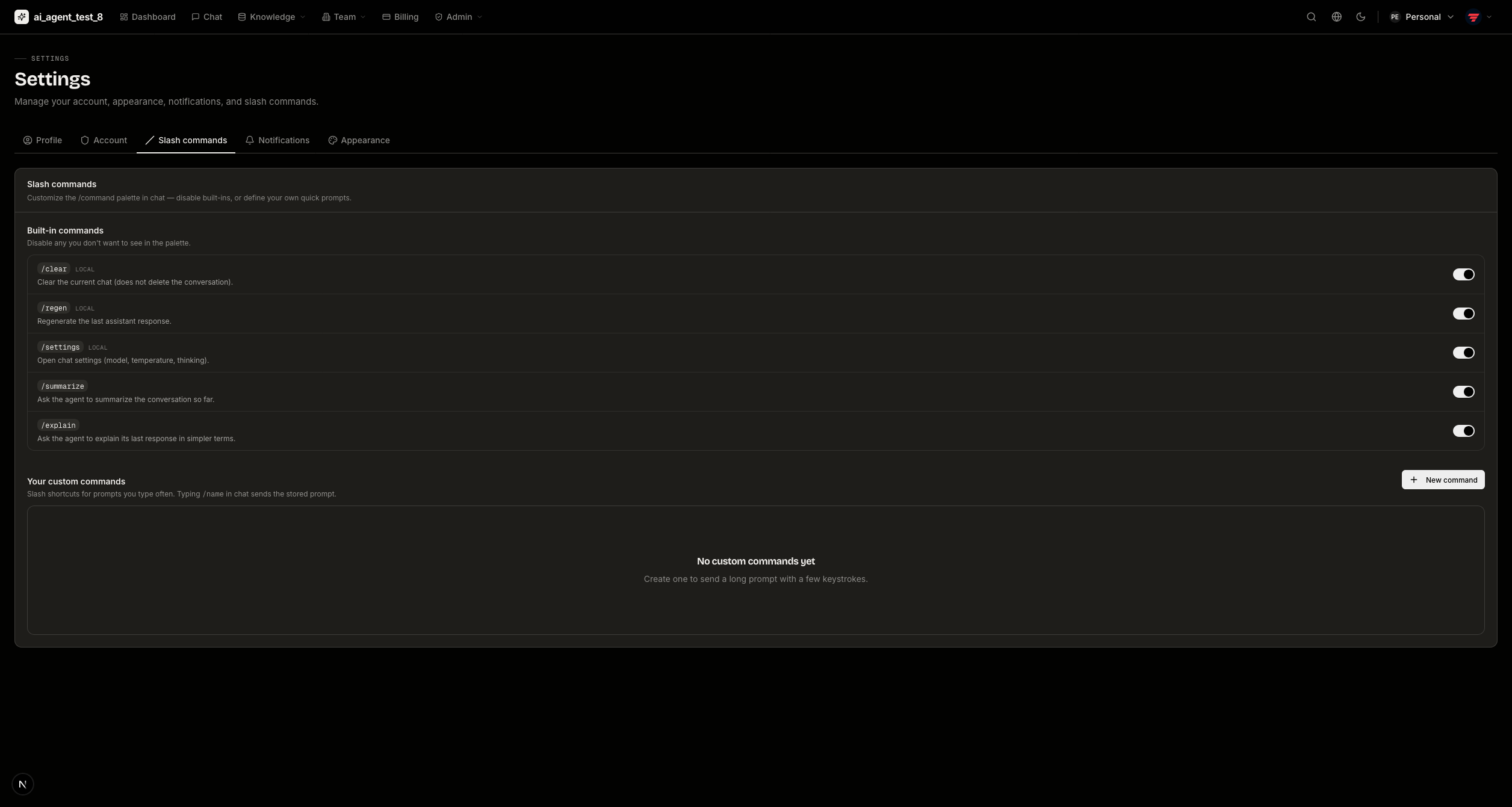
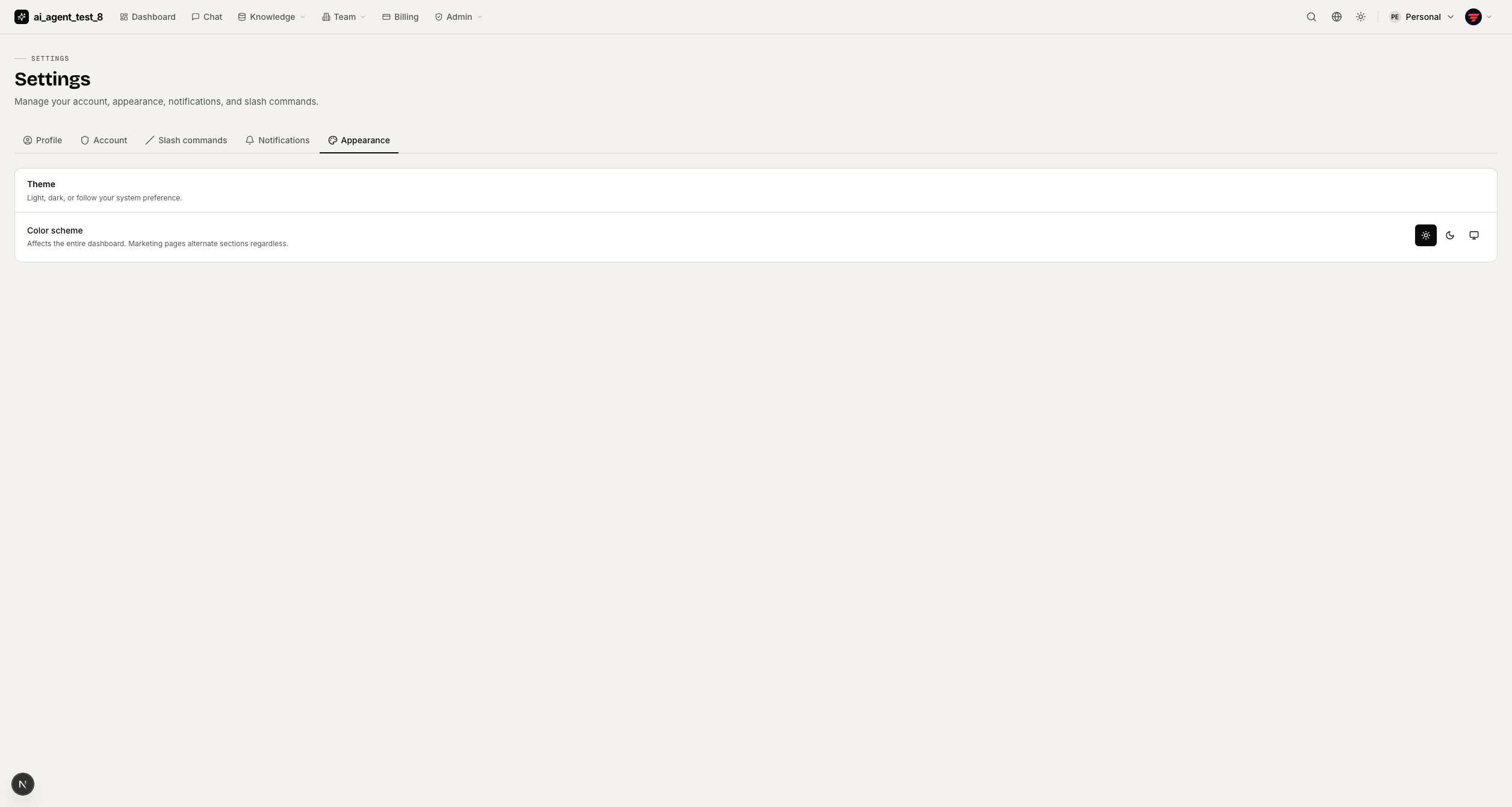
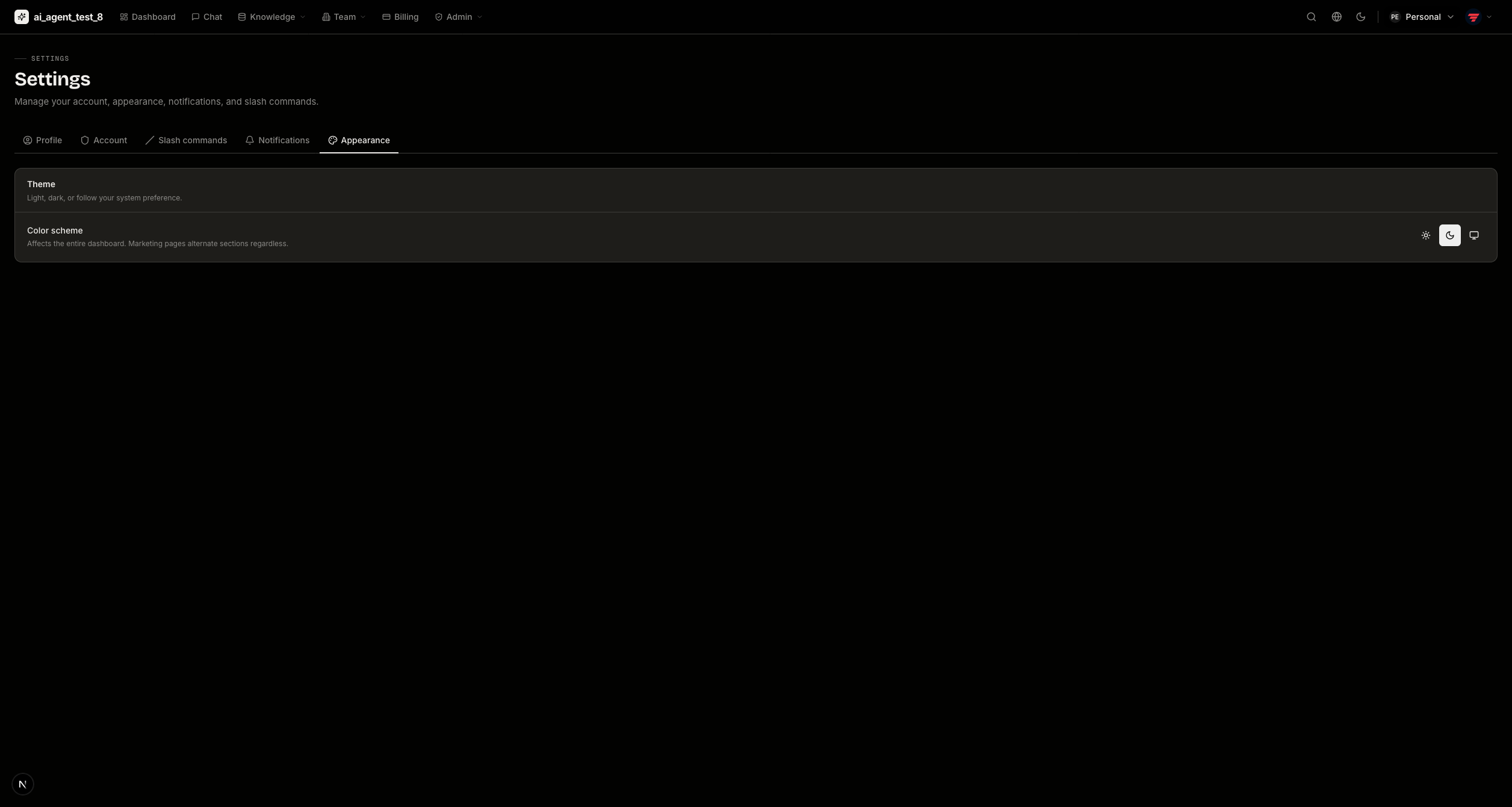
Many screenshots ship in both themes. Use the brightness toggle in the top bar (☀️ / 🌙) and the images below switch with it automatically.
AI Chat
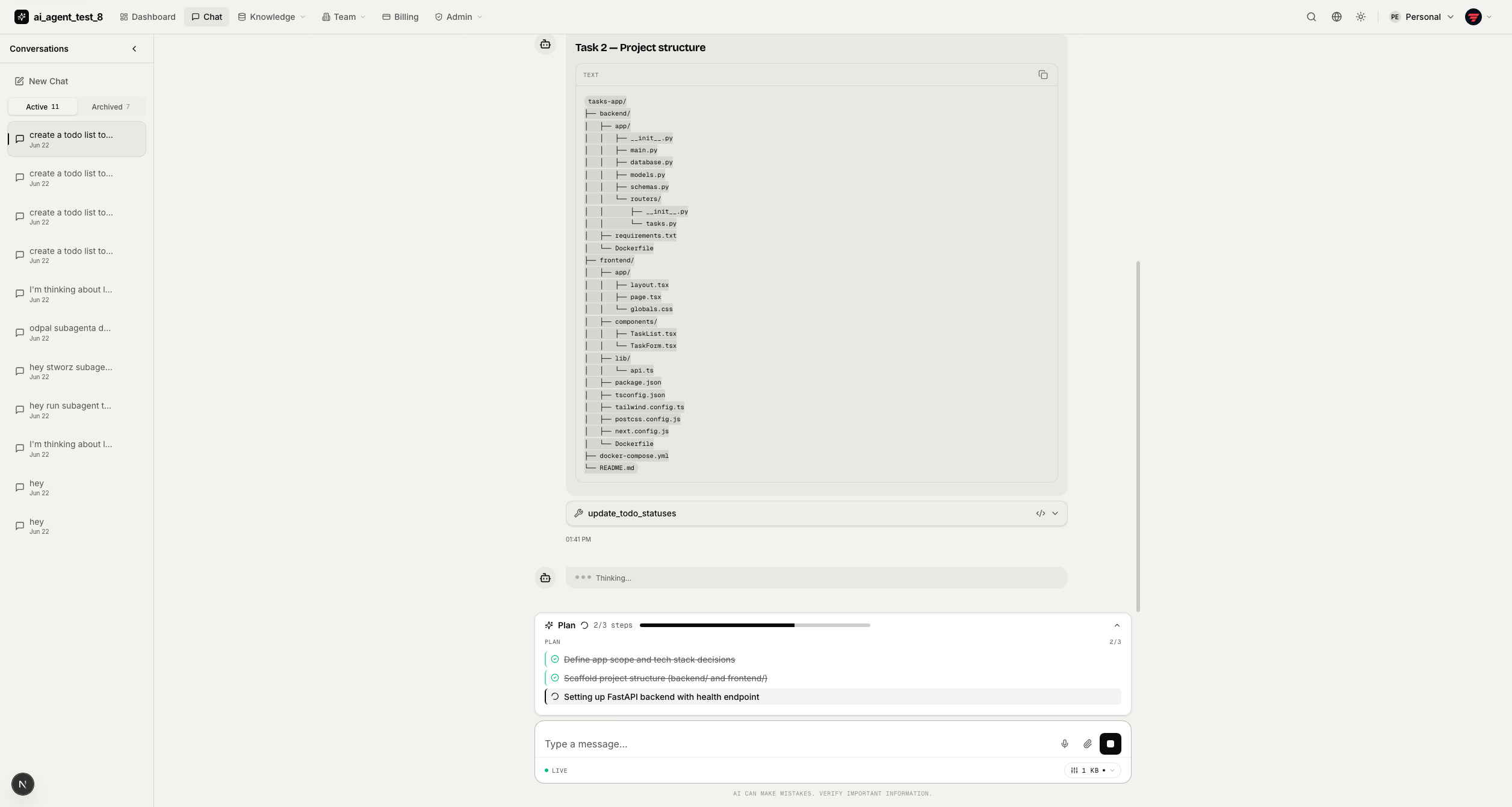
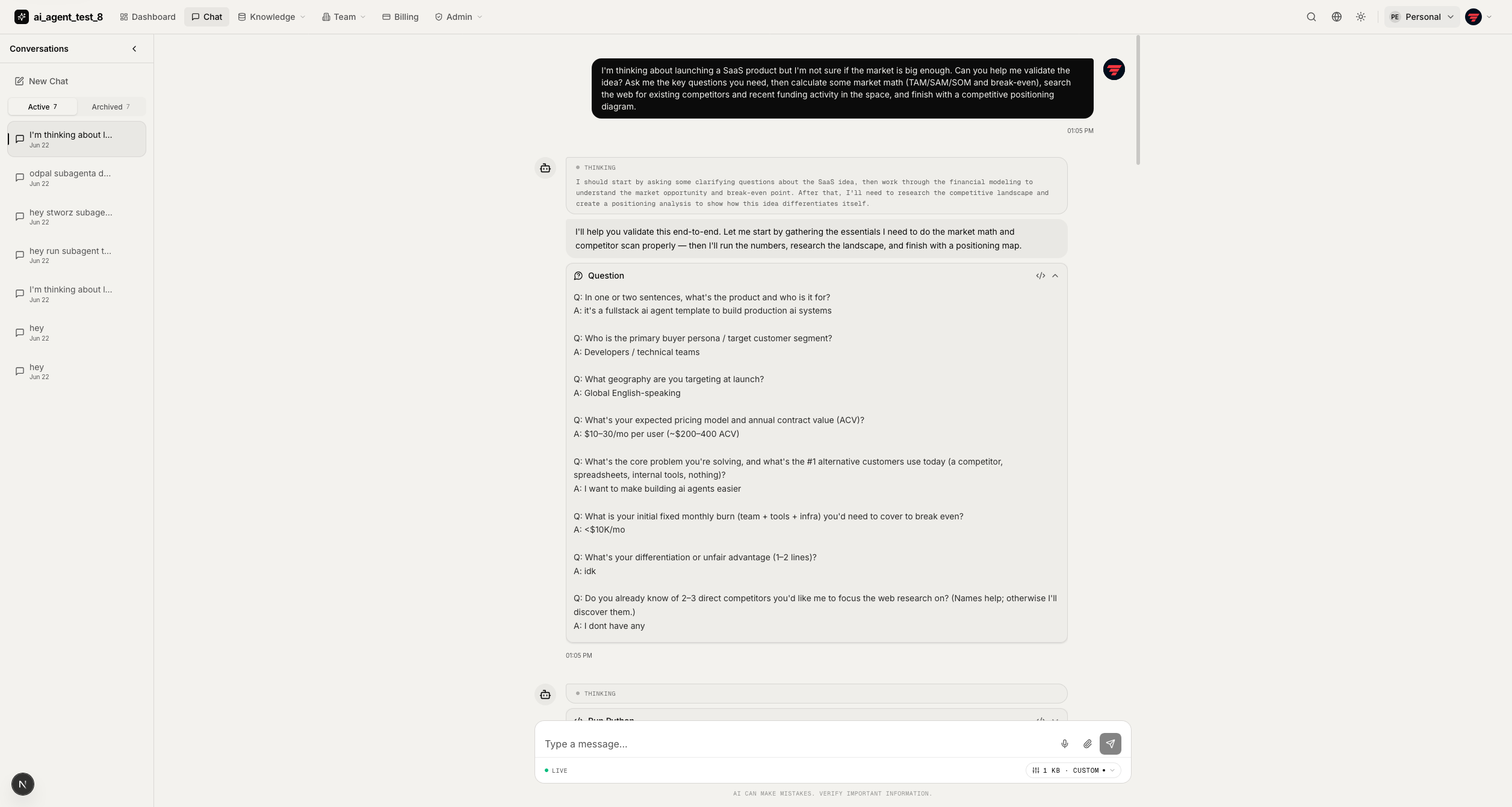
The chat UI streams over WebSocket and renders each tool call as a purpose-built card instead of a raw JSON dump.
Plan & tasks — a sticky plan/task checklist above the composer updates live as the agent works, with an inline reasoning indicator.
Subagents — when work is delegated, a live feed and side panel show each subagent's status, streamed messages, and final result.
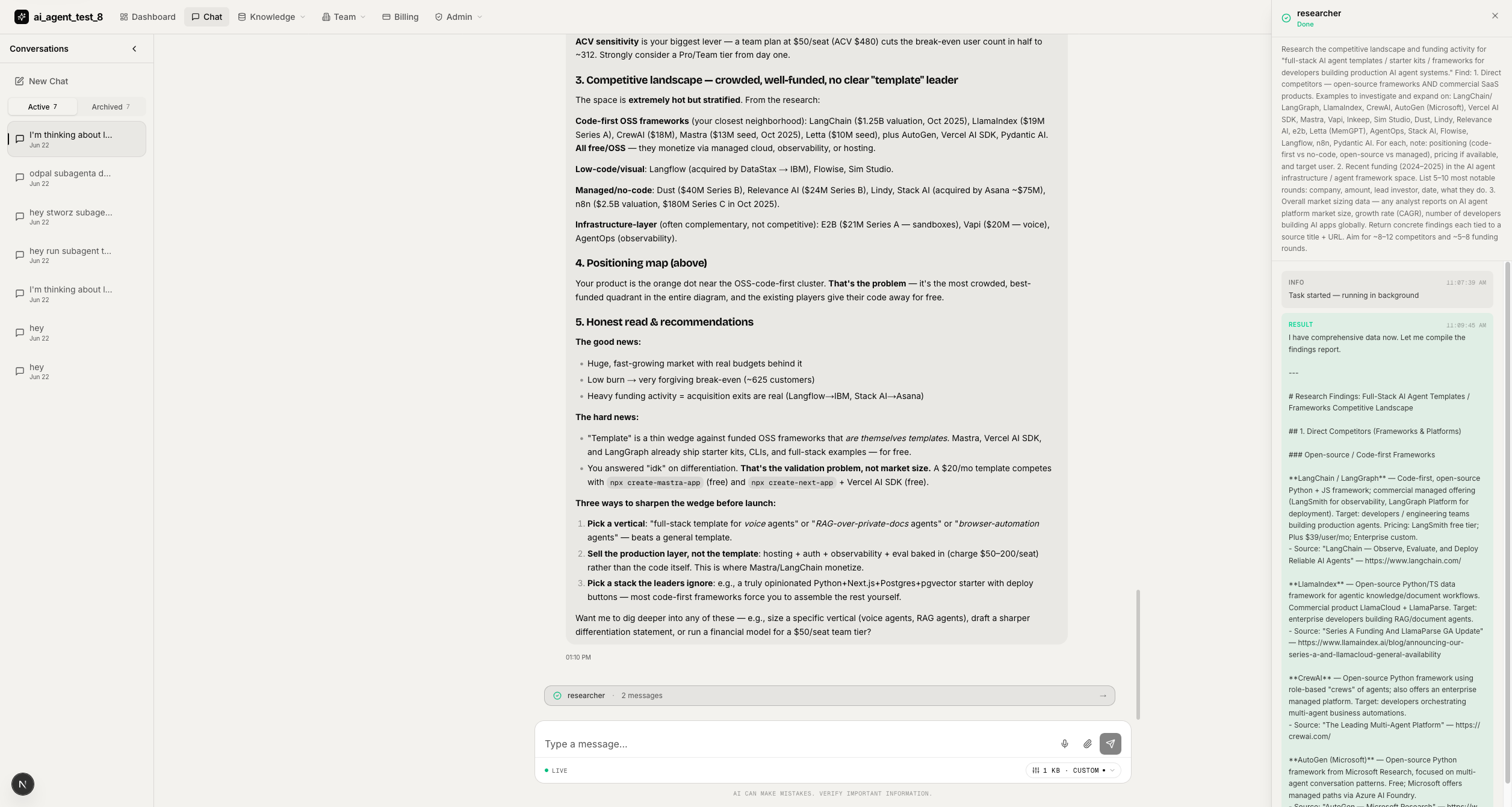
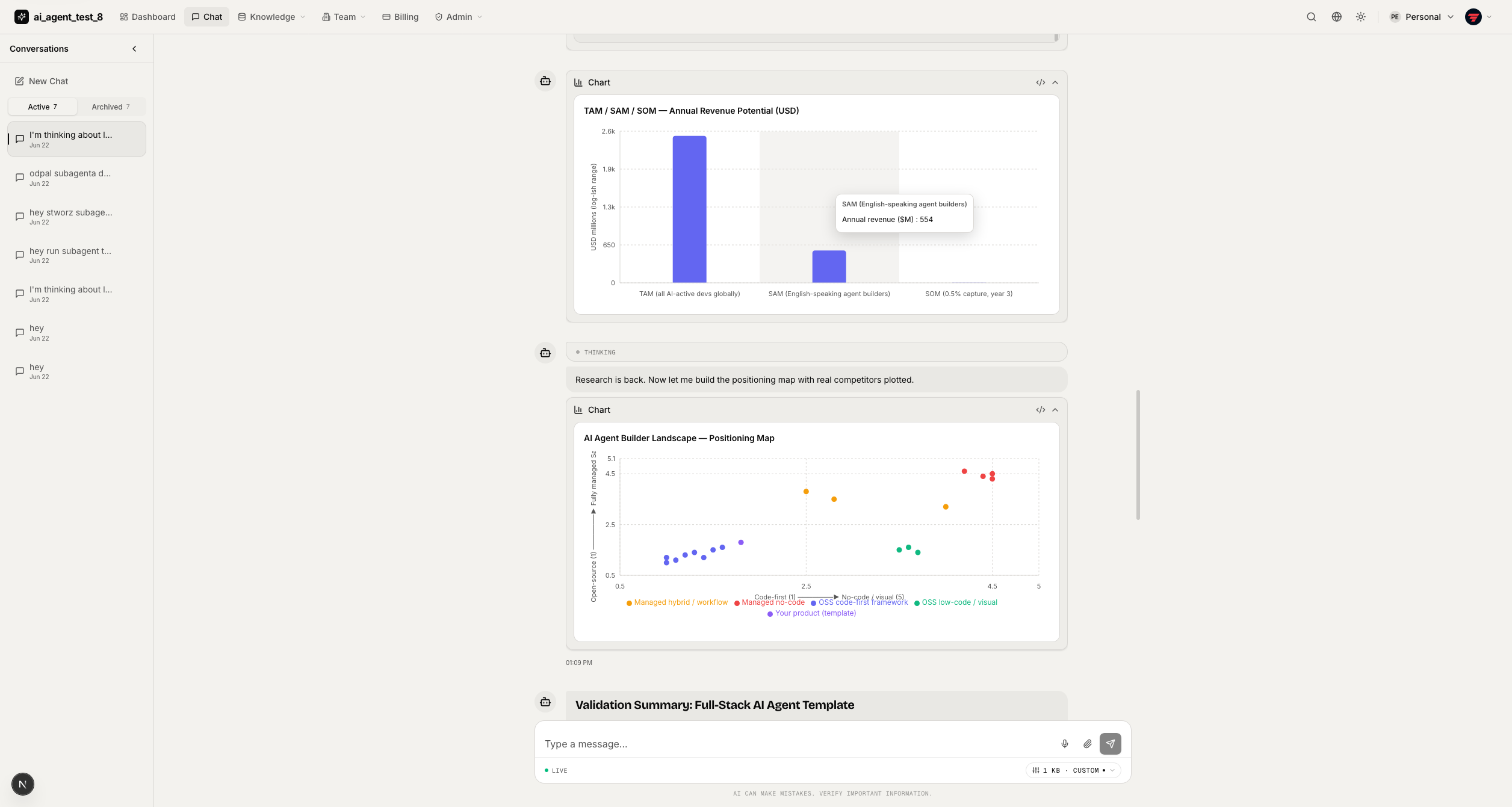
Charts — the create_chart tool renders interactive, theme-aware bar / area / line / pie / scatter charts inline.
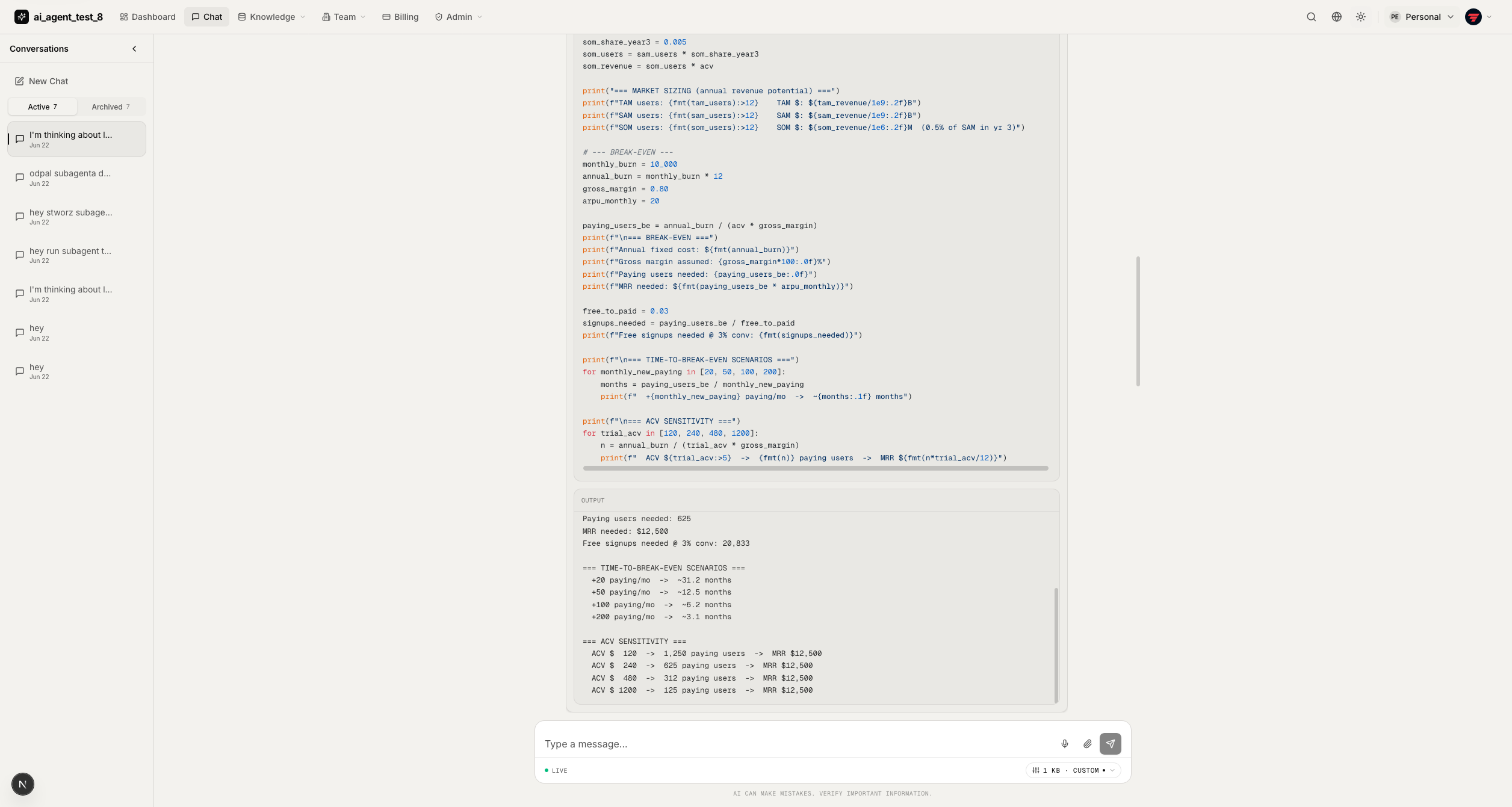
Code execution — the optional run_python tool shows the executed code alongside its output (or error) in a collapsible card.
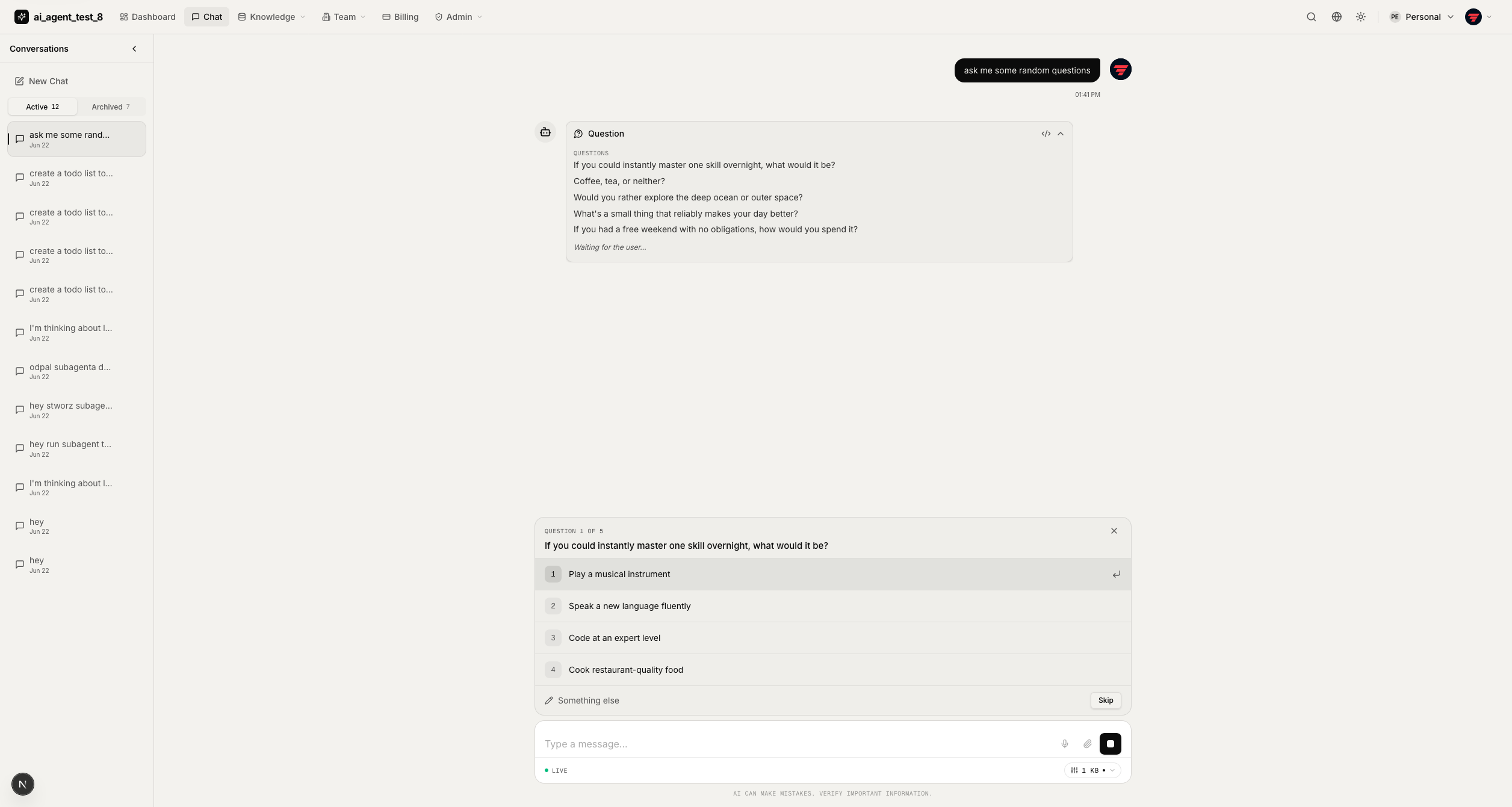
Ask user — the agent can pause to ask clarifying questions and resume once you answer.
Reasoning & answered questions — a clean thinking view plus answered-question history keeps long turns readable.
Marketing Site
Generated with the enable_marketing_site option — a full public site you can ship as-is.
Hero
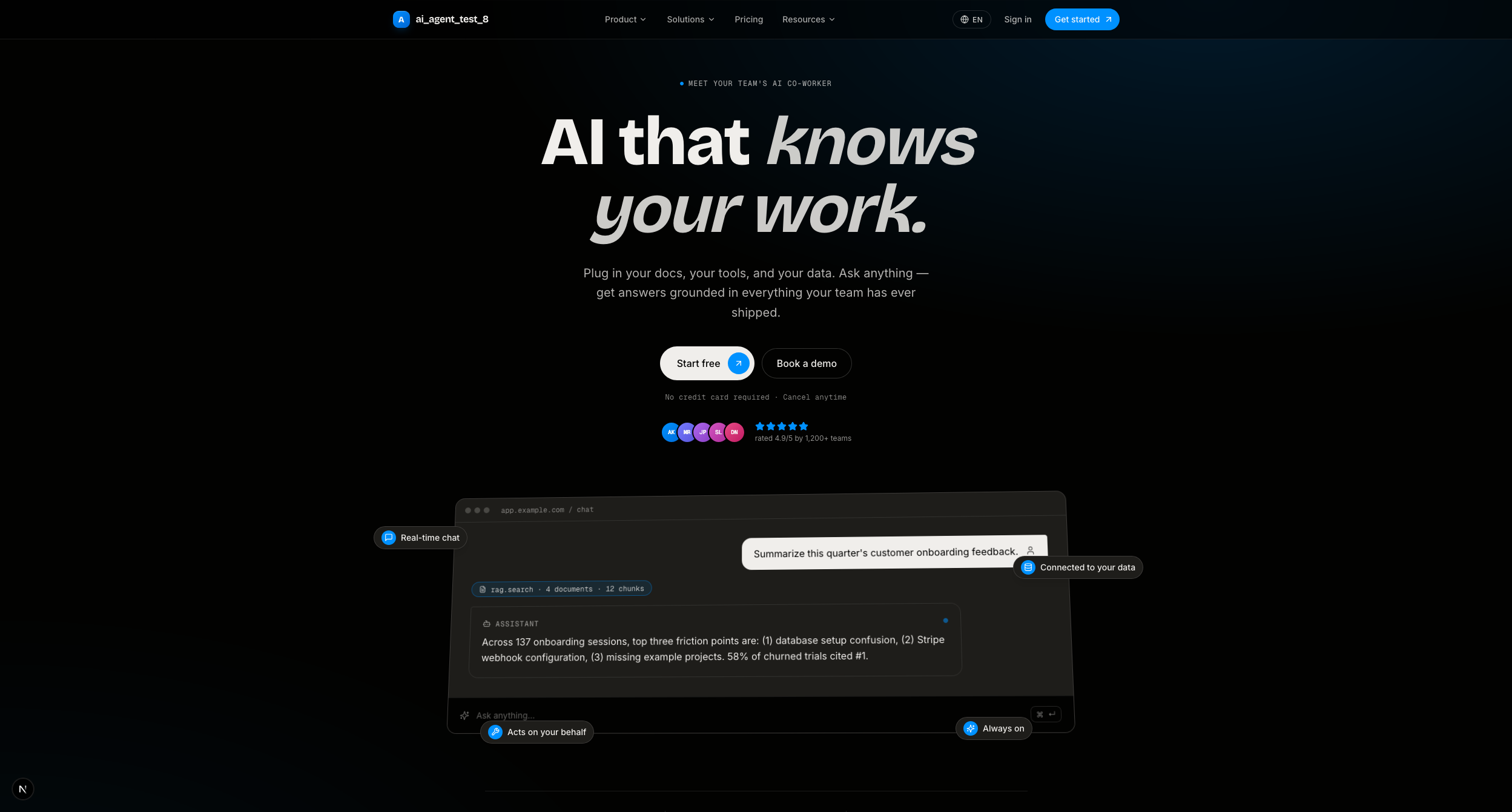
Full landing page

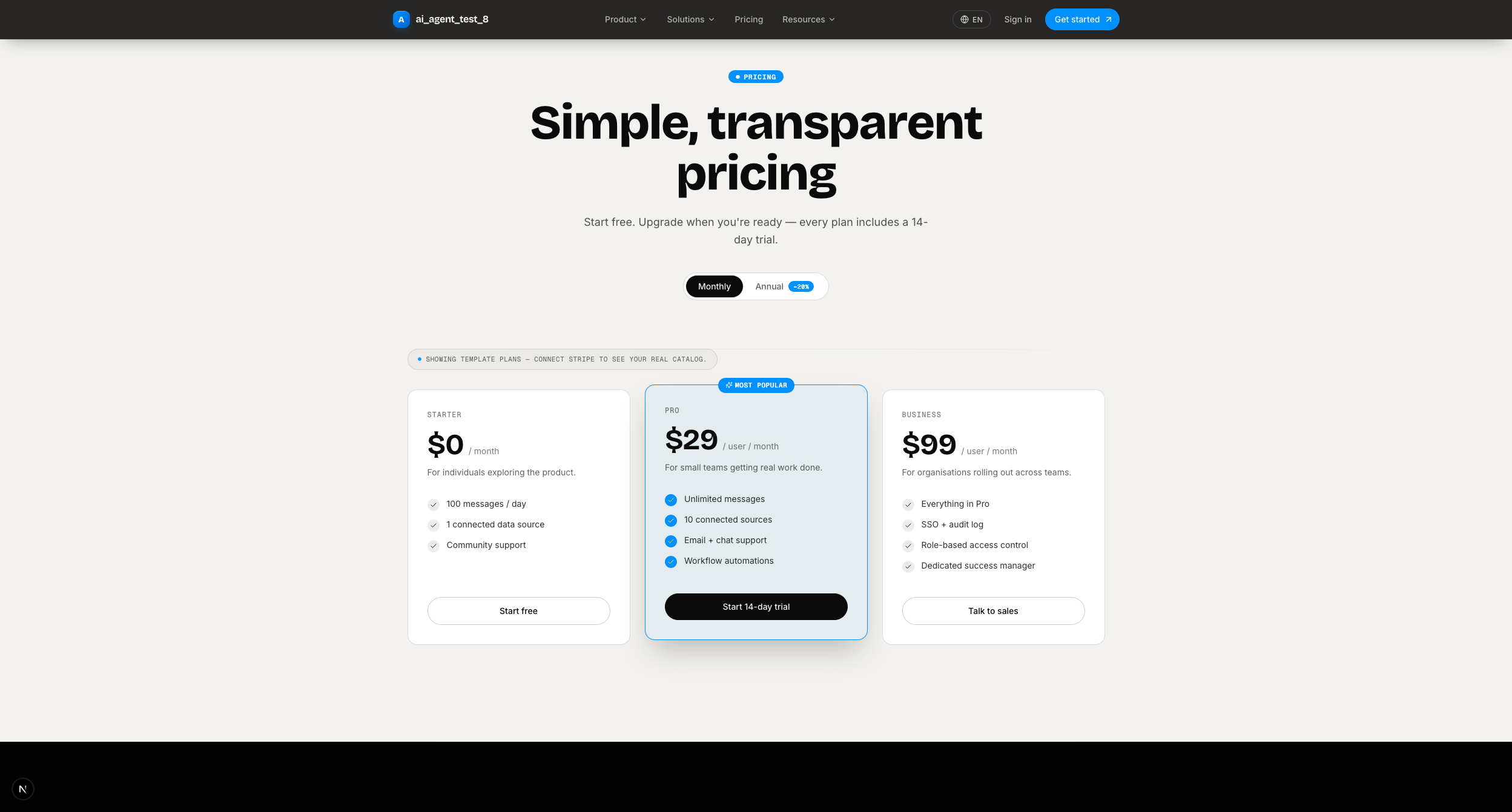
Pricing — monthly/annual toggle; pulls live plan data from Stripe when connected.
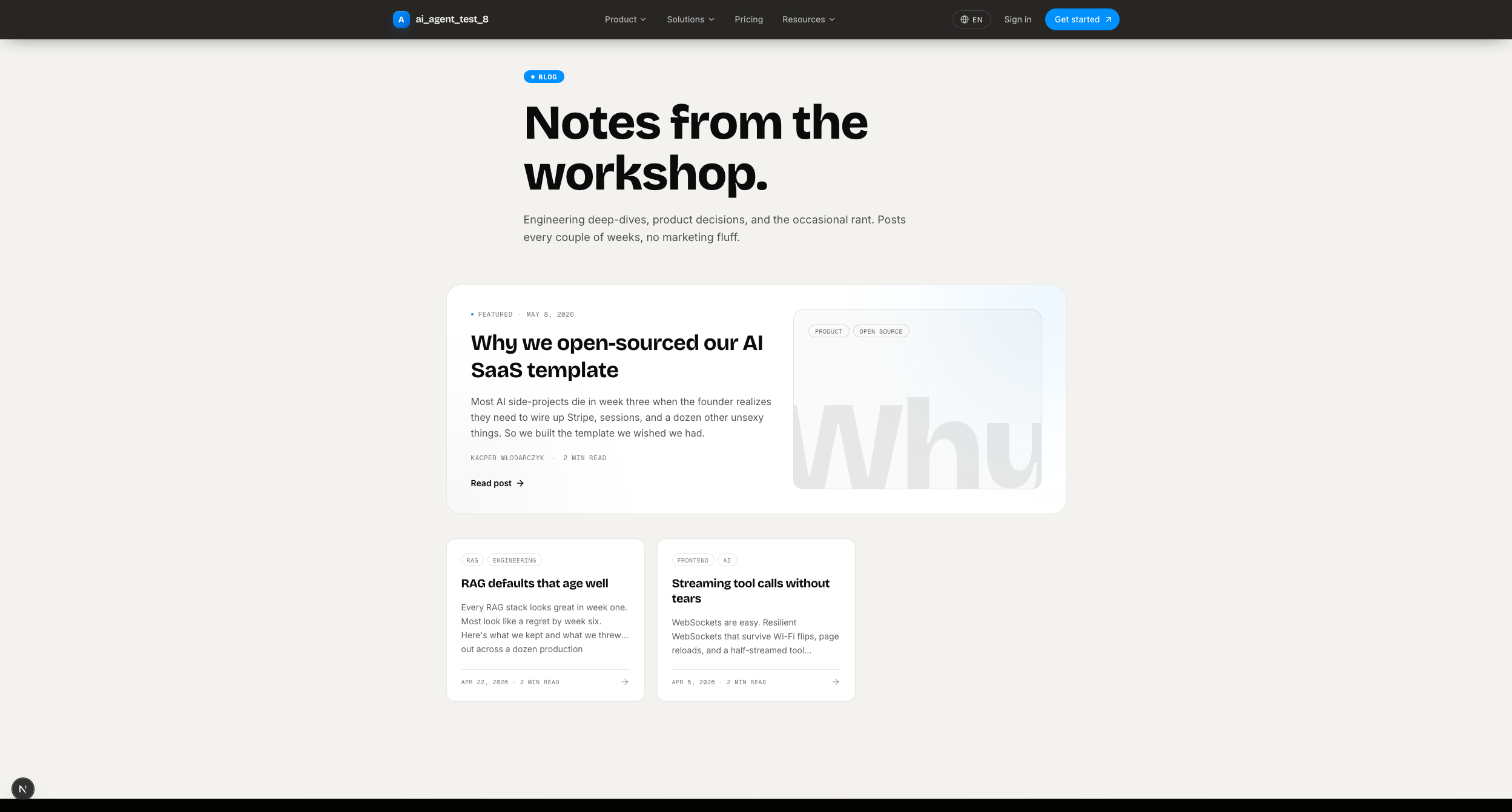
Blog — MDX posts in the repo, no CMS needed.
Auth
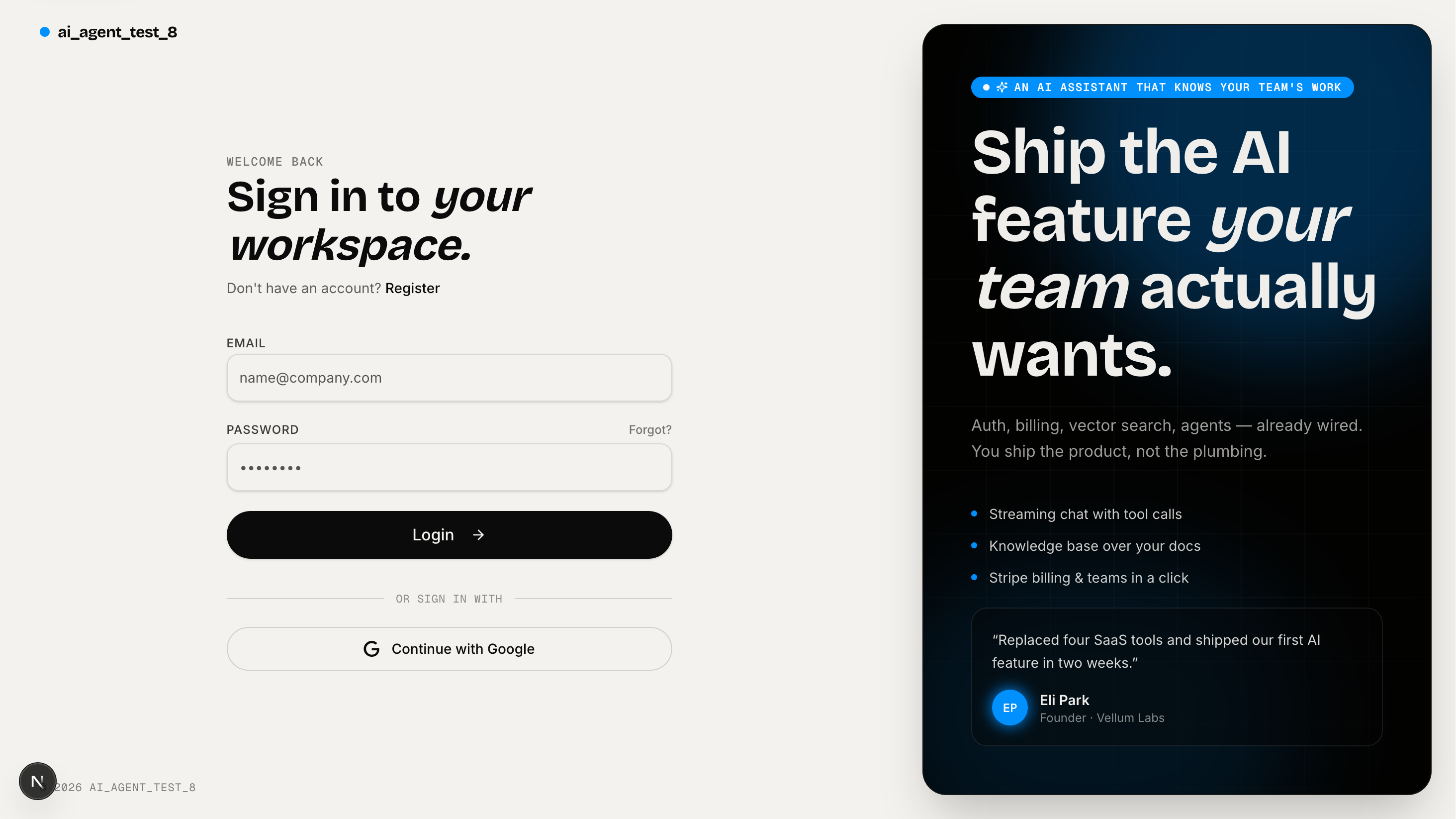
Login — split-screen with Google OAuth and email/password.
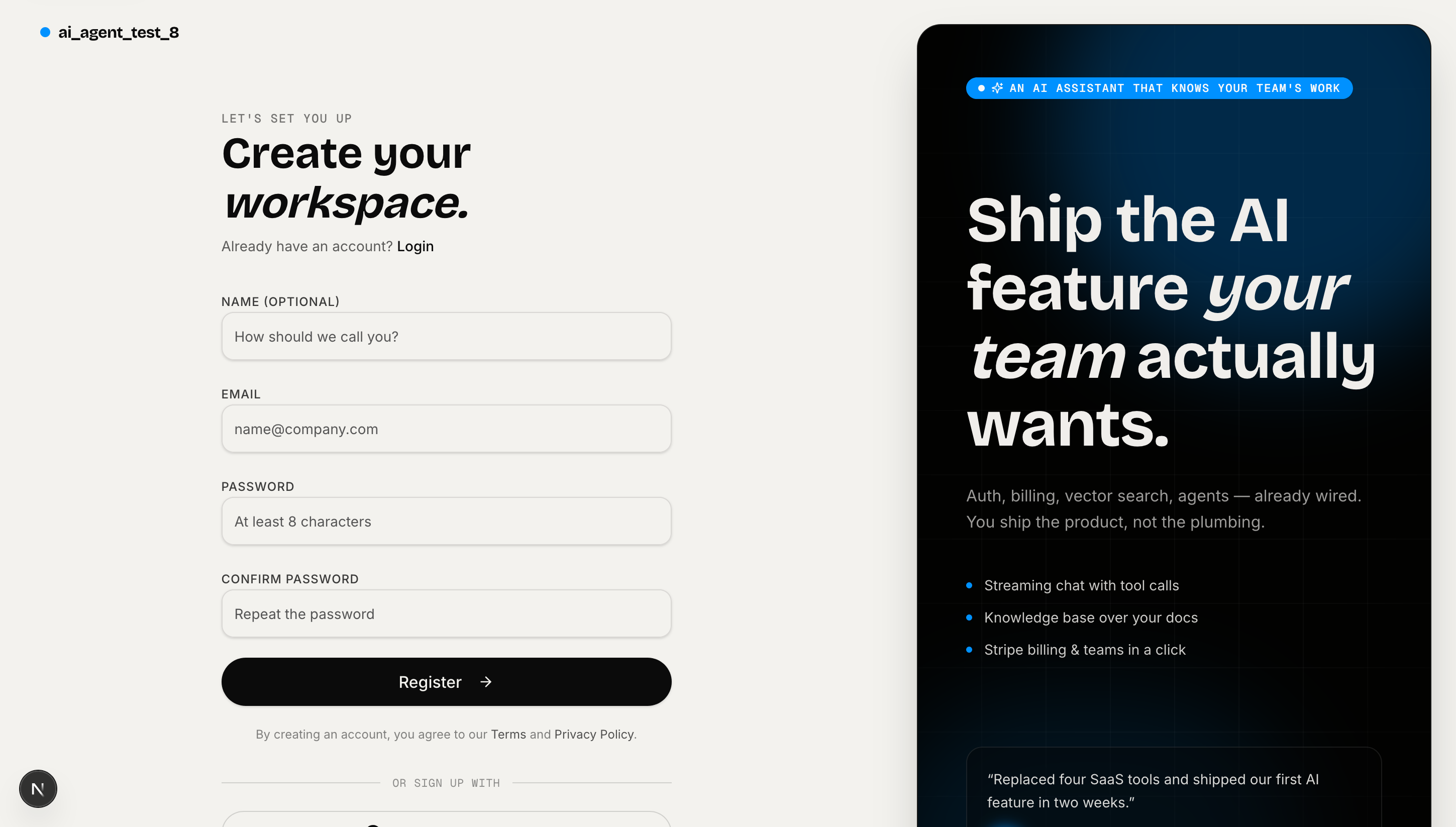
Register
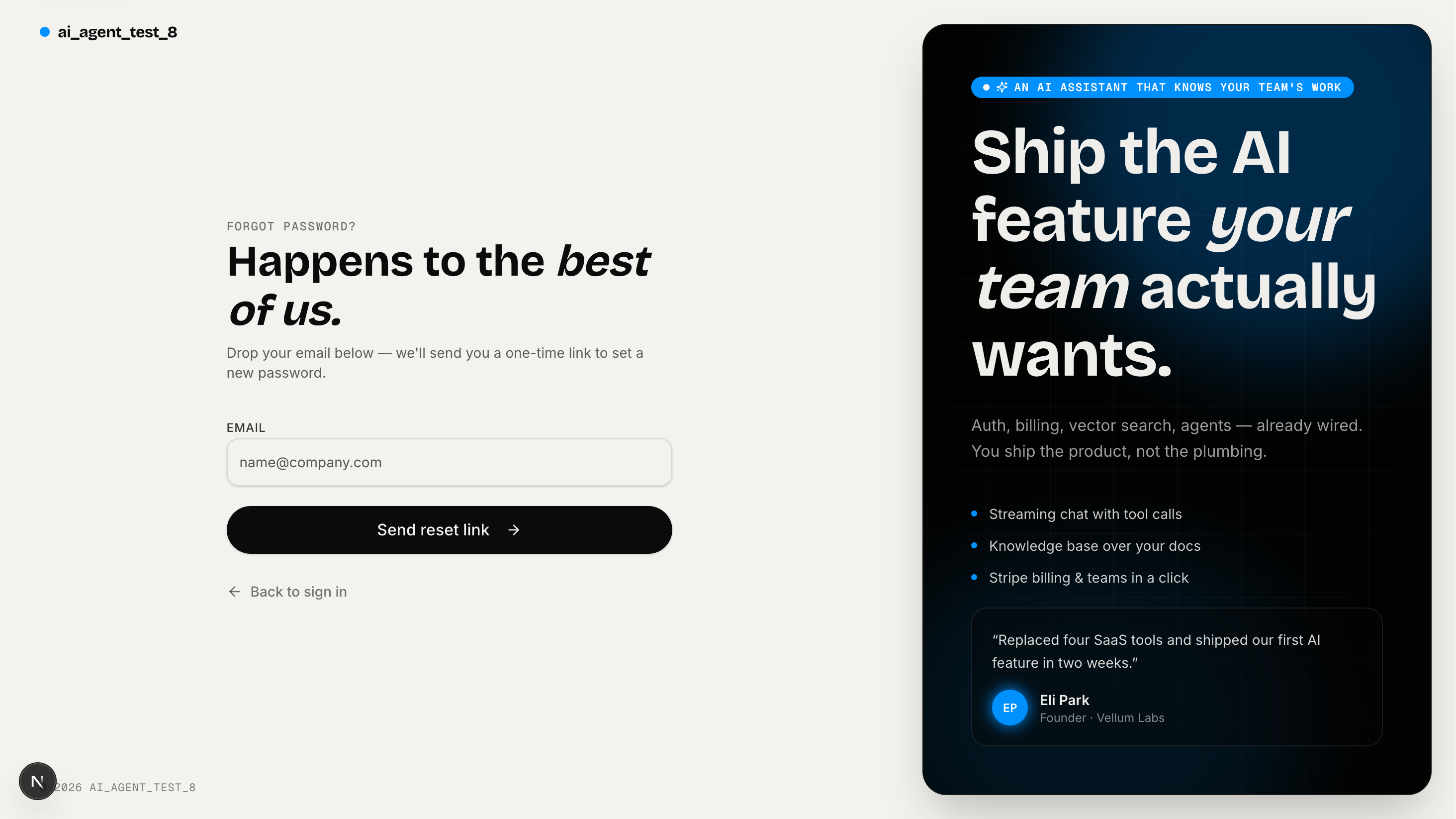
Reset password
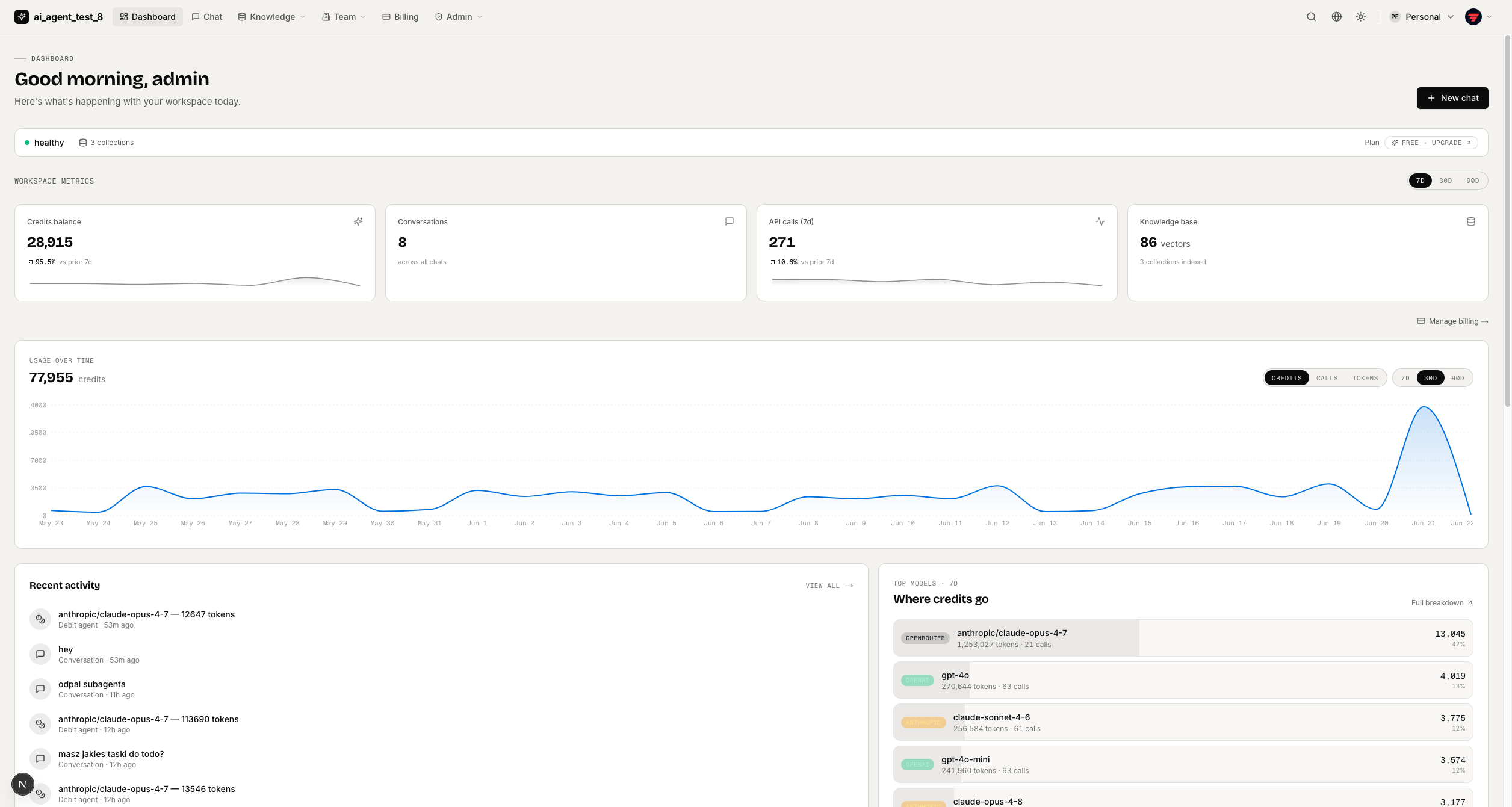
Dashboard
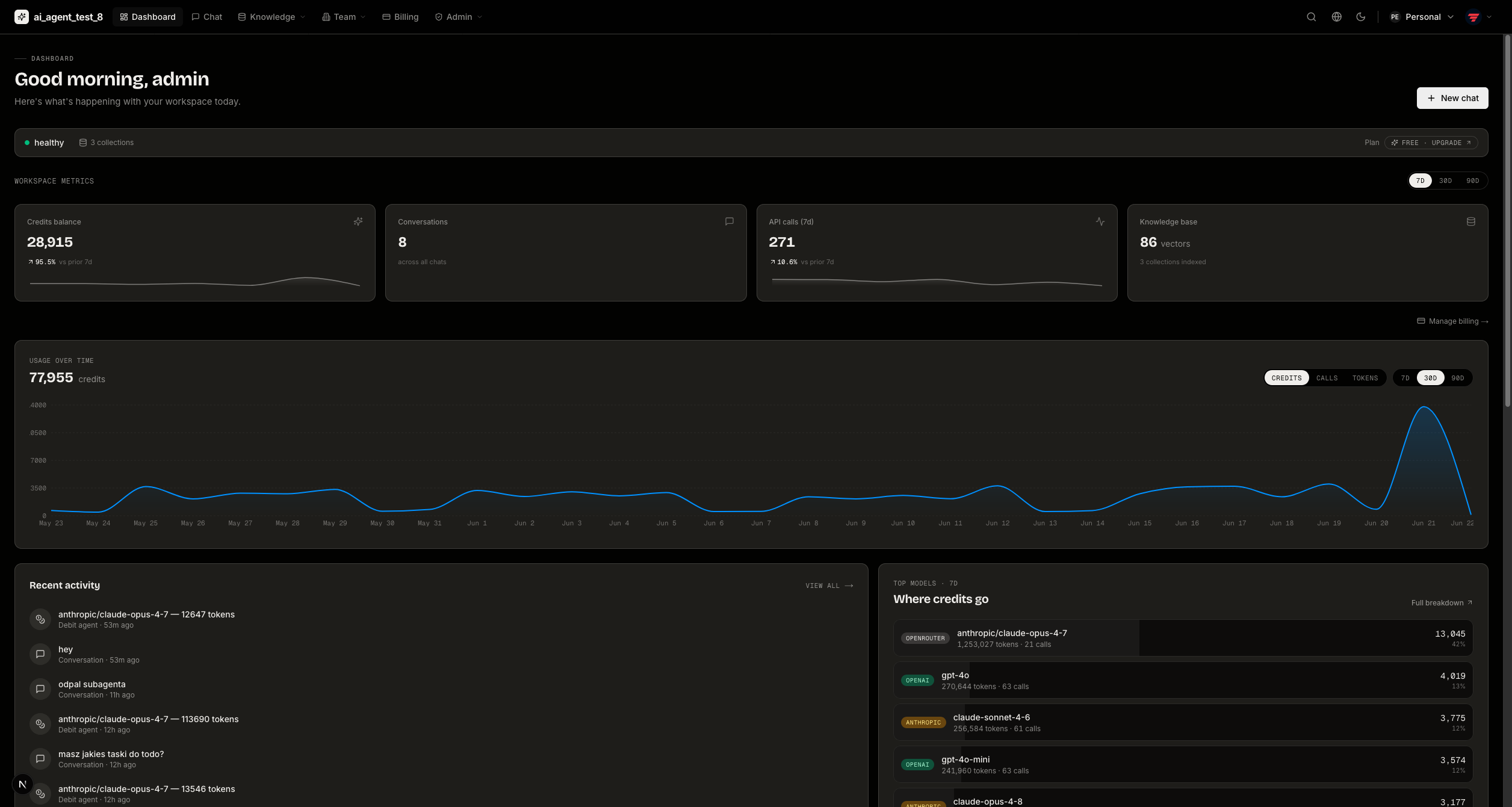
Workspace overview with sparkline stat cards, a usage timeline, recent activity, and team info.
Teams & Organizations
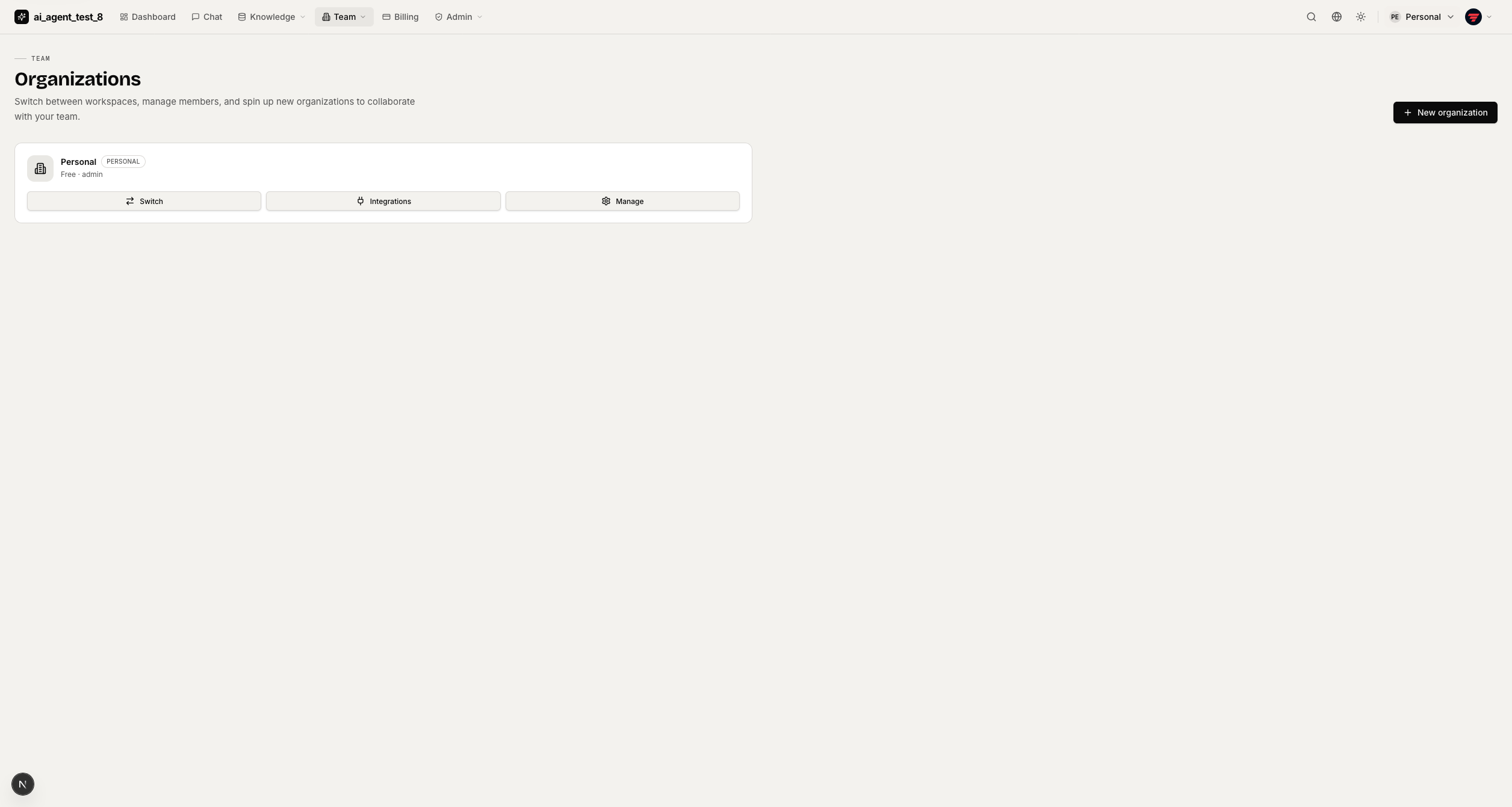
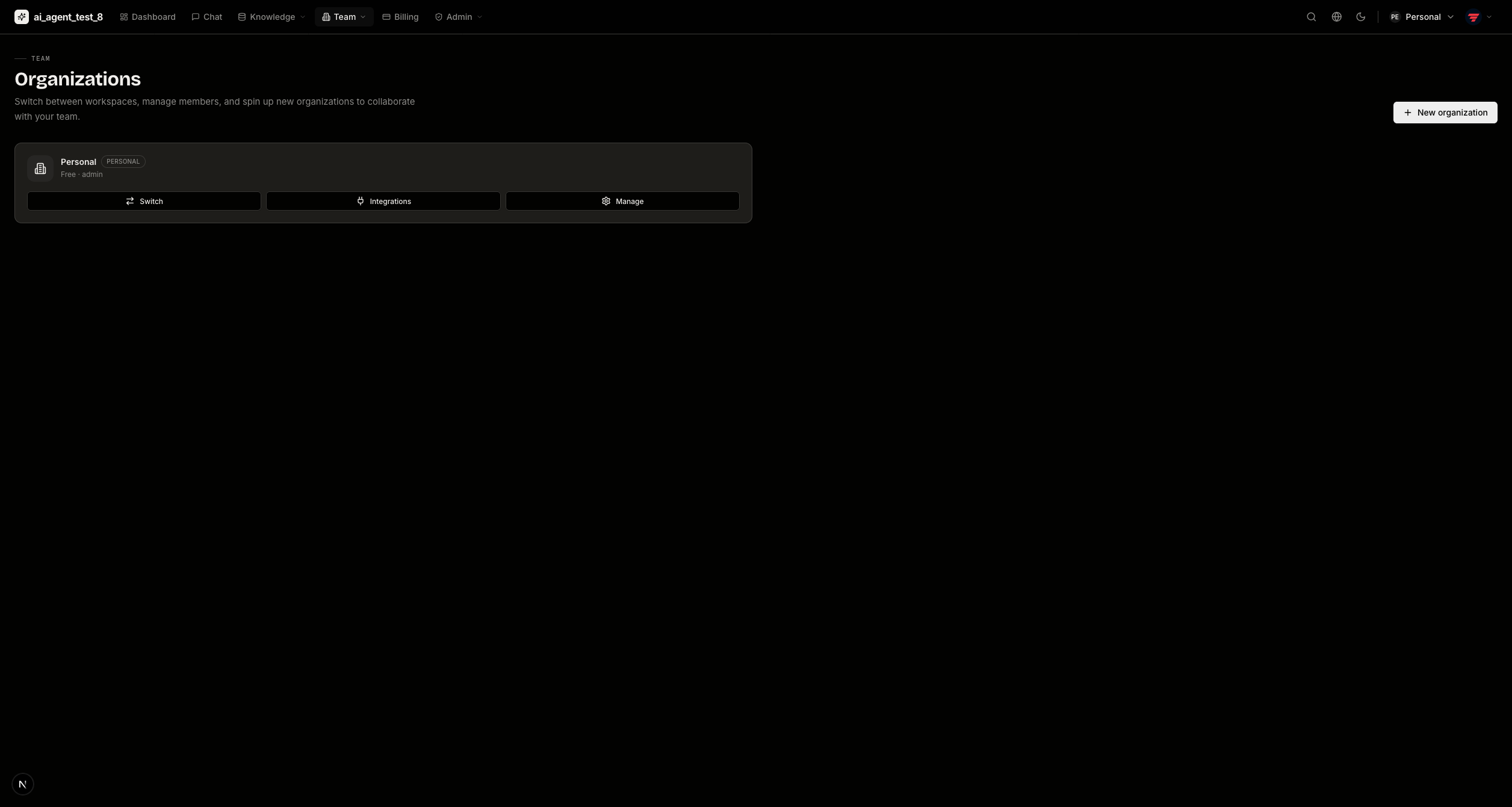
Workspaces — every organization you belong to, with plan tier and role.
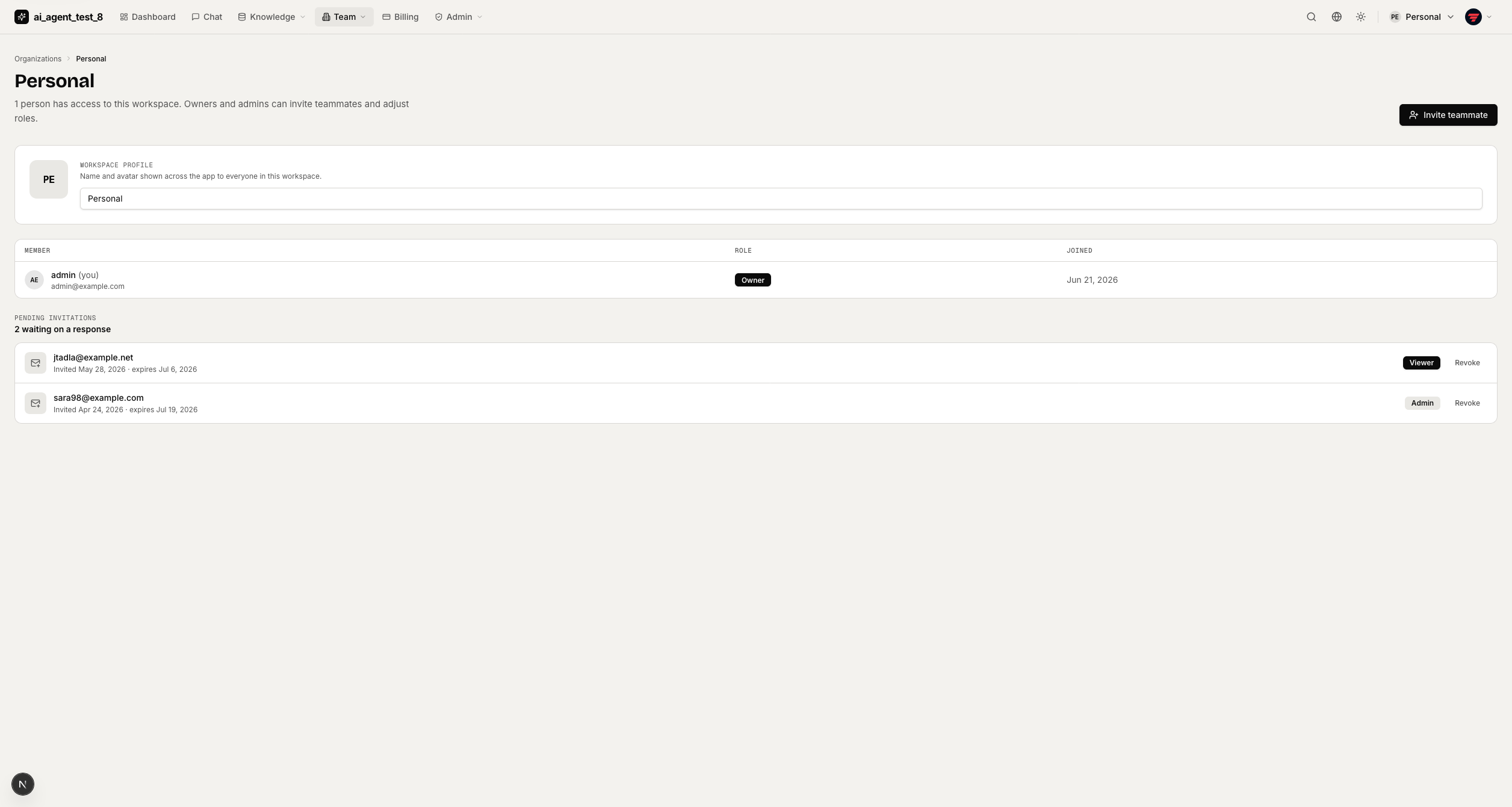
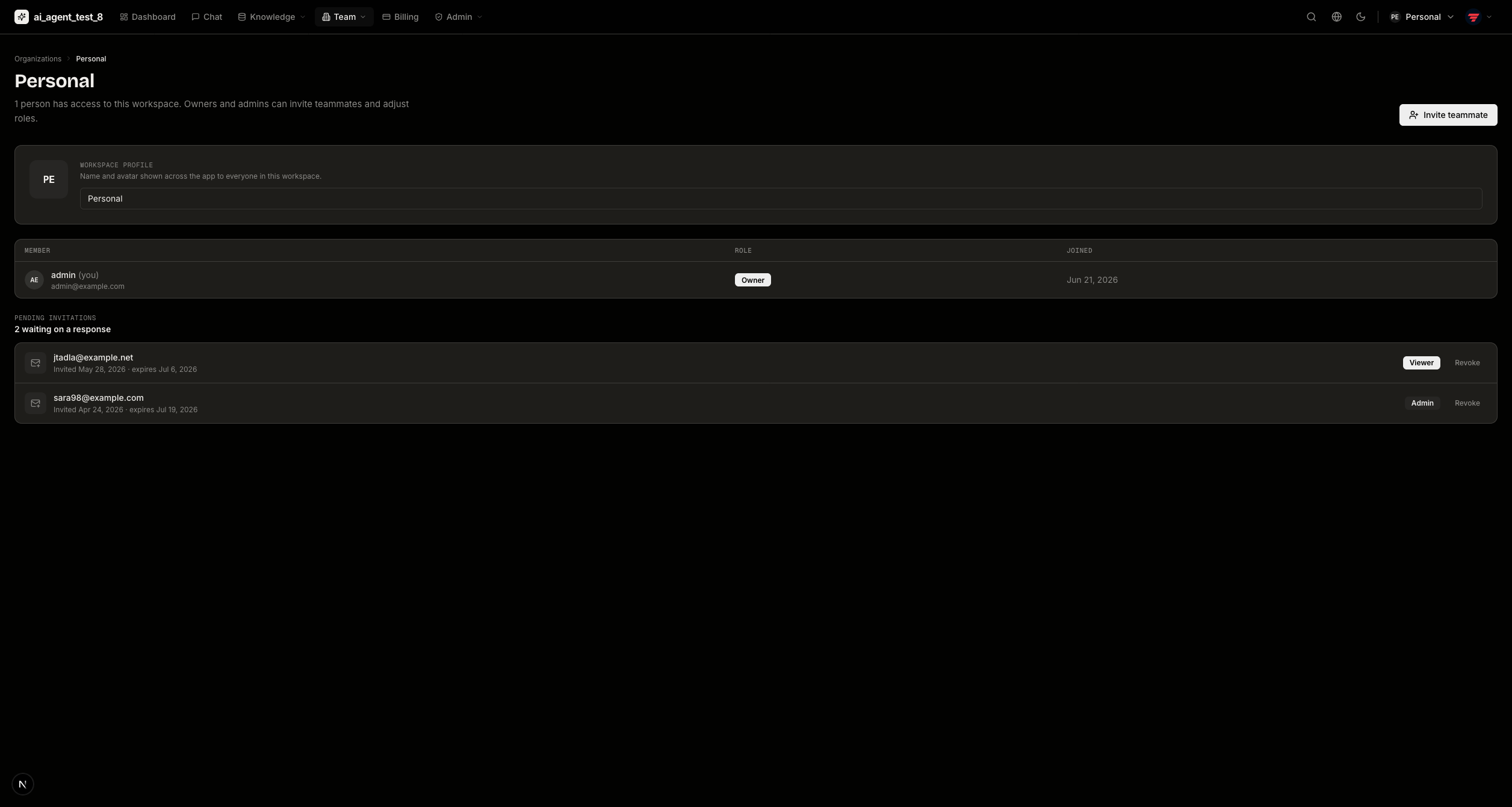
Team management — members, roles, and invites.
Knowledge Bases
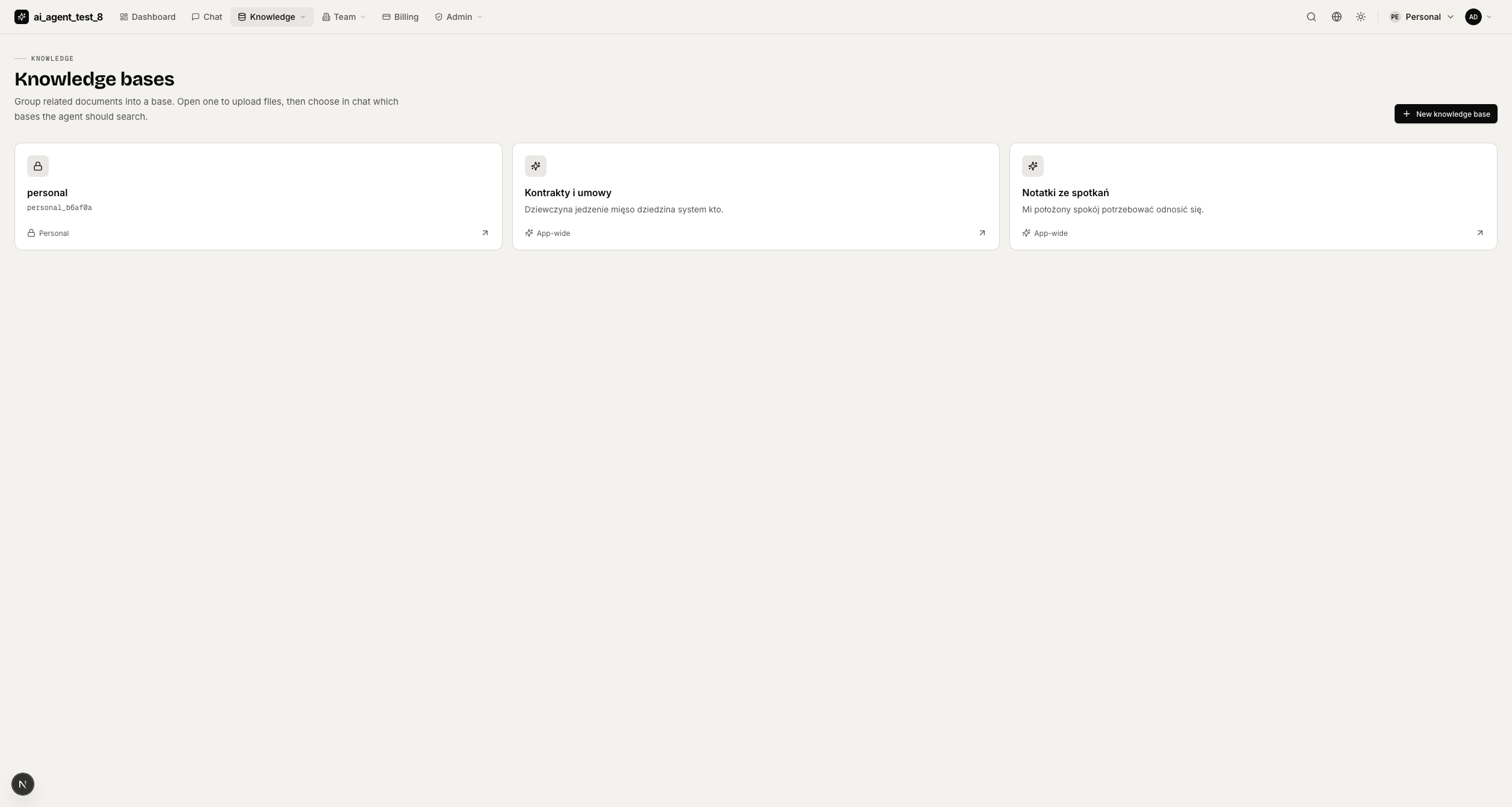
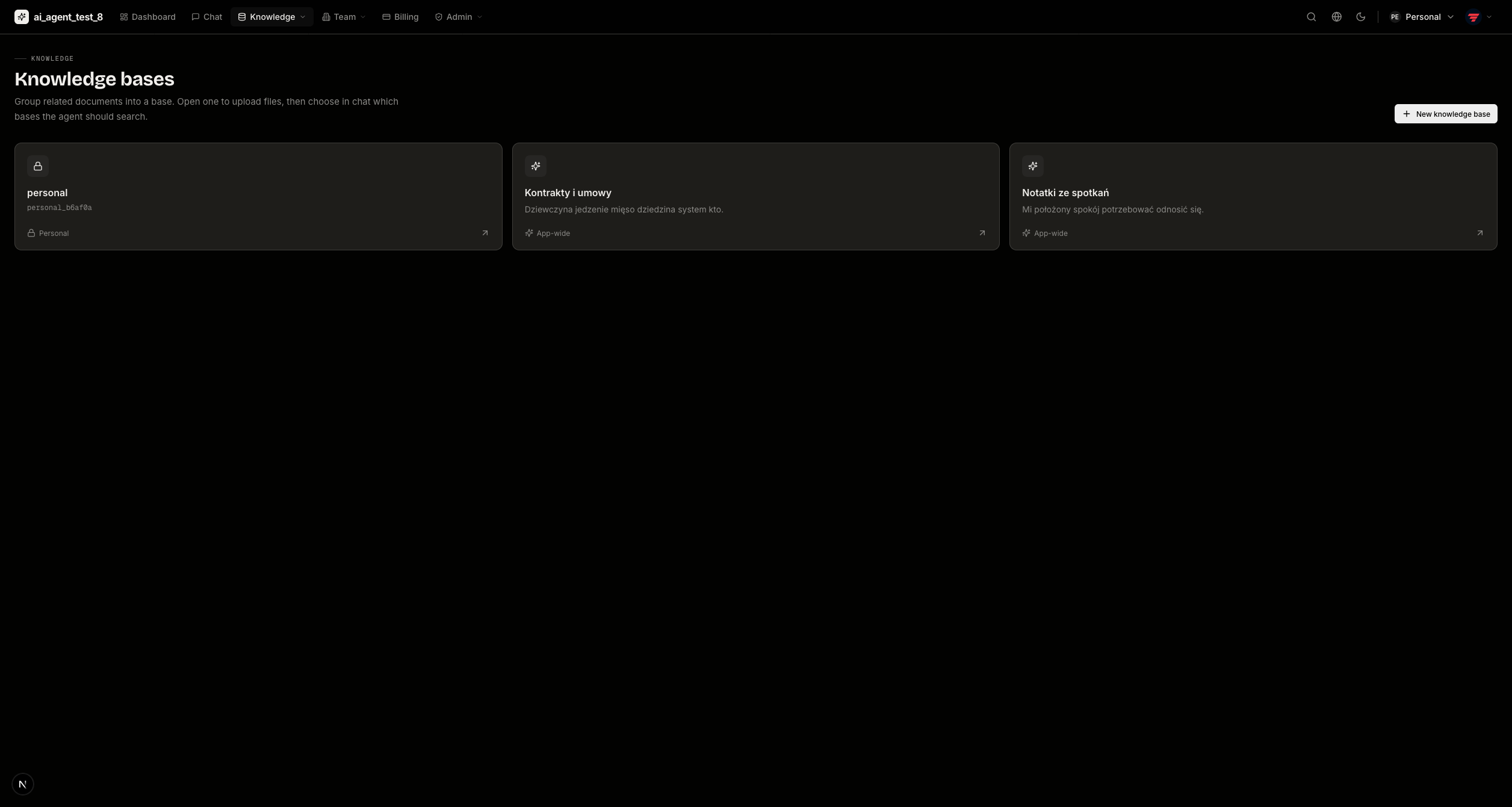
Knowledge bases — RAG collections scoped to the workspace; toggle which are active in chat.
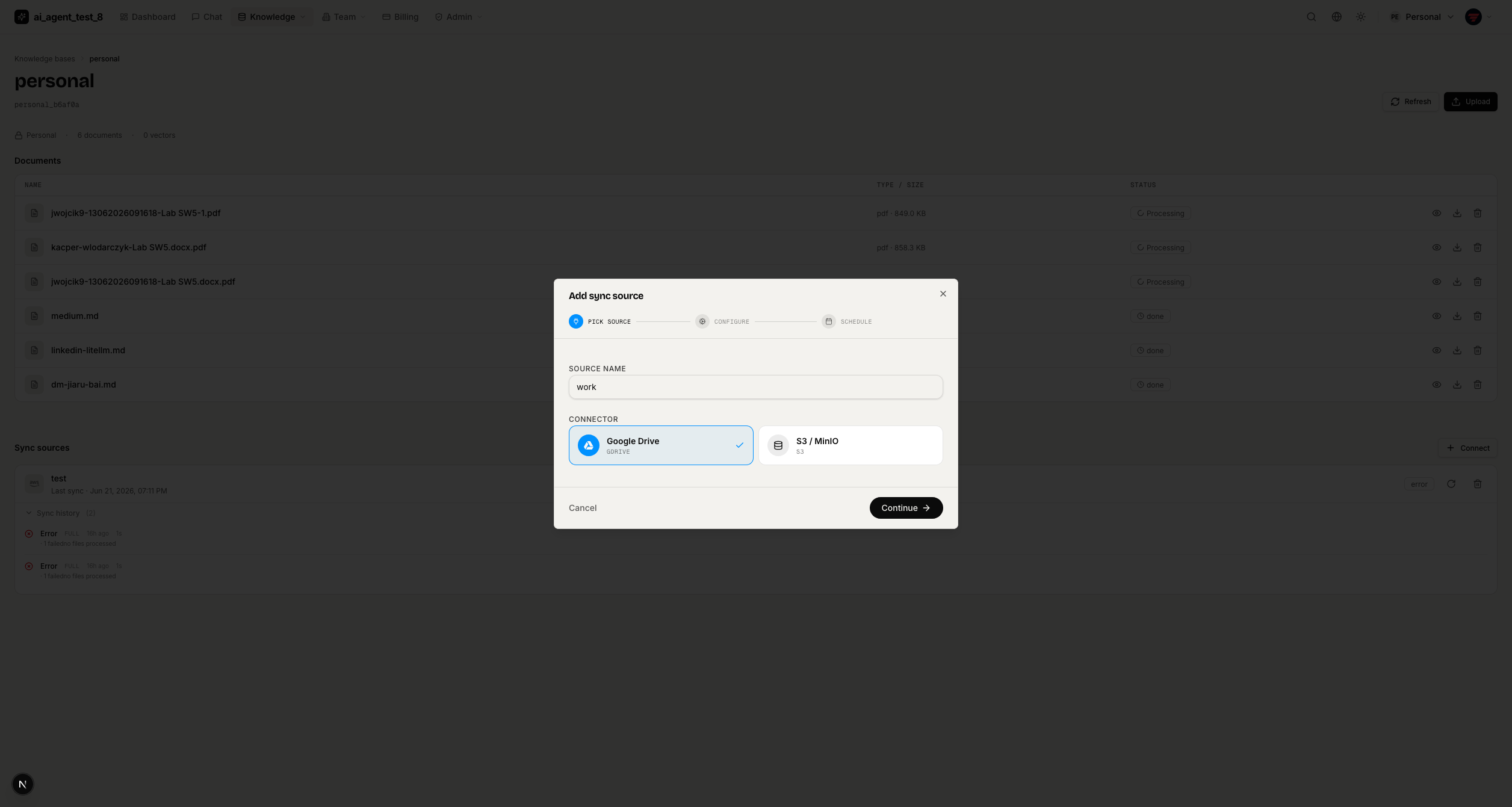
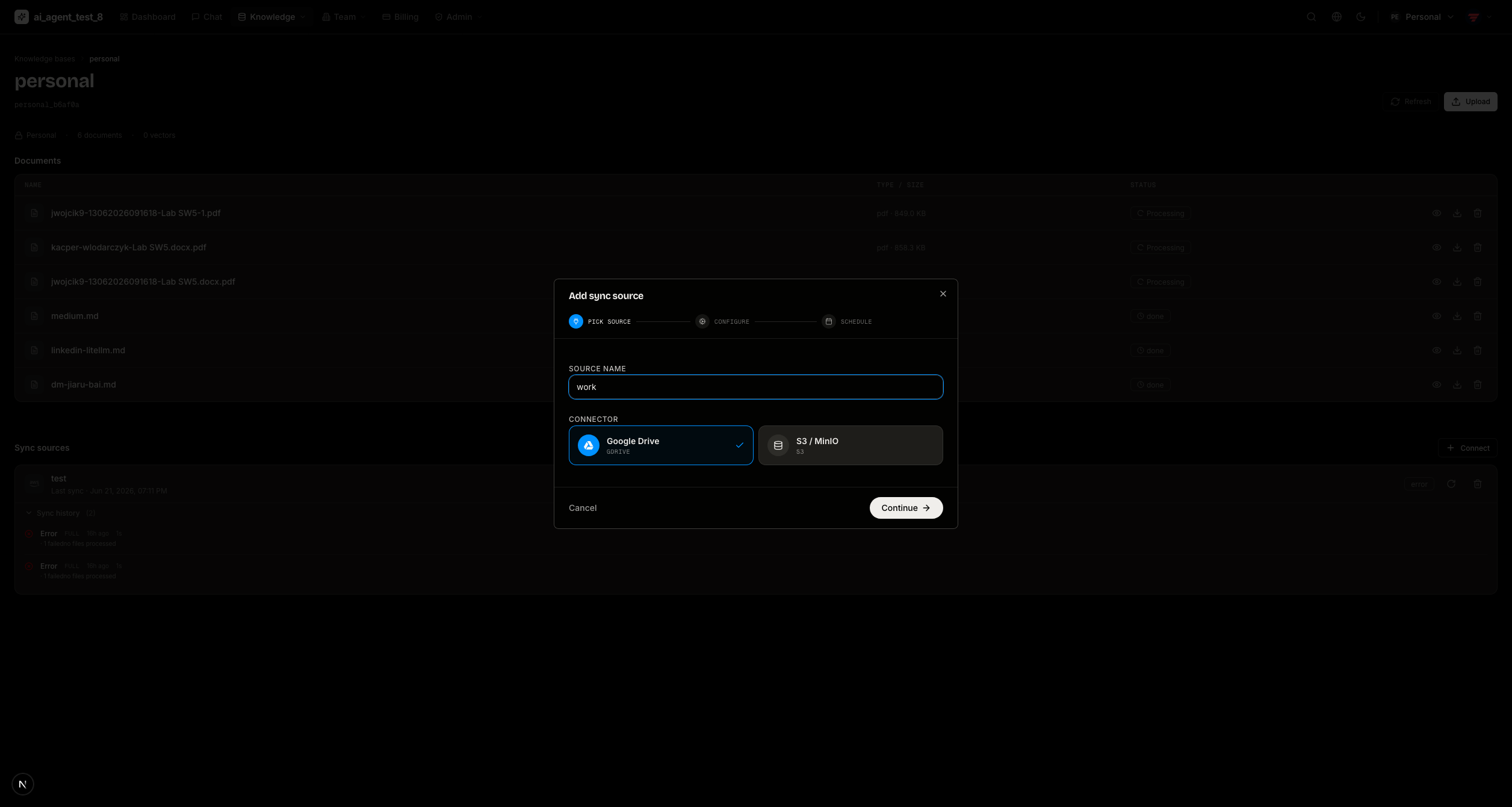
Documents & sync sources — preview or download any file, and manage connected sync sources (Google Drive, S3/MinIO) with manual triggers and per-run logs.
Billing & Usage
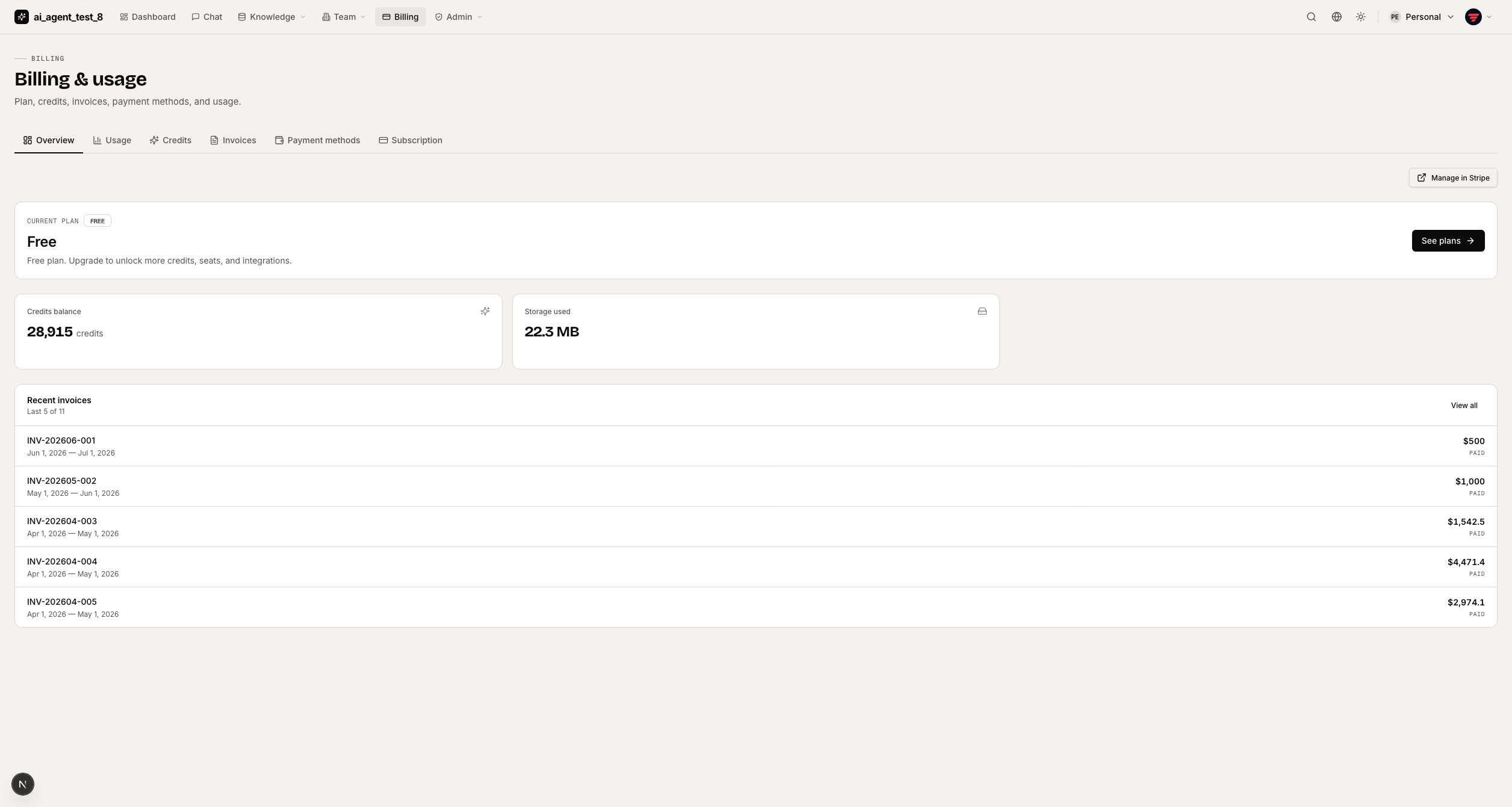
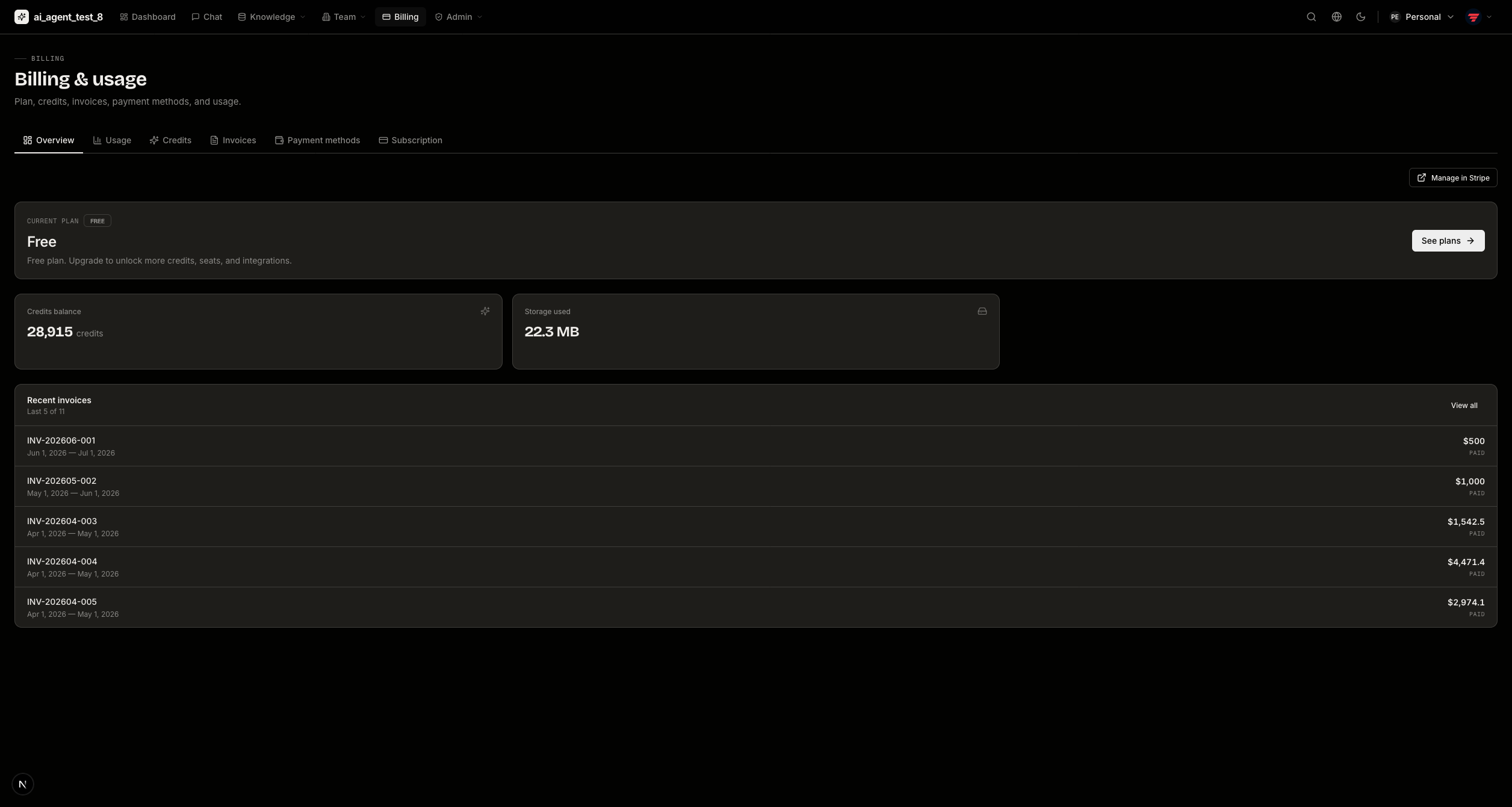
Overview — plan, seats, storage usage, and quick links. "Manage in Stripe" opens the Customer Portal.
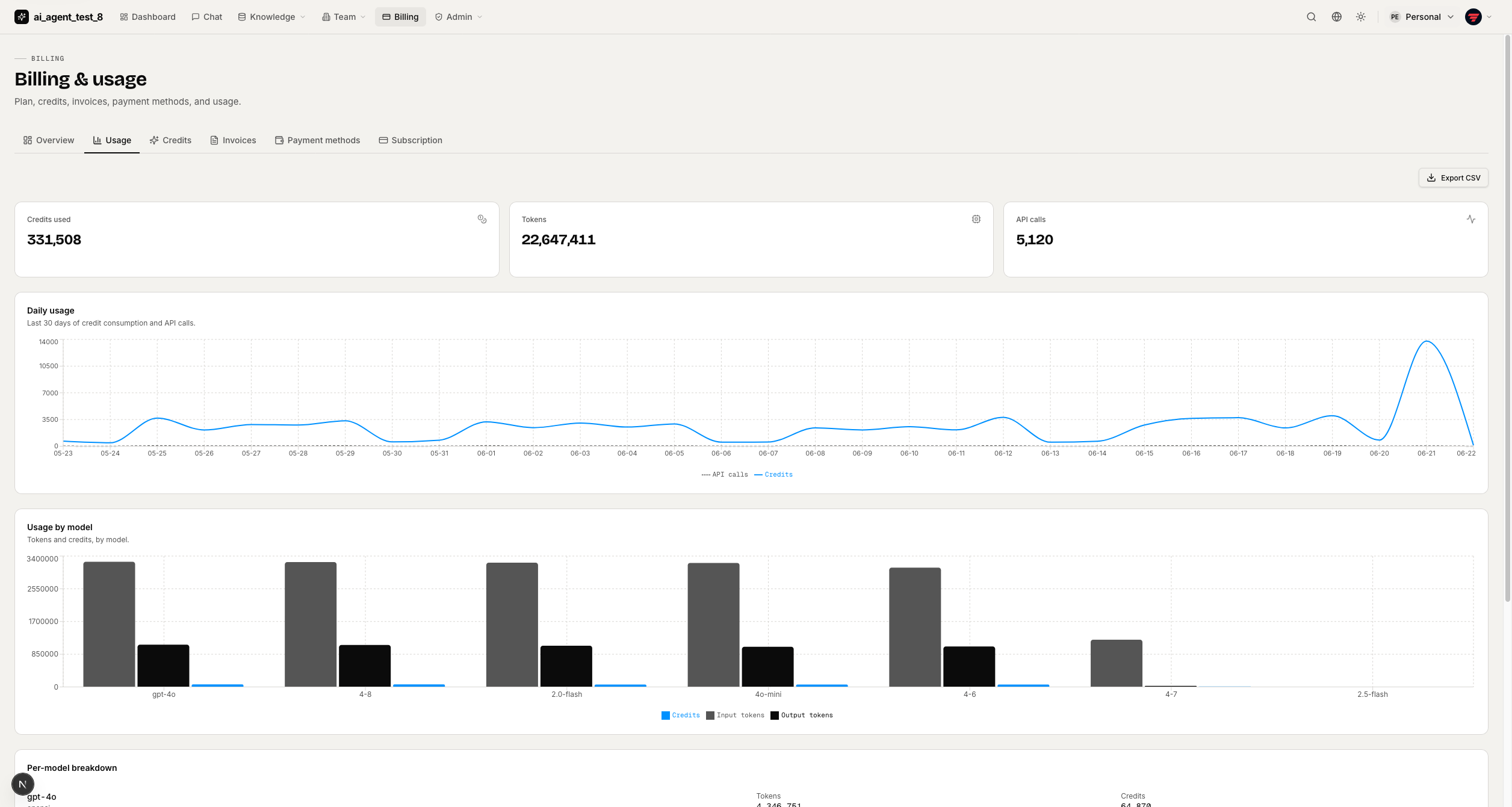
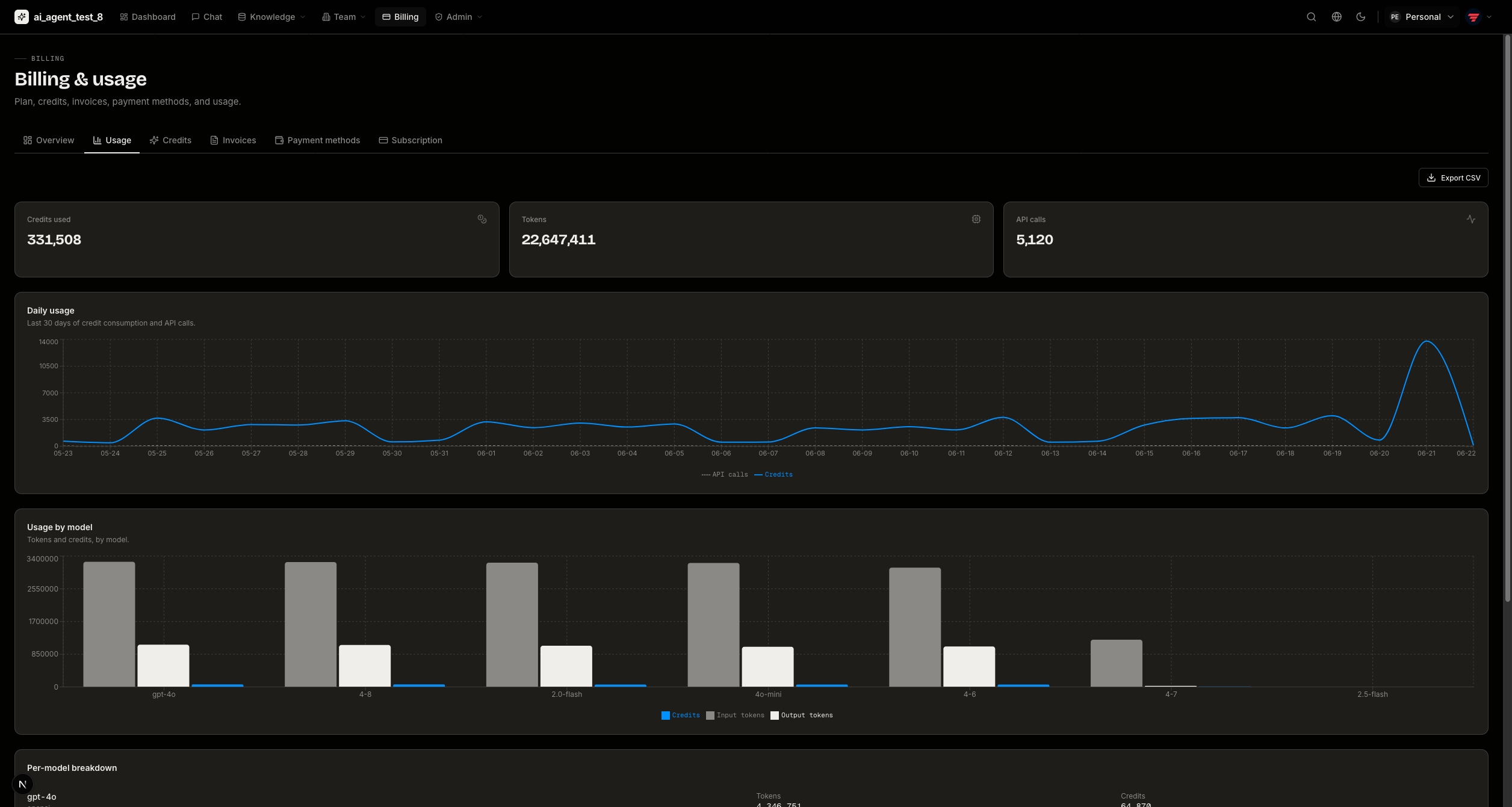
Usage — daily credits-spent and call-count charts plus a by-model token breakdown.
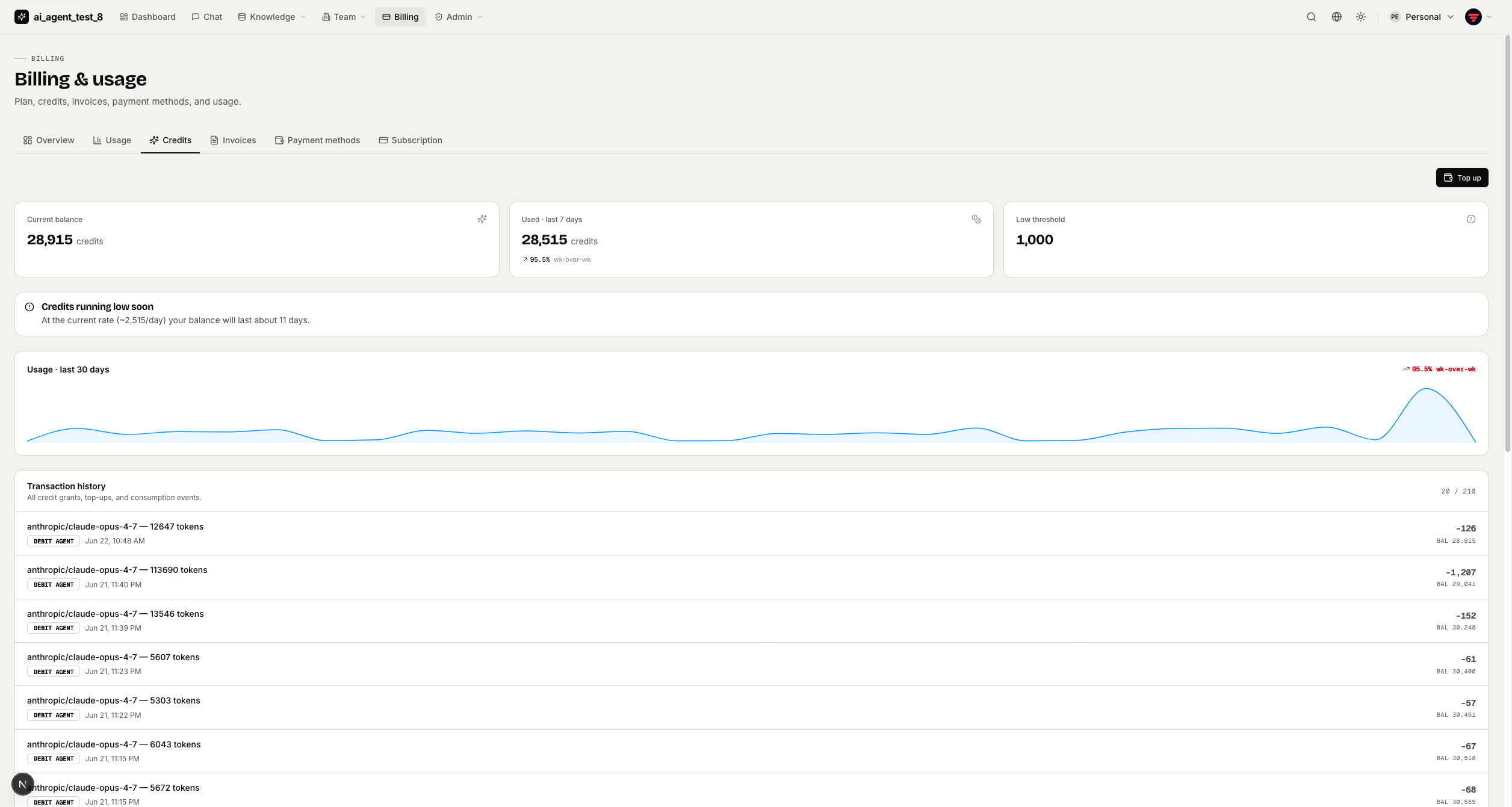
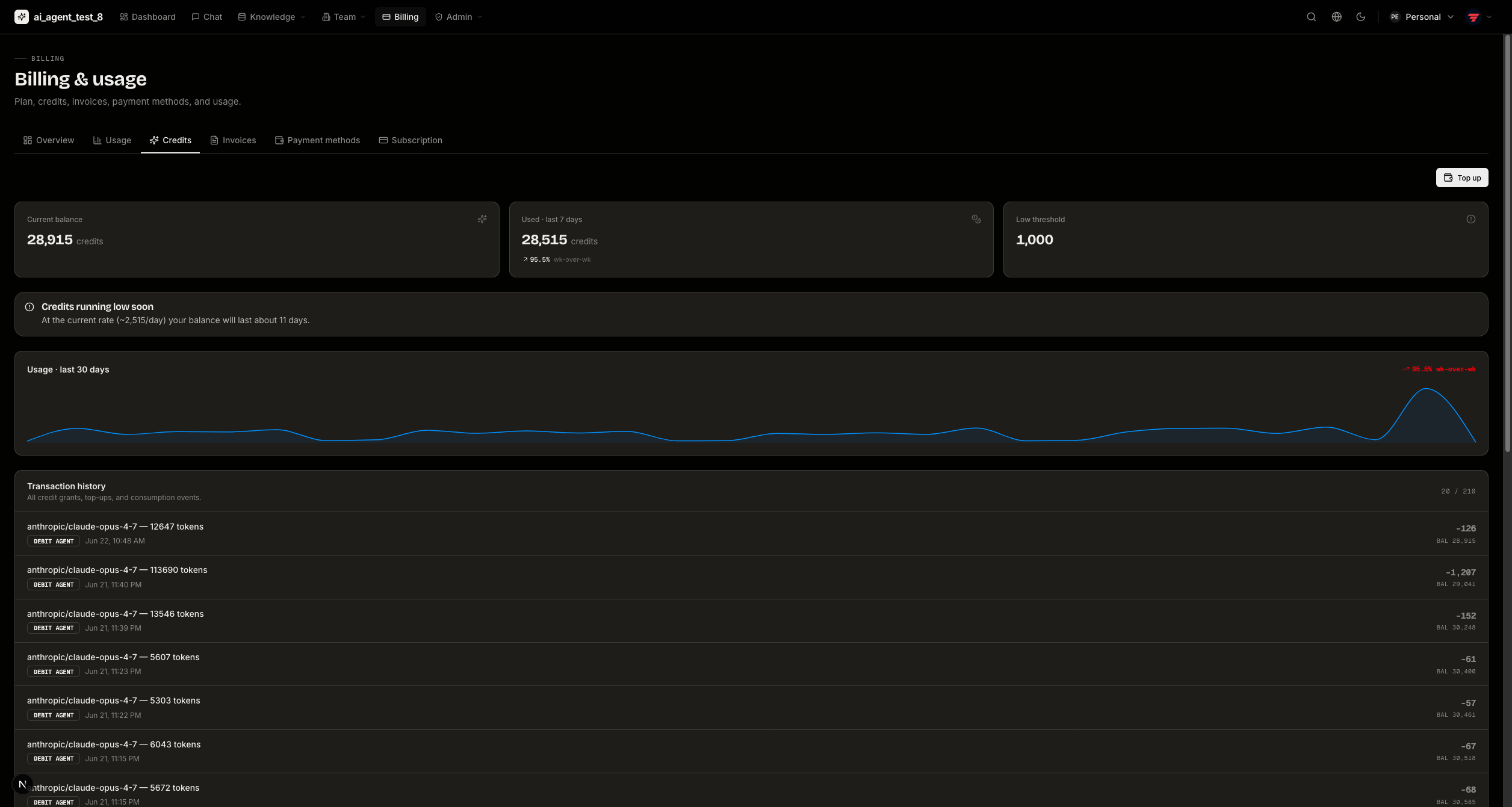
Credits — balance and an immutable transaction ledger.
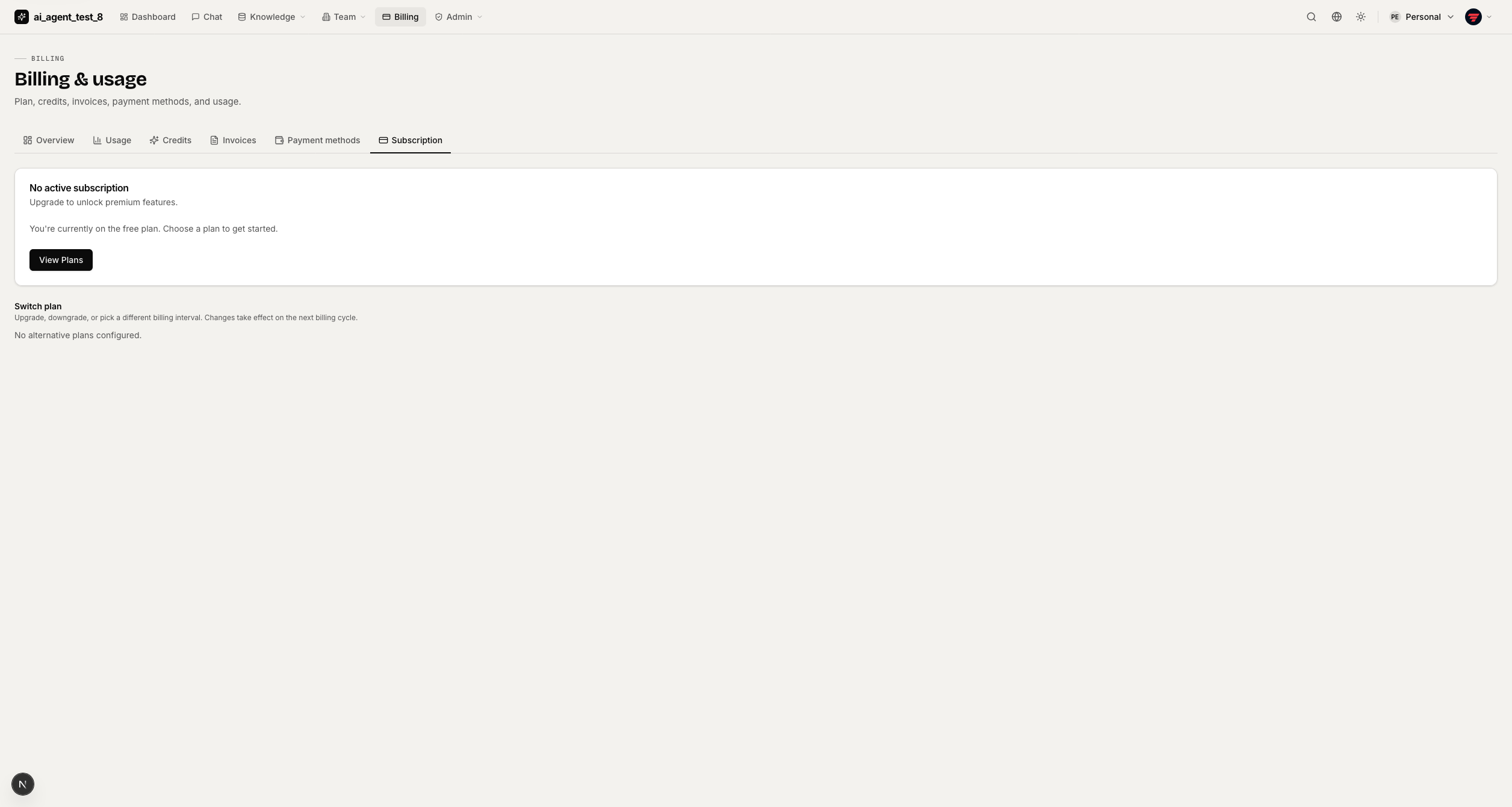
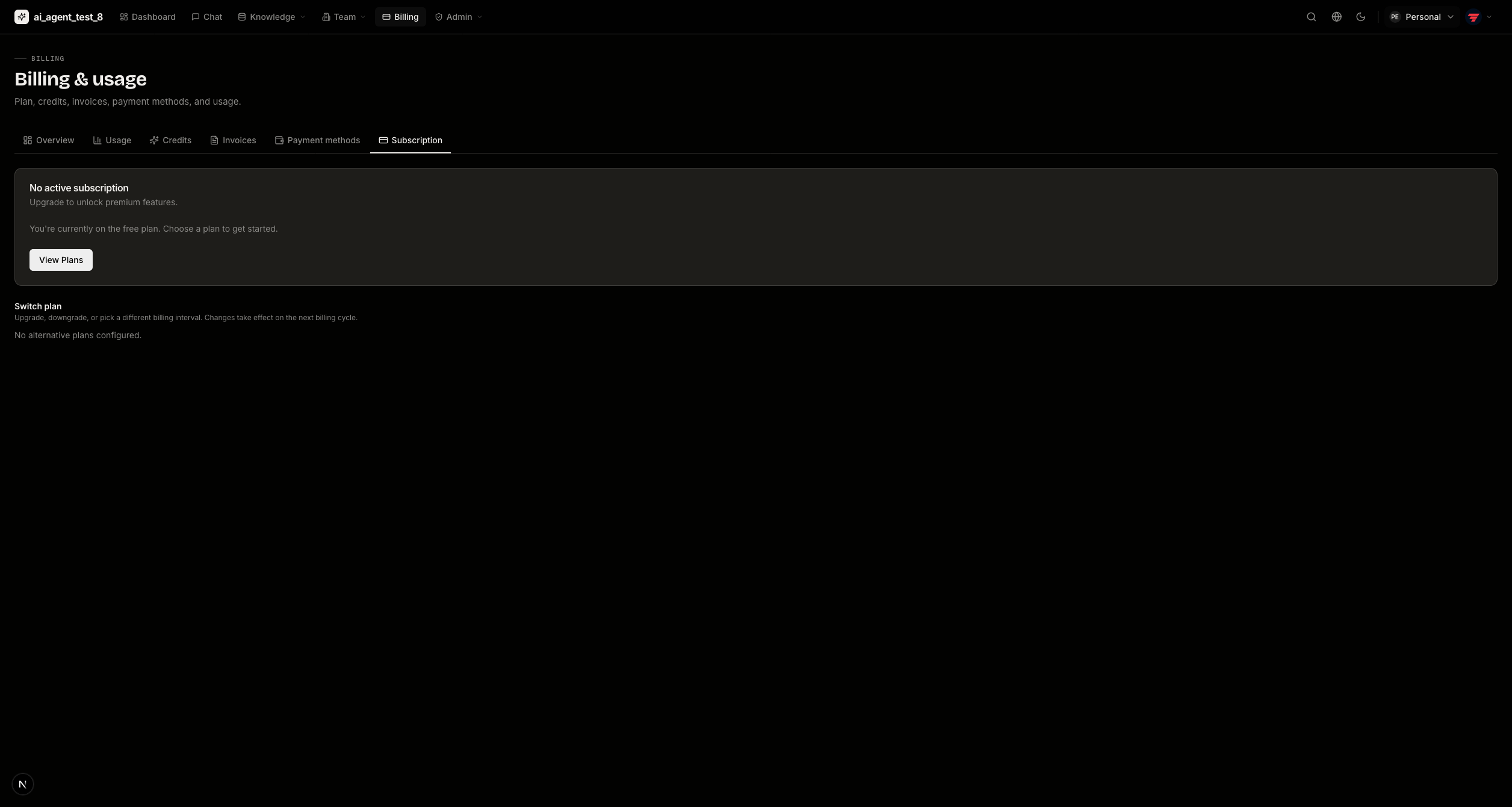
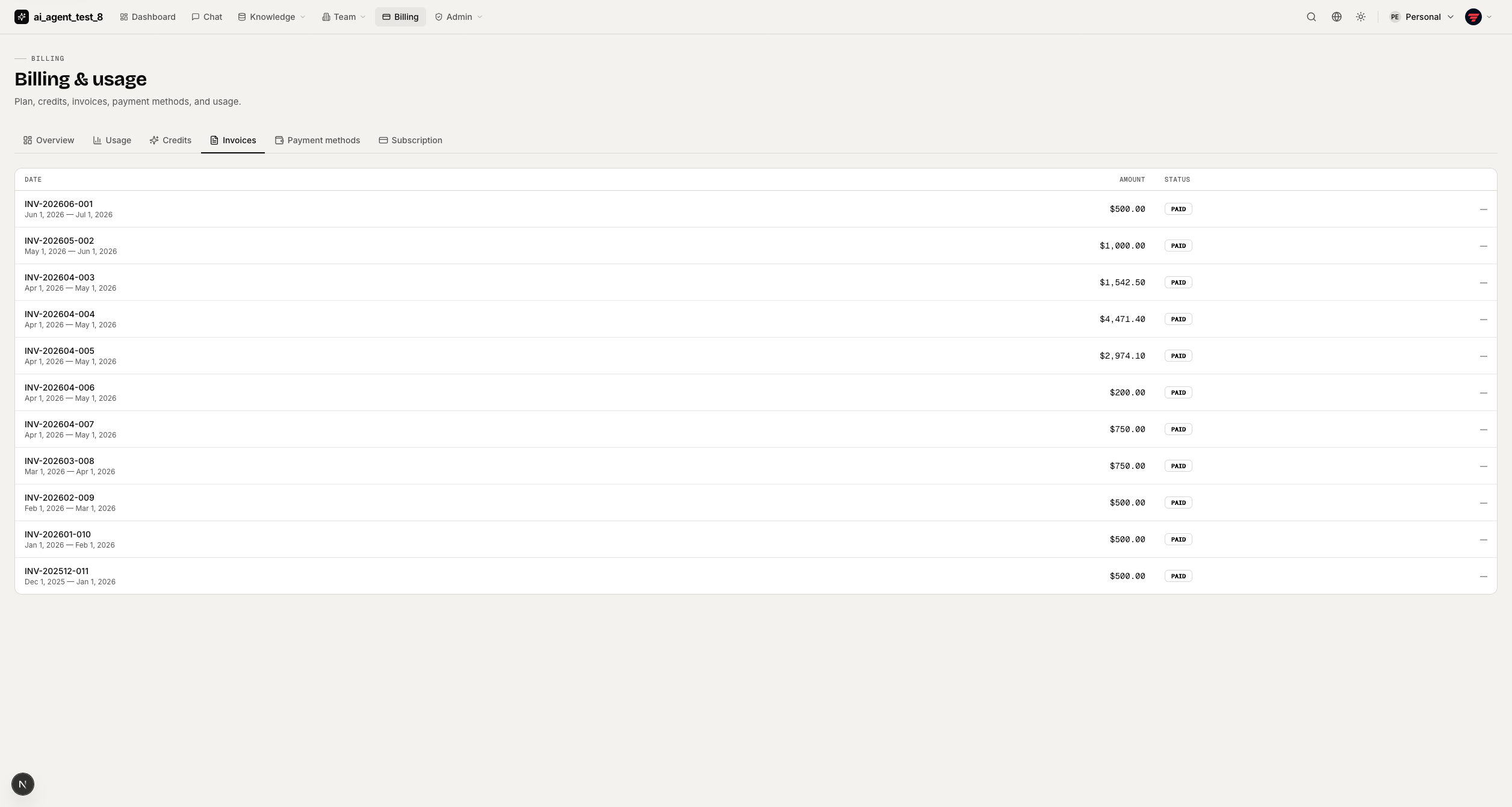
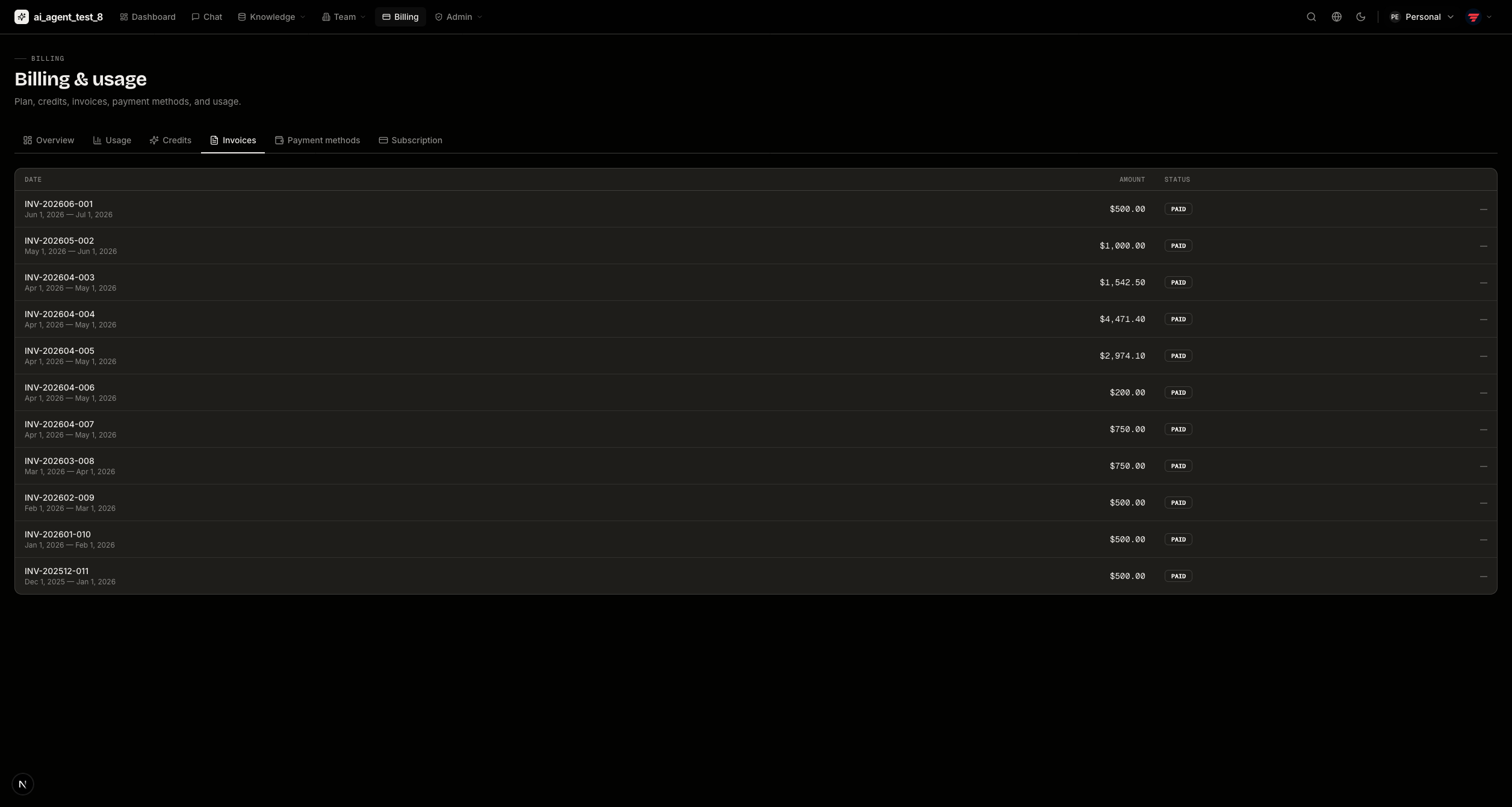
Subscription & invoices
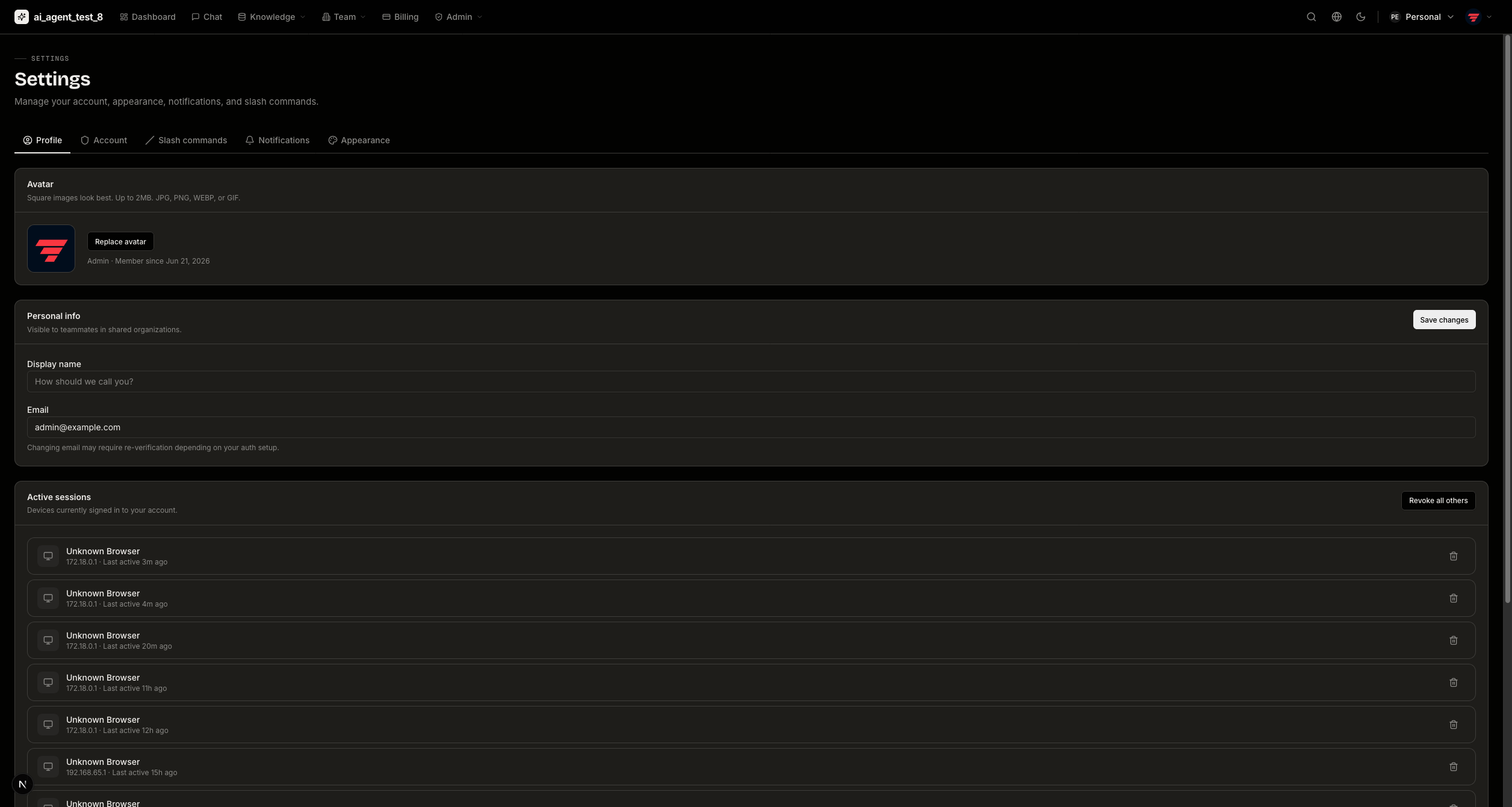
Profile & Settings
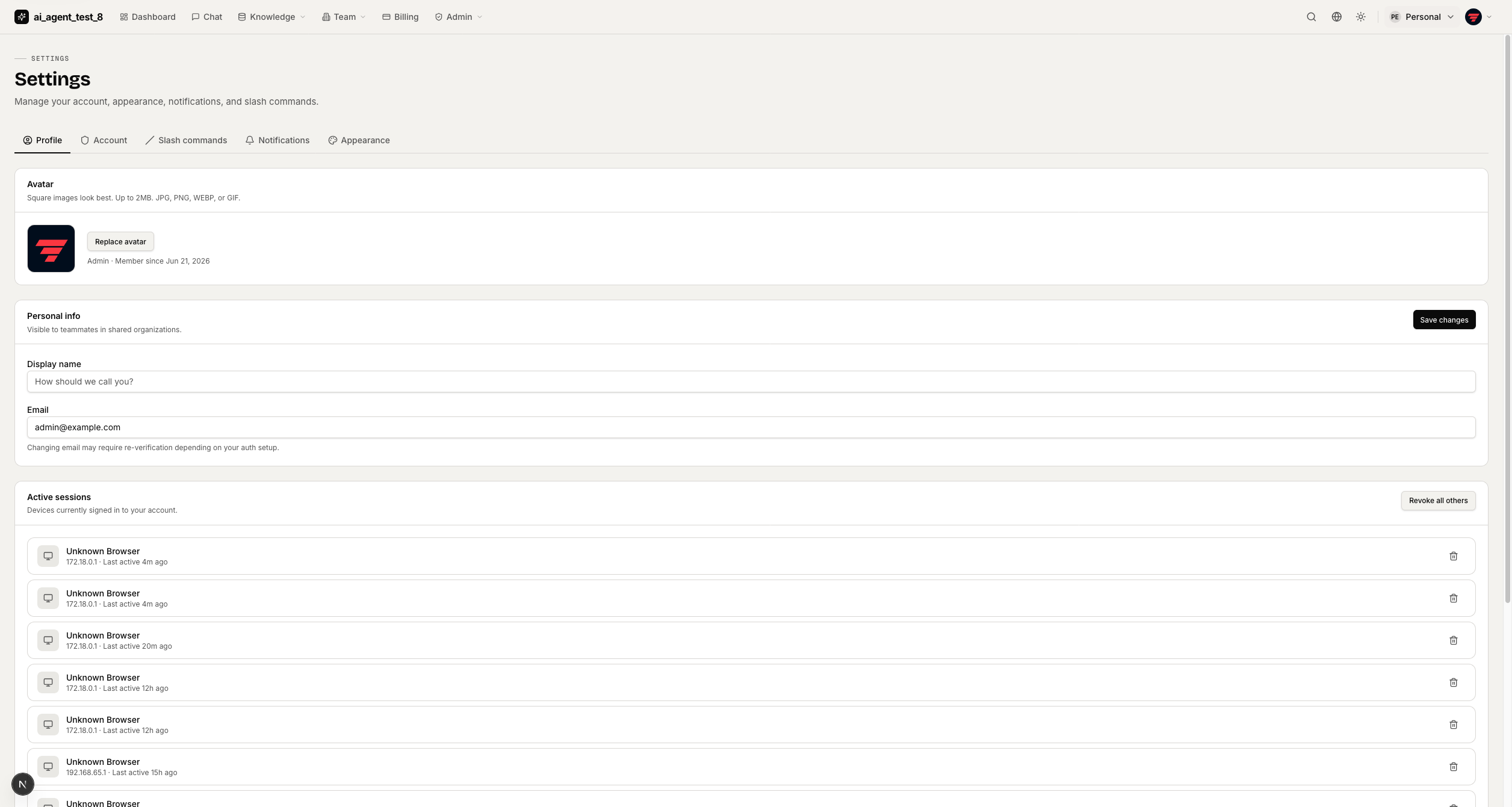
Profile
Account & security
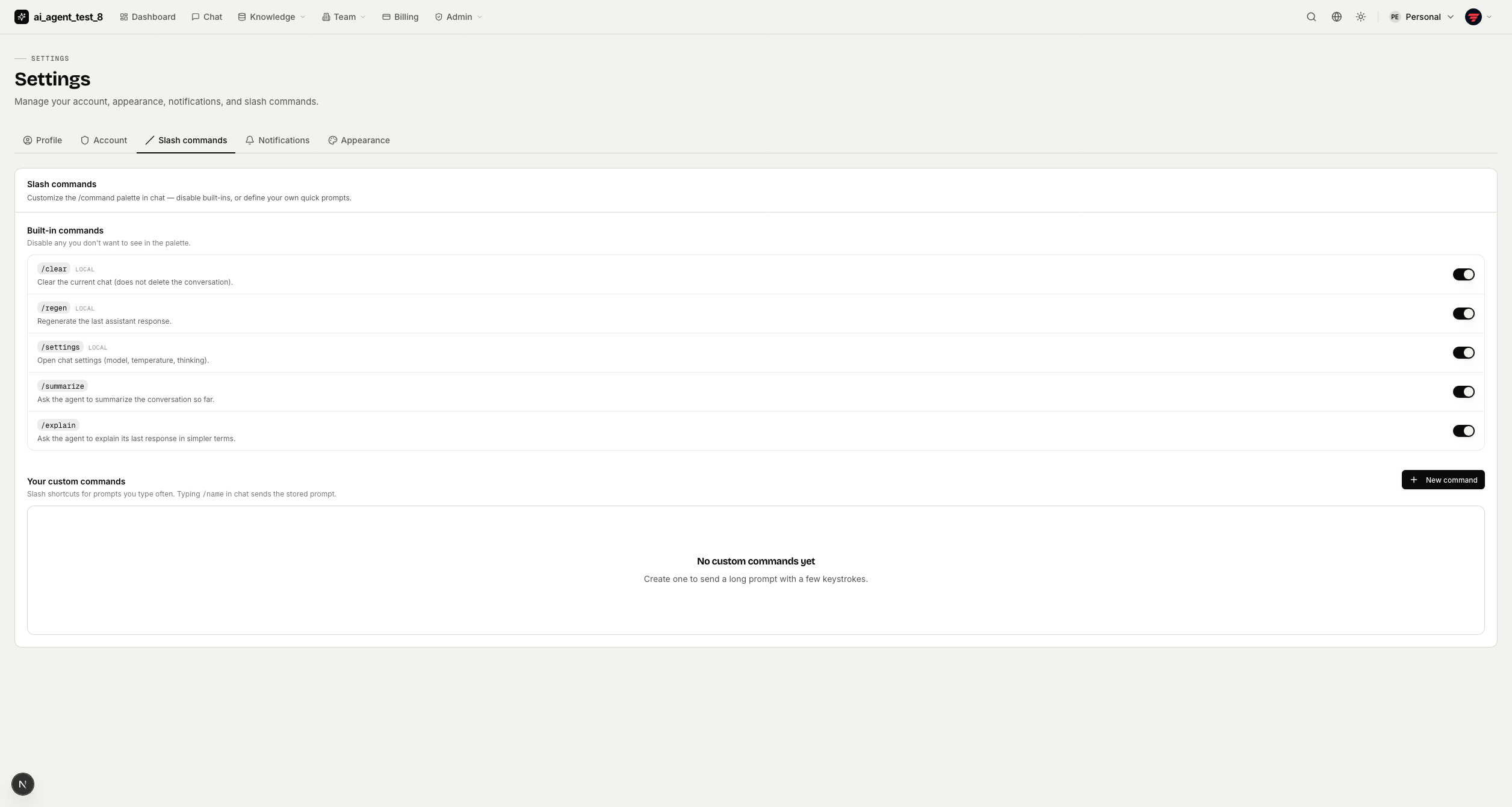
Slash commands — customize the /command palette in chat.
Appearance — theme switcher and brand-color presets.
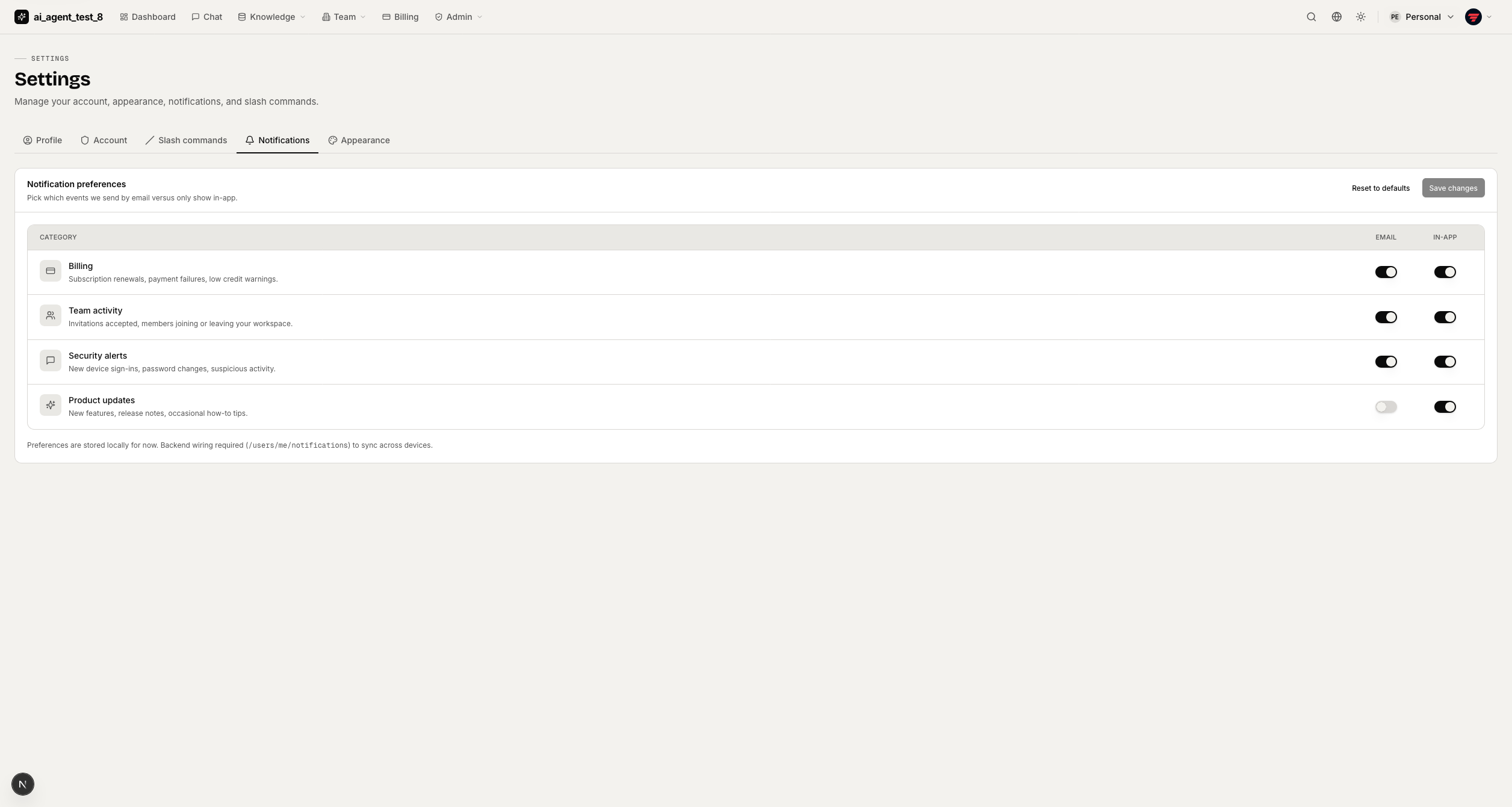
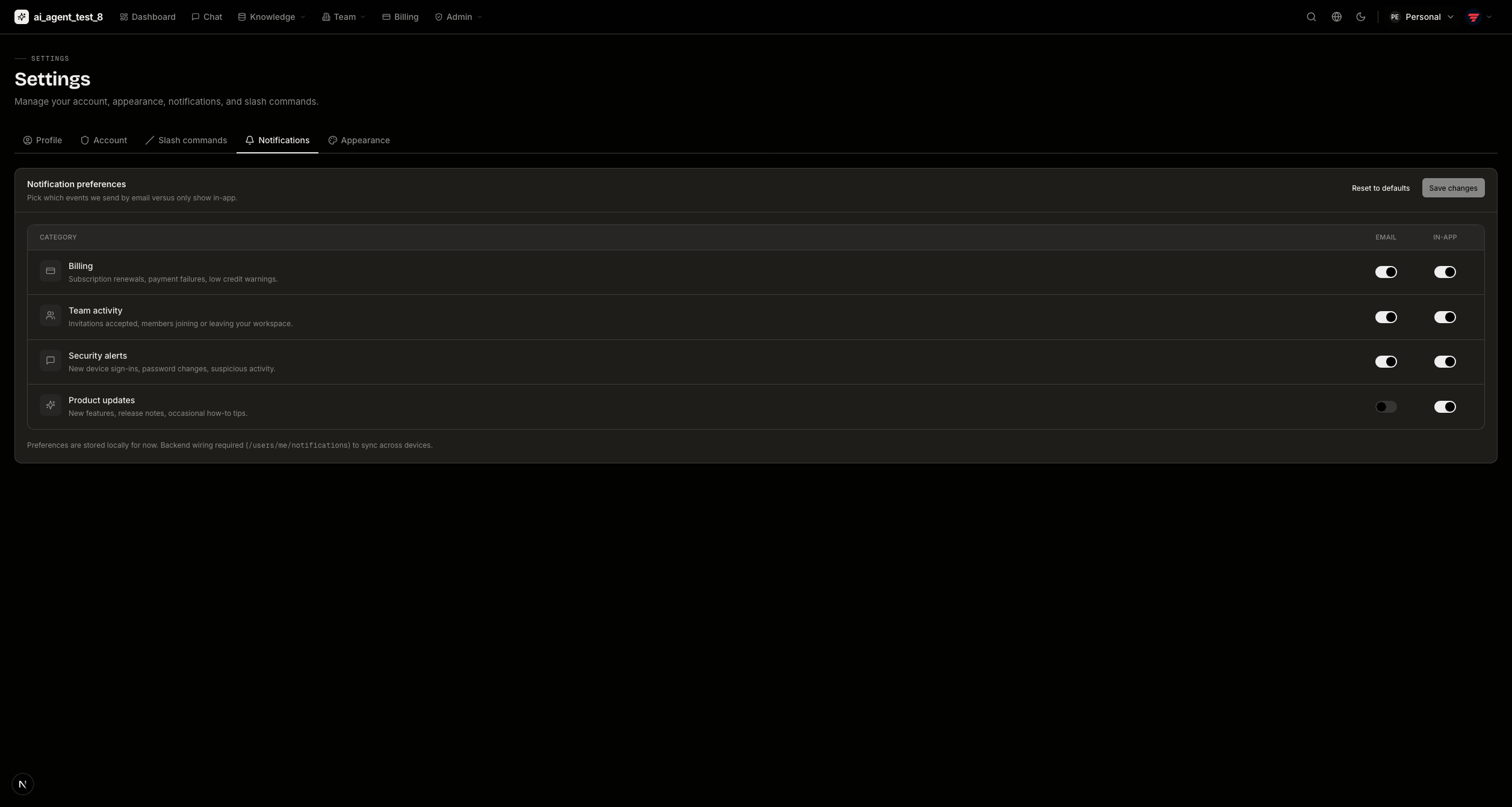
Notifications
Admin Panel
Requires the admin role.
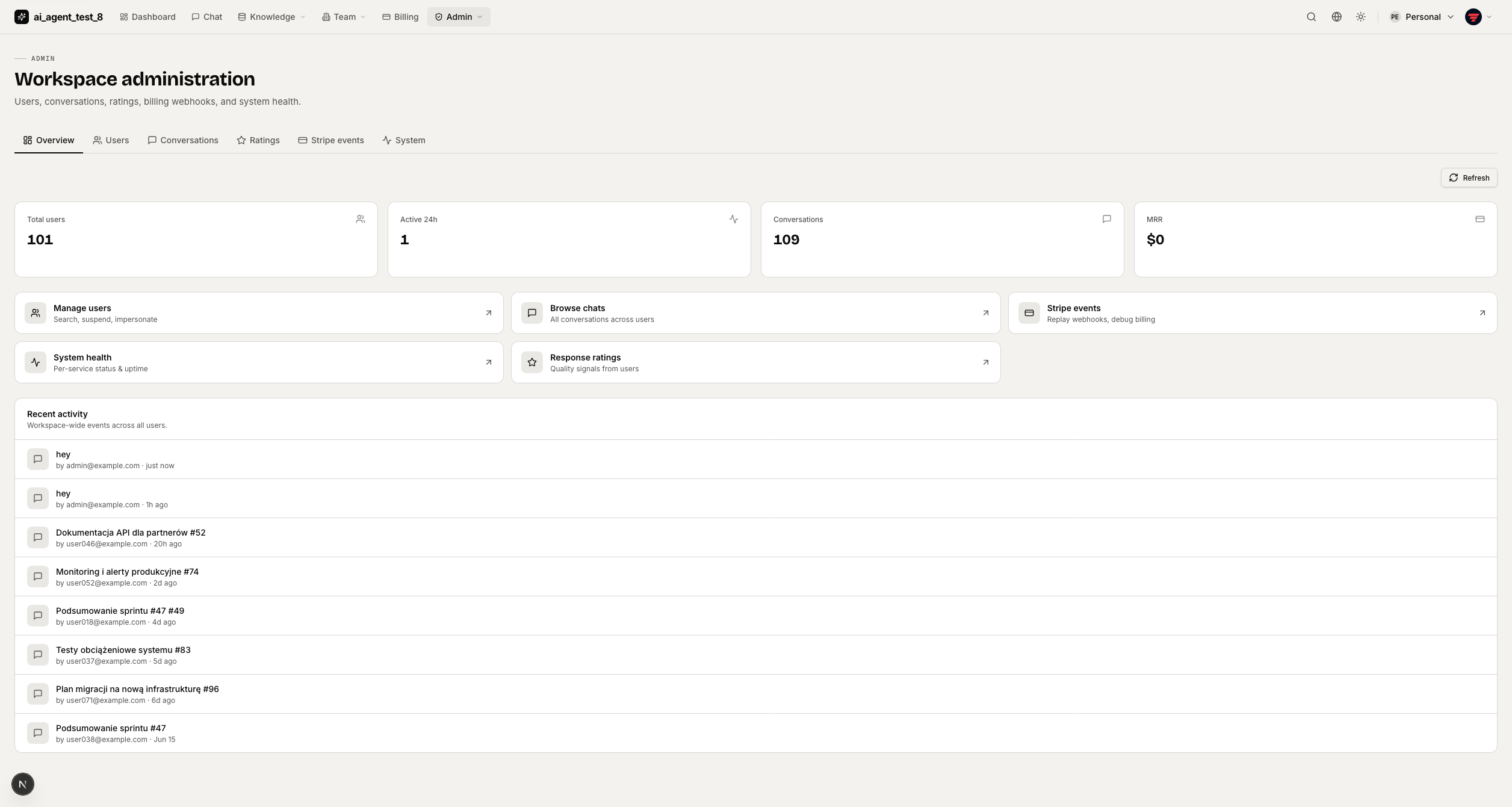
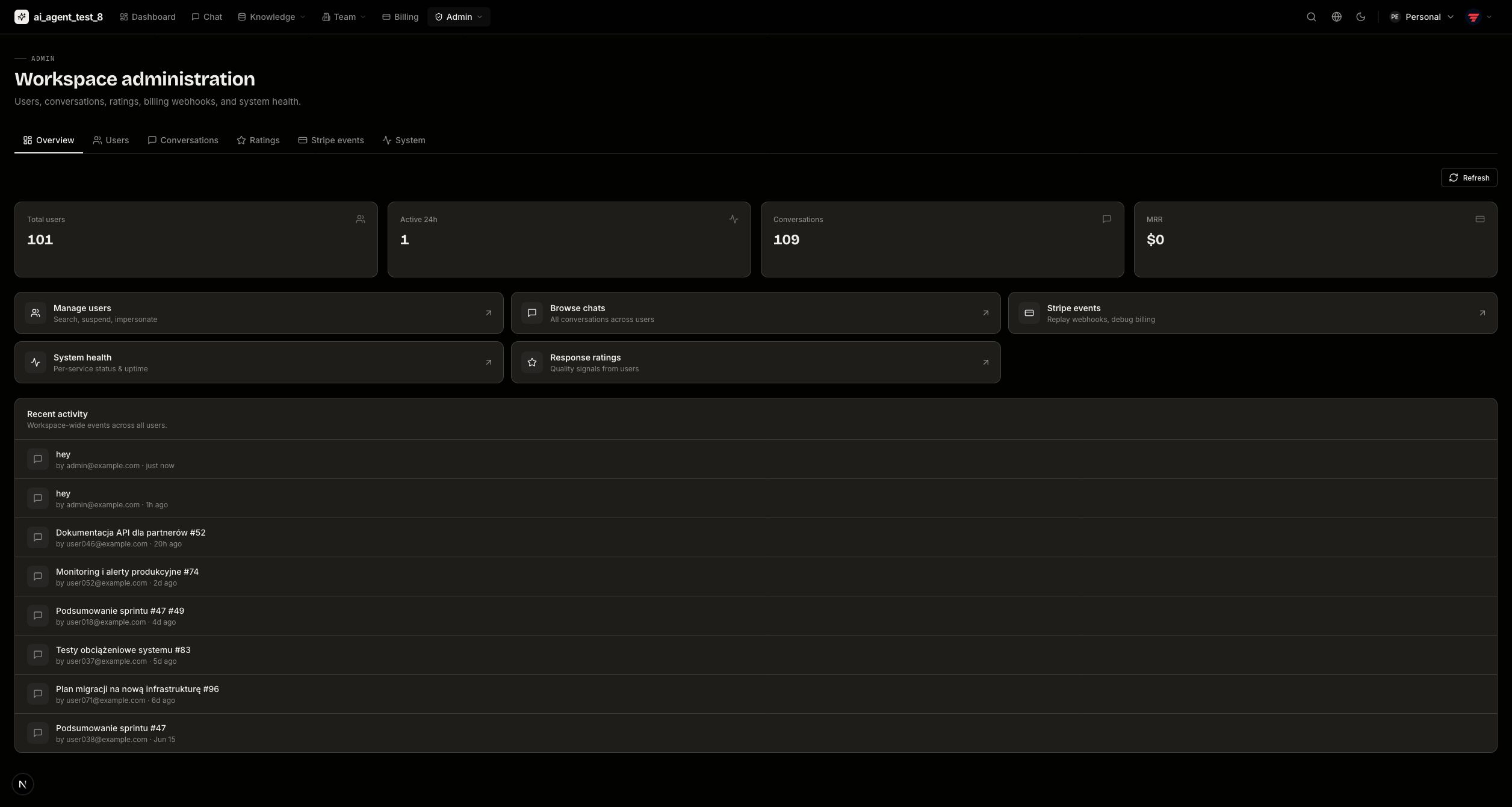
Overview — users, active sessions, conversations, MRR, and a recent-activity feed.
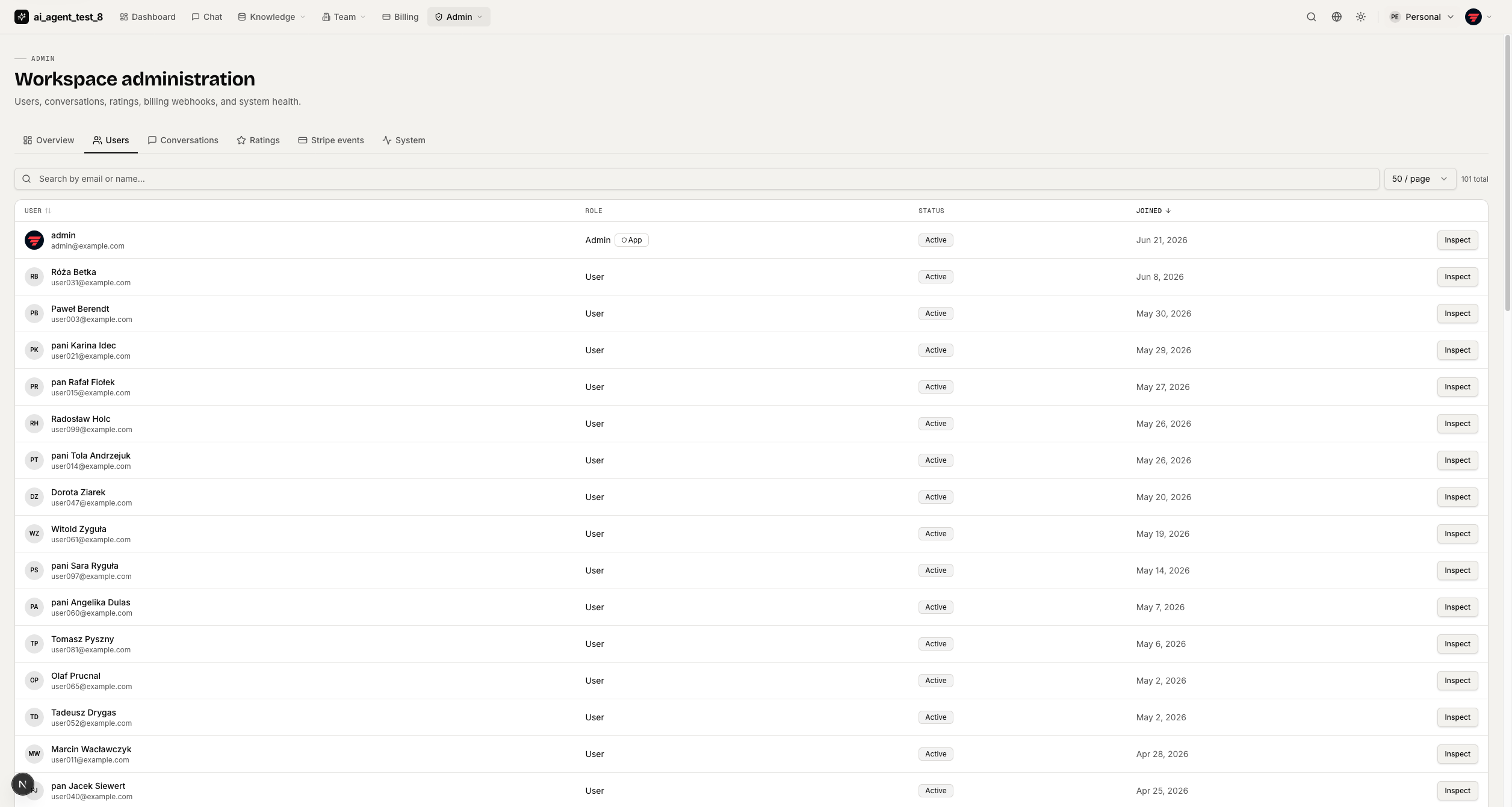
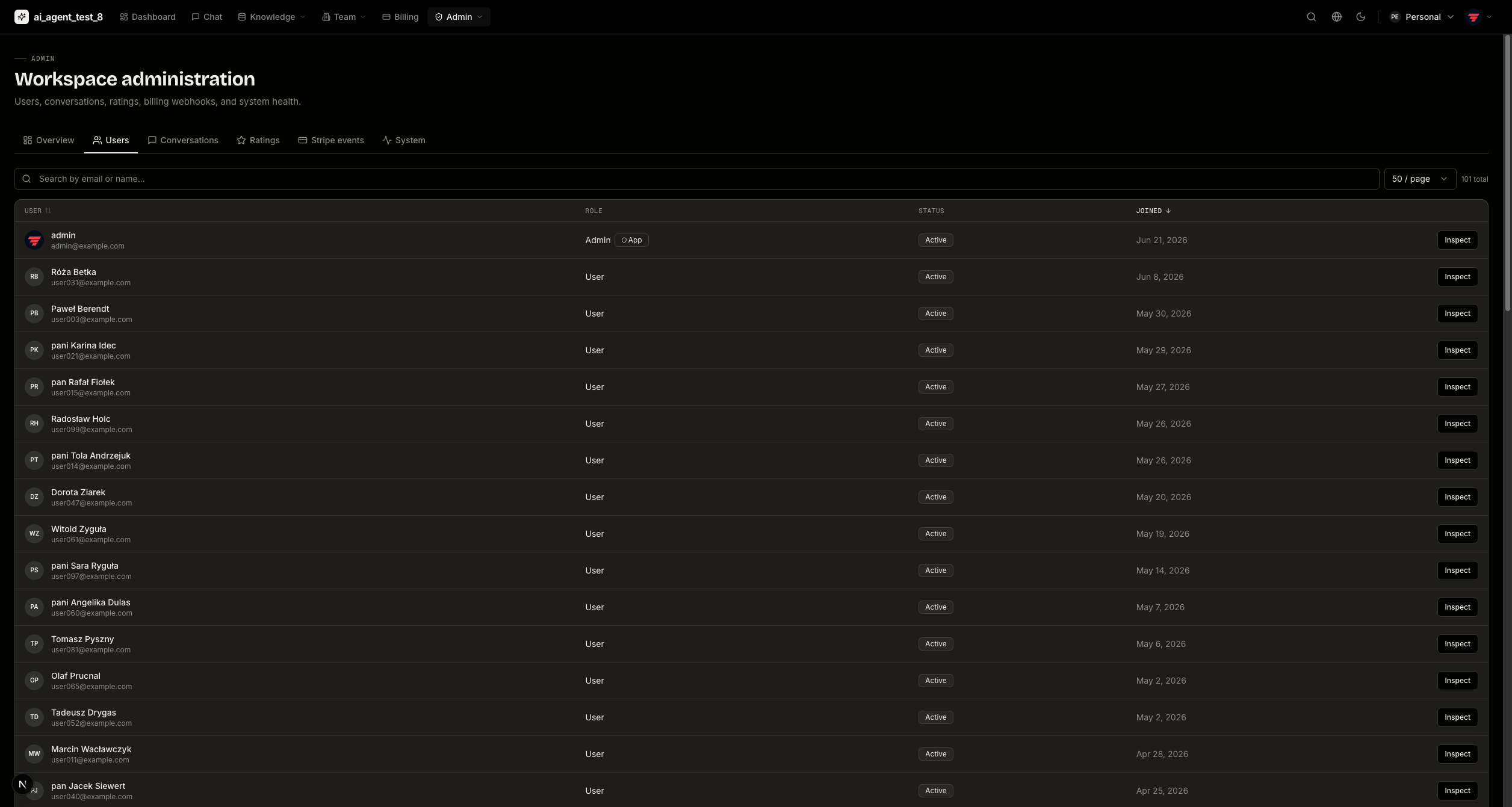
User management
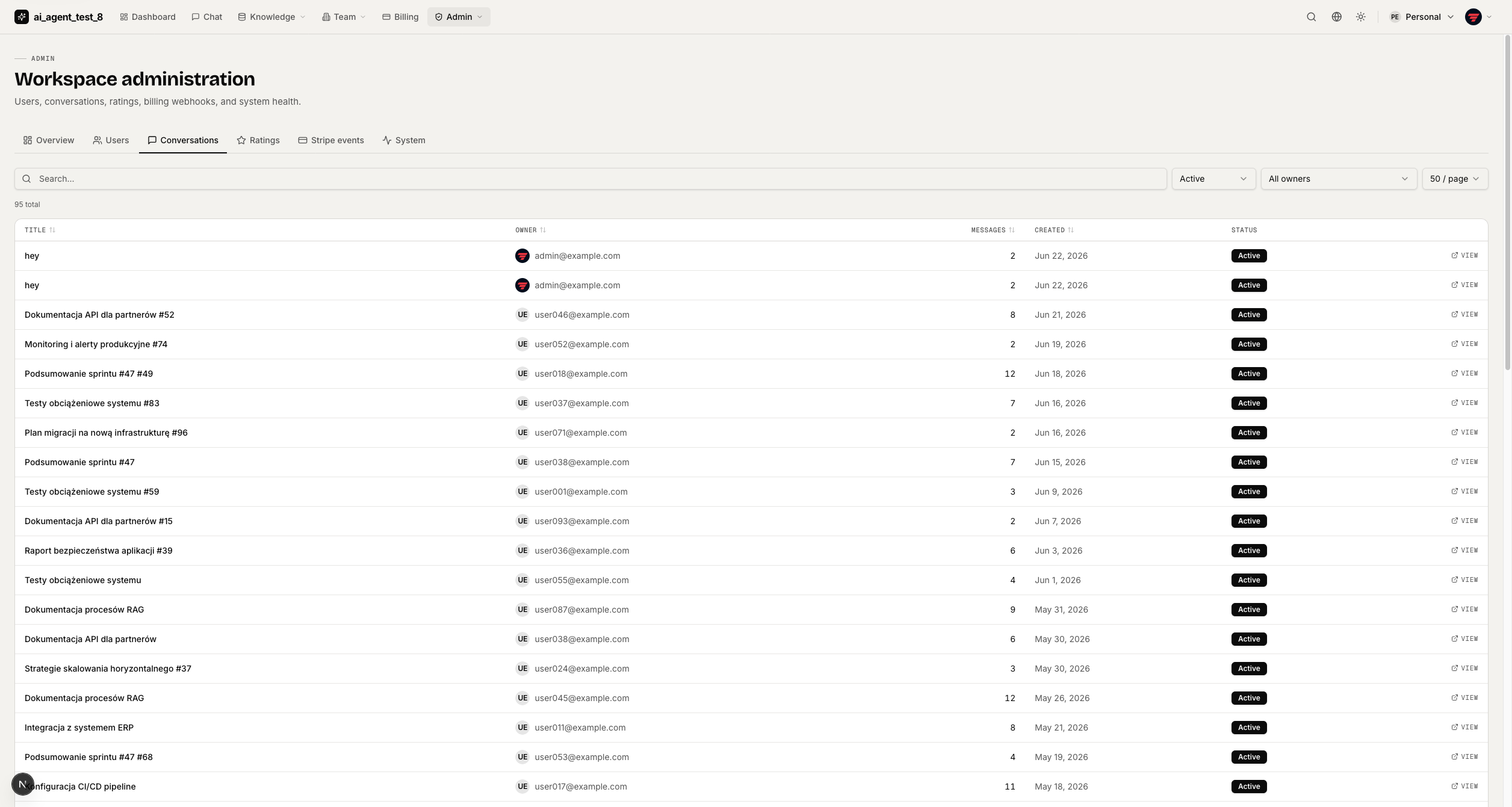
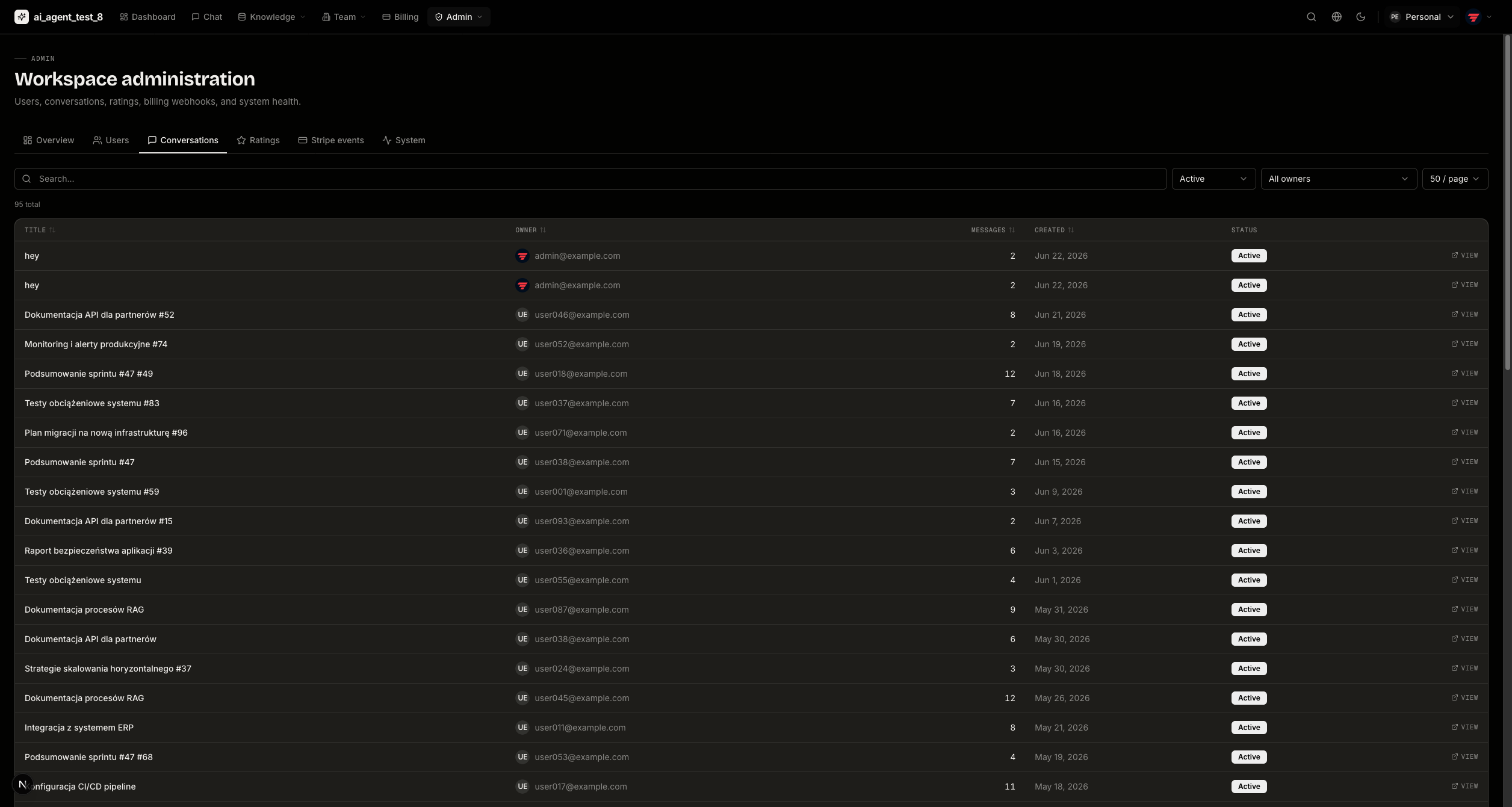
Conversation browser
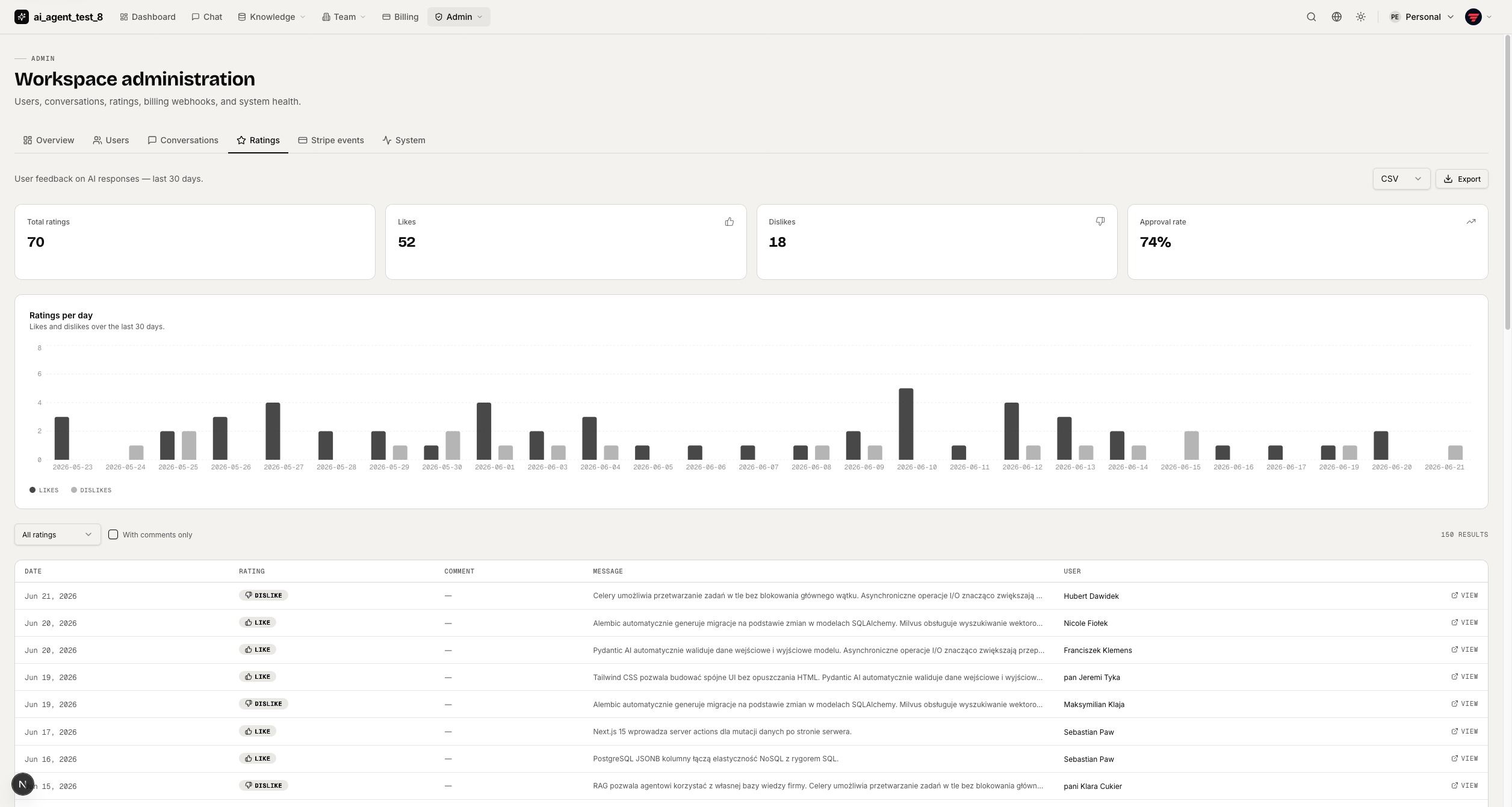
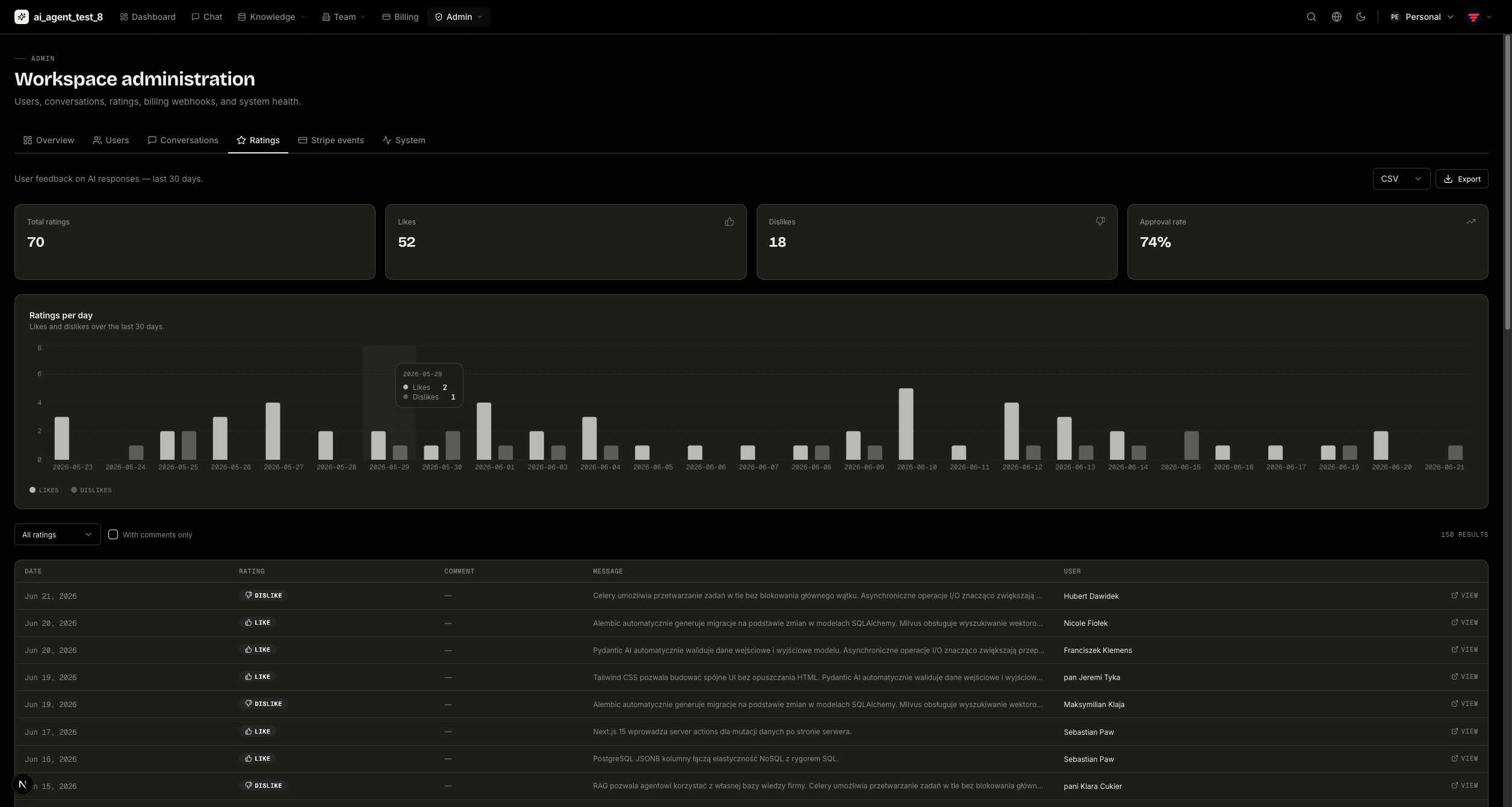
Message quality & ratings
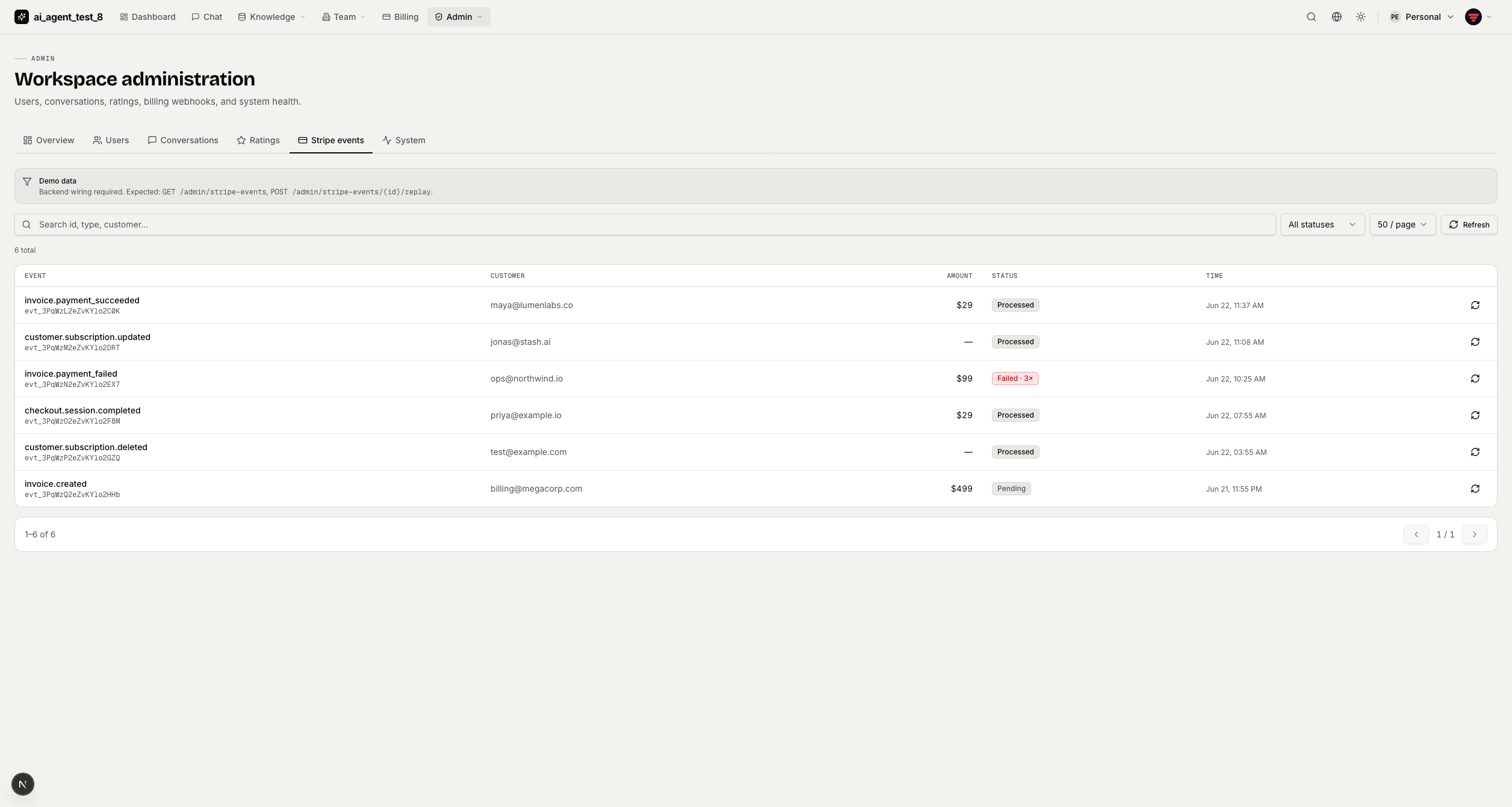
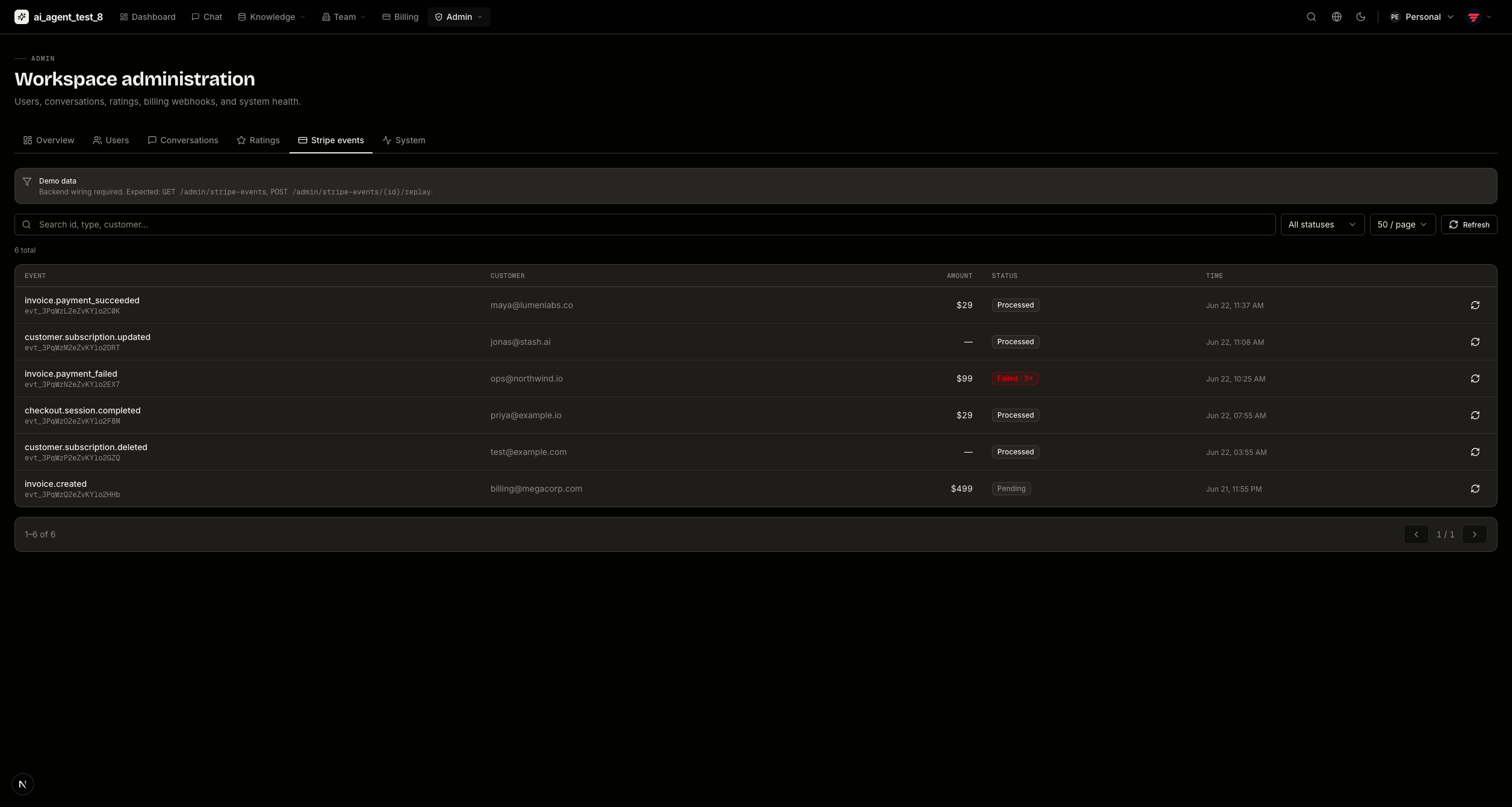
Stripe events log
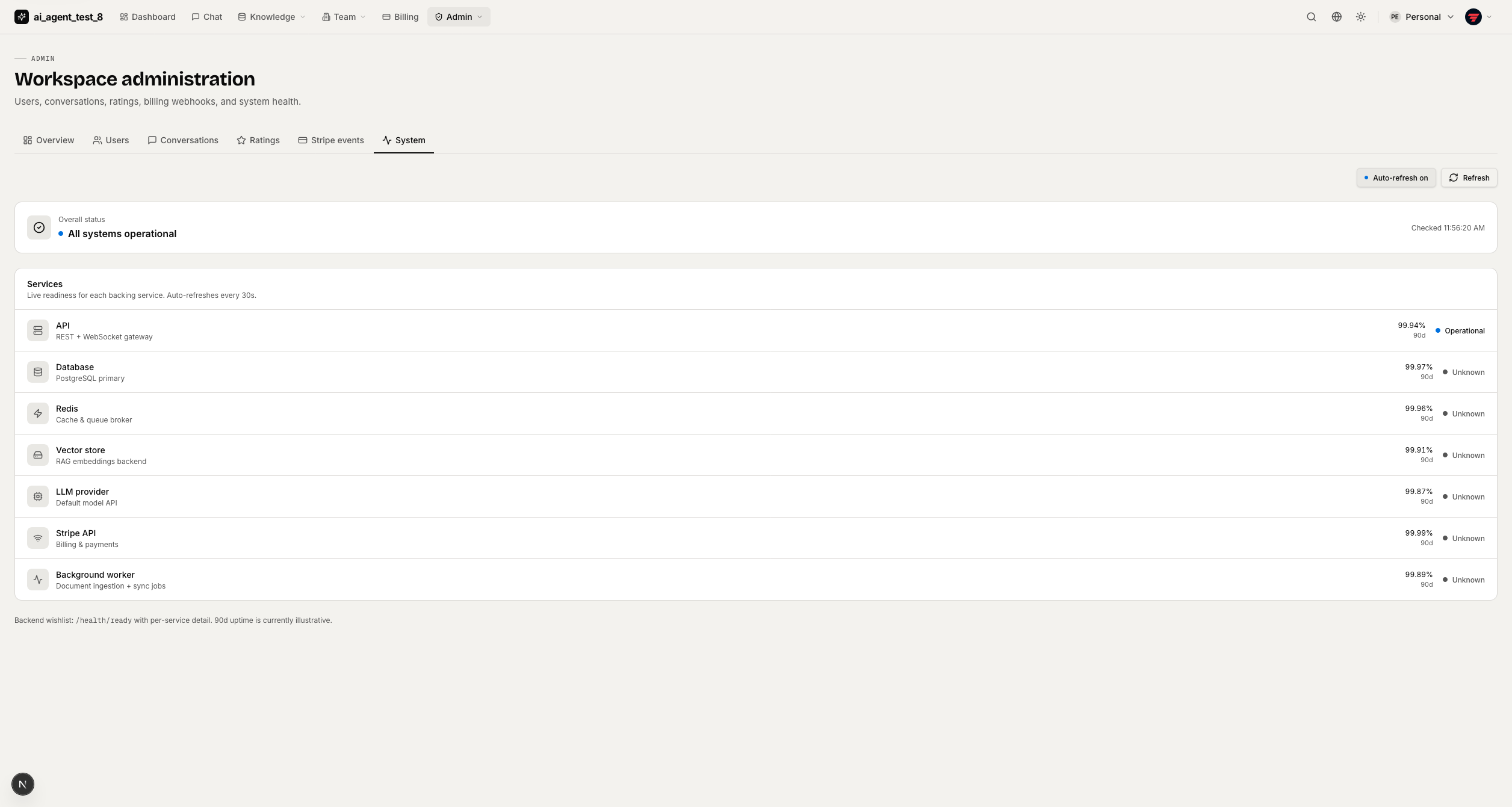
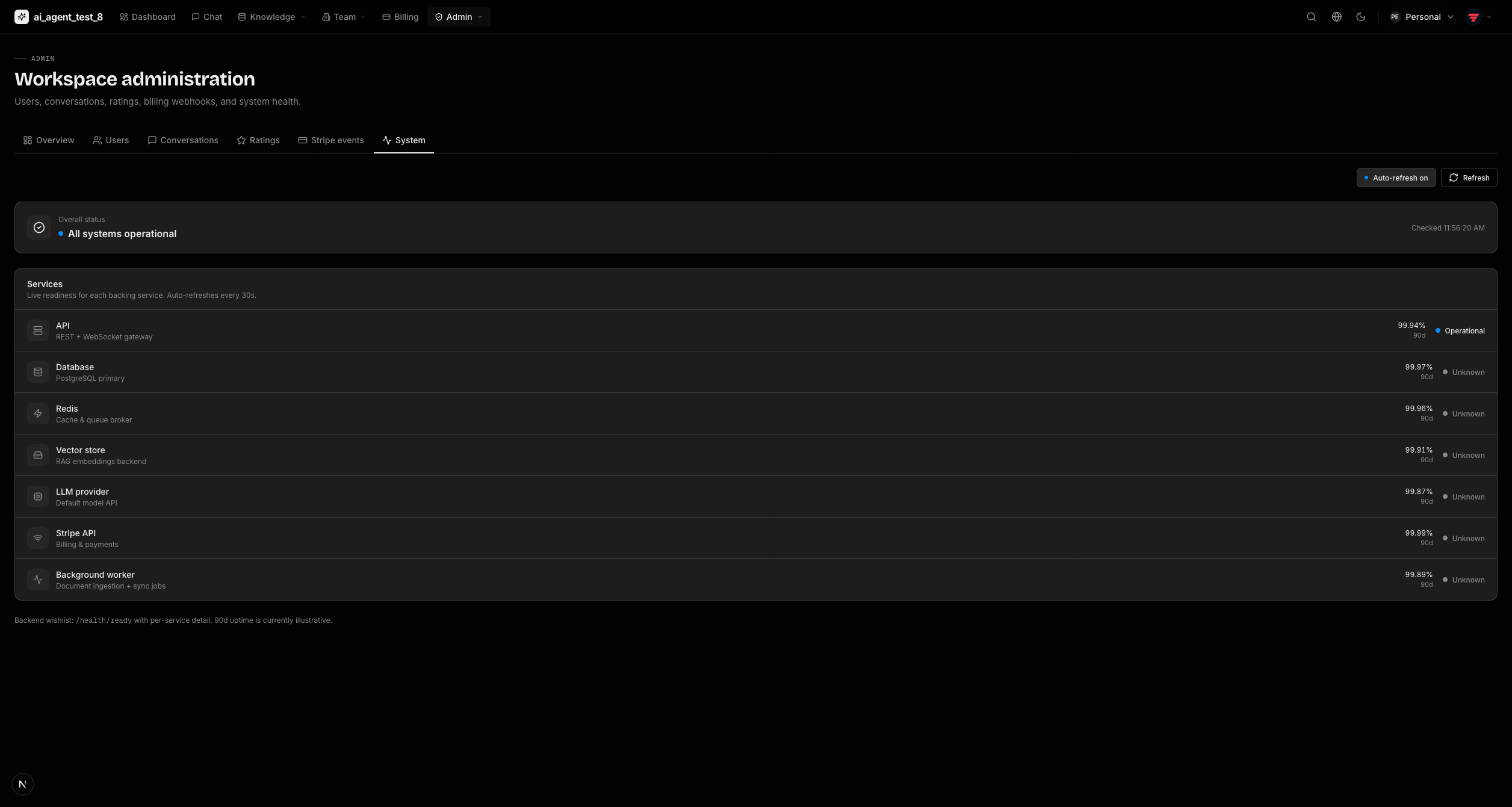
System health
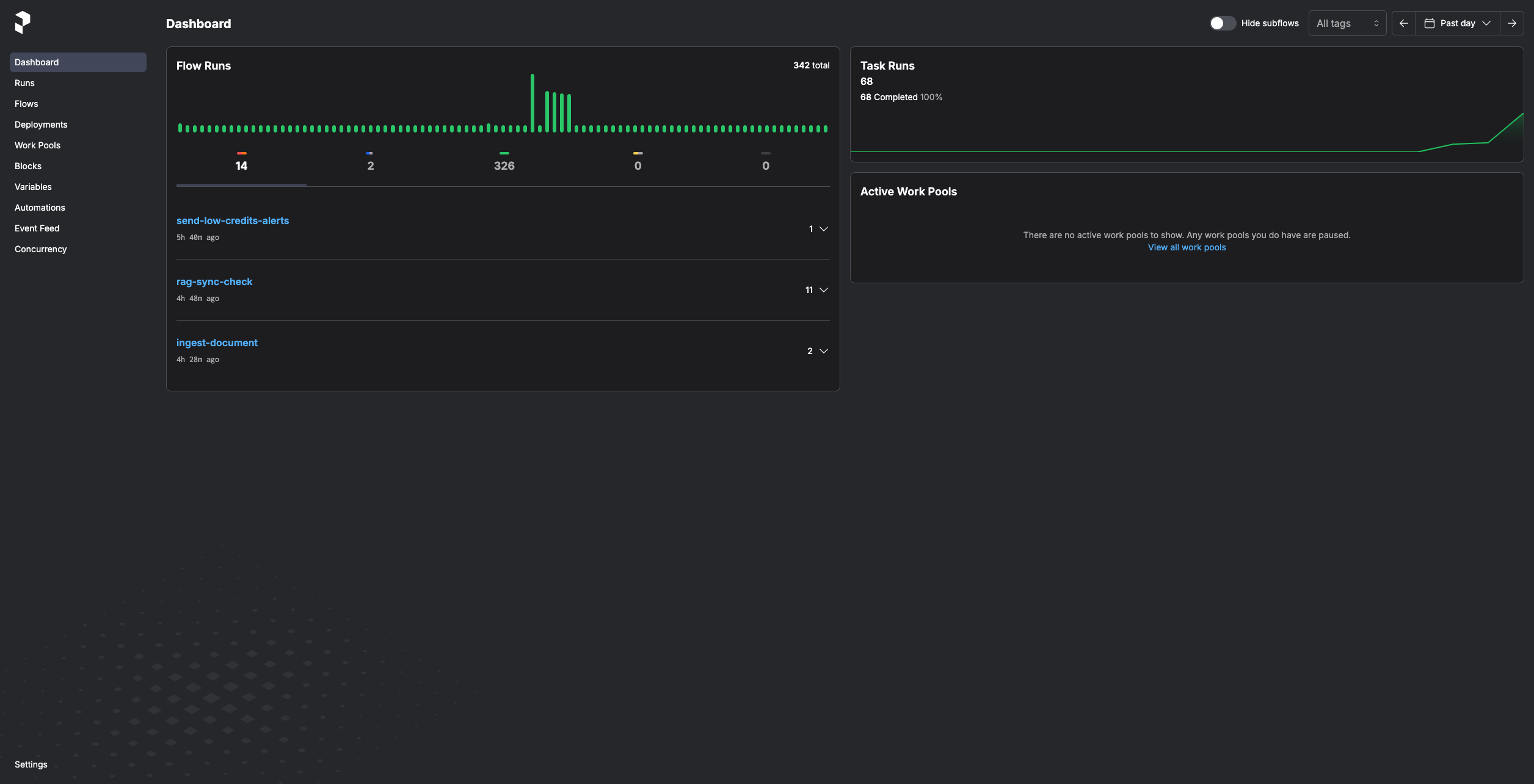
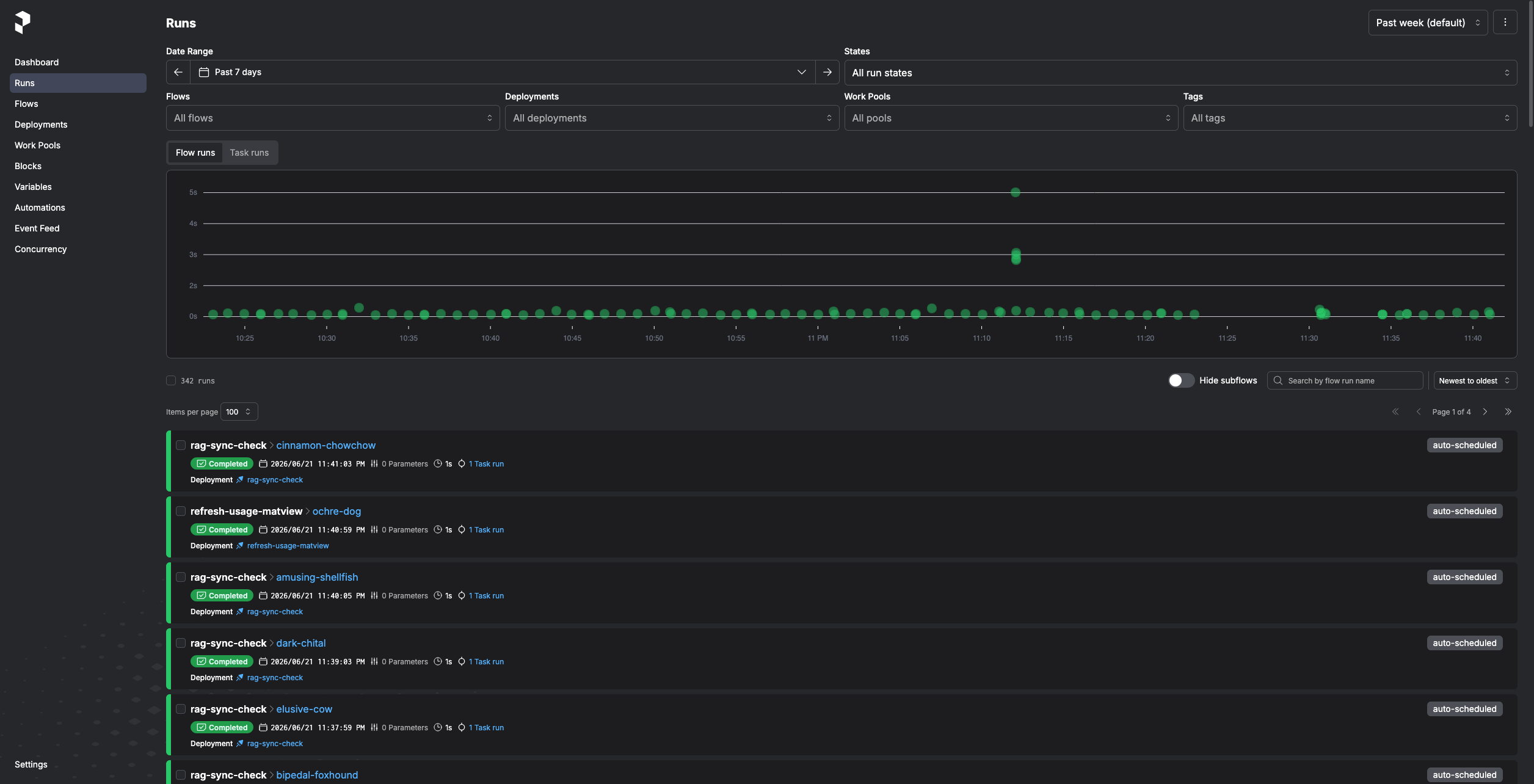
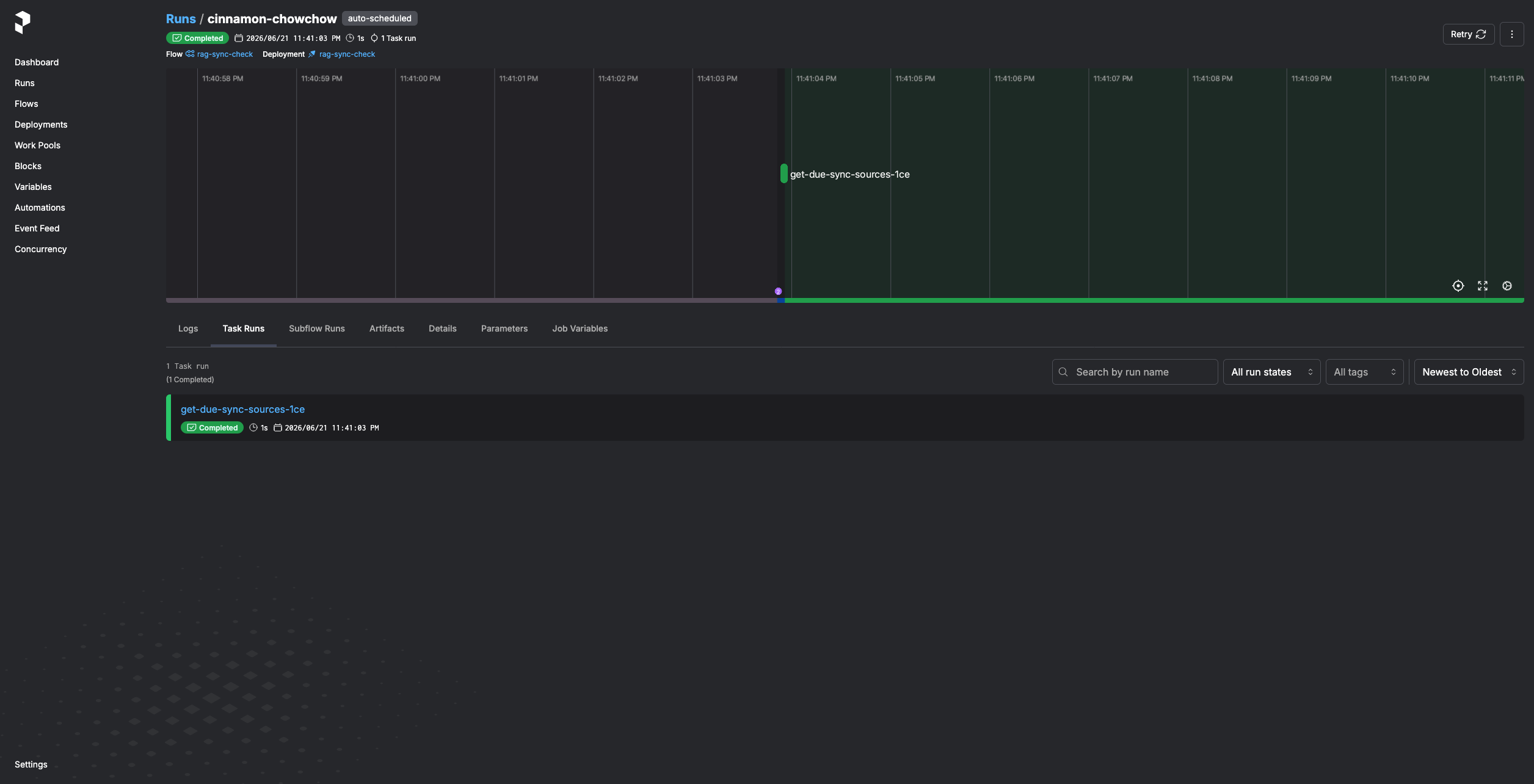
Background Tasks & Orchestration
Choose Prefect as your task queue (in the interactive wizard) and the project ships a self-hosted Prefect server and runner with scheduled flows for RAG sync, billing/email reminders, and credits maintenance.