Every screen in the console
Every module of the console, described, with a capture of each. The pictures follow the theme you read the site in - switch it in the header and they switch with it. They show a demo organization, Northwind Labs, whose company, documents and figures are made up; the conversations and the published app are real runs of its agents.
Product demo
The current edited demo shows the OSS Launch Planner: a task using a Notion brief and GitHub research, an interactive app and a sharing link. Waiting time has been removed; the report contains snapshot data.
Where you land
Dashboard
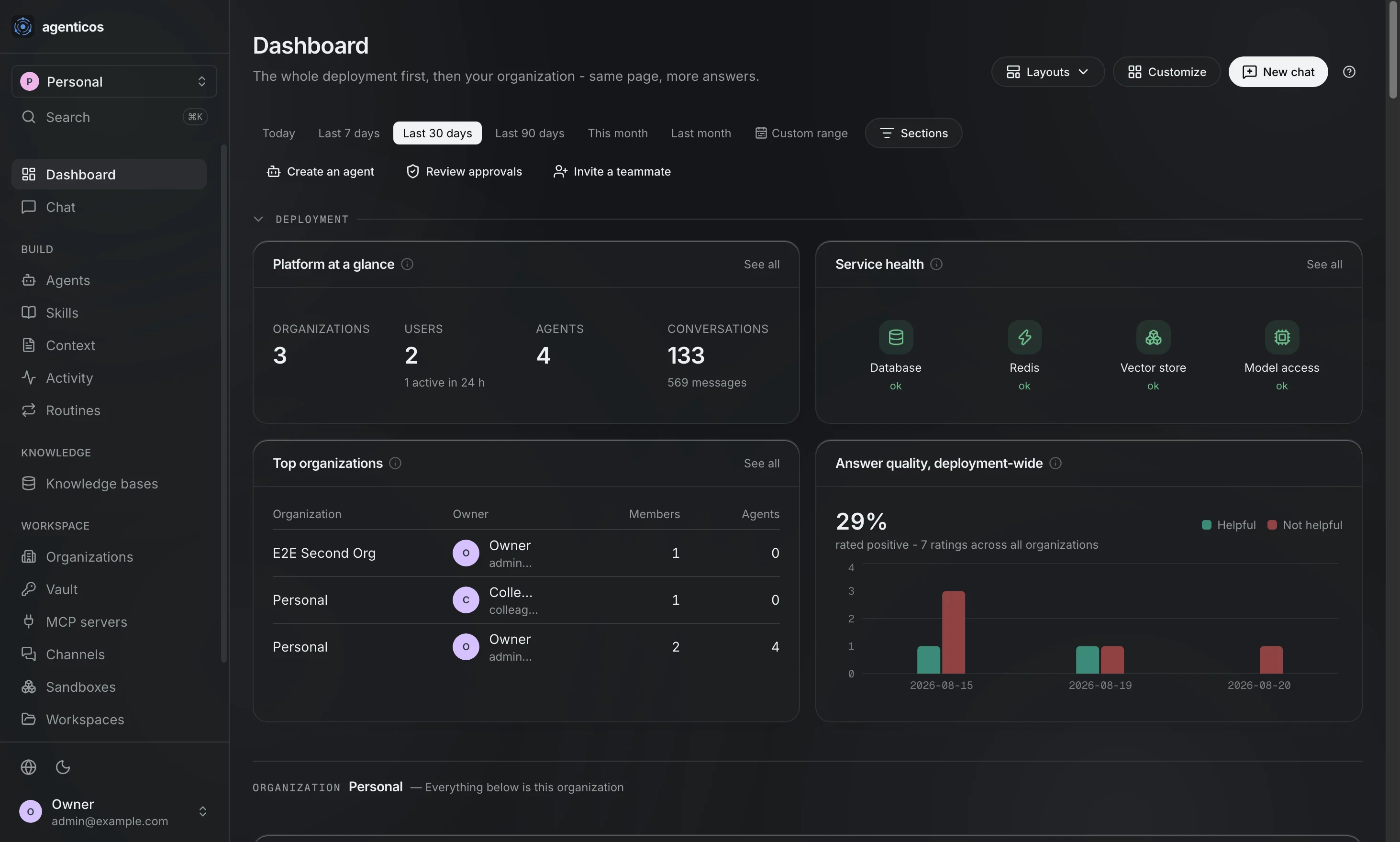
Your own view, the organization's arrangeable one, one group's and - for a deployment admin - the whole deployment's, chosen at the top. Runs, spend, service health and answer quality; each card is gated on the permission its own data needs, so a card whose primary read you cannot make is a card you are not offered.

Chat
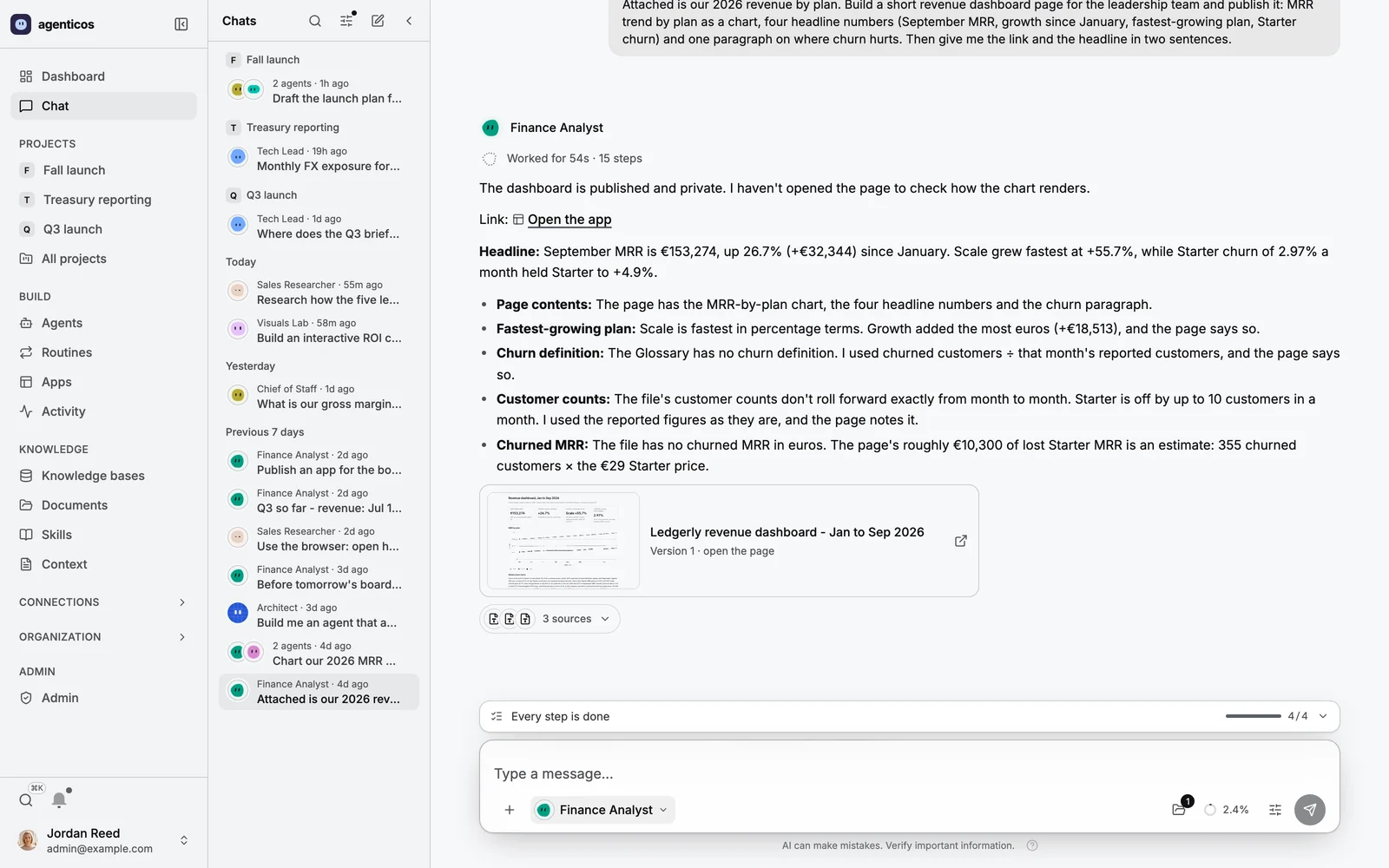
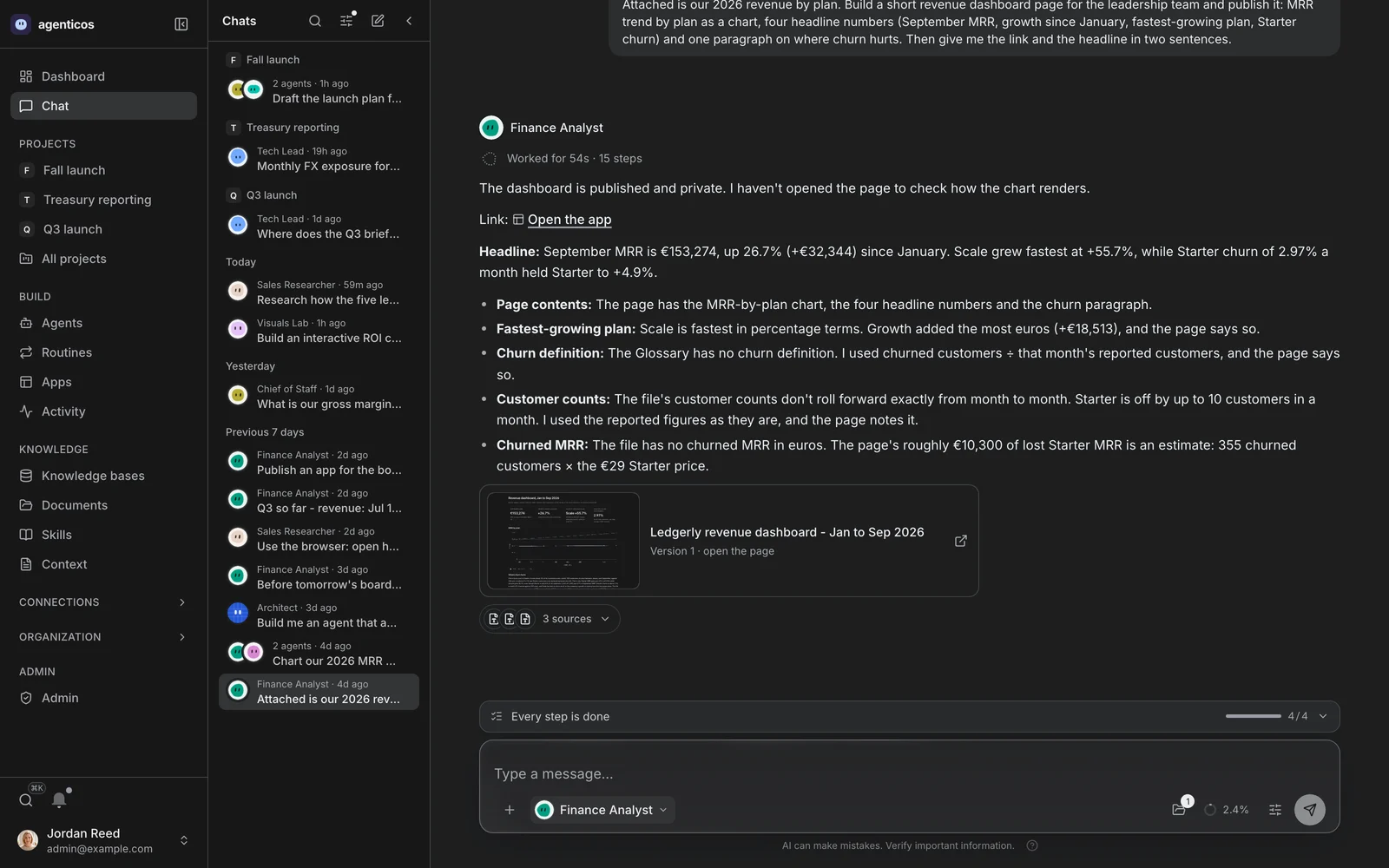
A spreadsheet in, a published page out. The agent read the CSV with Python, worked out the numbers, published a revenue dashboard as an app and said which figures it checked and which it estimated. Each step it took is on screen and expandable - what a tool did is in the conversation, not in a log somebody else reads.
A voice call
The composer turned into a call bar: what the call is doing, its time against the limit, a waveform of both voices, mute, push to talk and End. The conversation goes on above it - captions inside the message being spoken, tool runs, and an approval card with the exact arguments and what you were heard to say.
Screenshot pending — A voice call.
Building an agent
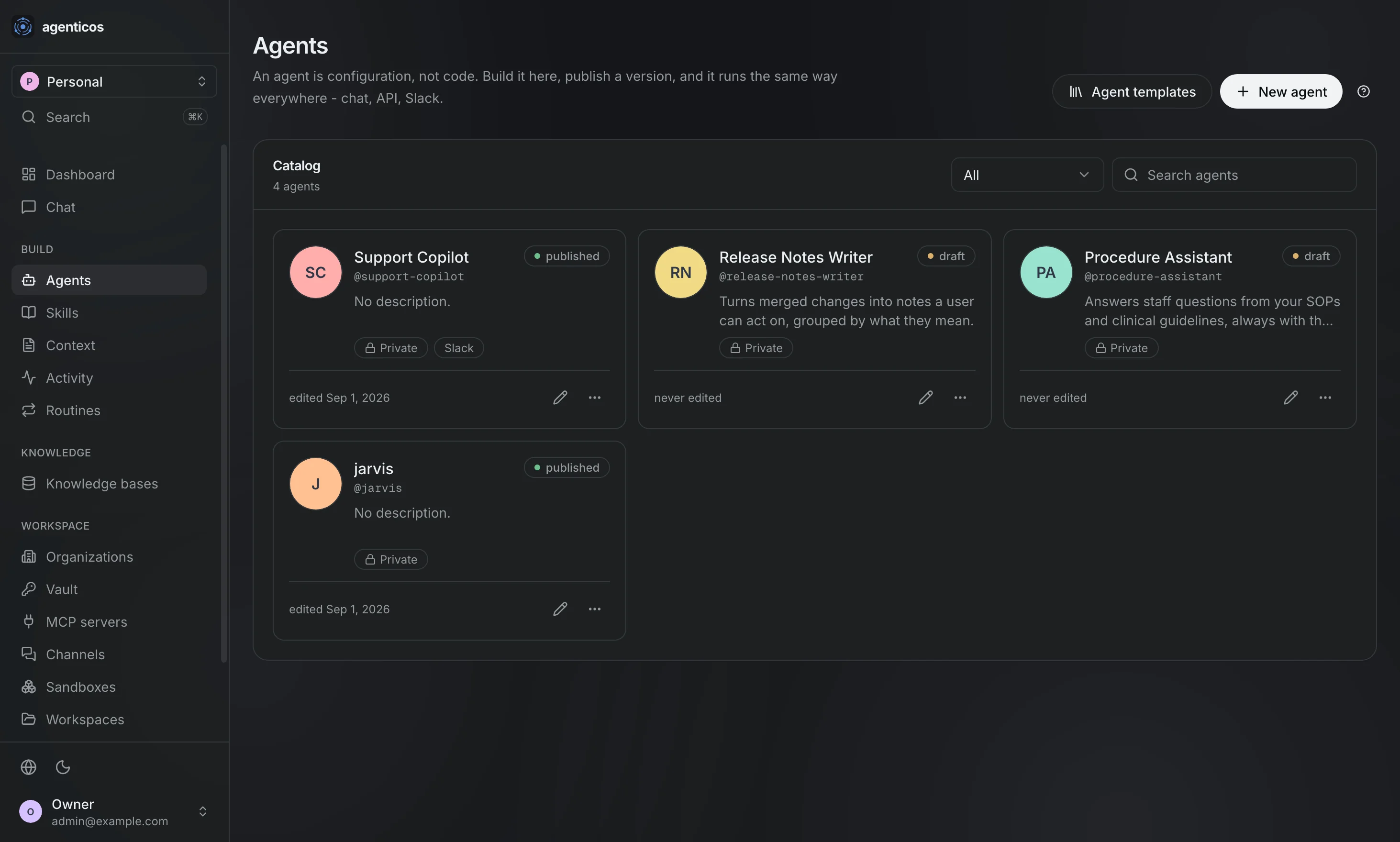
Agents
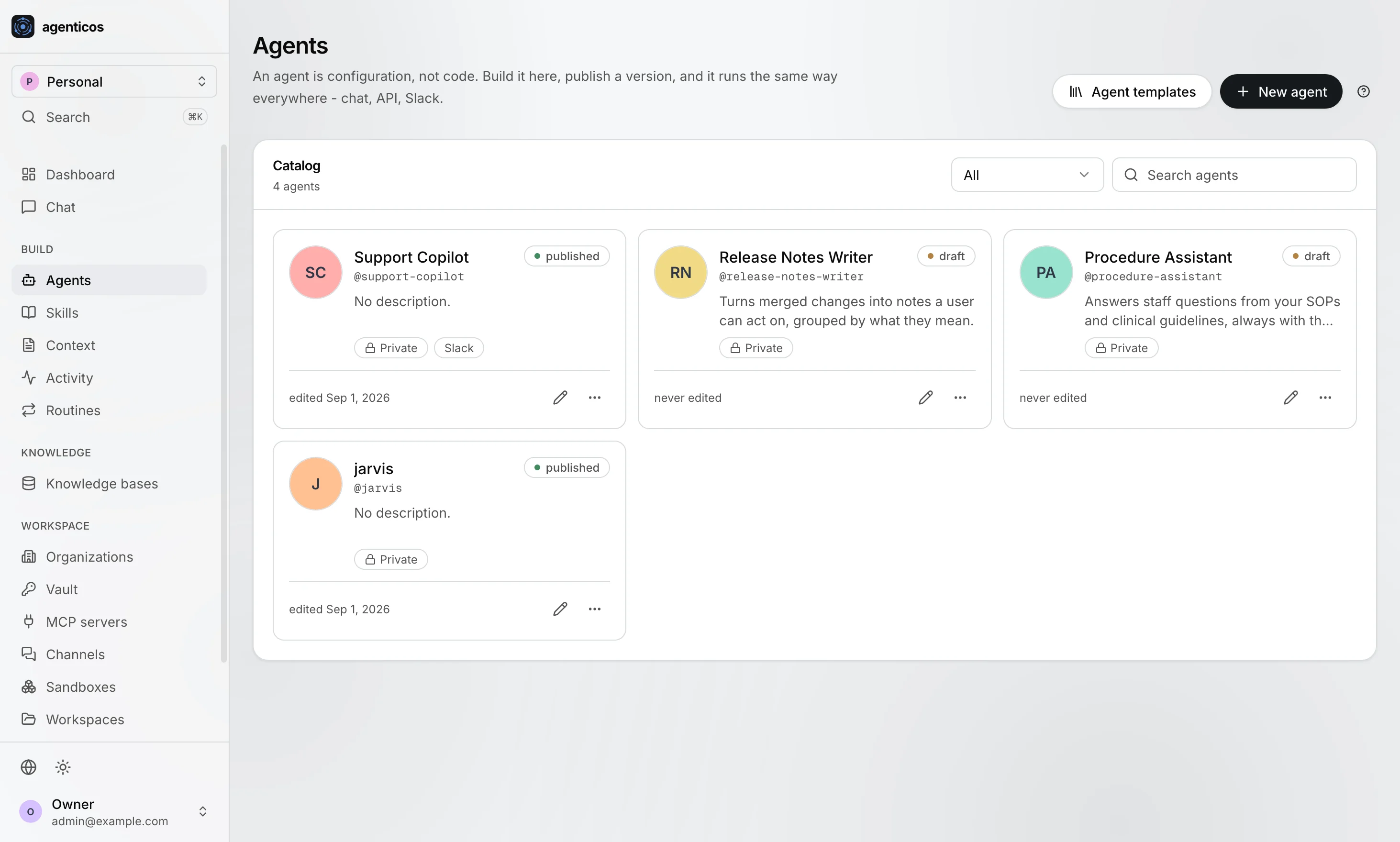
The catalog. Every agent carries the version that is live, who may reach it, and whether a draft is waiting. An agent is configuration, not code - which is why this list is editable by whoever knows the answer.
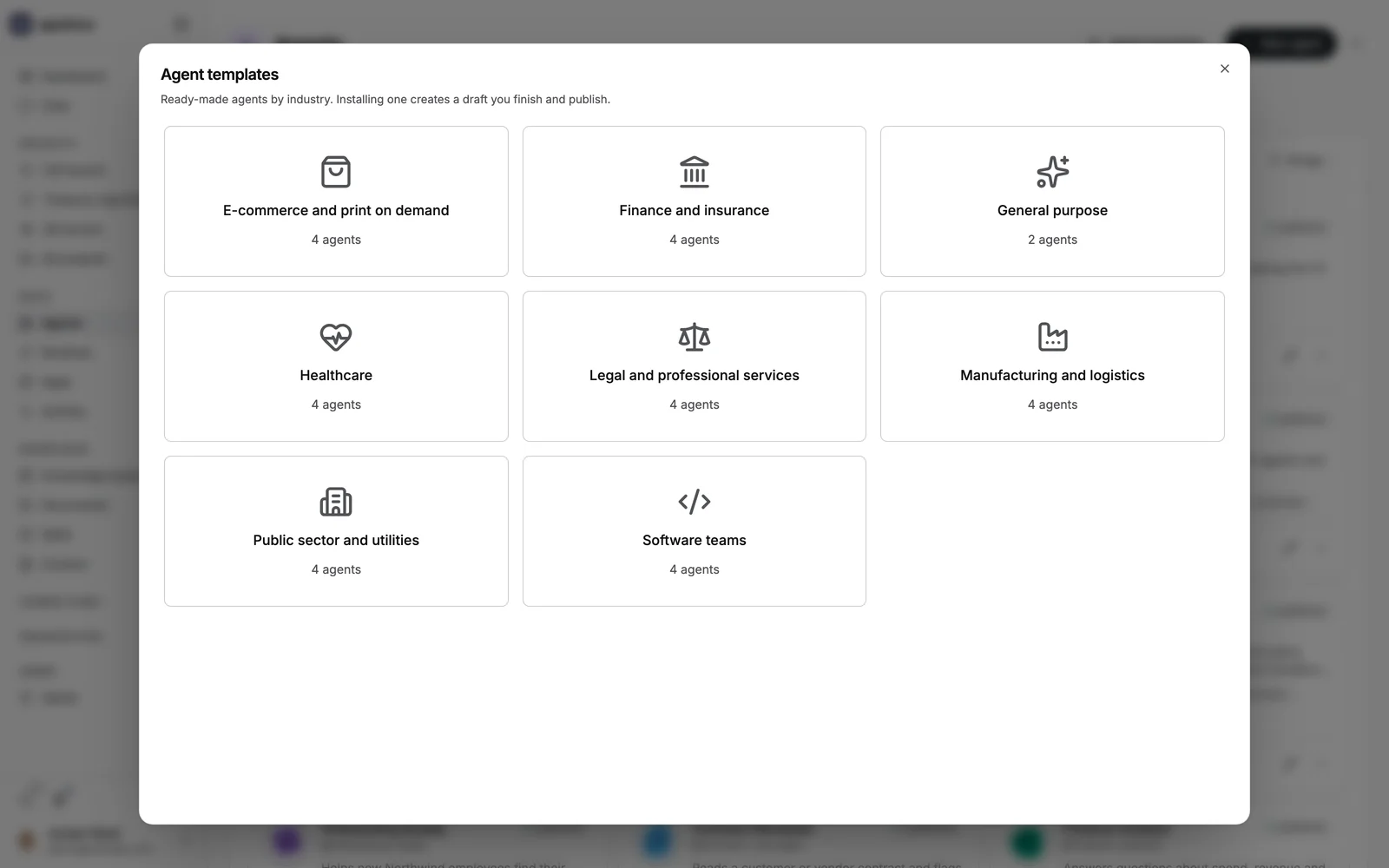
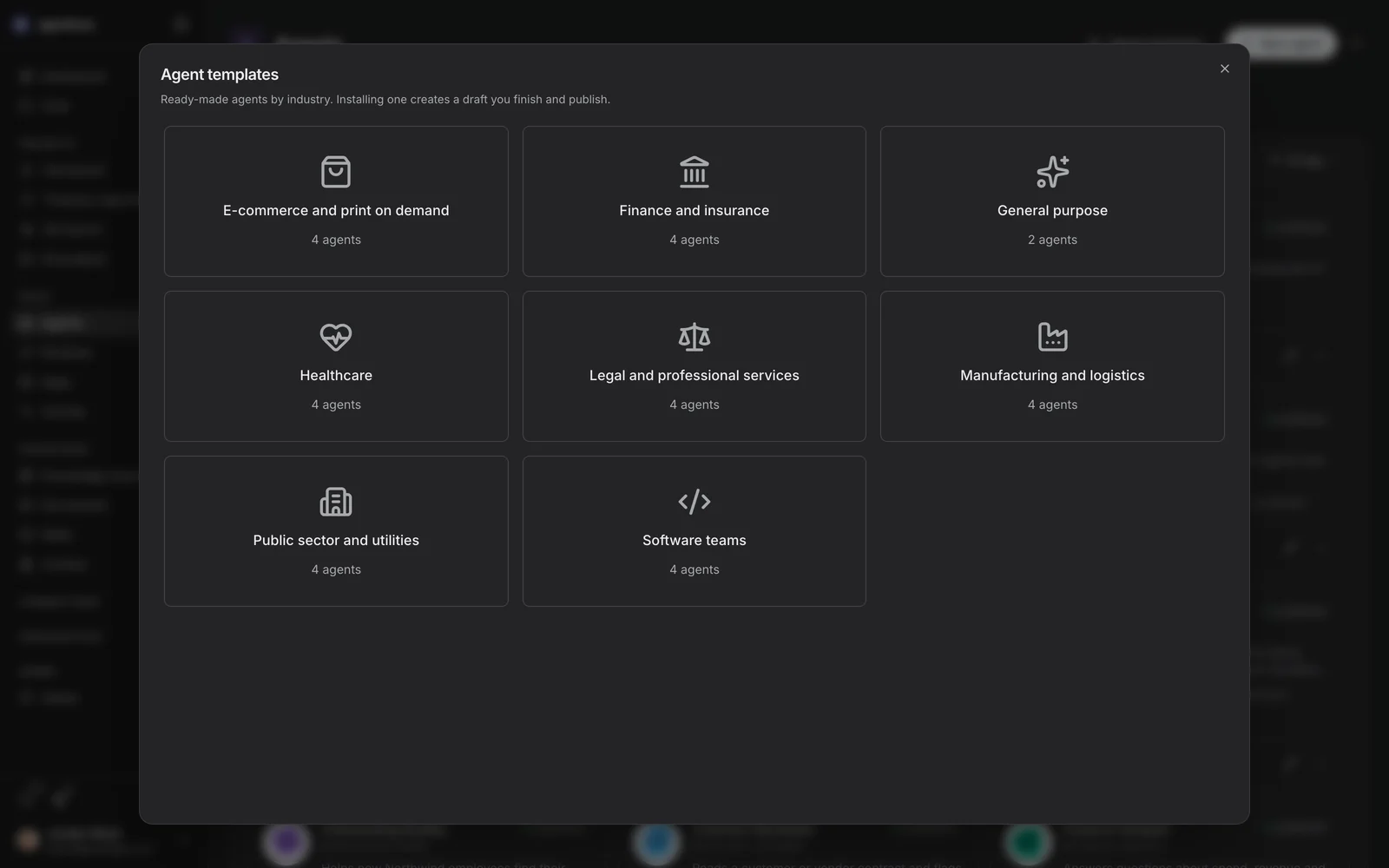
Agent templates
Templates by industry, over the catalog. Installing one creates a draft you finish and publish; nothing runs until you do.
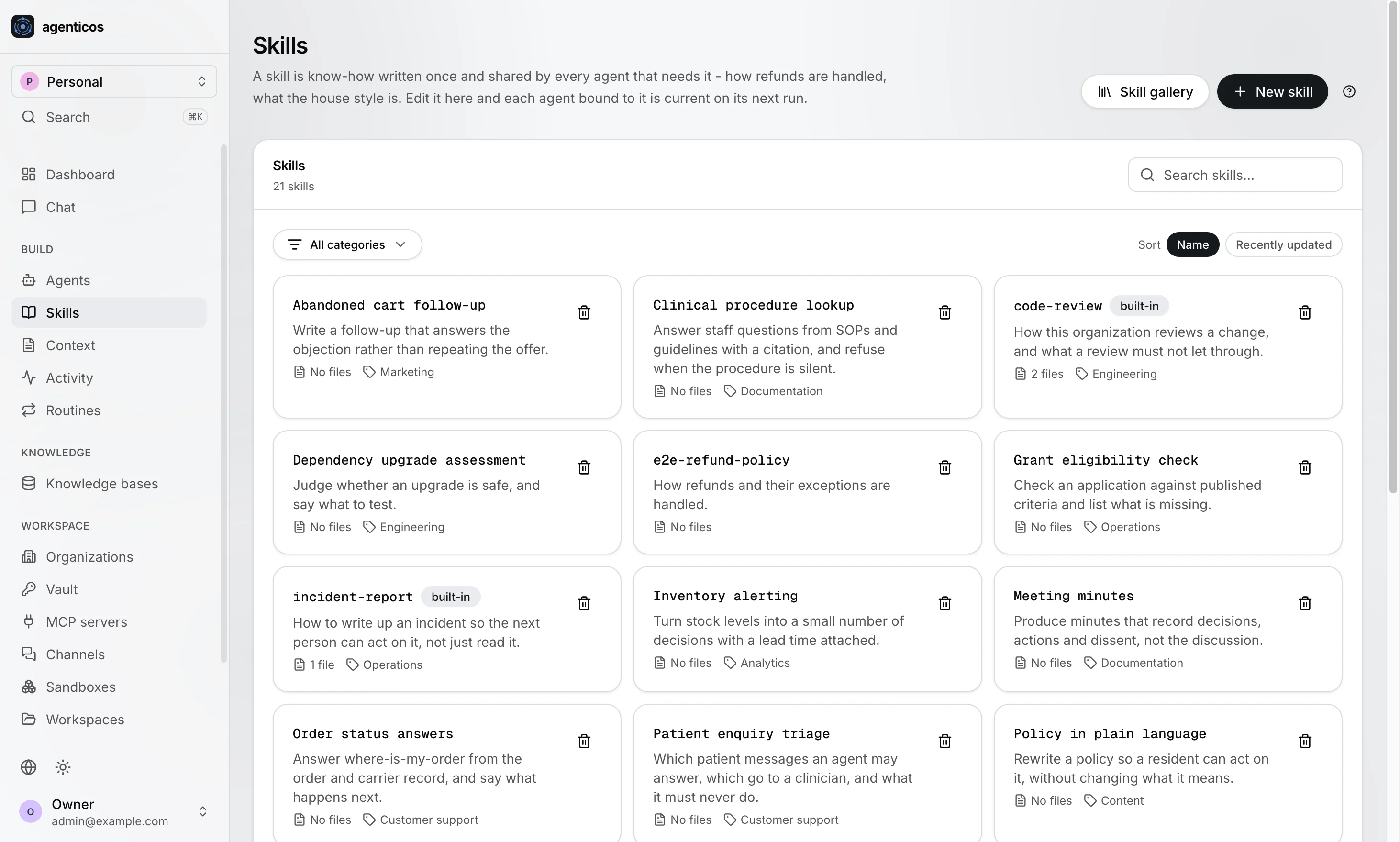
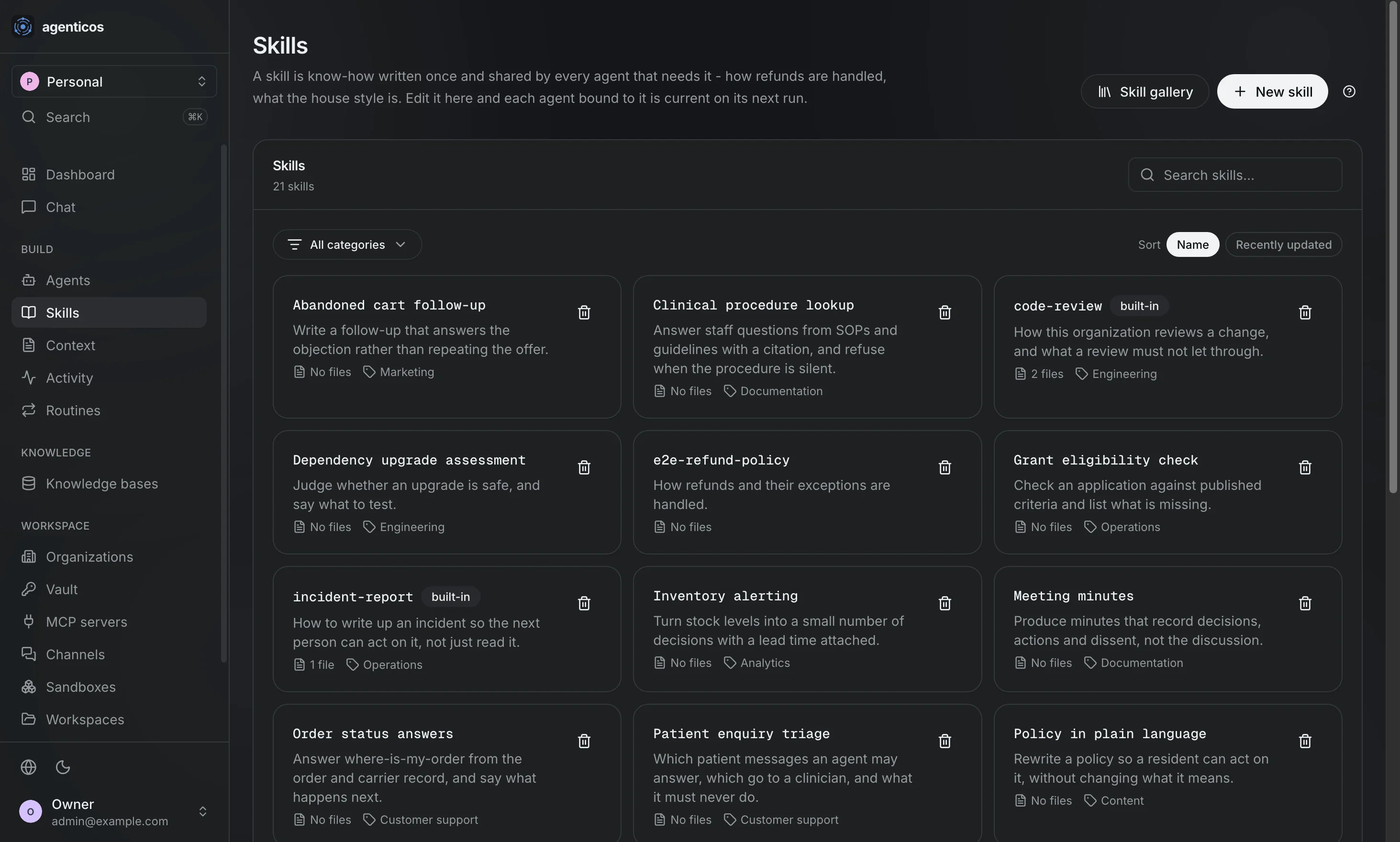
Skills
Know-how written once and shared by every agent bound to it - how refunds are handled, what the house style is. Edit it here and each agent bound to it is current on its next run.
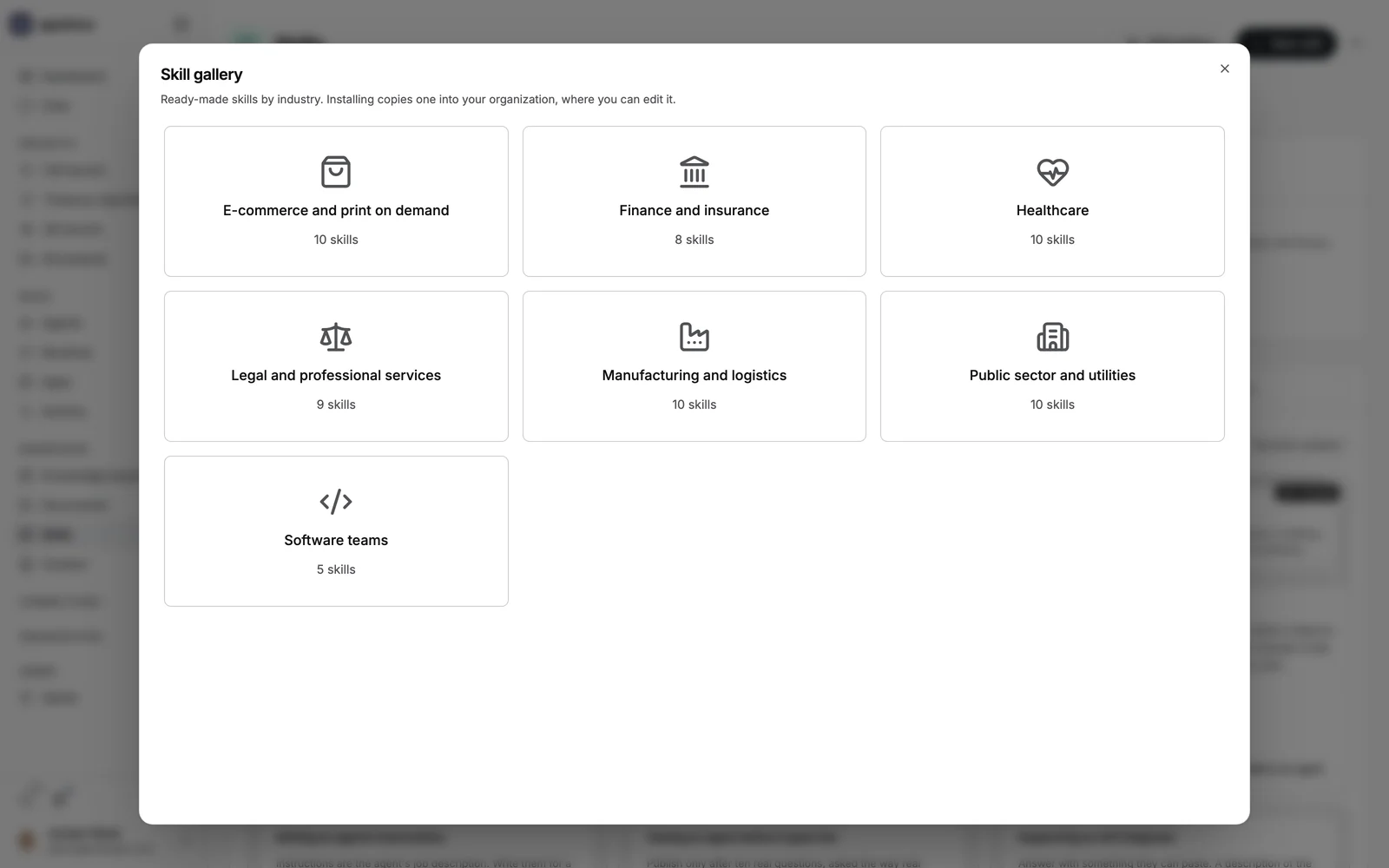
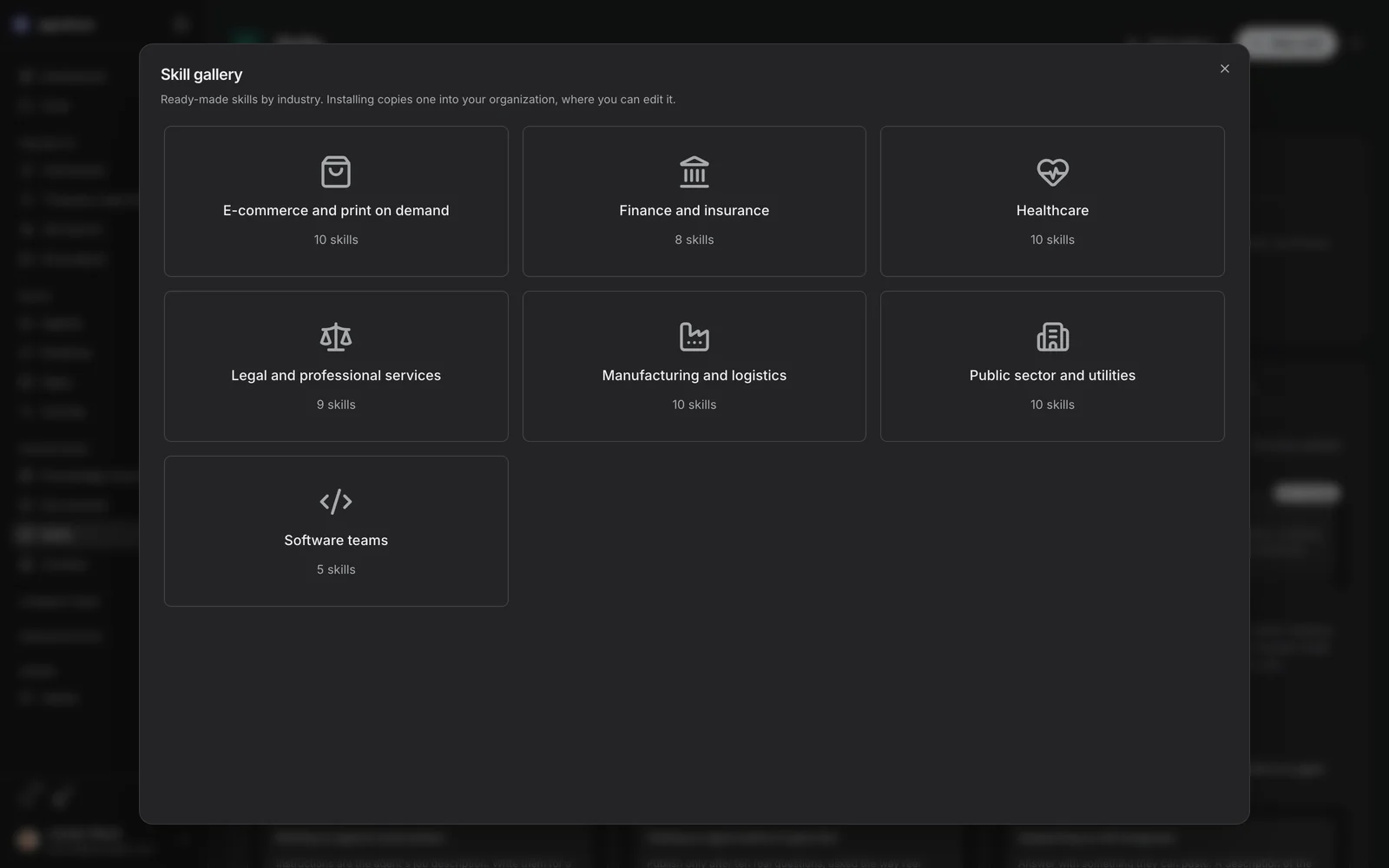
Skill gallery
Skills by industry. Installing copies one into your organization, where you can edit it - a copy, so upstream cannot change what your agents say.
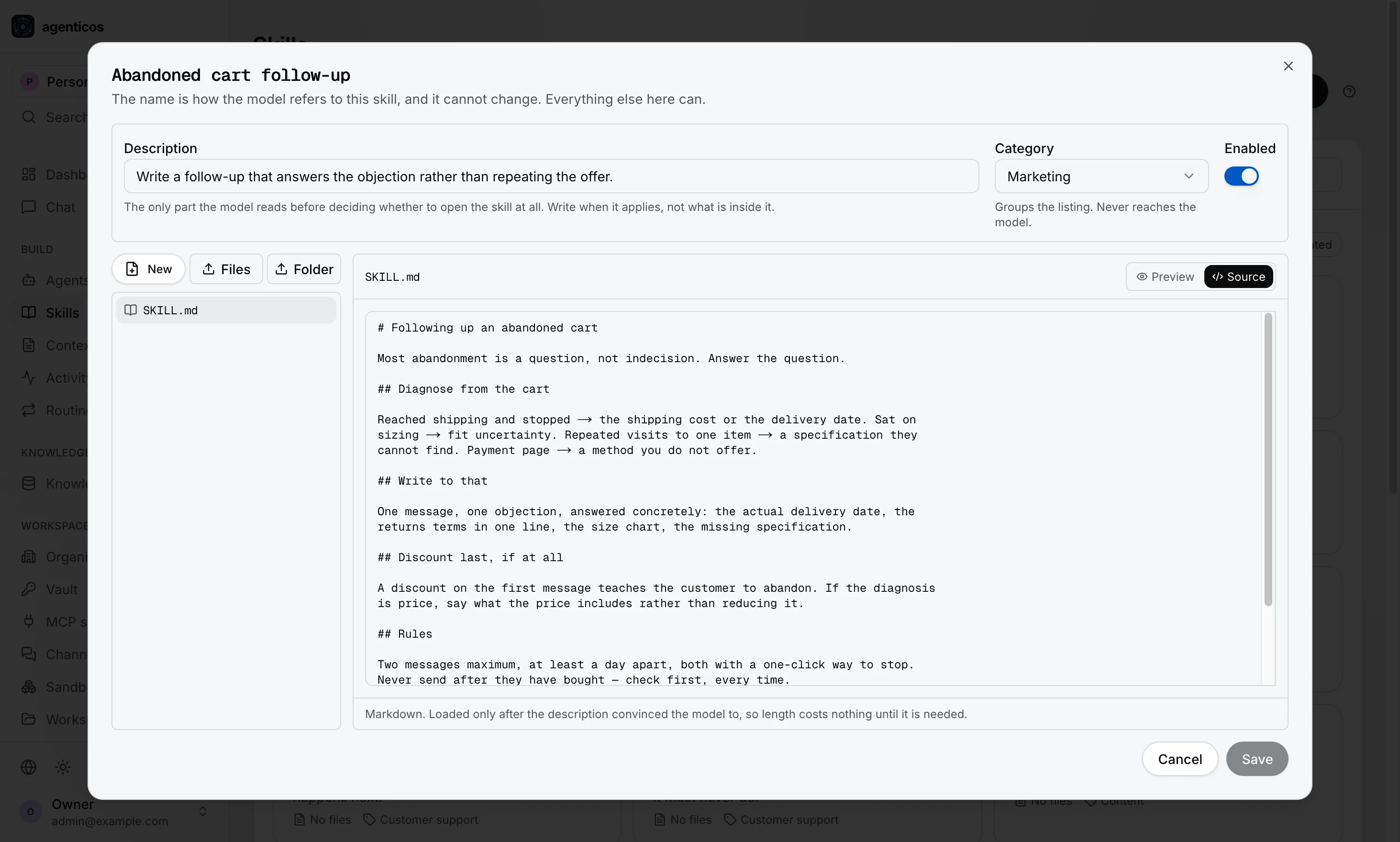
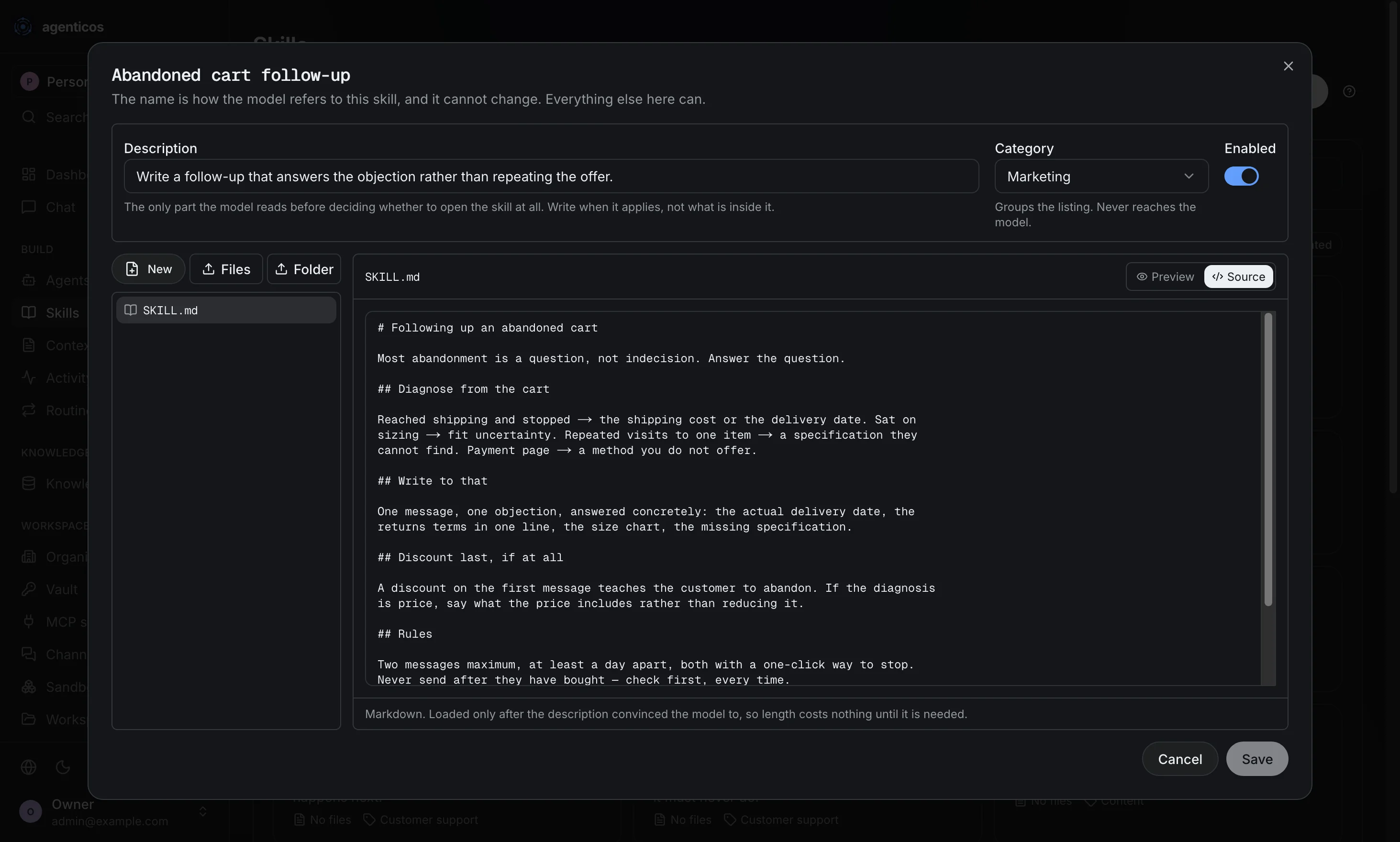
One skill
Open for editing, with its category. The name the model refers to is fixed at creation and cannot change; everything else here can.
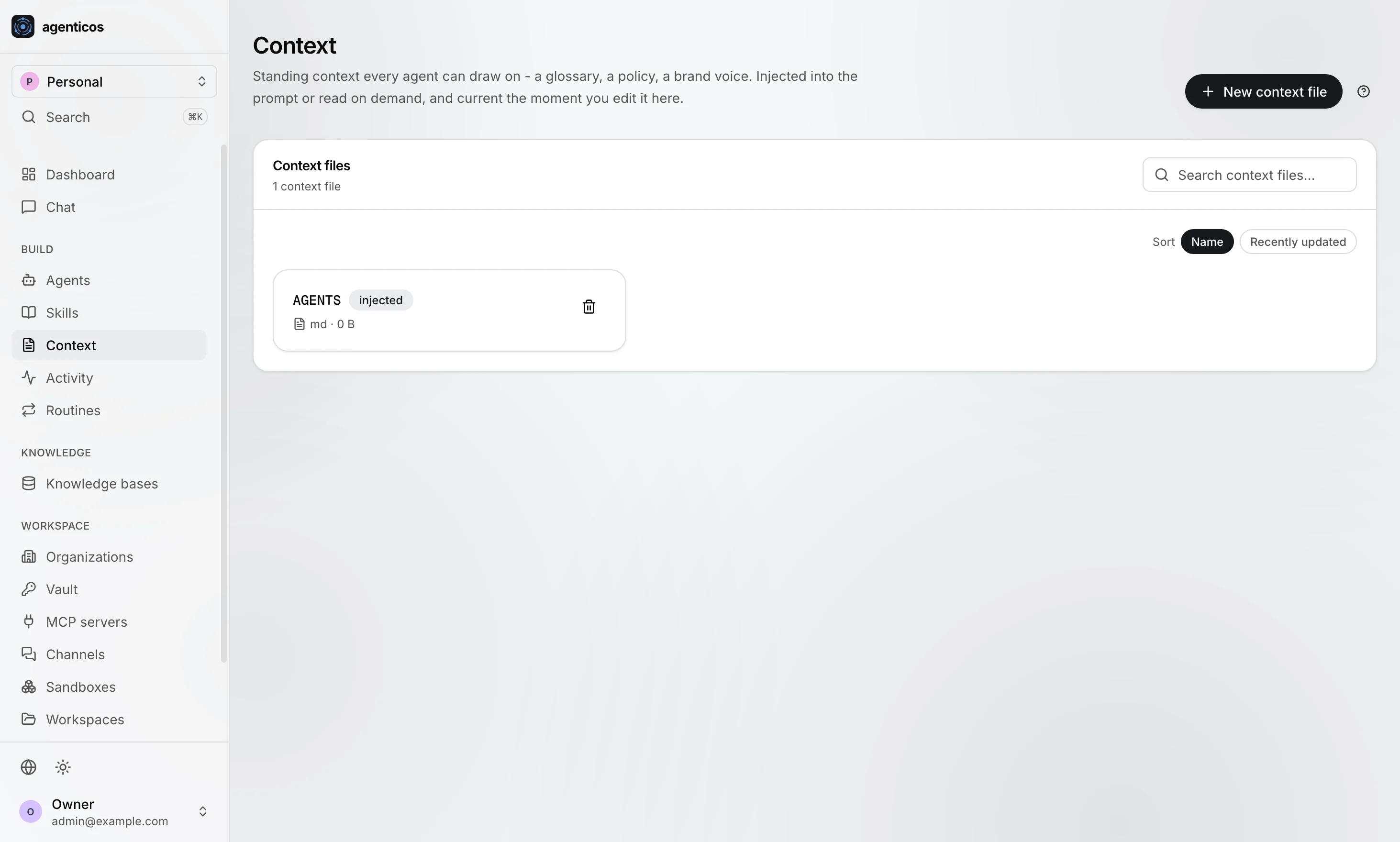
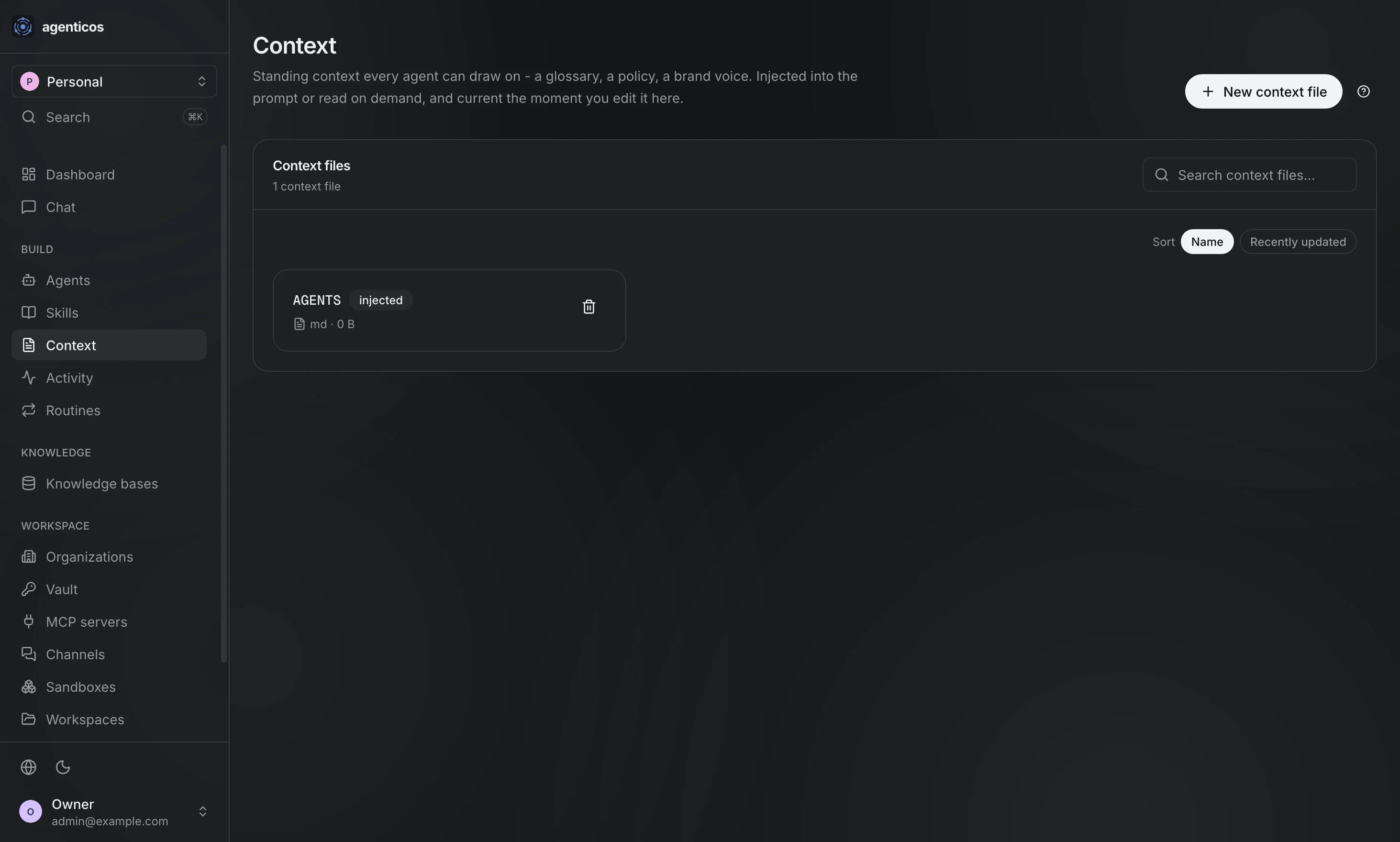
Context
Standing context every agent can draw on - a glossary, a policy, a brand voice. Injected into the prompt or read on demand, and current the moment you edit it.
Inside one agent
The Builder, tab by tab.
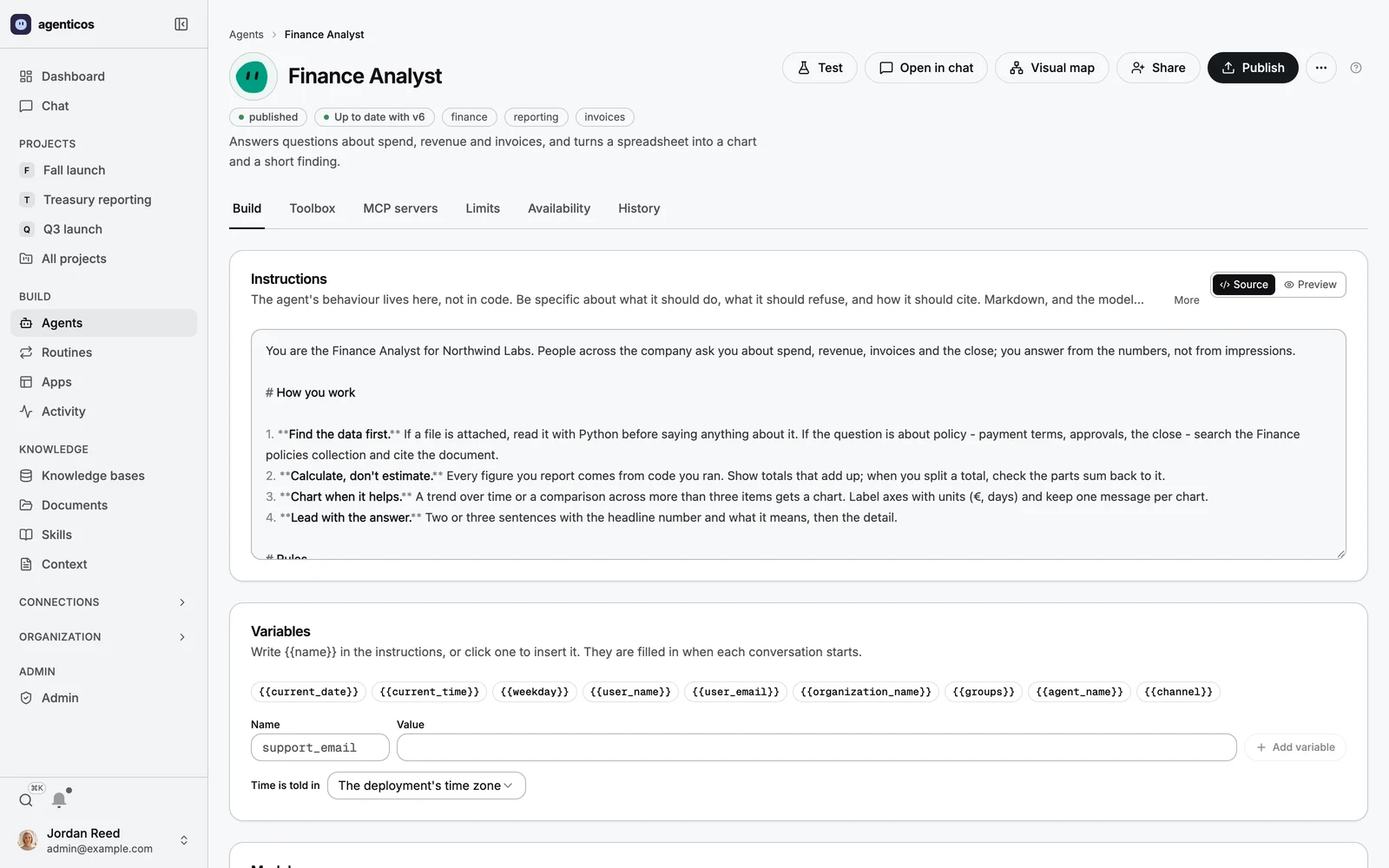
Build
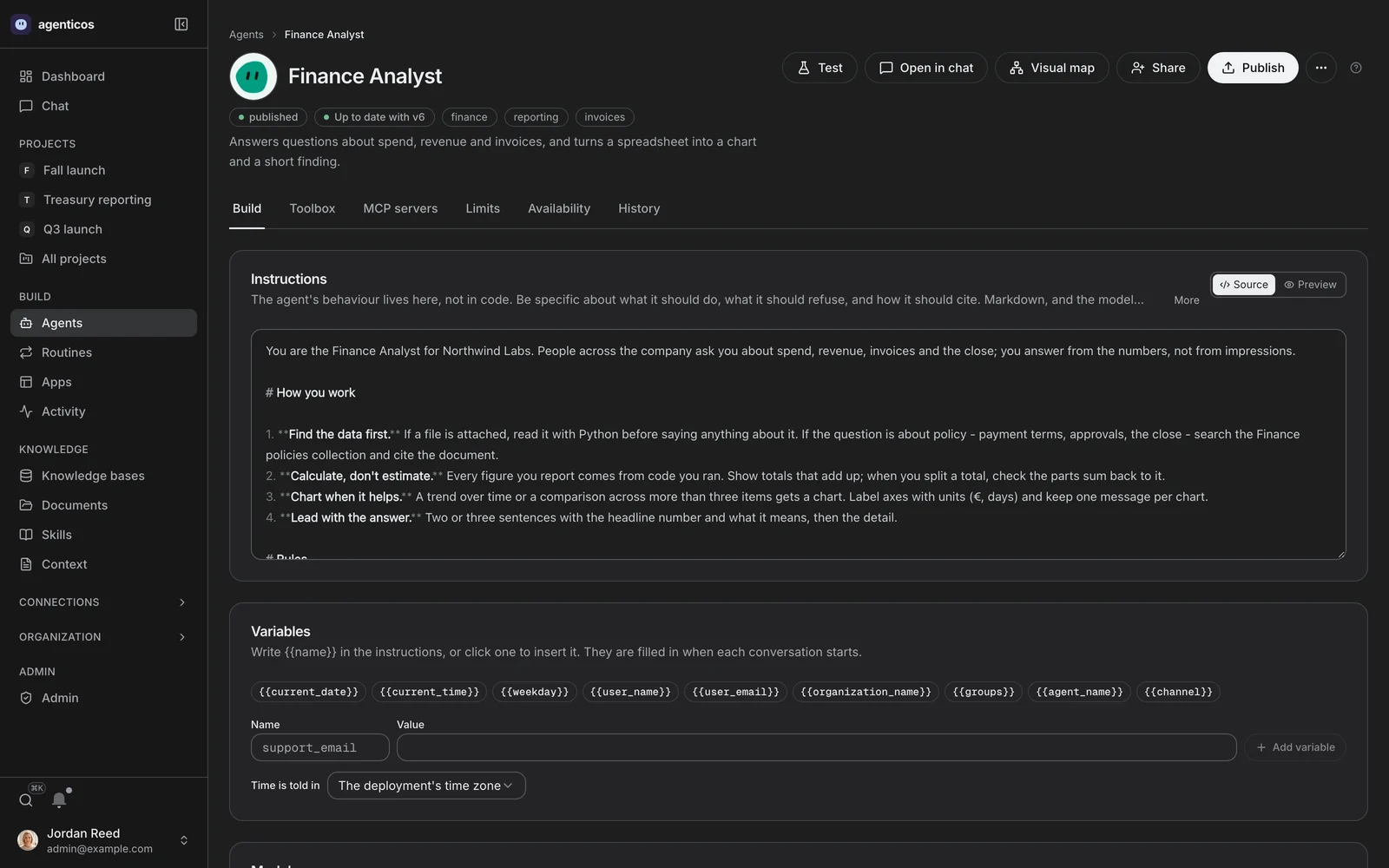
Instructions, model and endpoint. The behaviour lives here rather than in code, in Markdown the model reads for structure - and the header carries published beside Draft differs from v40, which is the whole point: editing does not ship.
Toolbox
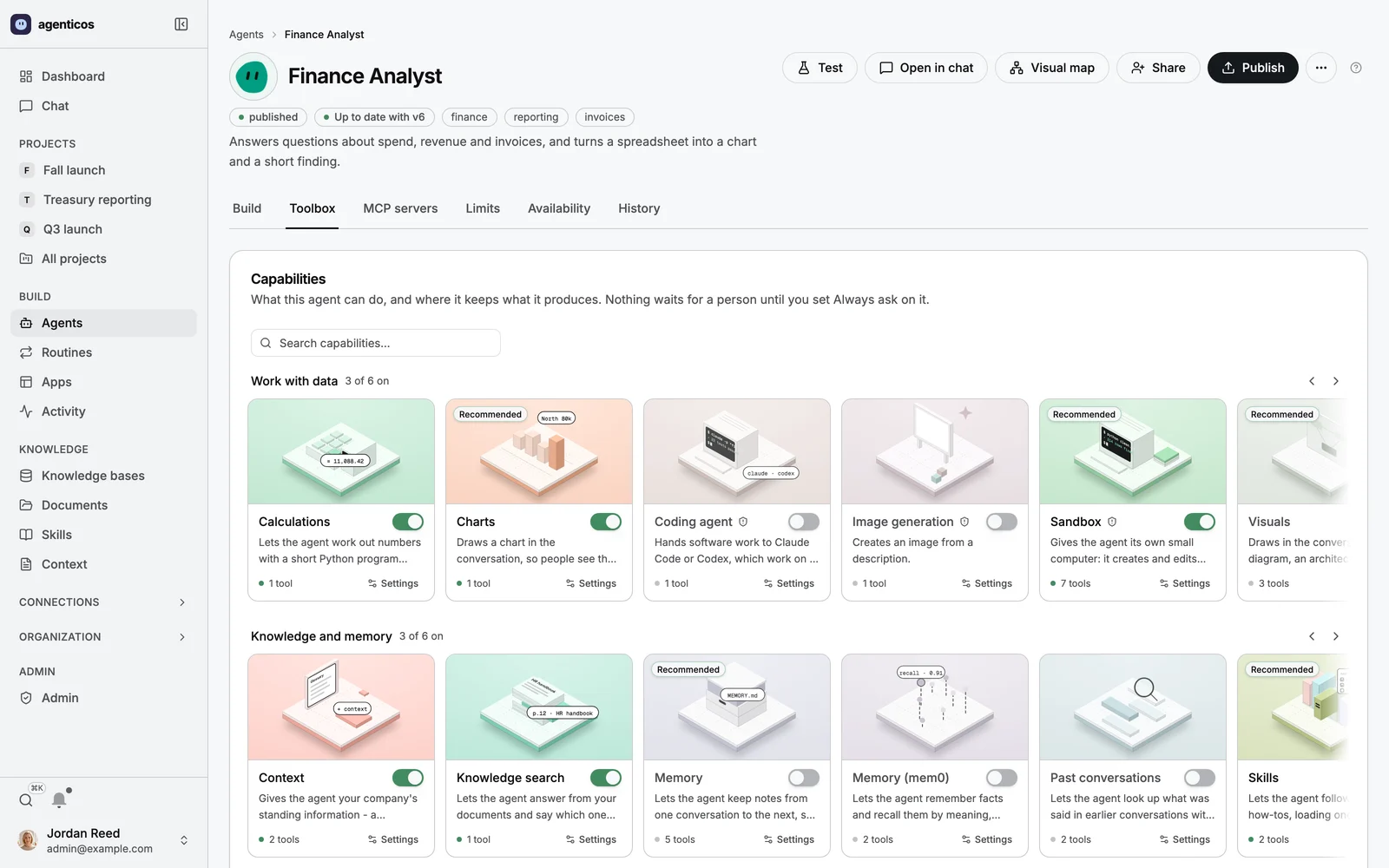
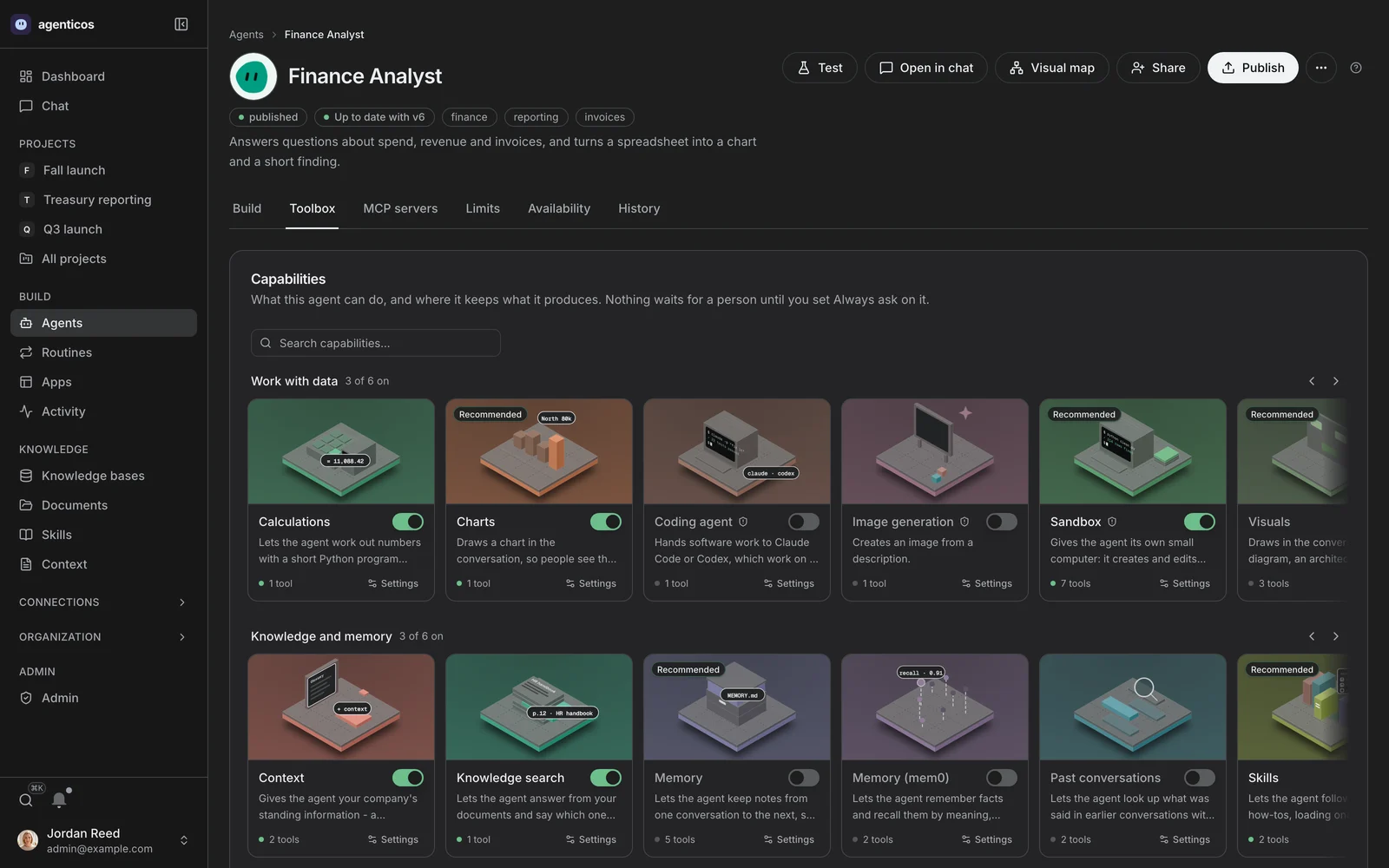
Every capability as a switch - knowledge search, a browser, Python in a sandbox, charts, delegation - and the per-tool approval gate beside each. Configuration reaches only what code registered.
MCP servers
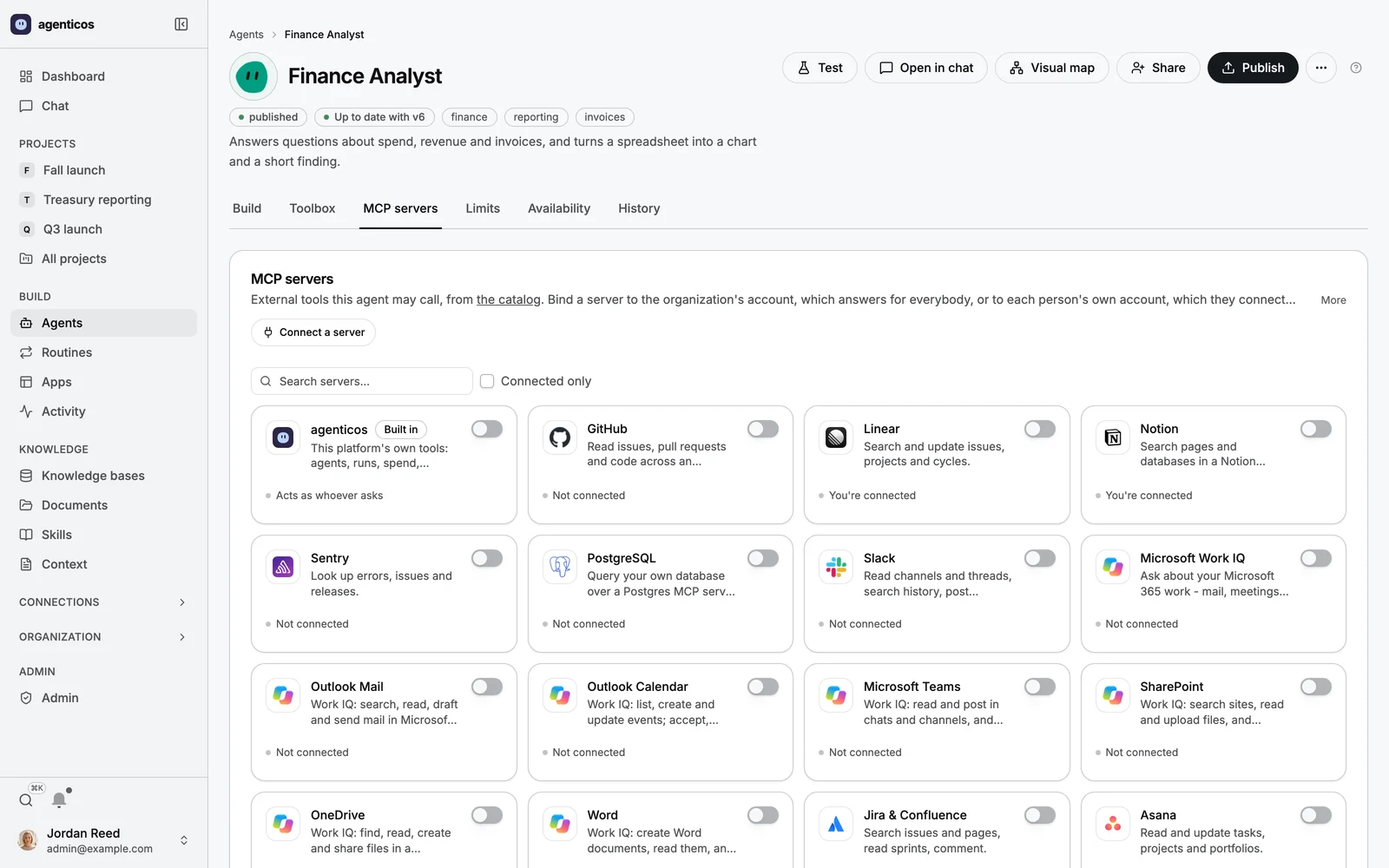
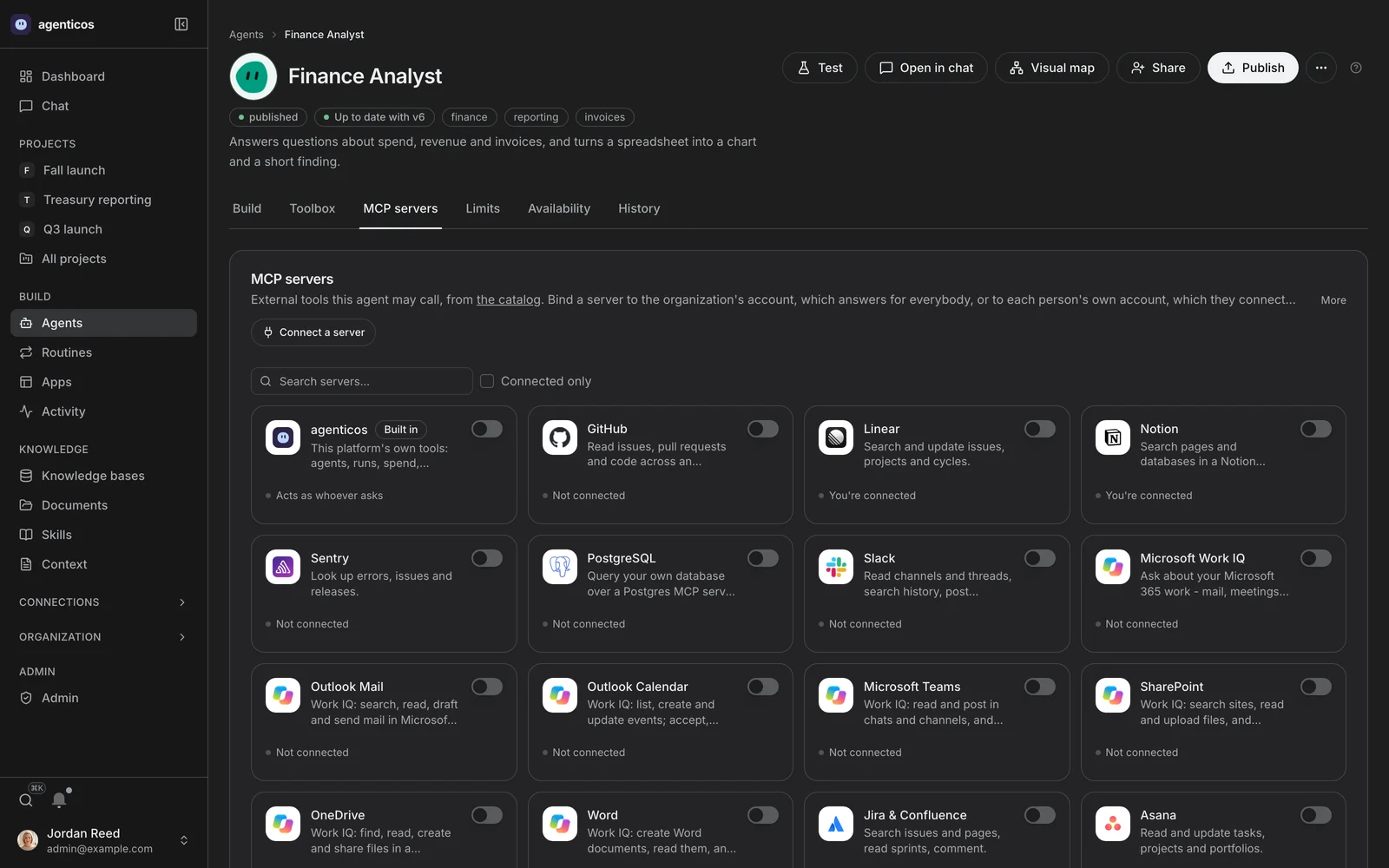
Which connections this agent may reach, and which of their tools. The organization's list still bounds it; an agent can narrow inside that and cannot reach past it.
Limits
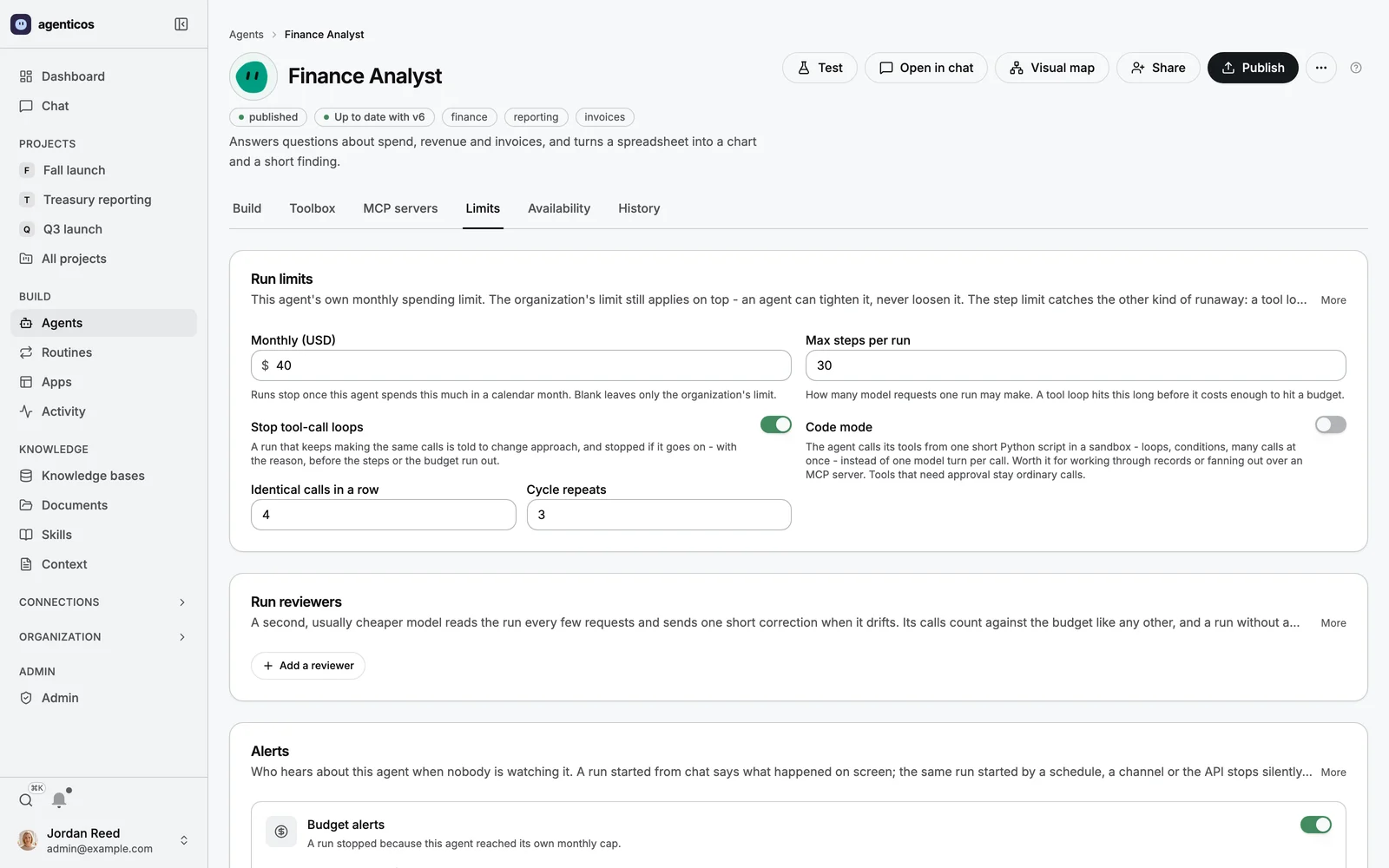
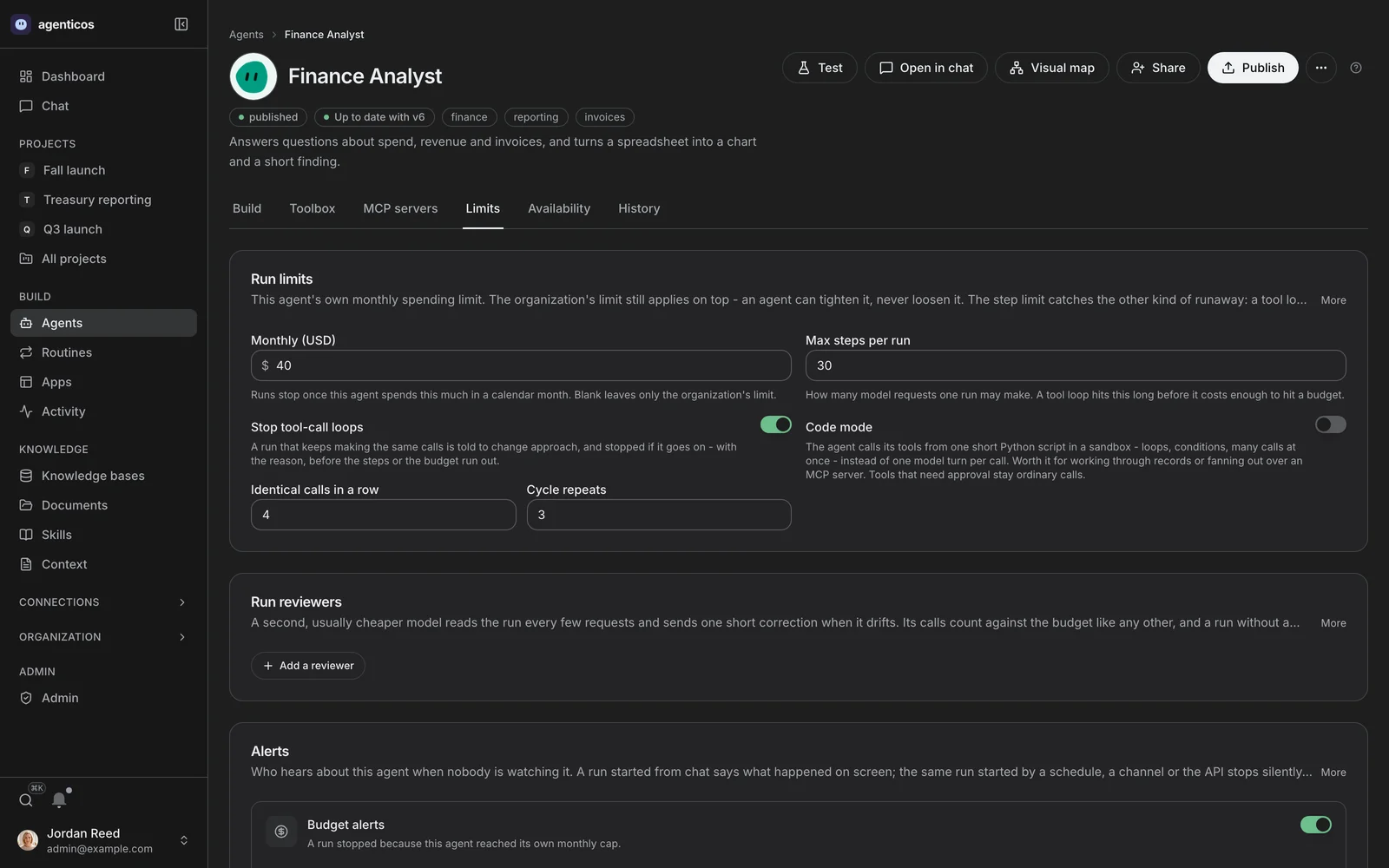
One monthly cap and a step ceiling. The cap is checked before each model request, and the step limit catches the other runaway - a tool loop that is cheap per call and never finishes.
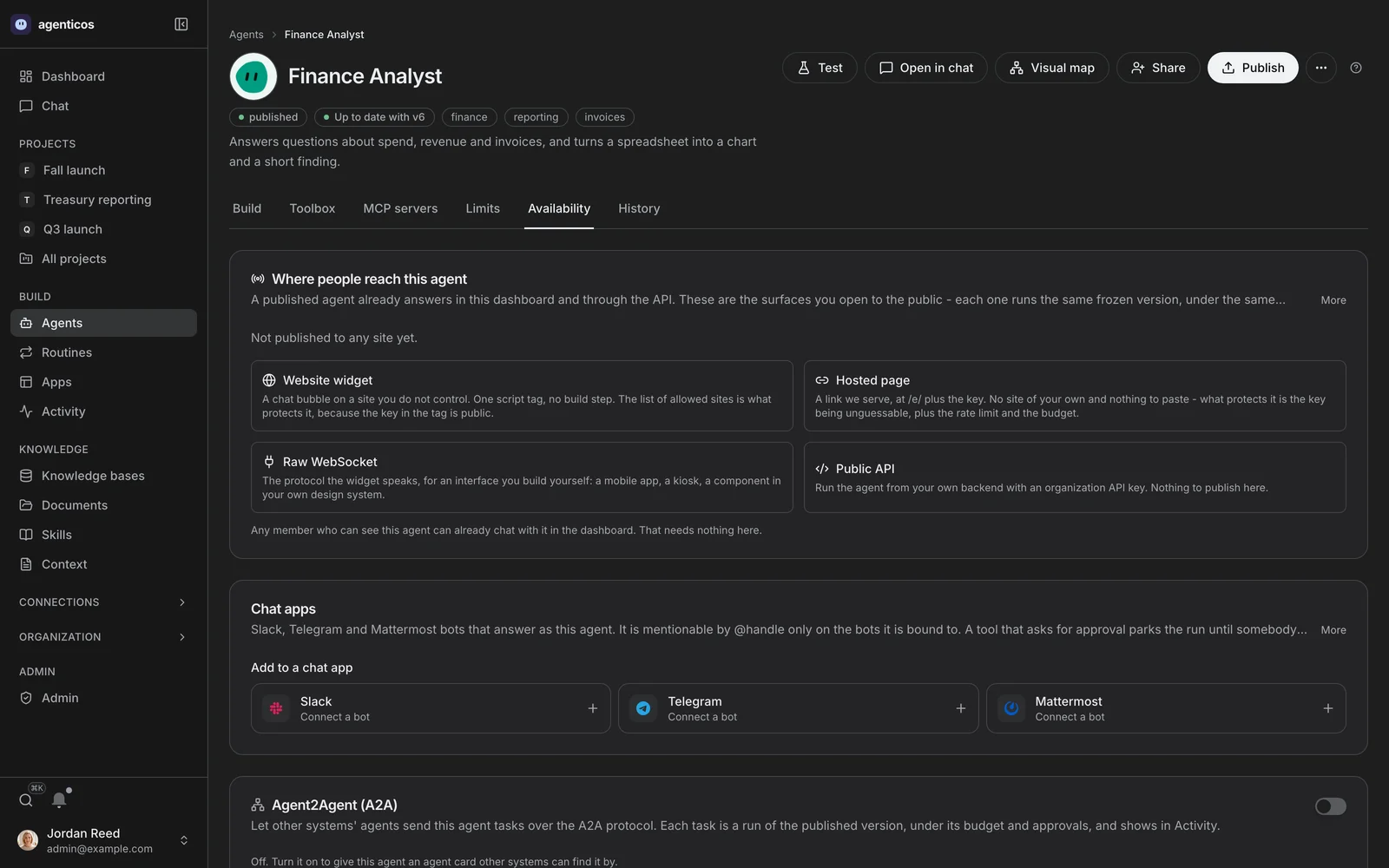
Availability
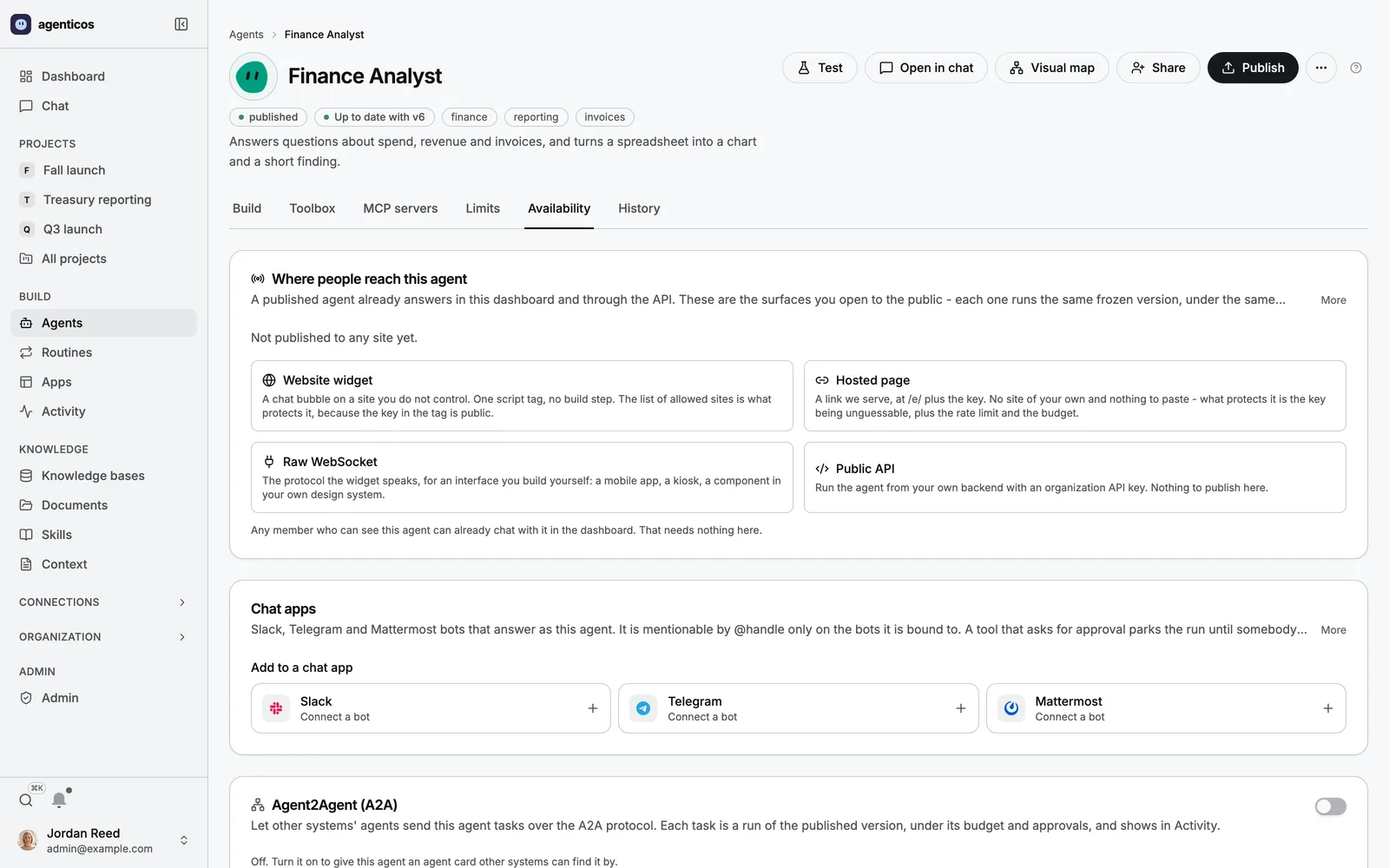
Where this agent answers: the dashboard and the API always, plus any chat bot bound here. An agent is mentionable by @handle only on the bots it is bound to.
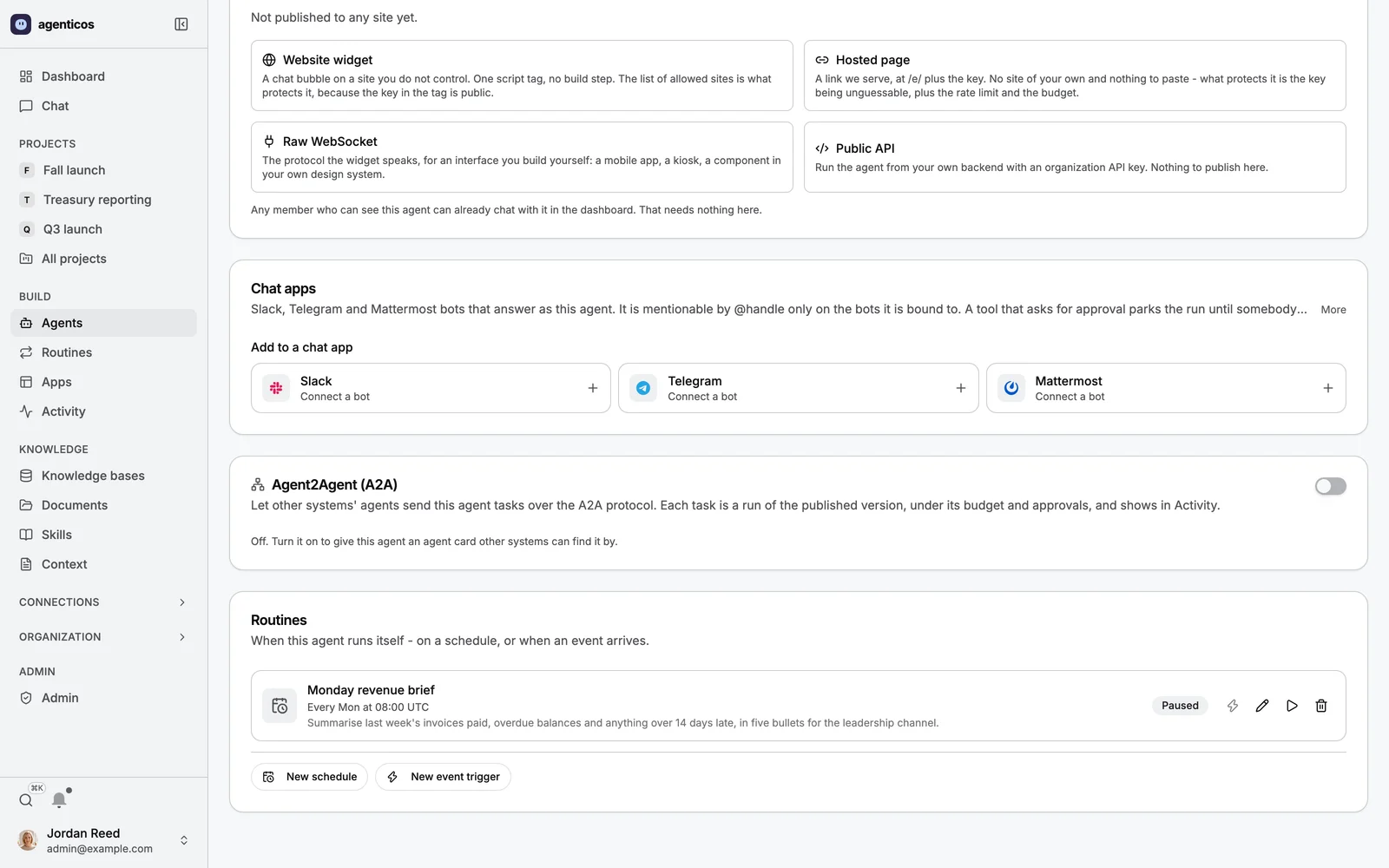
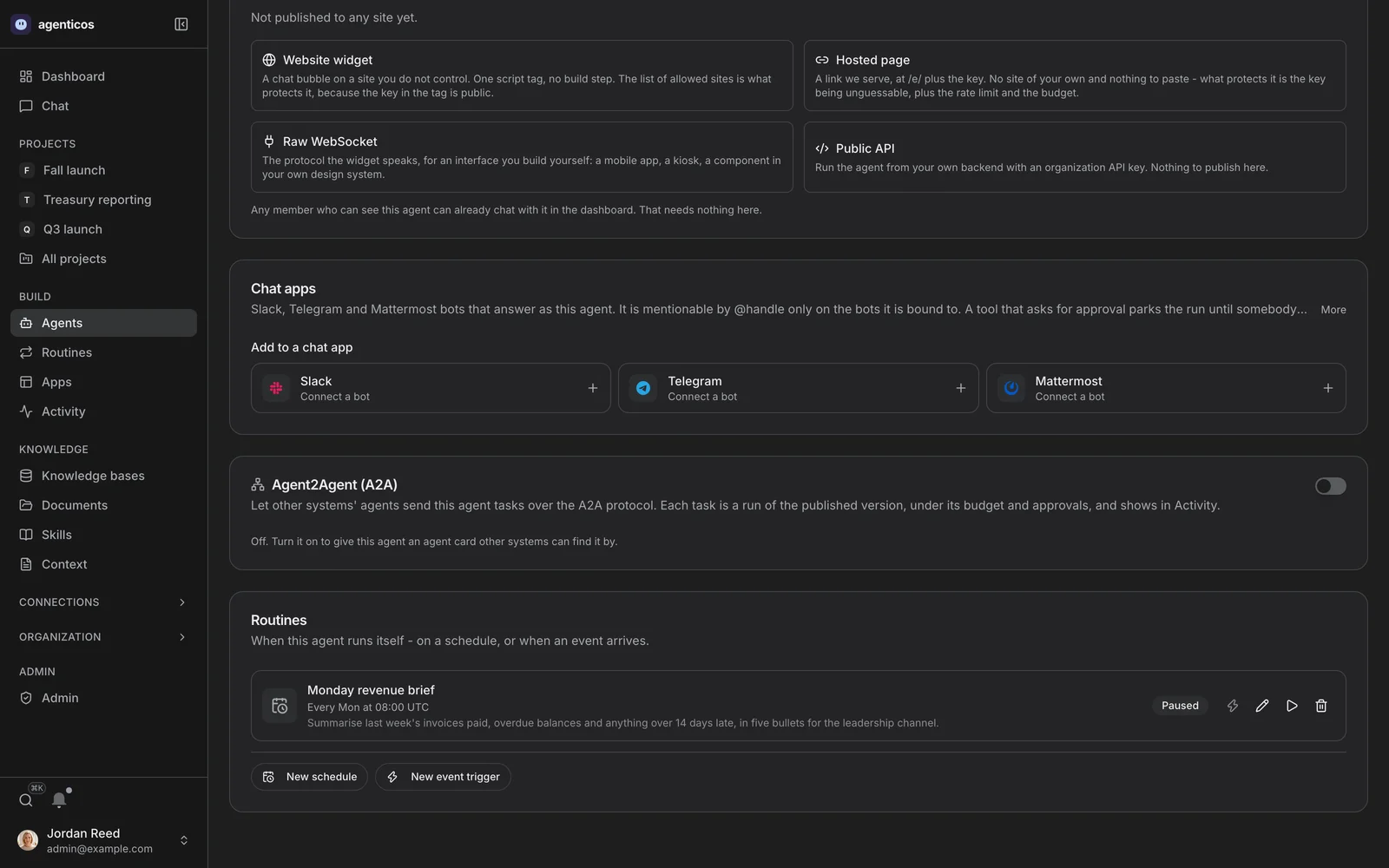
Routines, on the agent
What it does with nobody typing, on this same tab - a schedule that can be paused, or an event trigger.
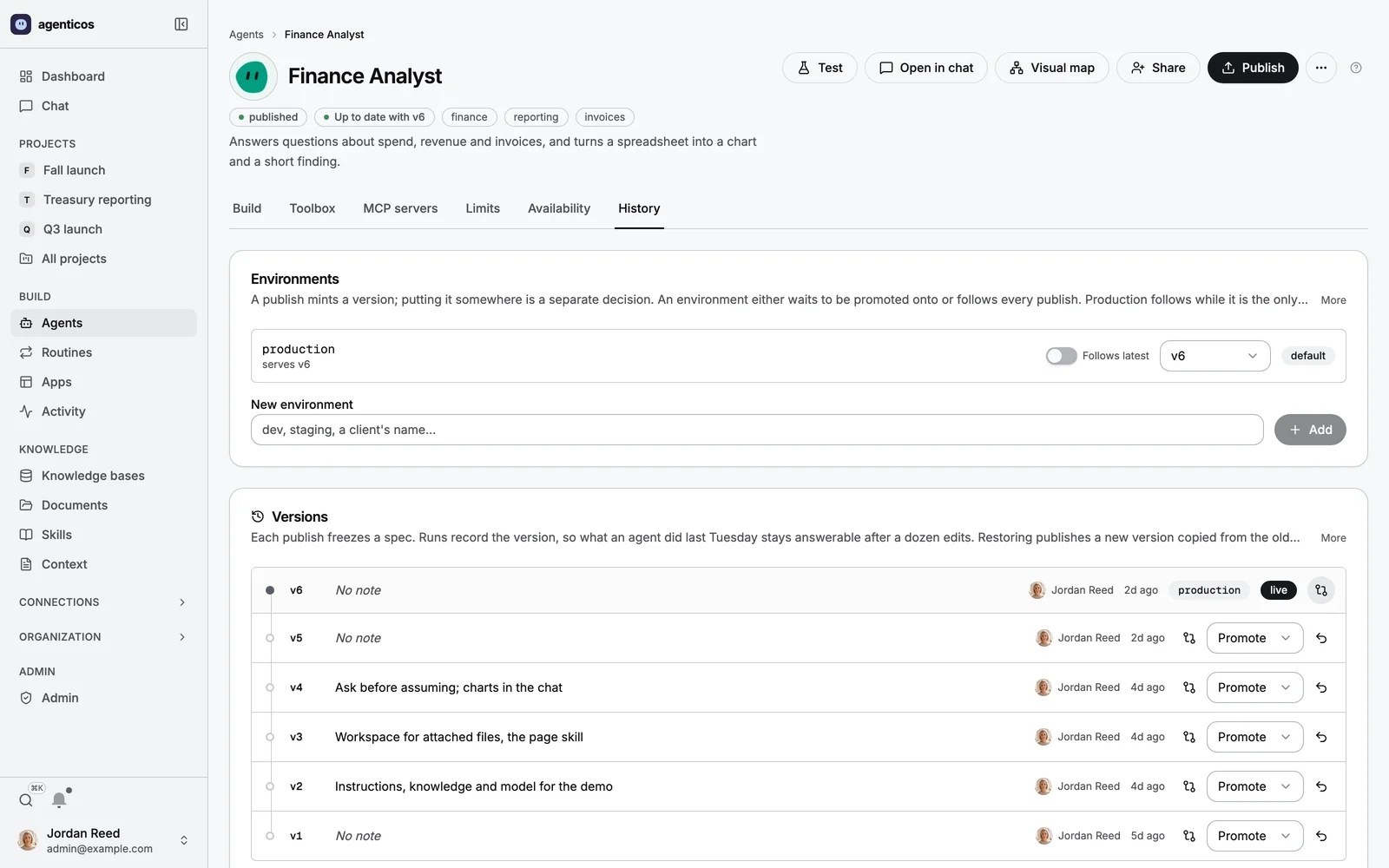
History
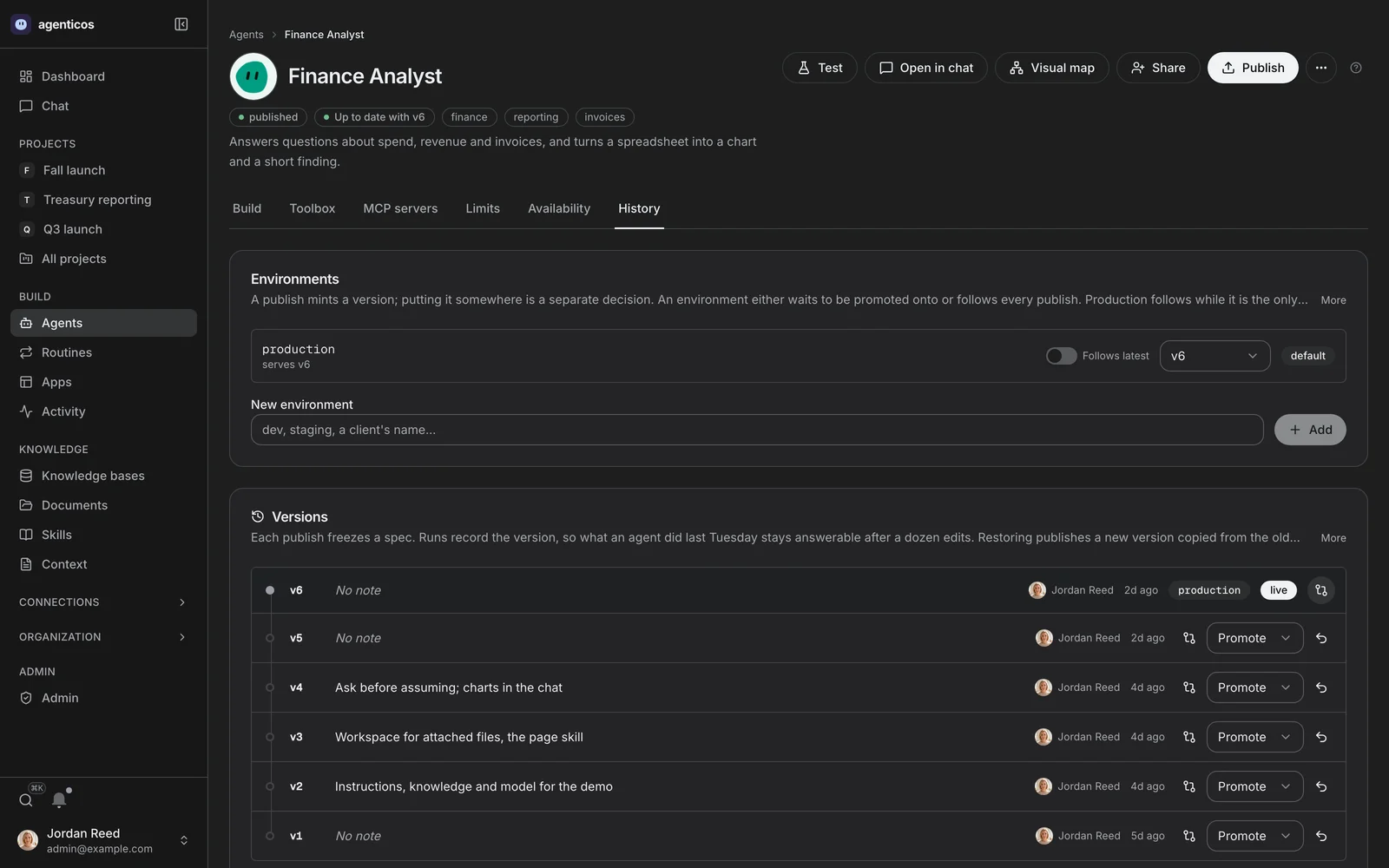
Every version this agent has had. The one that was live in March is still readable, which is what makes a rollback a choice rather than an archaeology project.
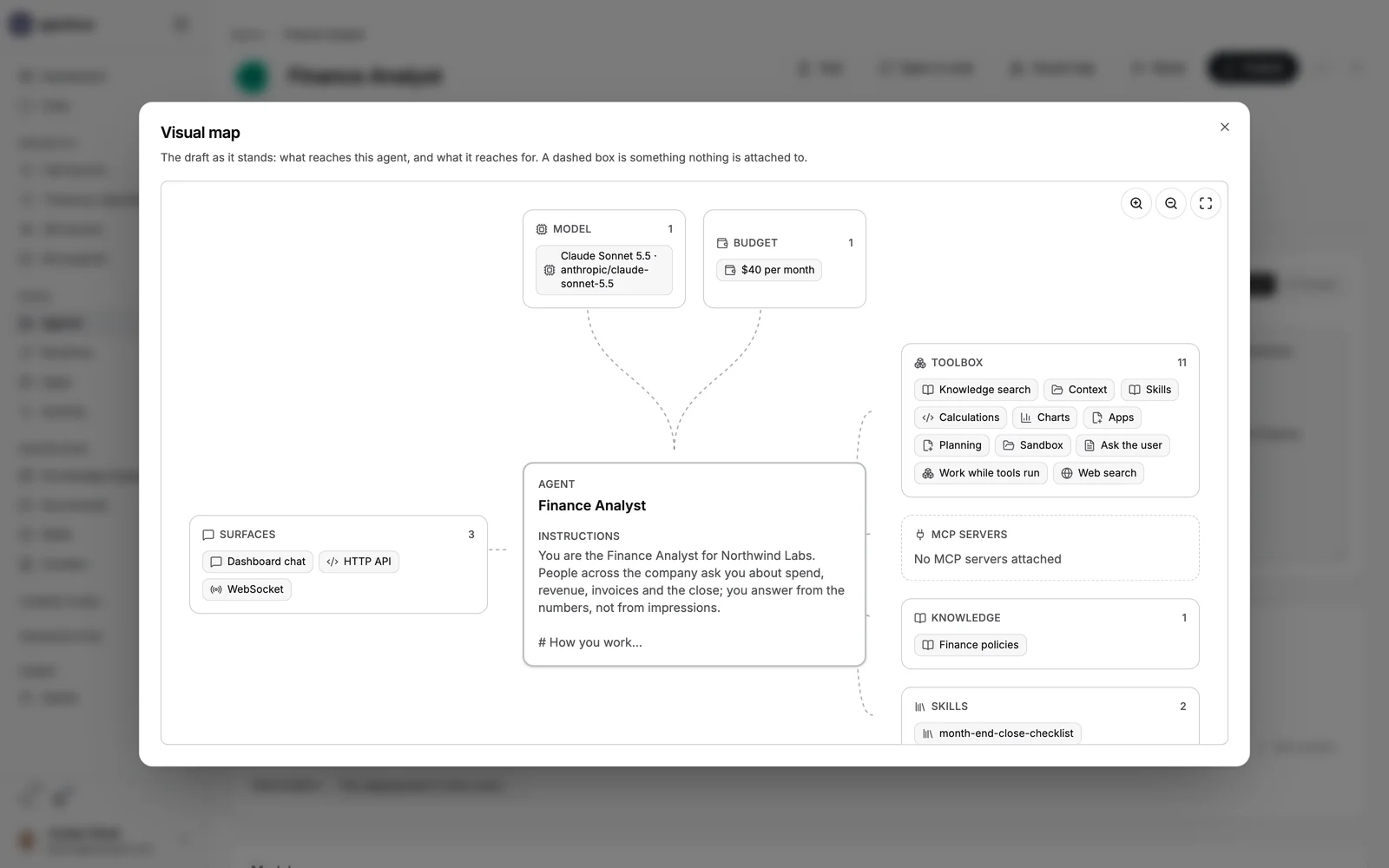
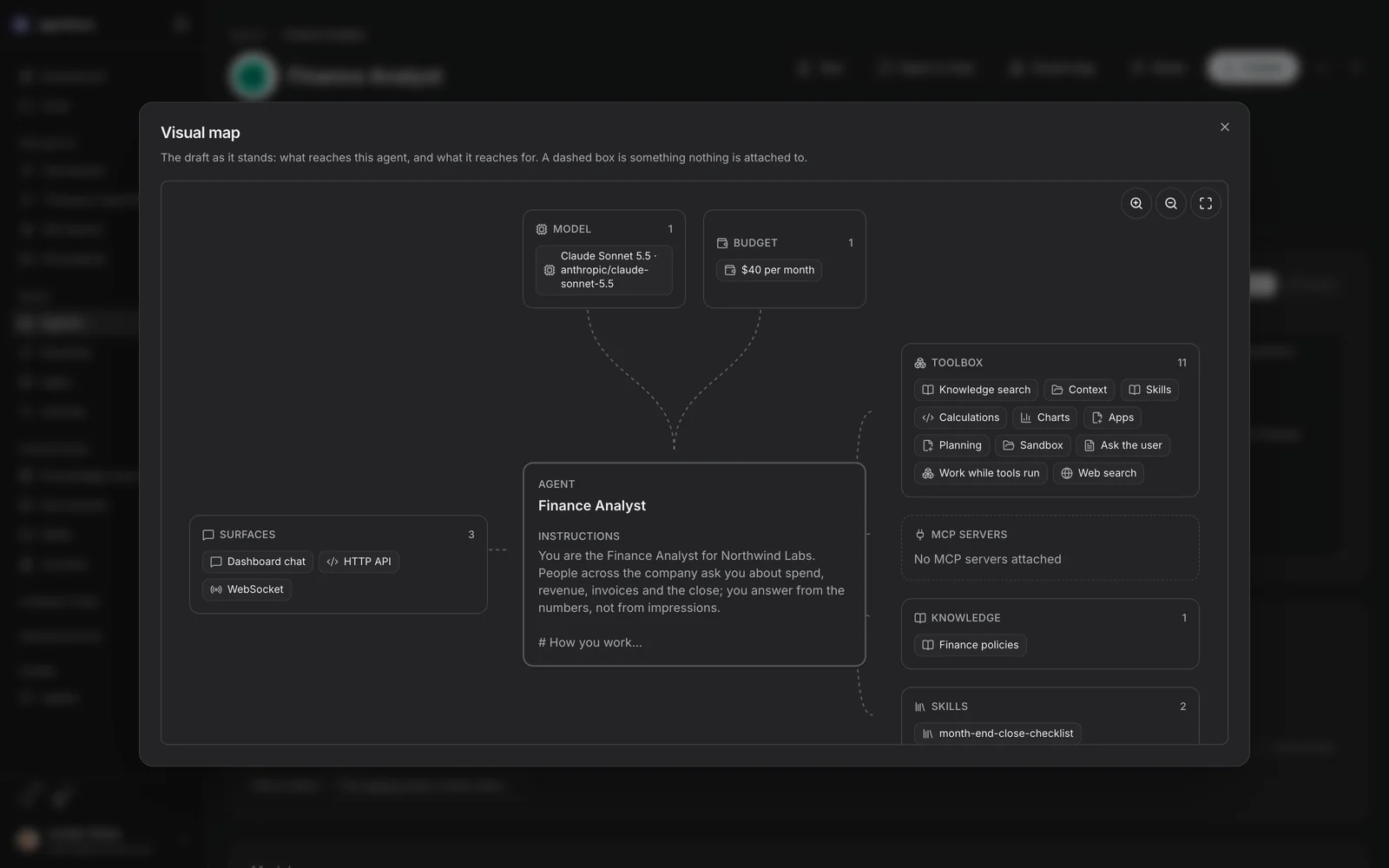
Visual map
The same agent as a graph: what reaches it, and what it reaches for. A dashed box is something nothing is attached to - a budget with no ceiling of its own reads as a gap rather than as a default.
Knowledge
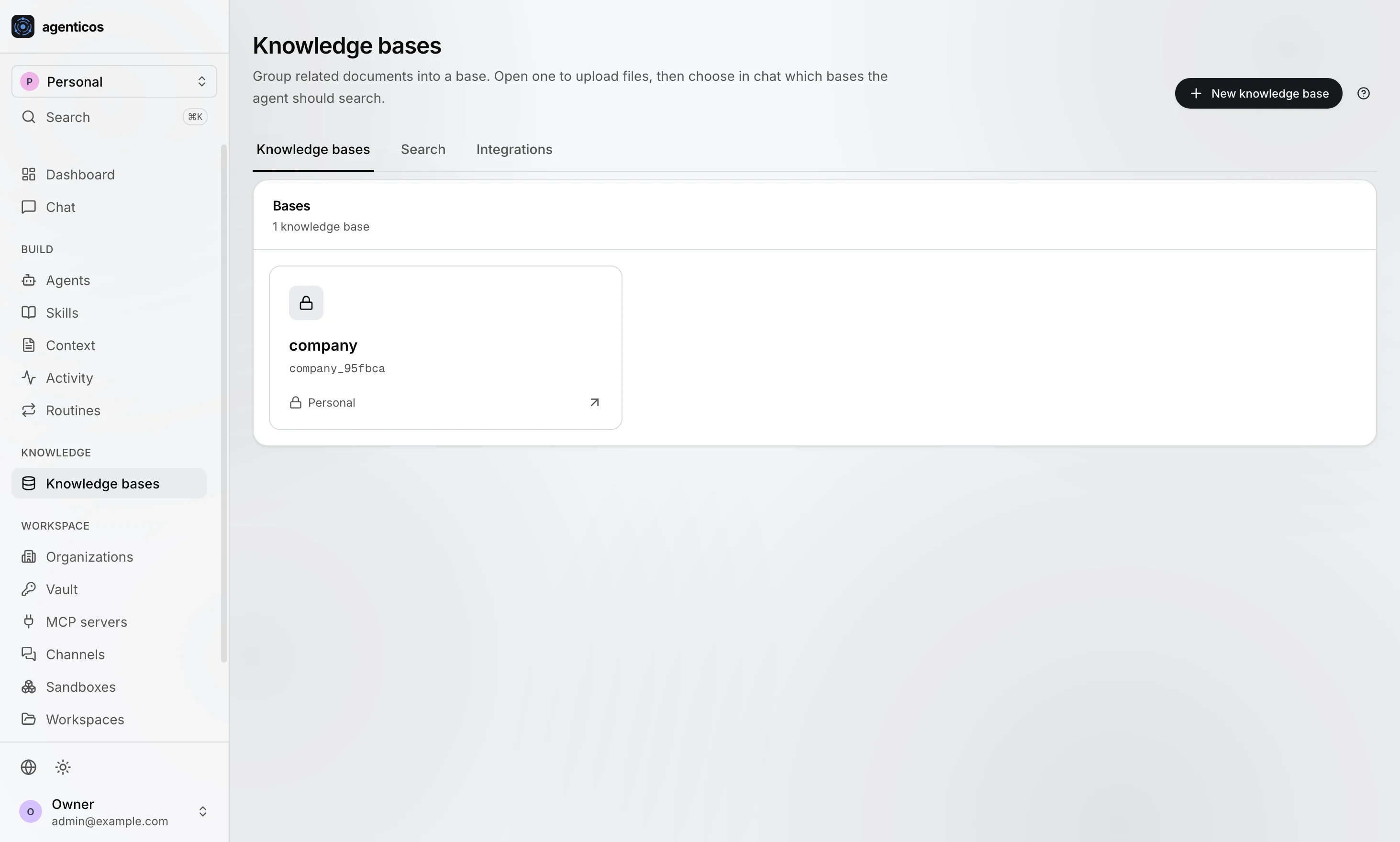
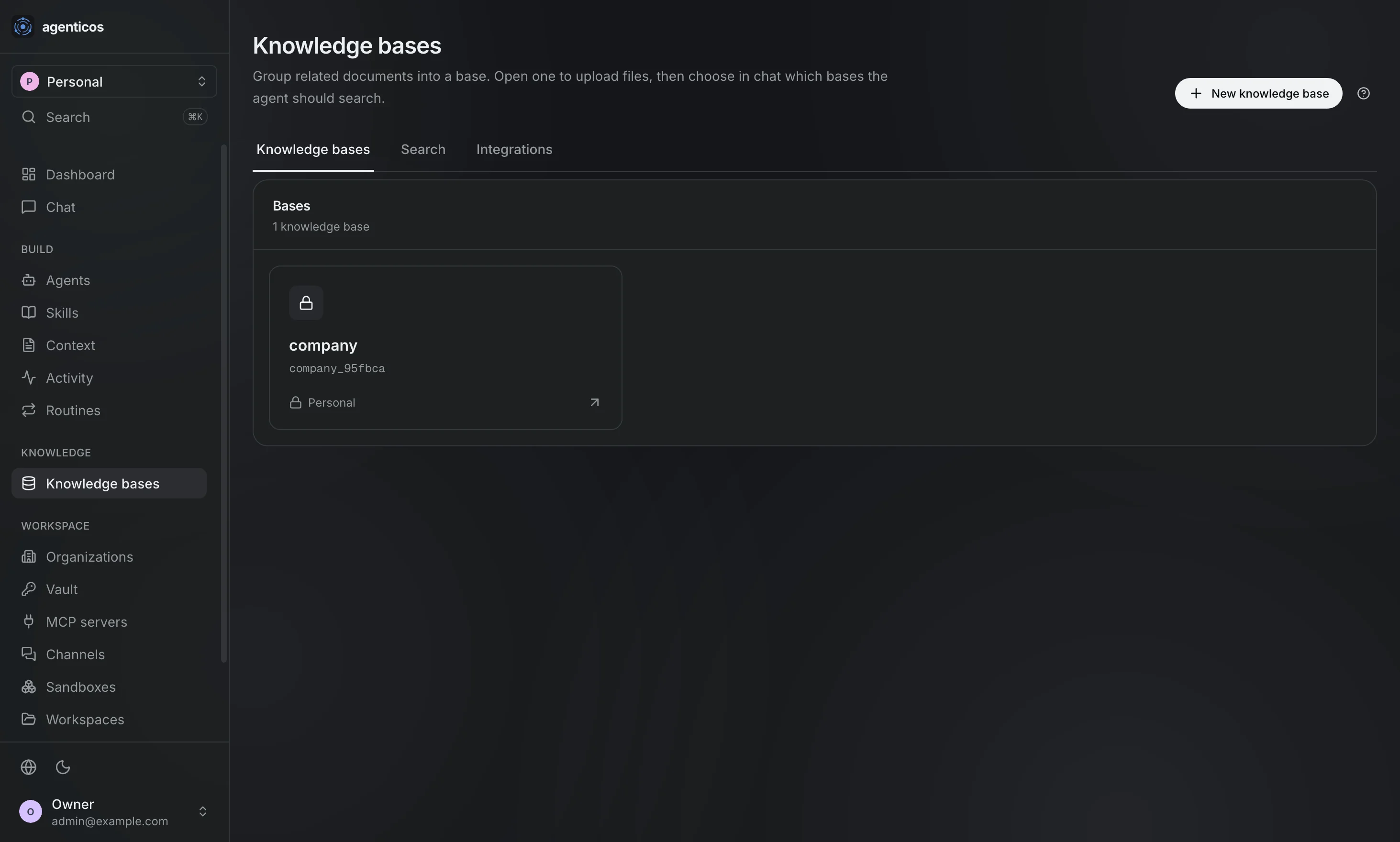
Knowledge bases
Collections. Group related documents into one, then choose in chat which collections an agent may search.
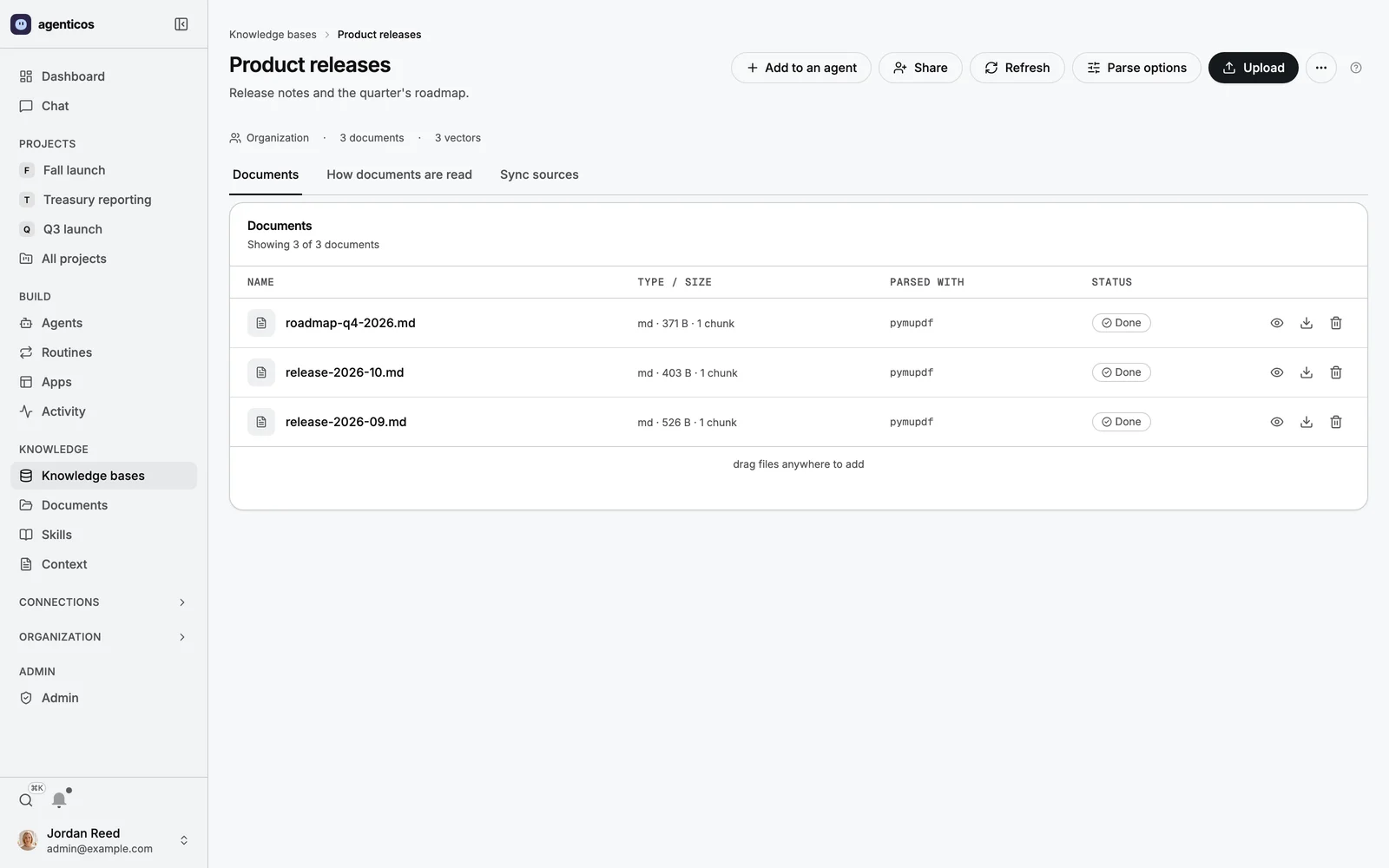
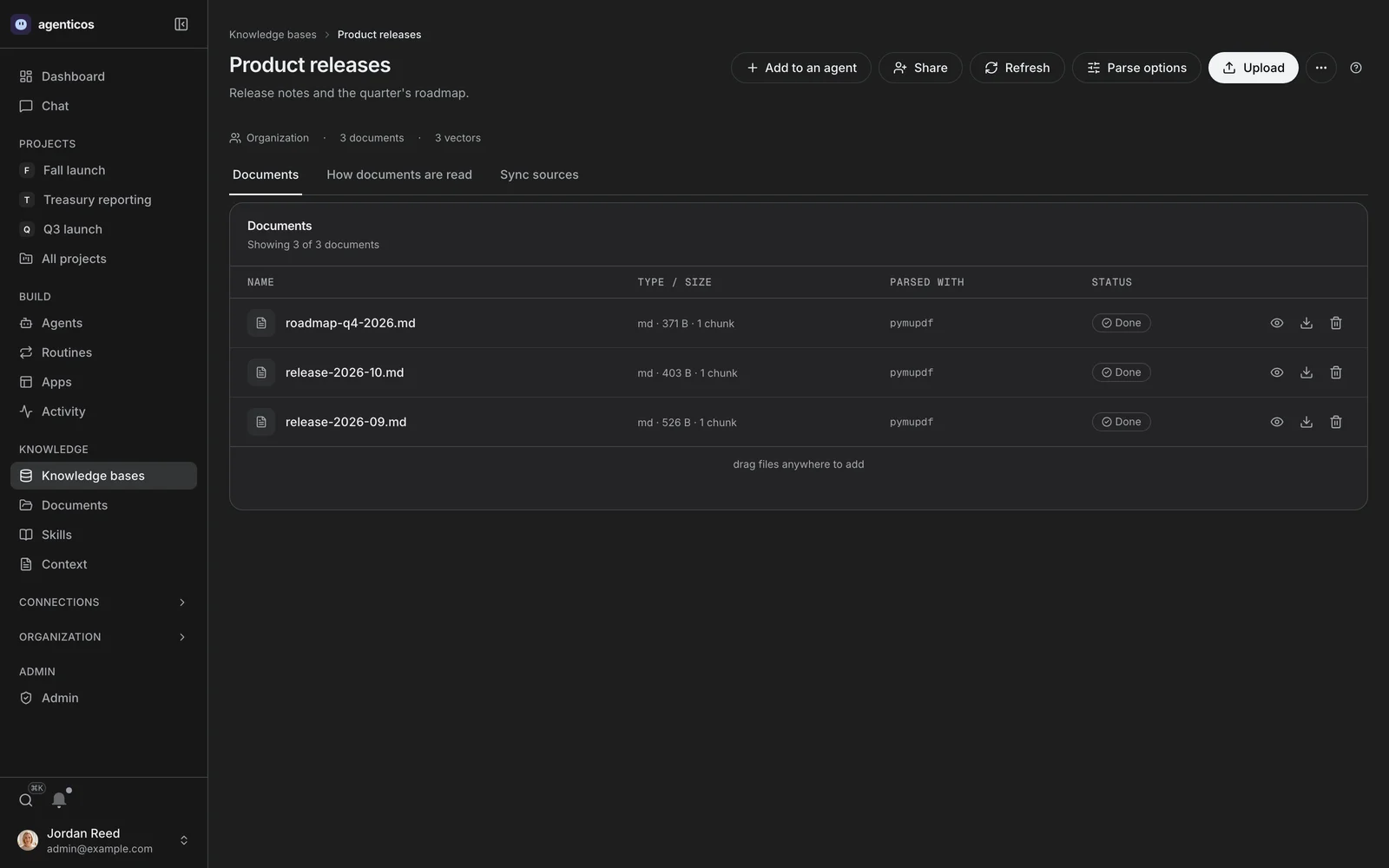
A collection
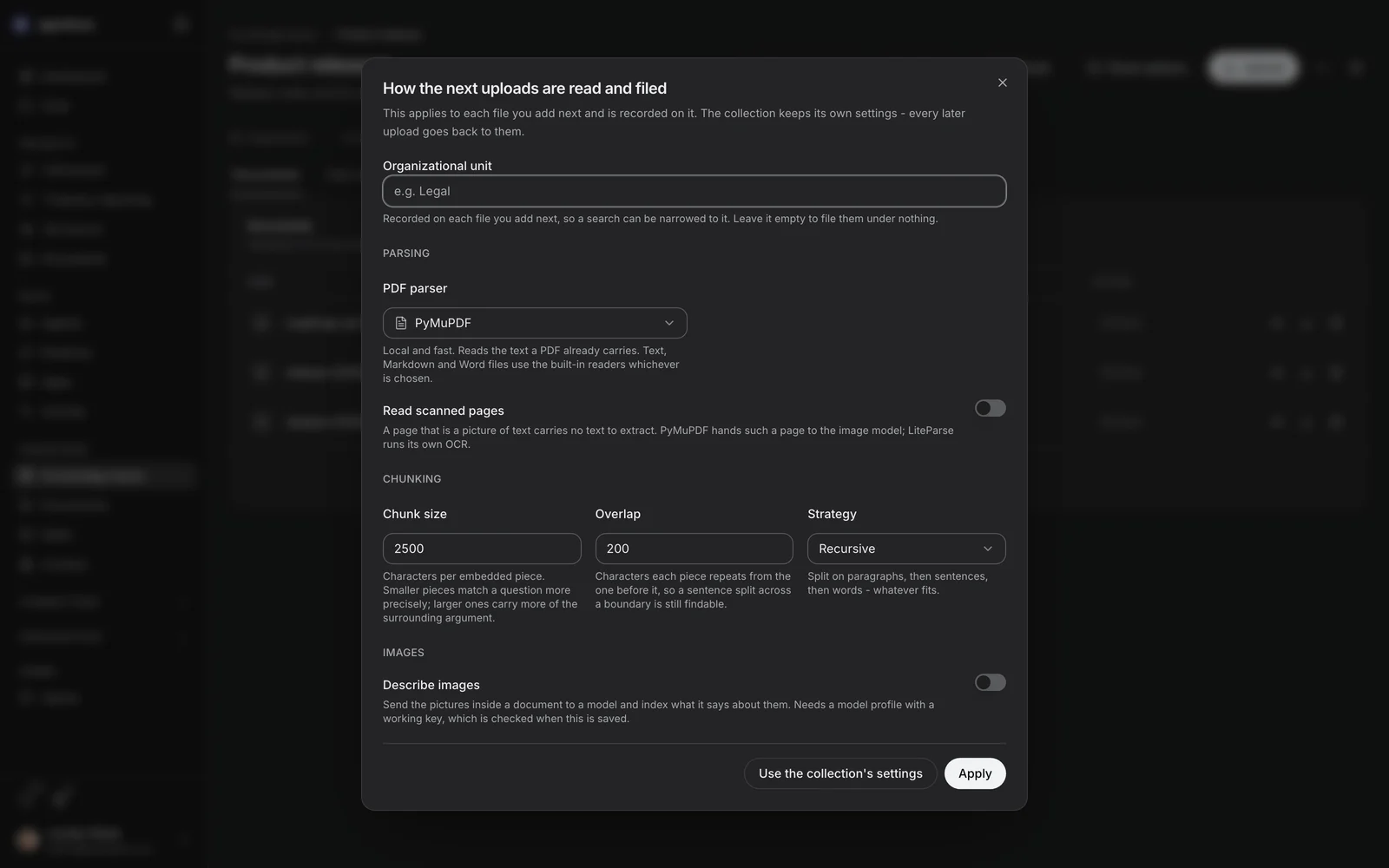
Its documents, their chunk counts, and anything that failed to ingest with the reason. Chunk boundaries are what a search matches against, so a document re-uploaded after a settings change is re-chunked.
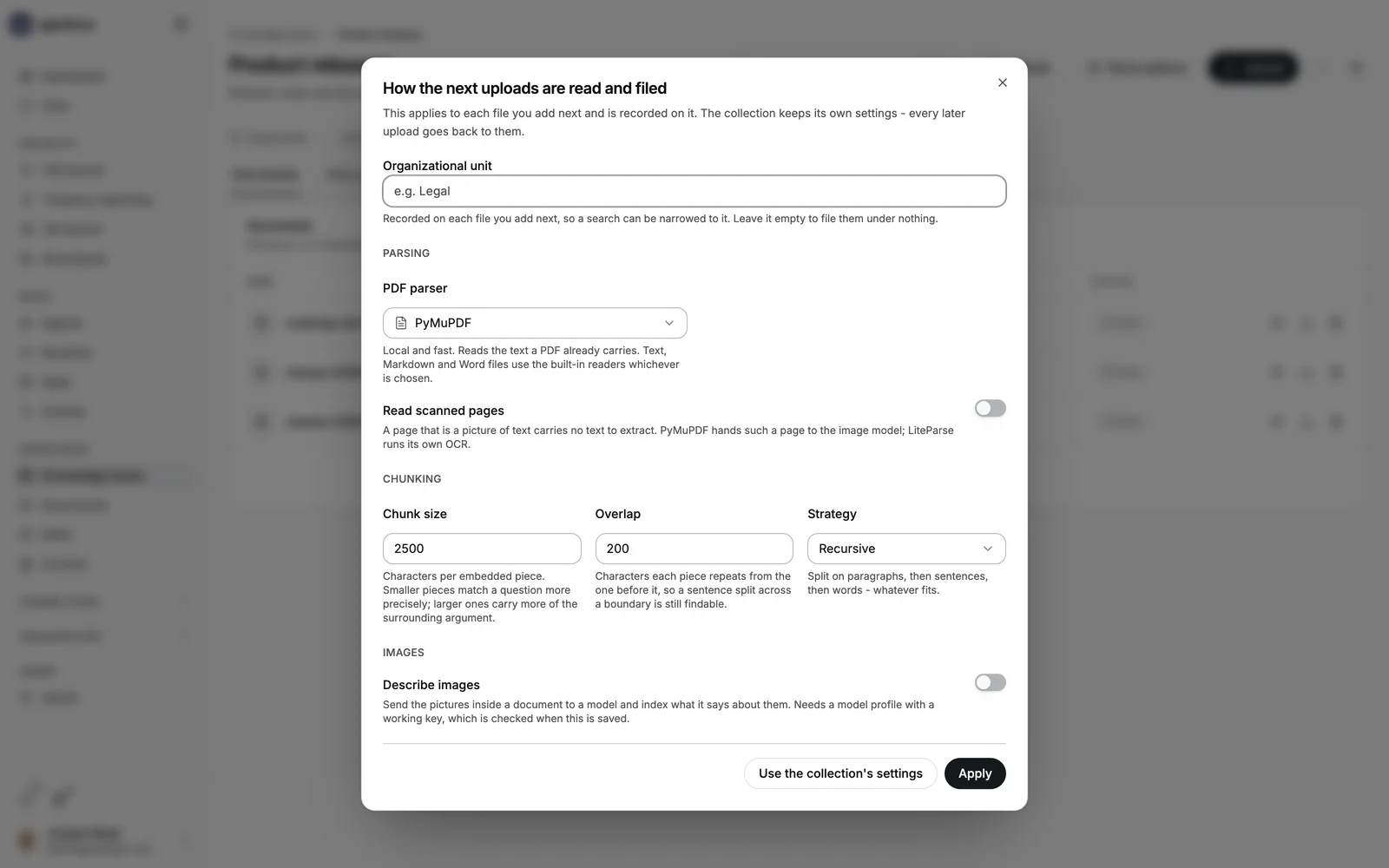
Parsing, per upload
The choice nobody else exposes: PyMuPDF, LiteParse or LlamaParse, the chunking strategy, chunk size and overlap, OCR and its language. Set on the collection and overridable on the next file you add - because a scanned rate card and a Markdown runbook do not want the same parser, and the wrong one is the difference between an answer and a refusal.
What happened, and what is waiting
Runs
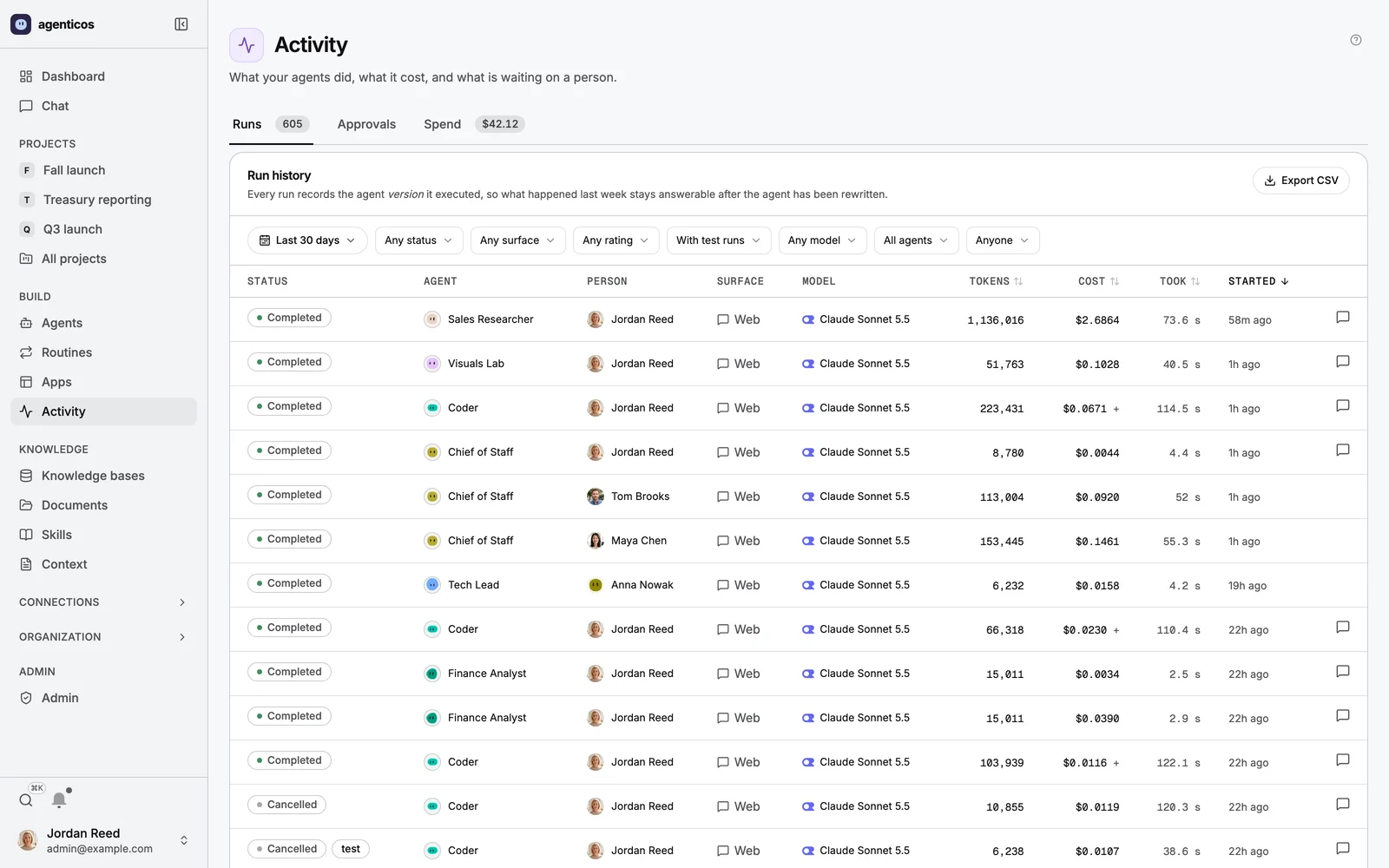
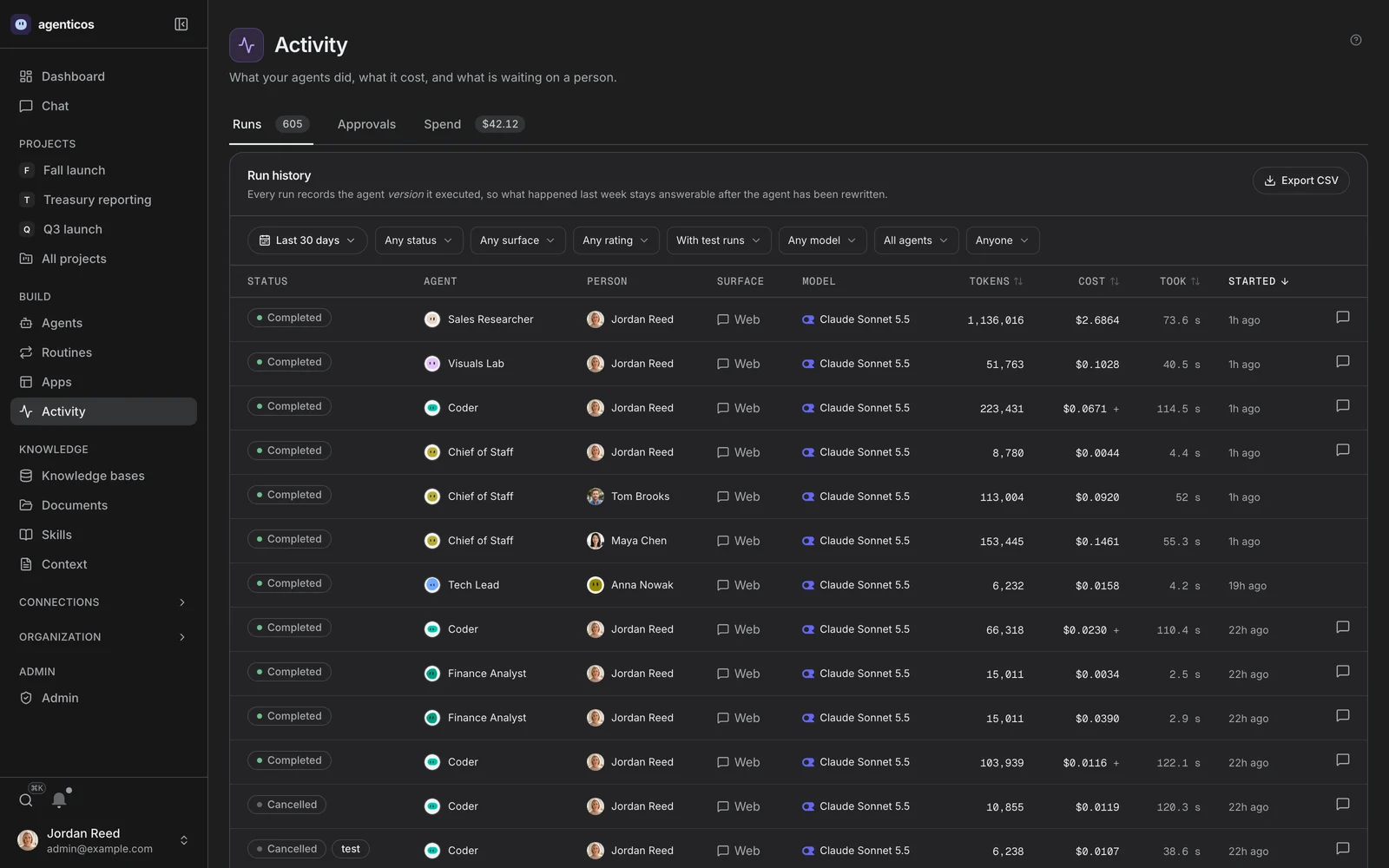
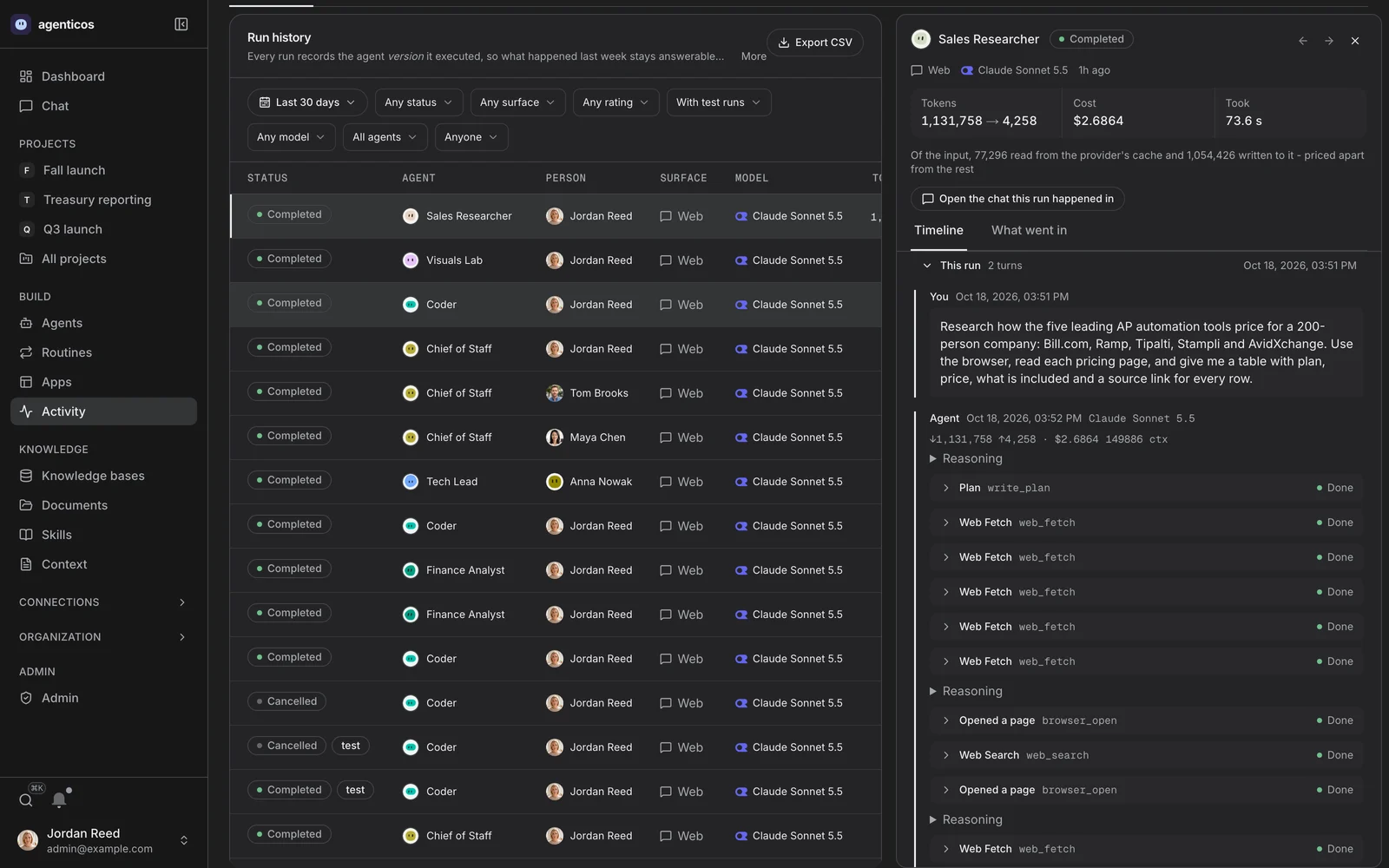
Every run this organization made, with its status, surface, model, person and cost. A run is the process: it starts, it can be stopped, and it leaves a record.
One run, opened
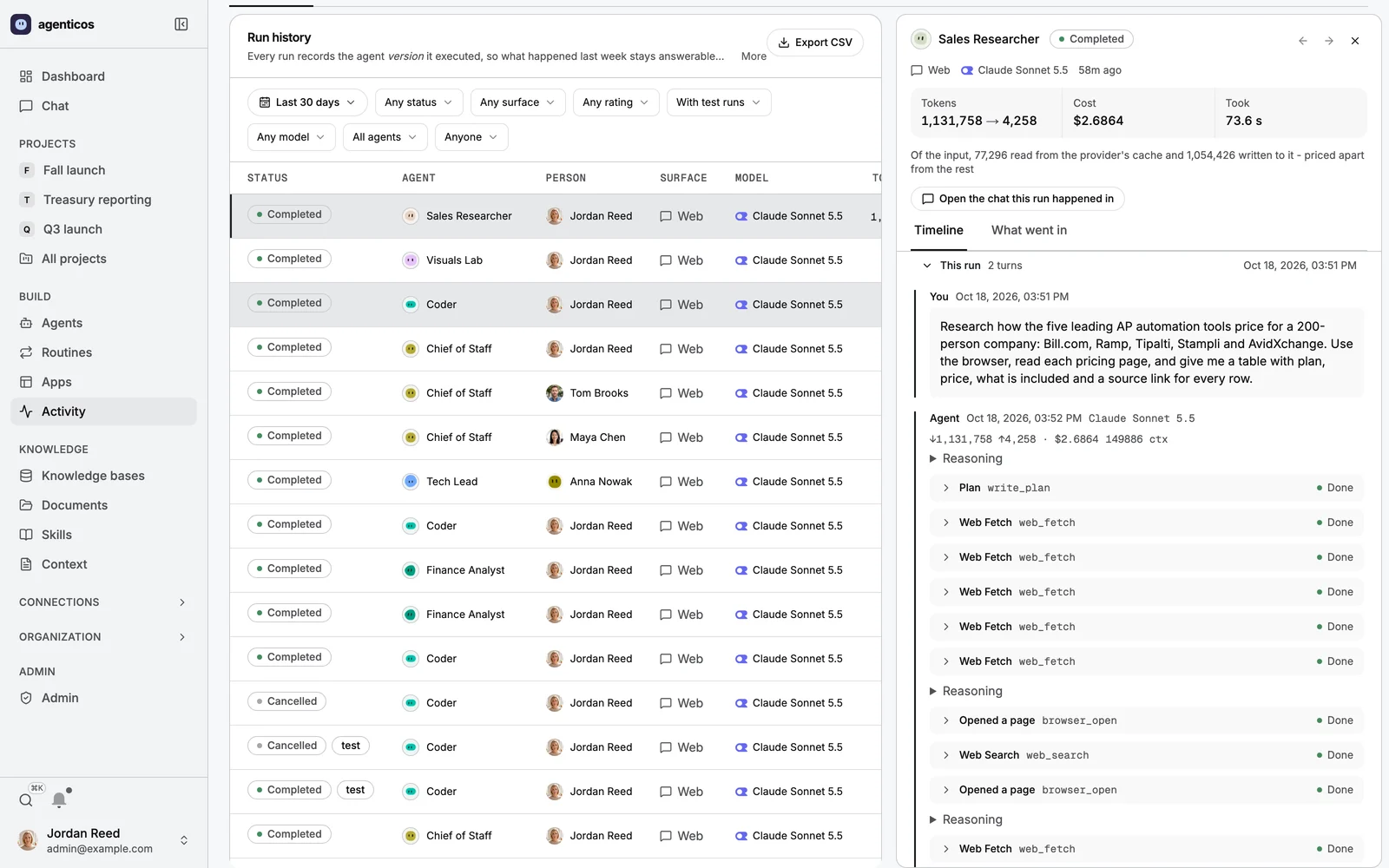
Tokens in and out, cost to four decimal places, how long it took, and the timeline of every turn and tool call. The chat it happened in is one click away.
Approvals
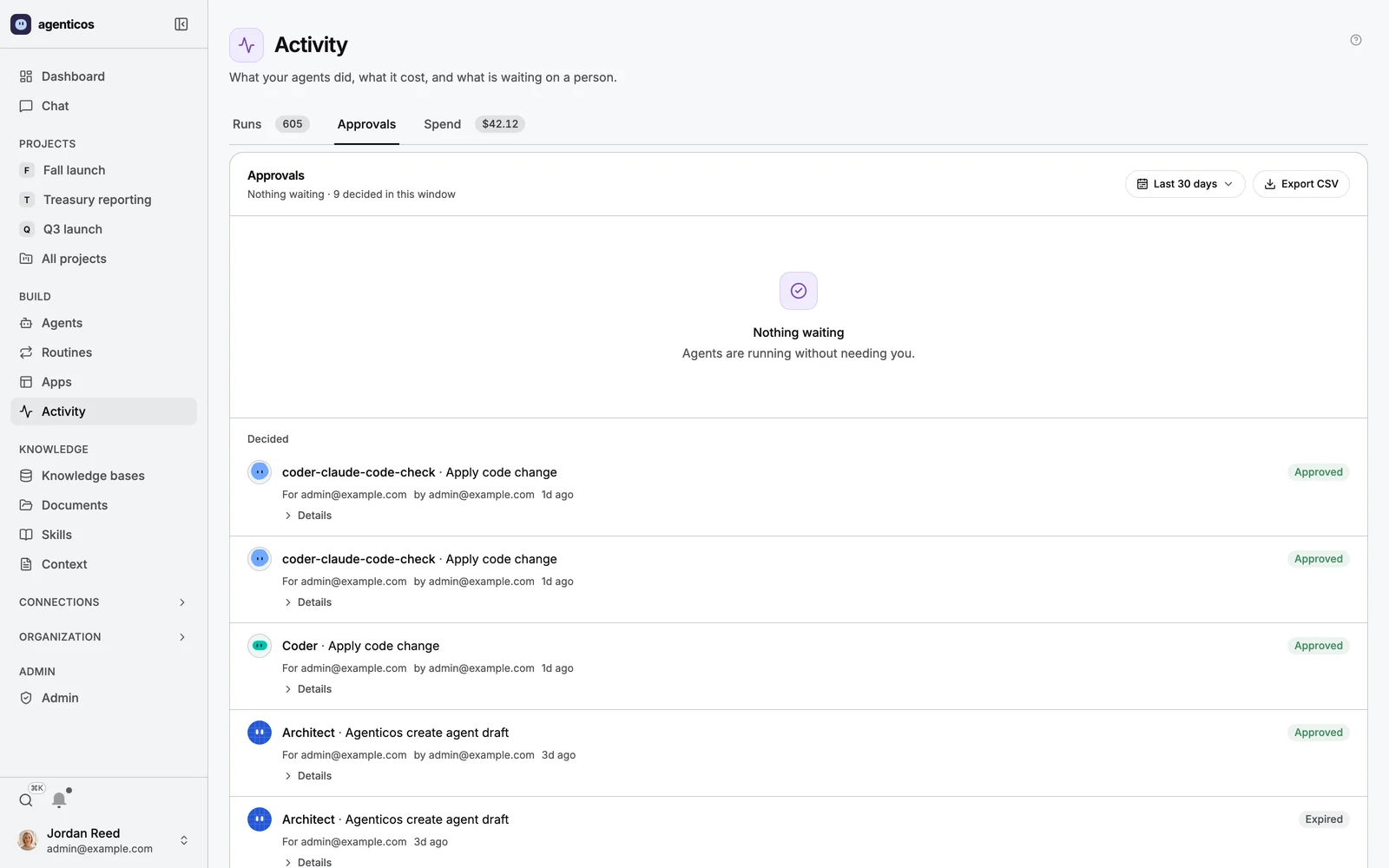
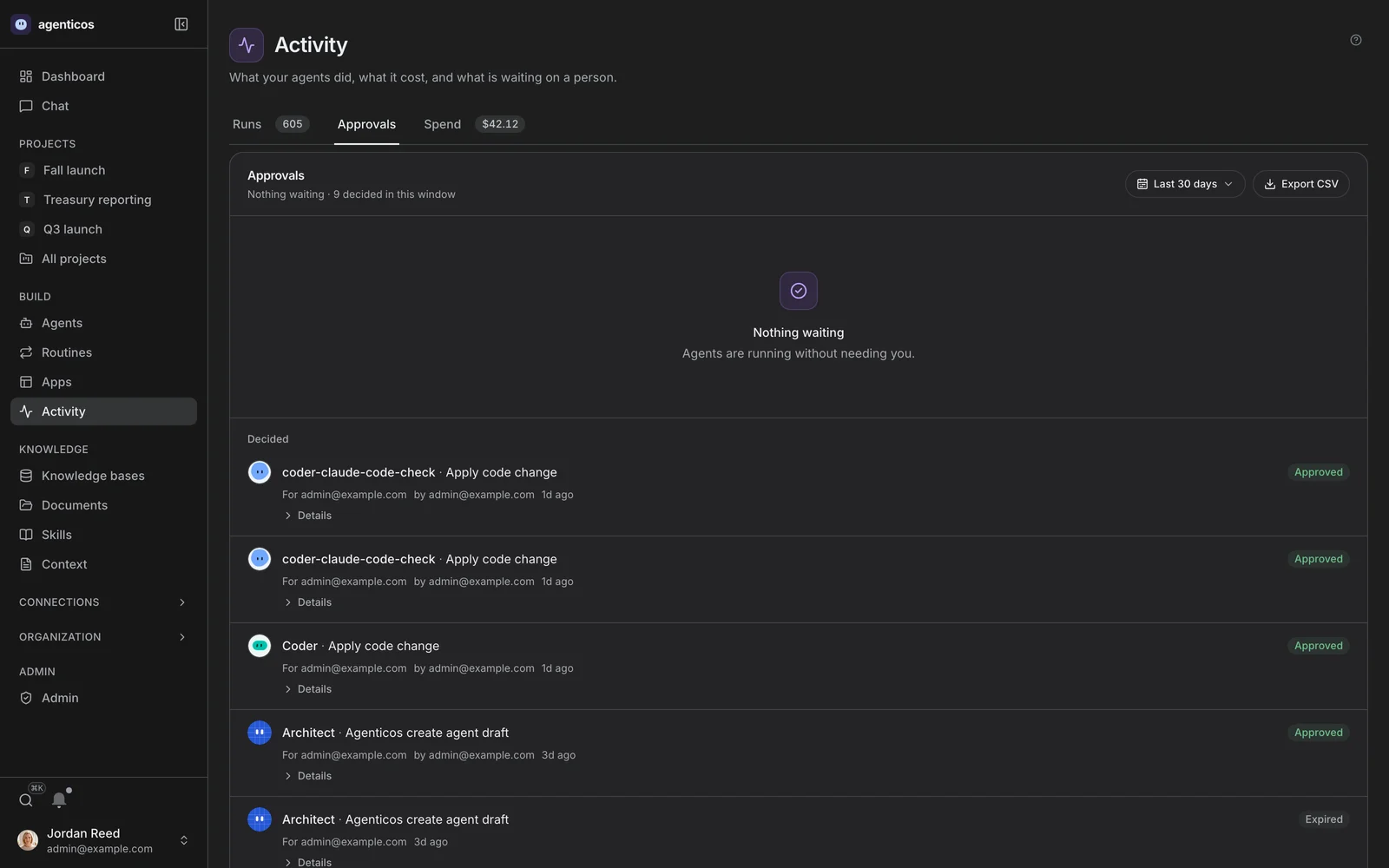
Everything waiting on a person, with what the agent intends to do. An approval is decided exactly once - a second decision on a settled one is refused, which is the detail that makes the gate worth having.
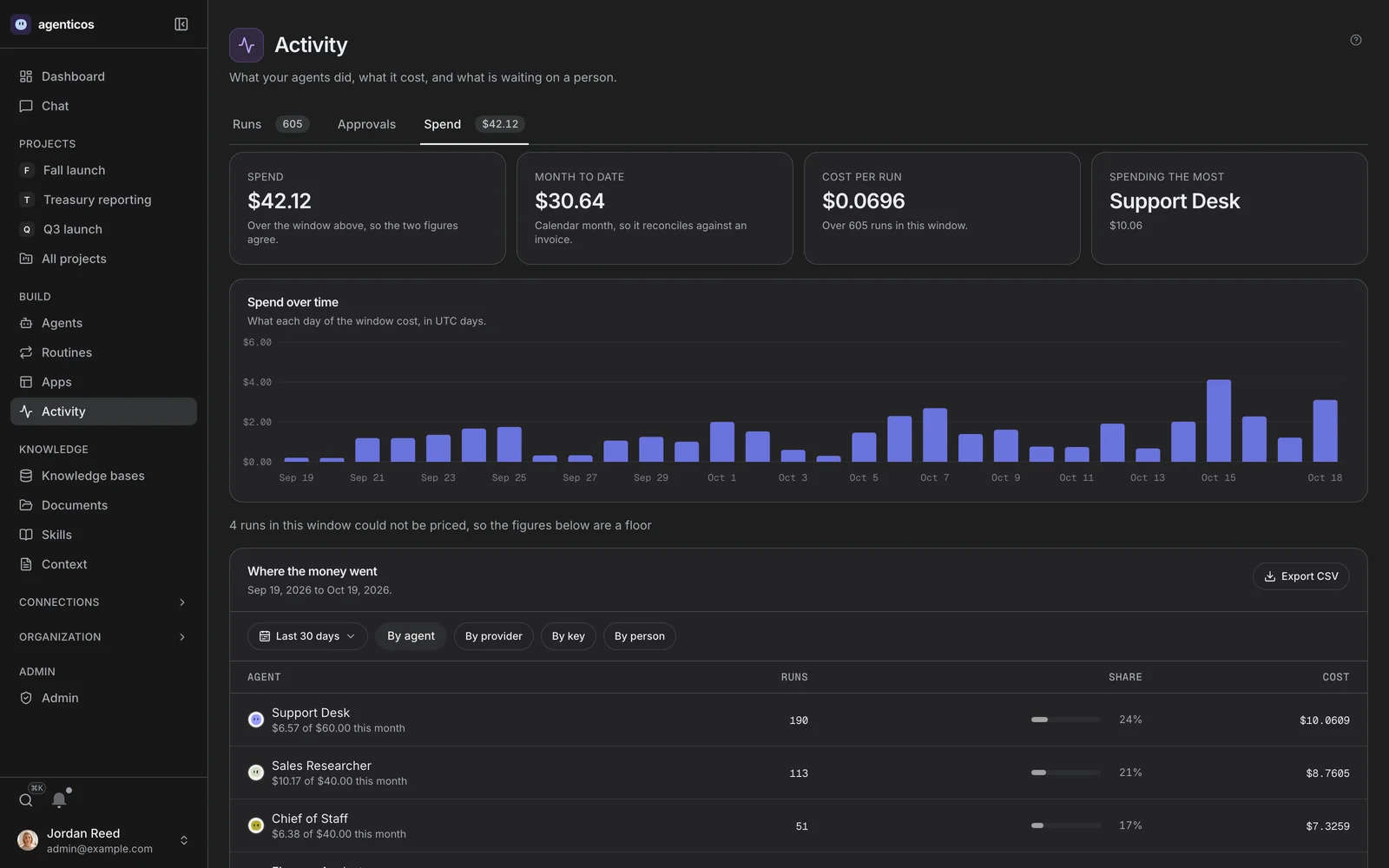
Spend
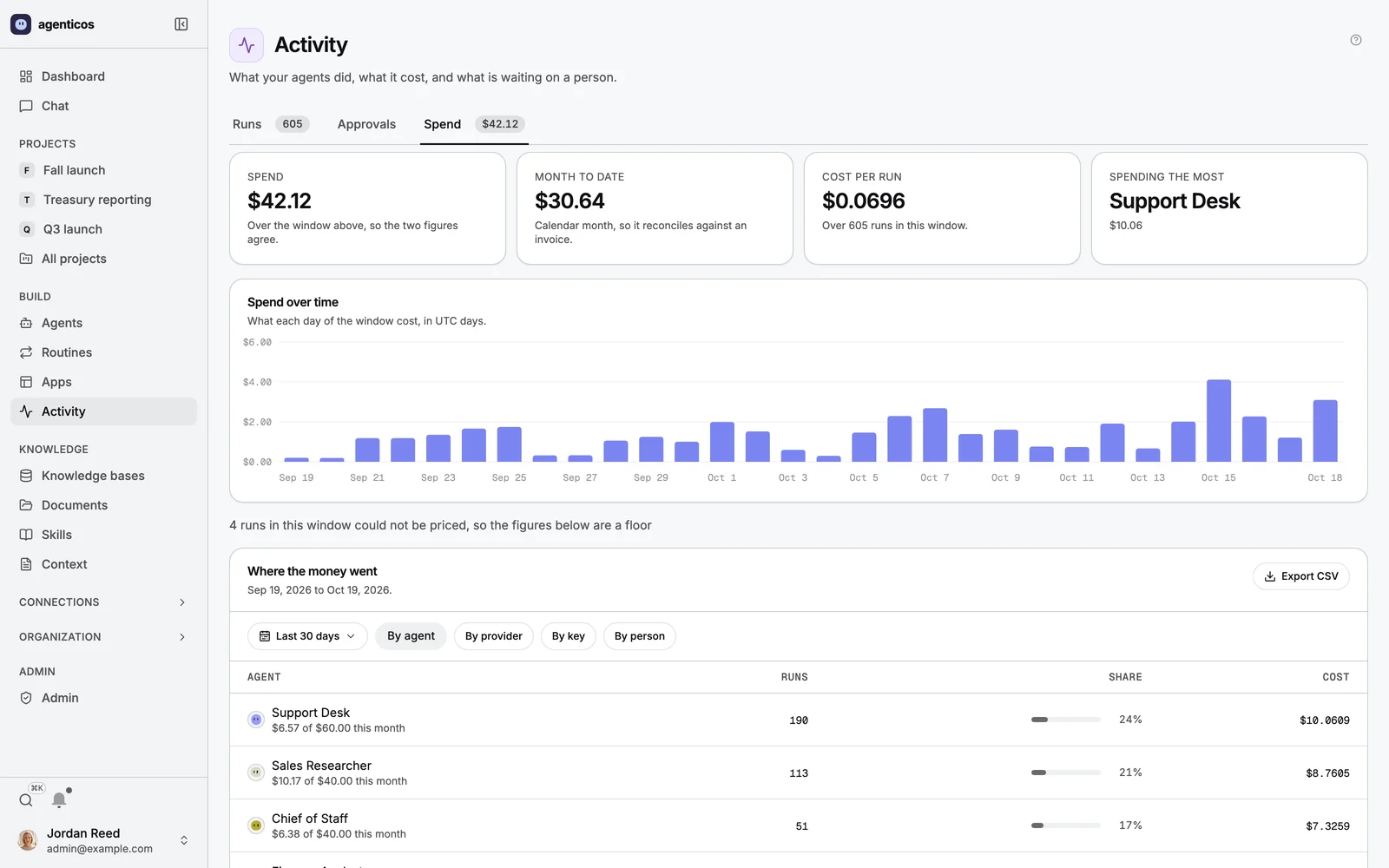
What was actually spent, by period. A budget is checked before the model request rather than tallied afterwards, so a run that breaches one stops mid-answer and still records its cost.
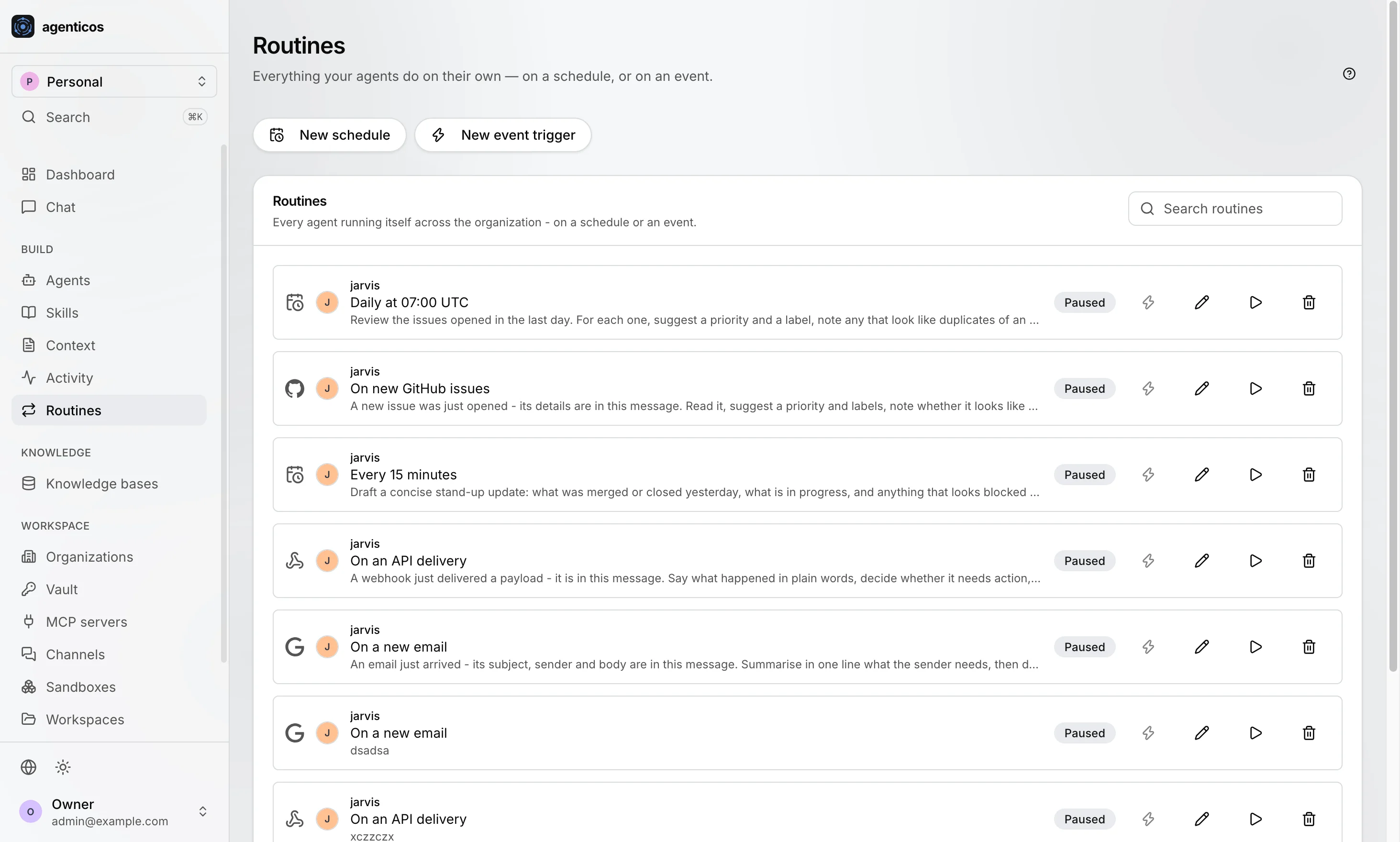
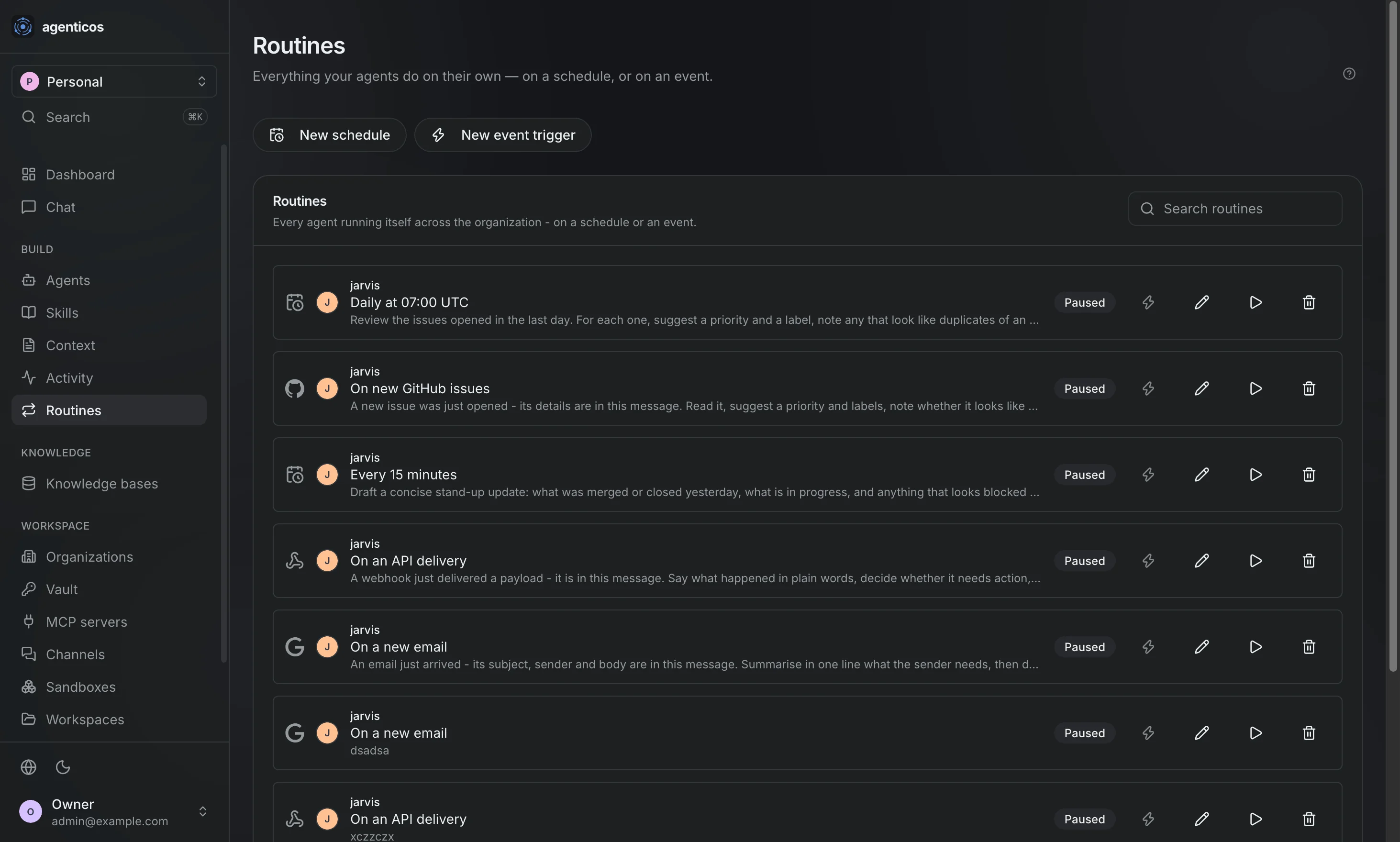
Routines
What agents do with nobody typing - on a schedule, or when an event arrives. Those runs are budgeted, approved and audited like any other.
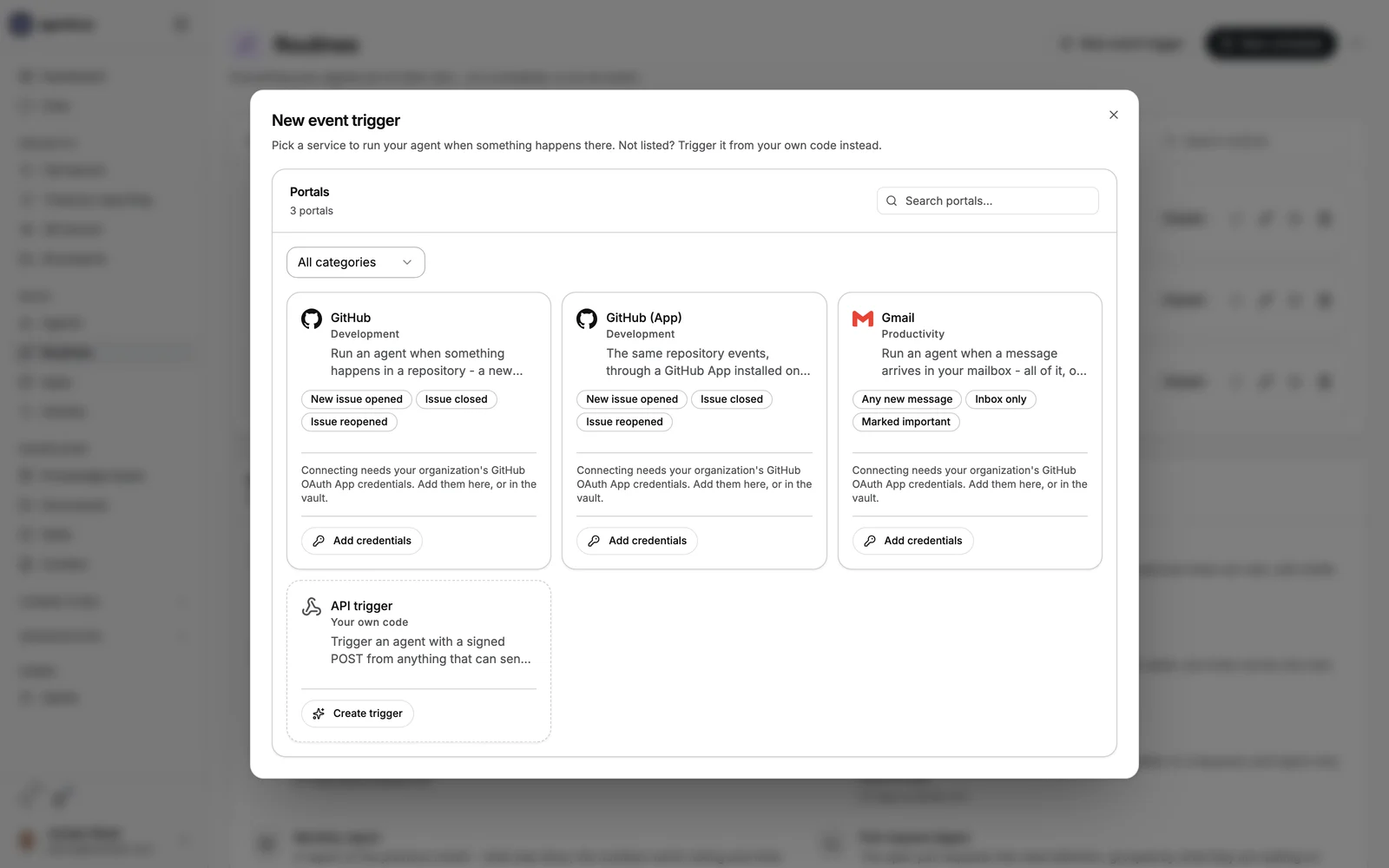
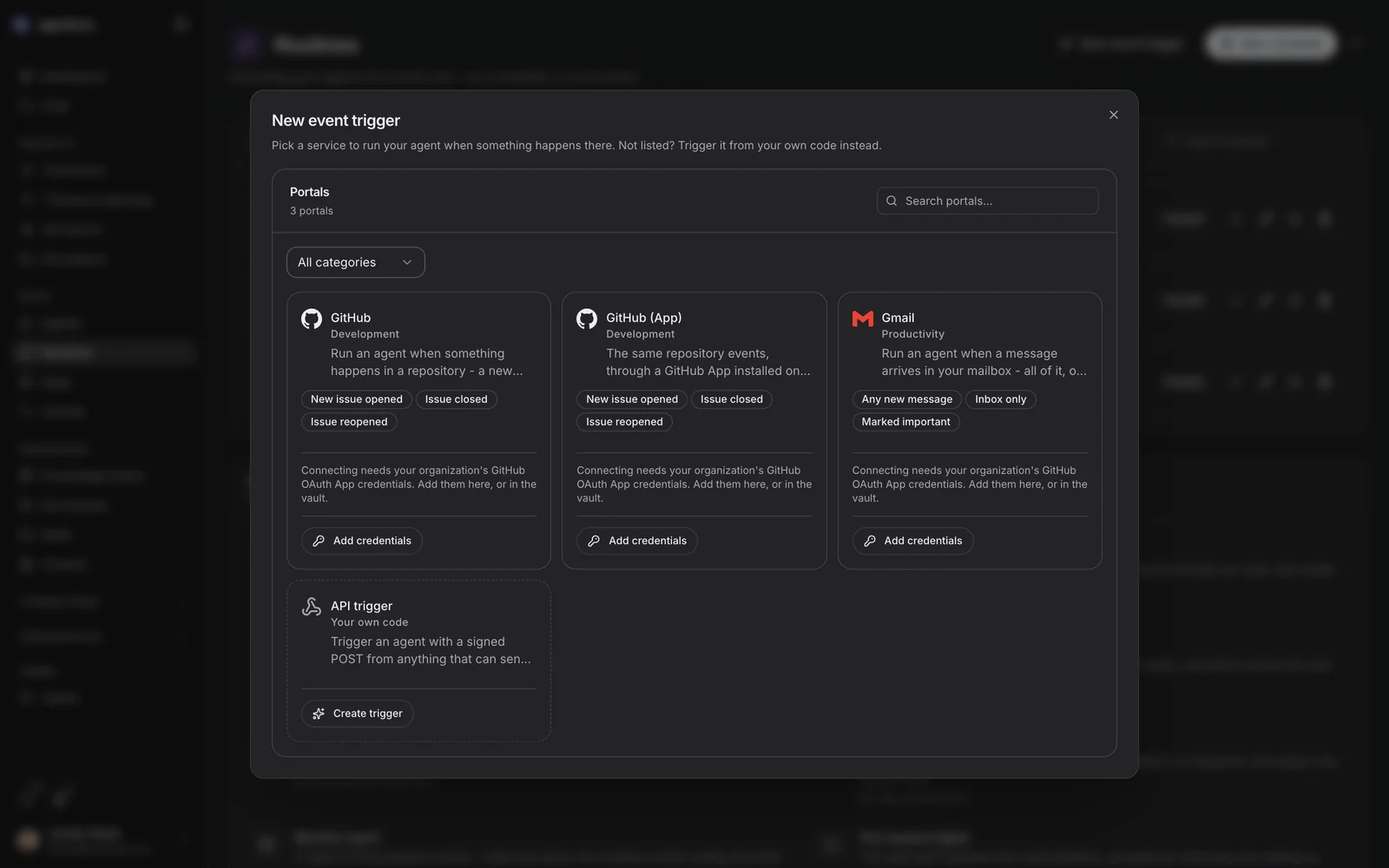
A new event trigger
Naming the event that starts a run, over the routines list.
Apps
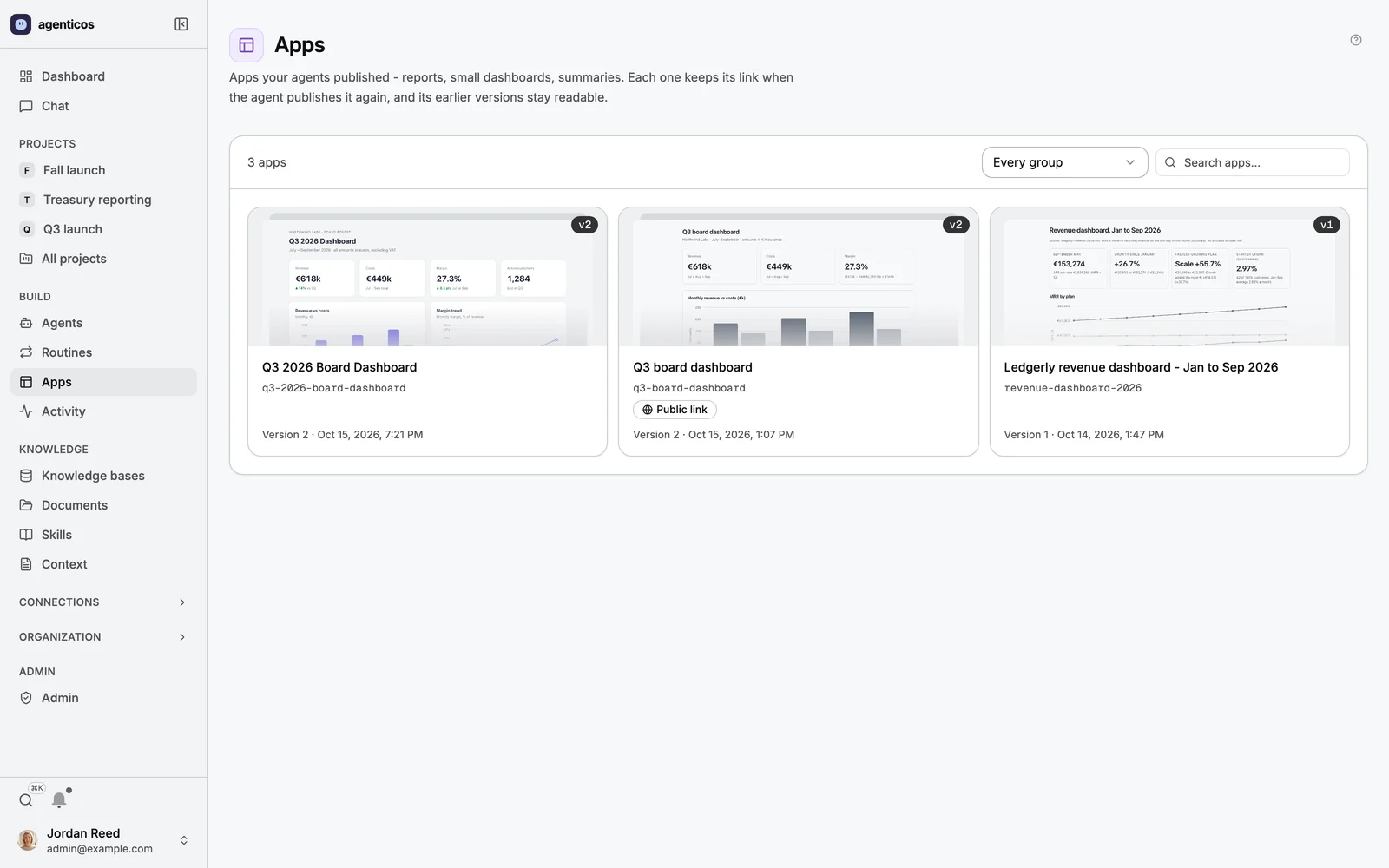
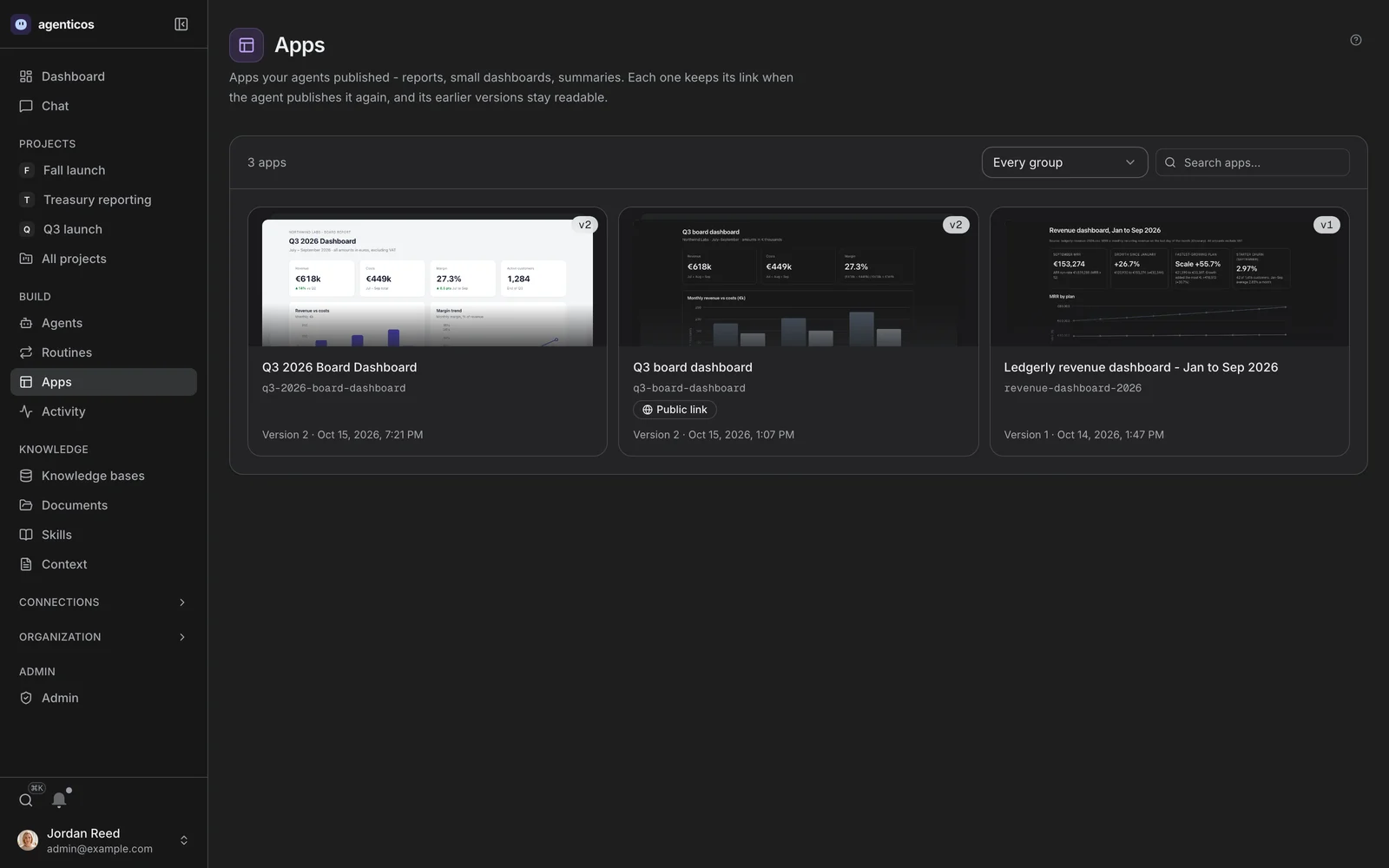
Pages agents published - reports, small dashboards, summaries. Each one keeps its link when the agent publishes it again, and its earlier versions stay readable.
One app
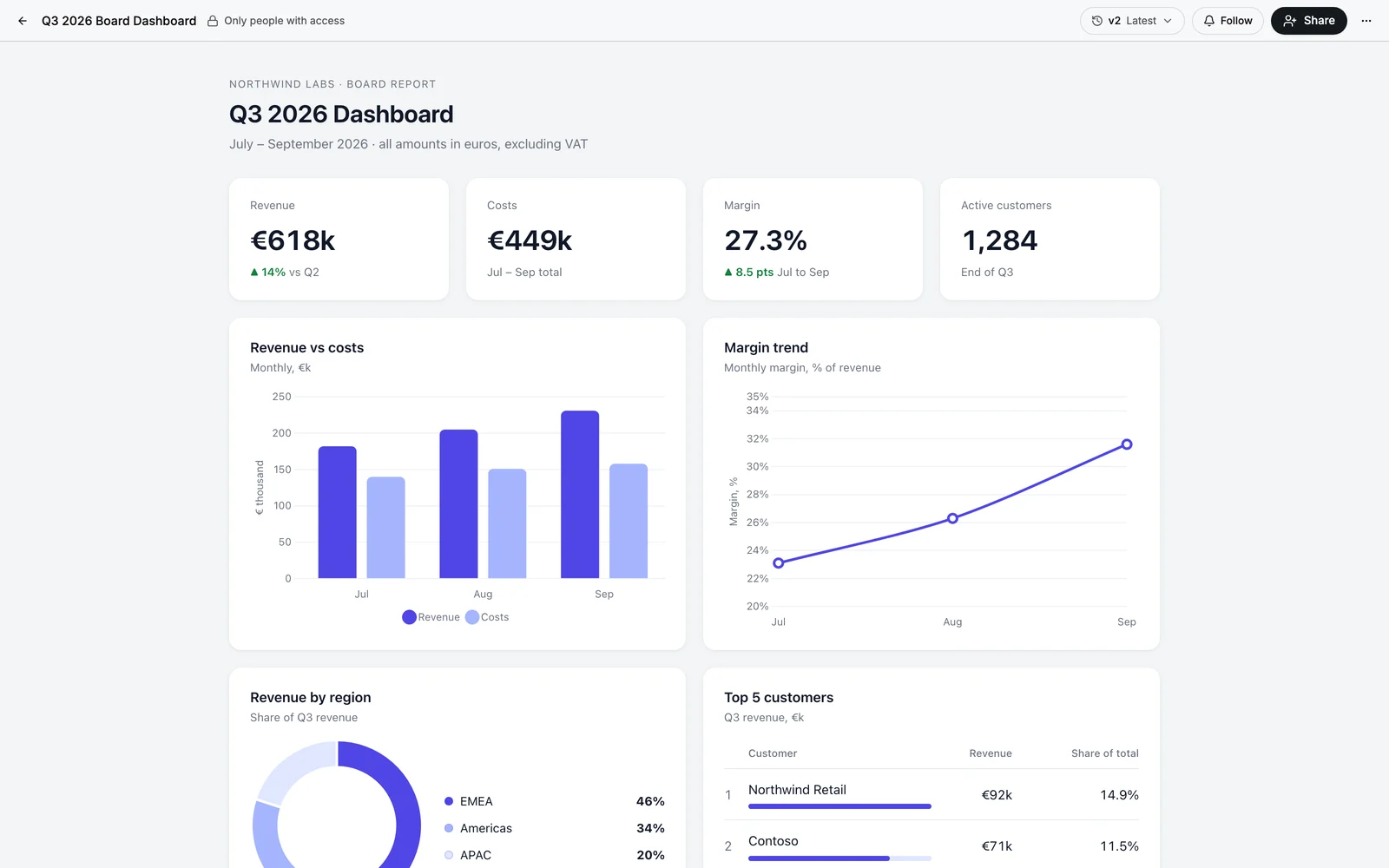
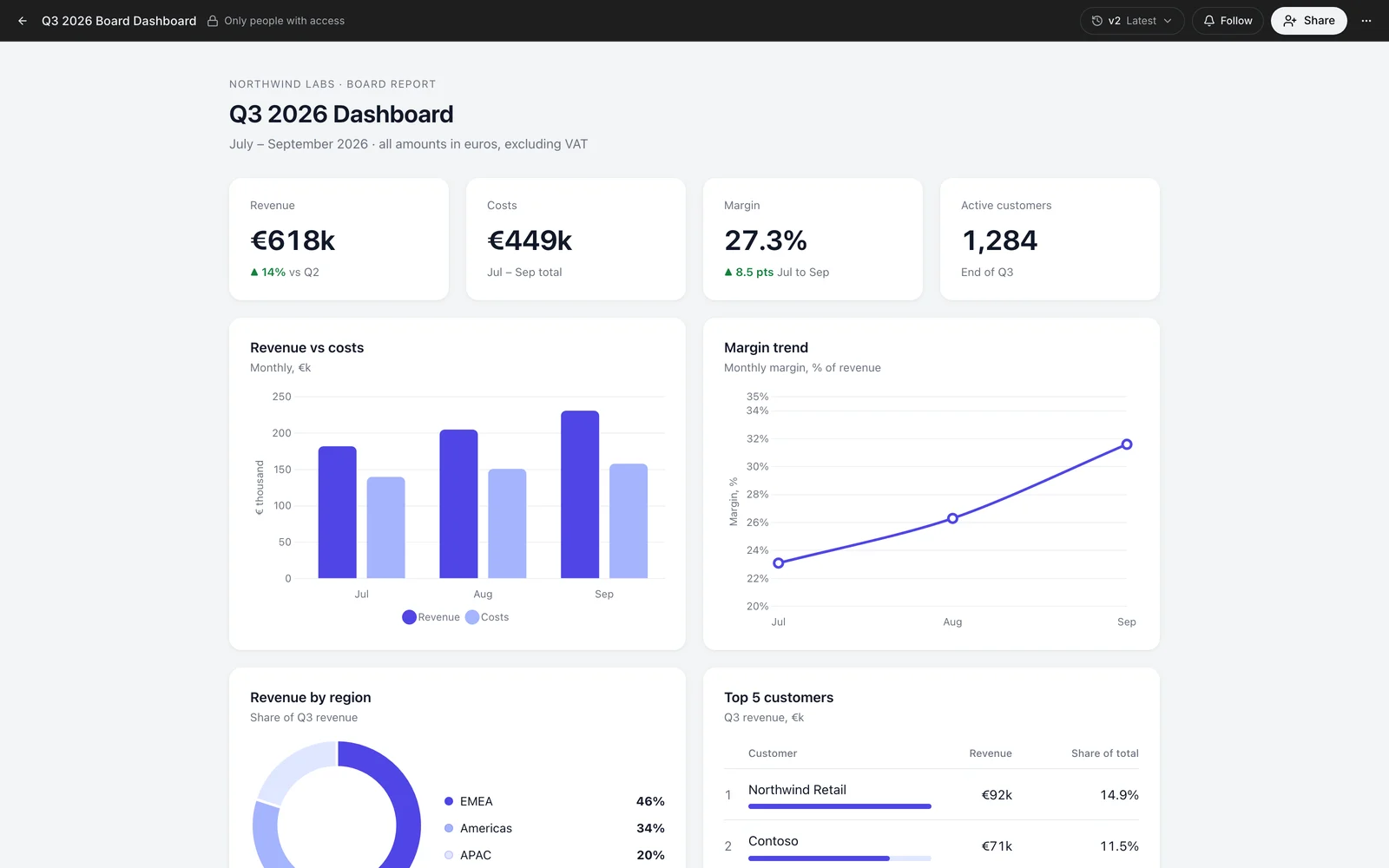
The revenue dashboard from the chat above, opened. It is private until somebody shares it, and a public link is a separate decision that can be withdrawn.
The organization
Organizations
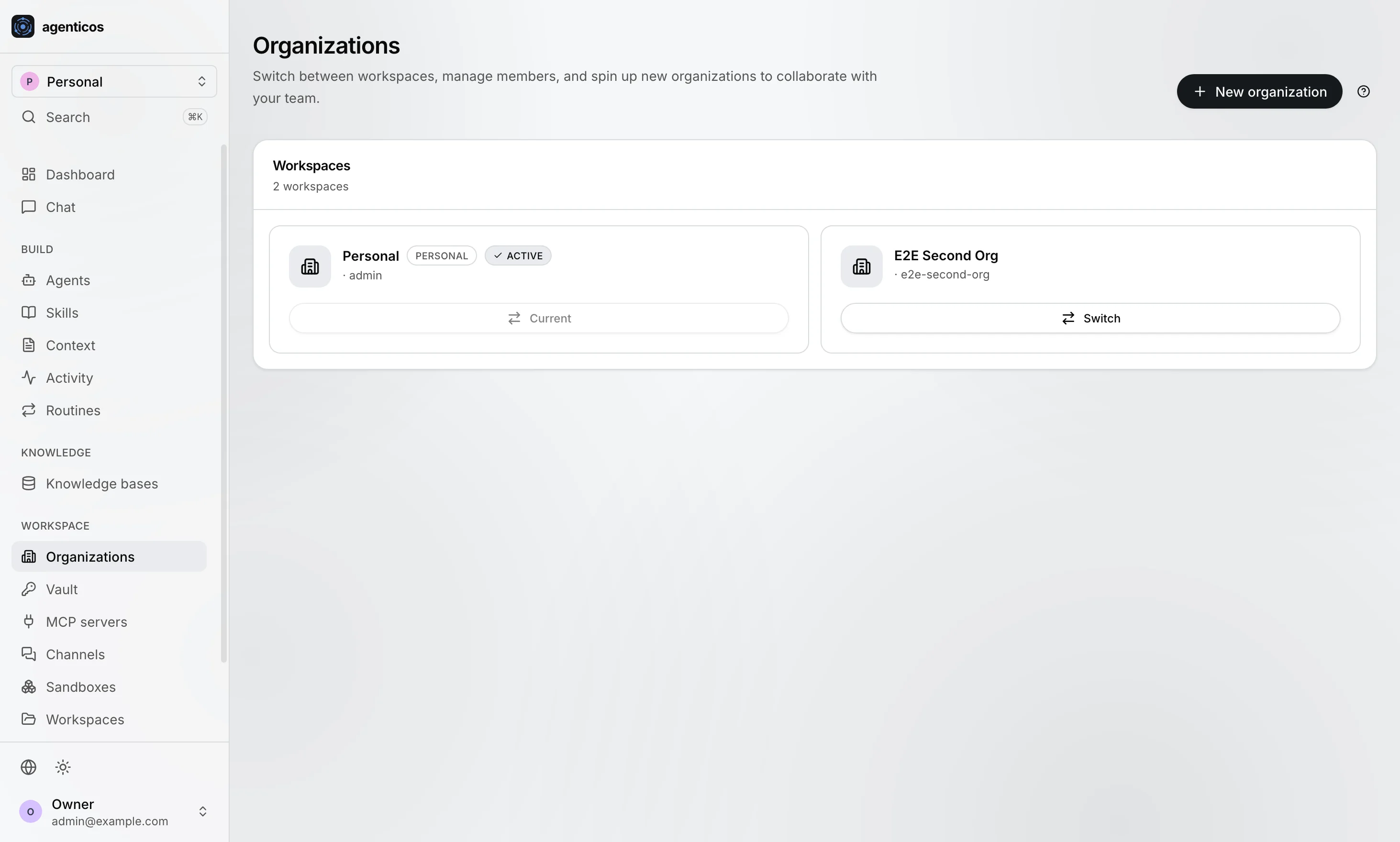
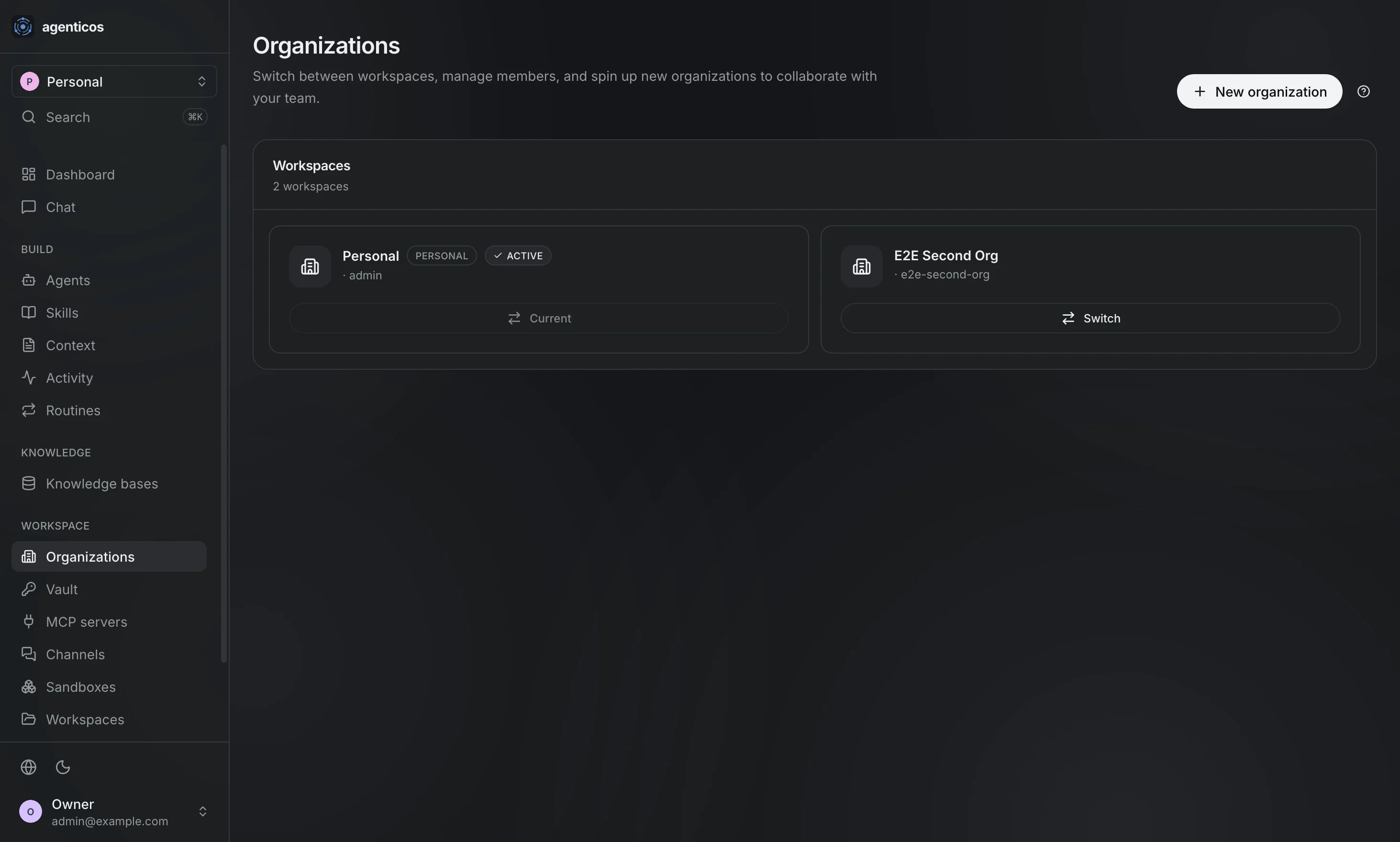
Switch between them, manage members, and create new ones. Authority inside an organization is a membership row plus the permission catalog - there is no role column on a user.
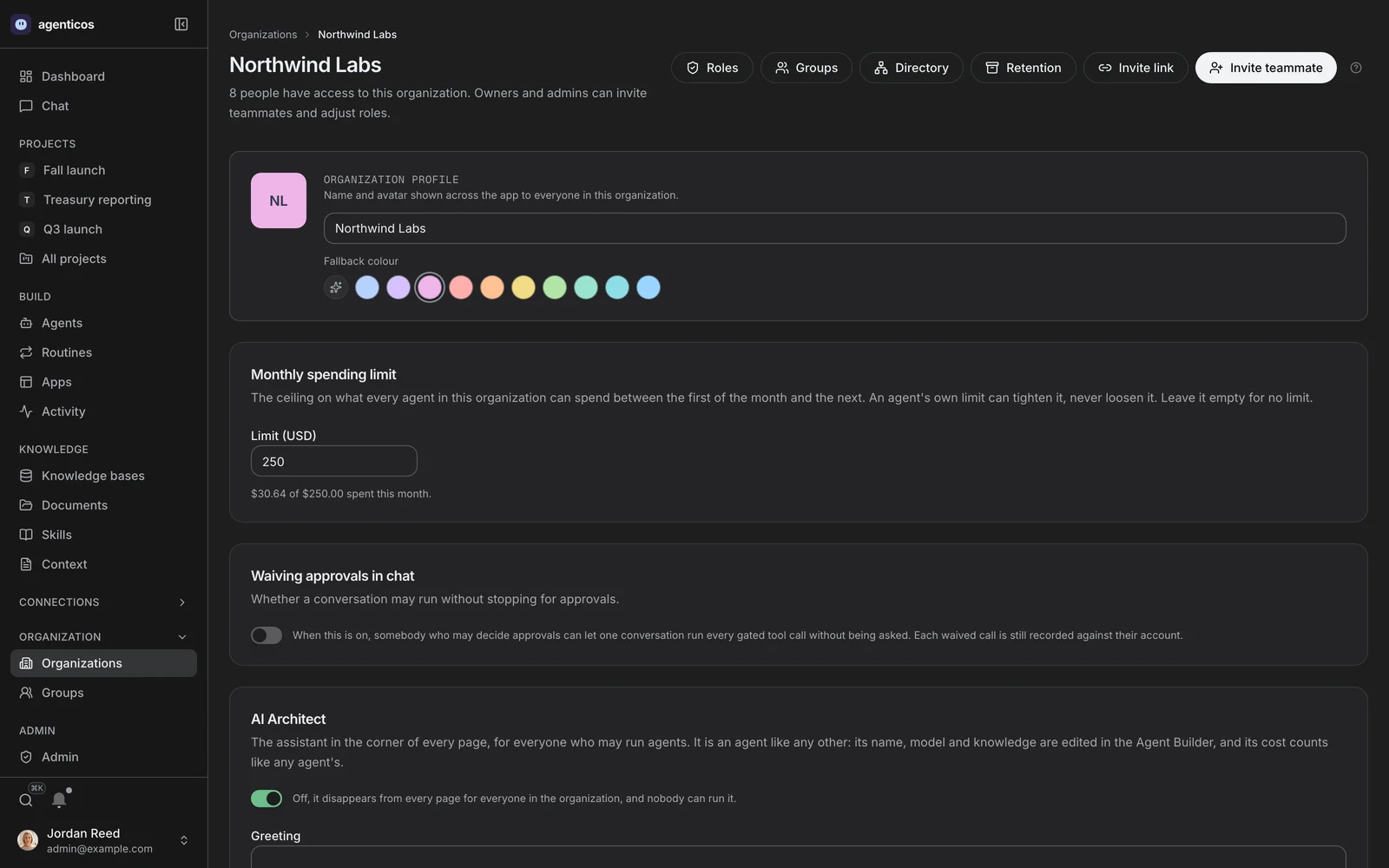
Members
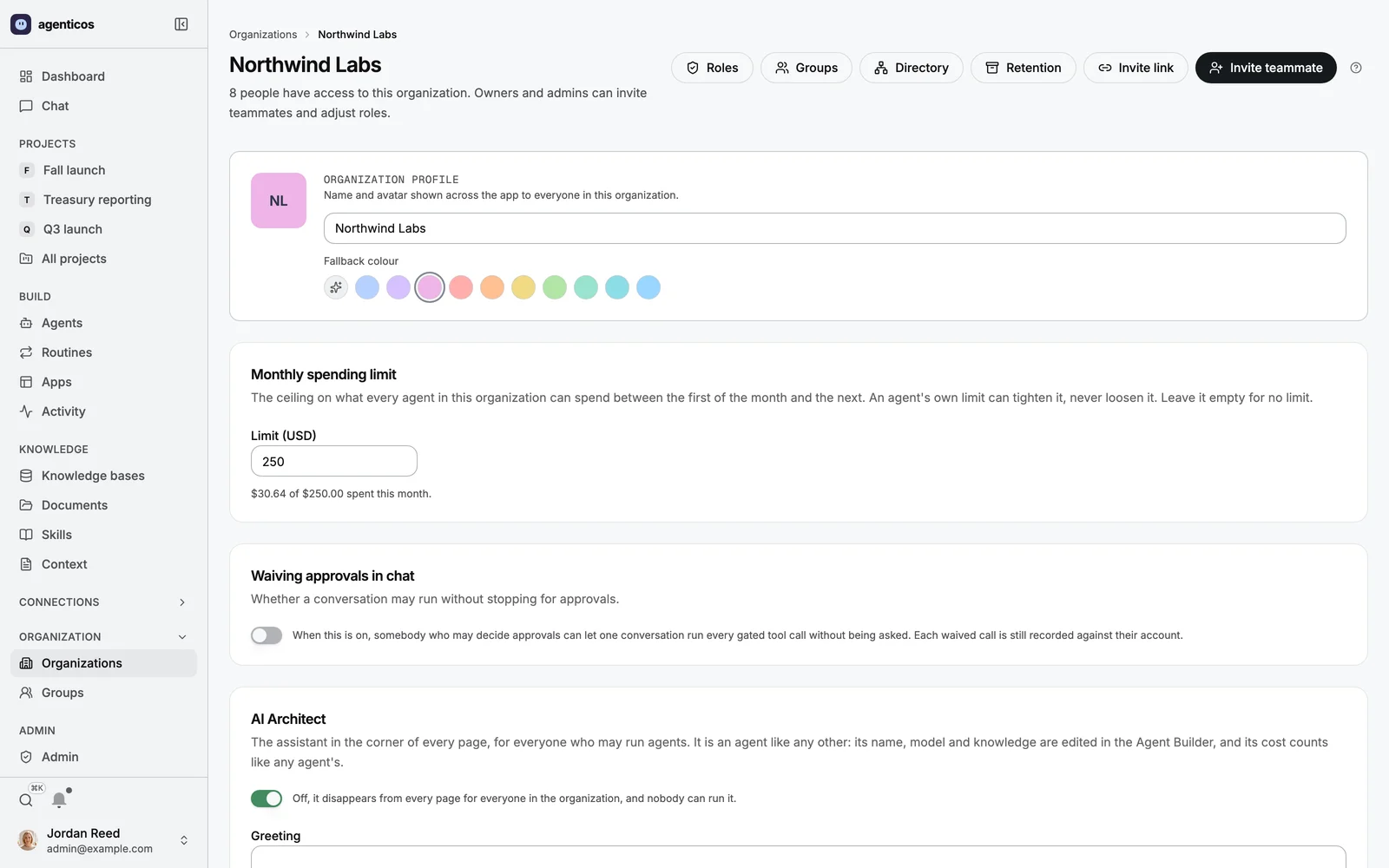
One organization's people and their roles, with the monthly ceiling every agent in it shares and whether a conversation may waive its approvals.
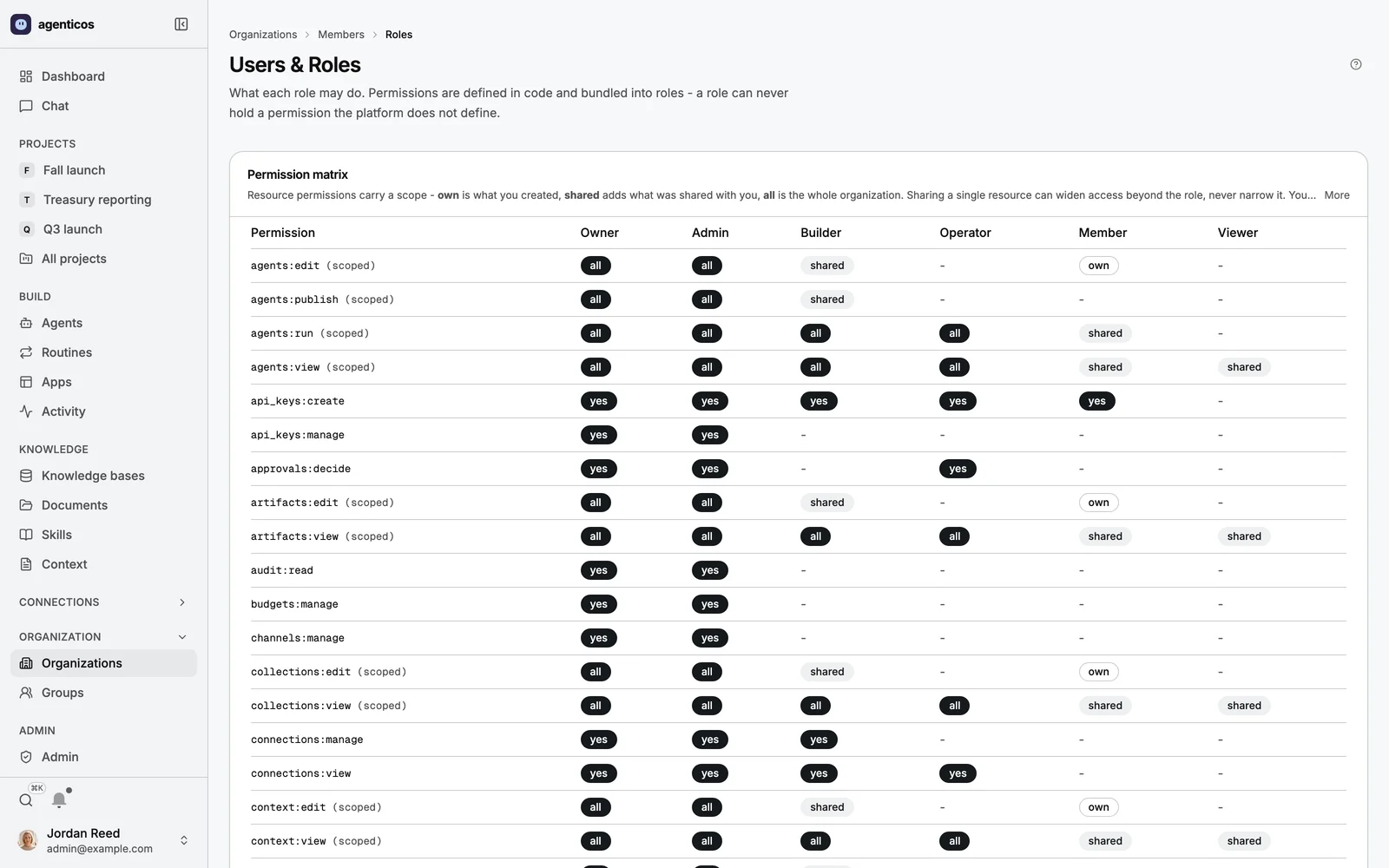
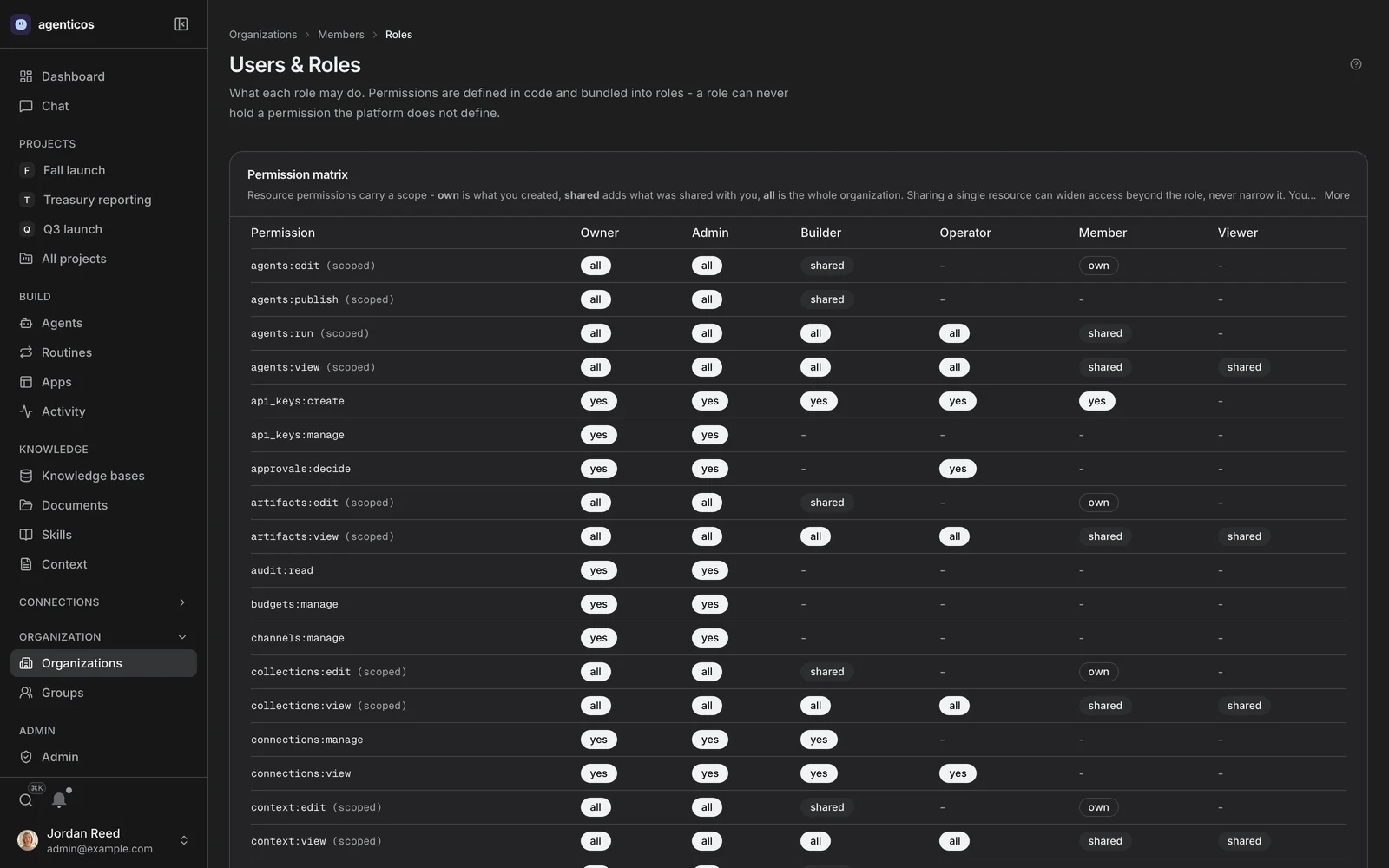
Roles
What each role may do, as the matrix the code defines. Sharing a single resource can widen access beyond the role; it never narrows it.
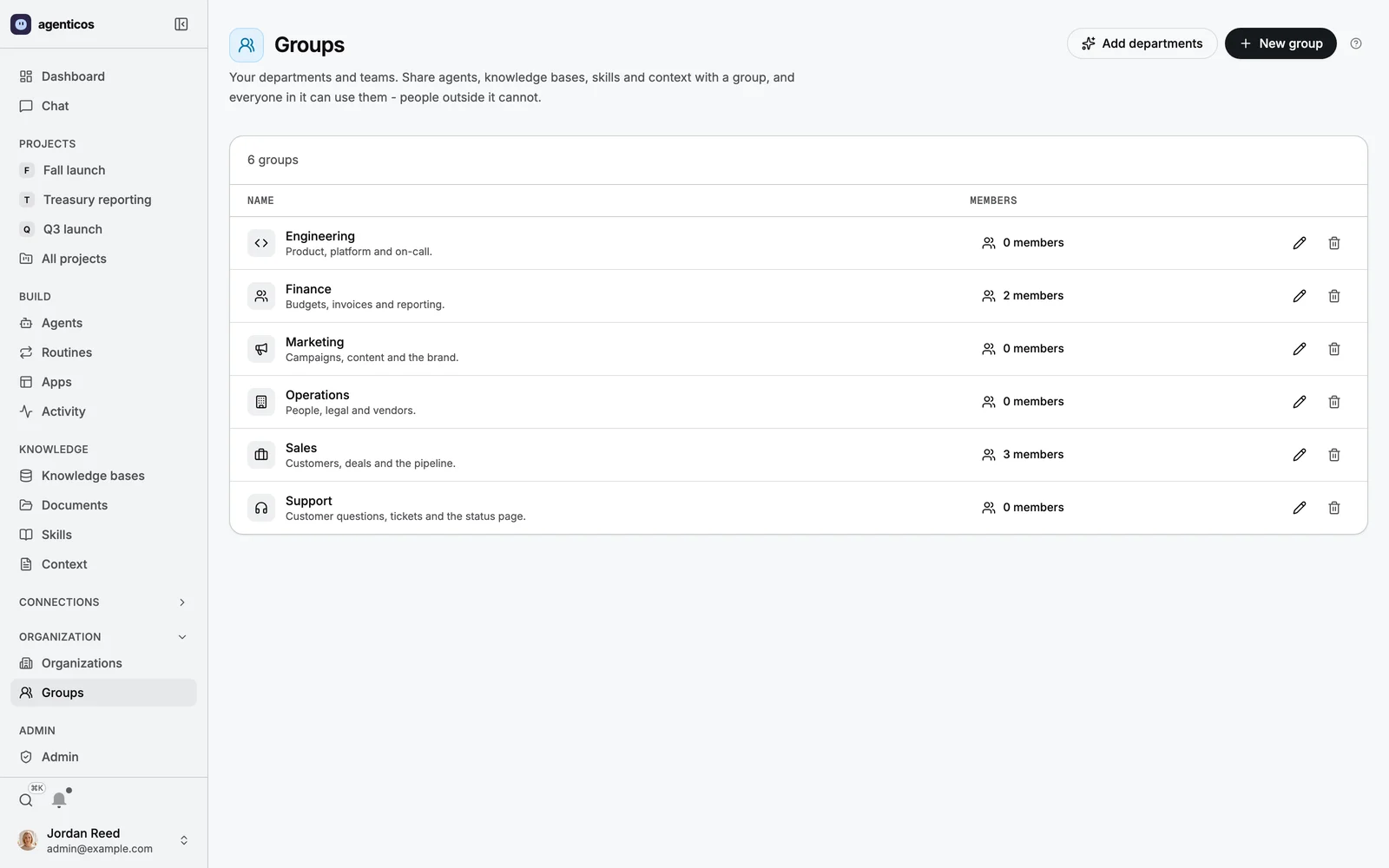
Groups
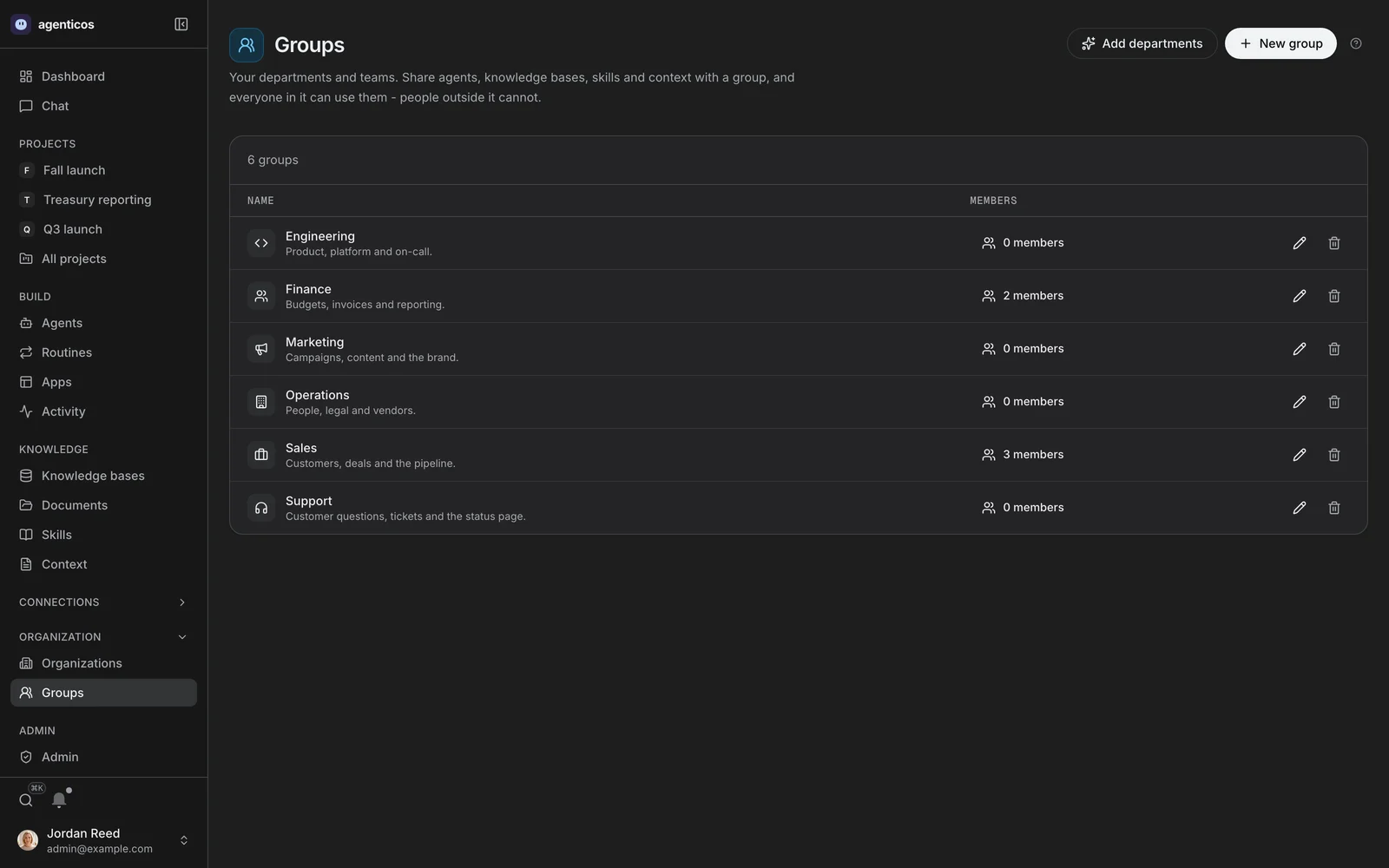
Departments and teams. Share an agent, a knowledge base, a skill or a context file with a group and everyone in it can use it - people outside it cannot.
Vault
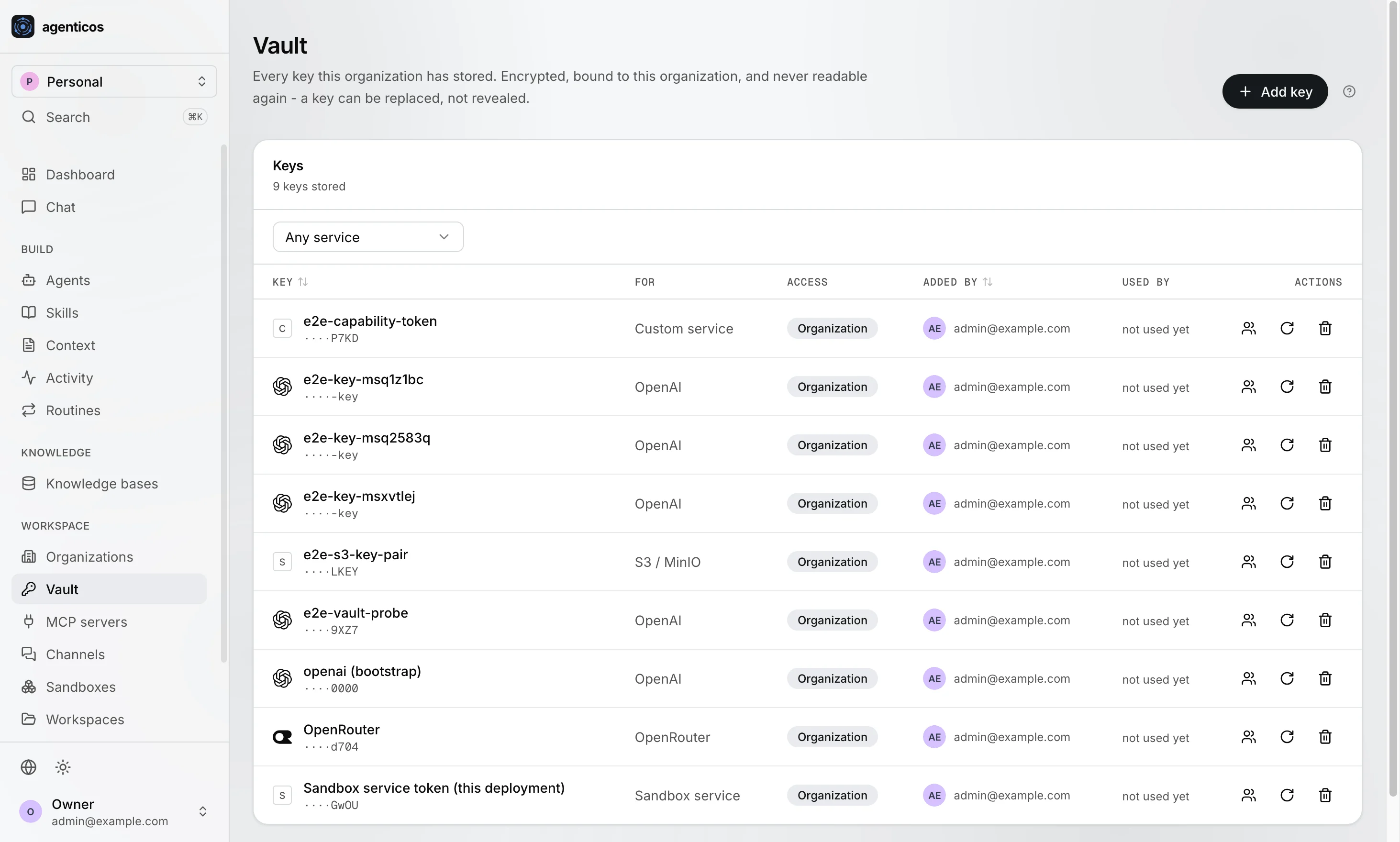
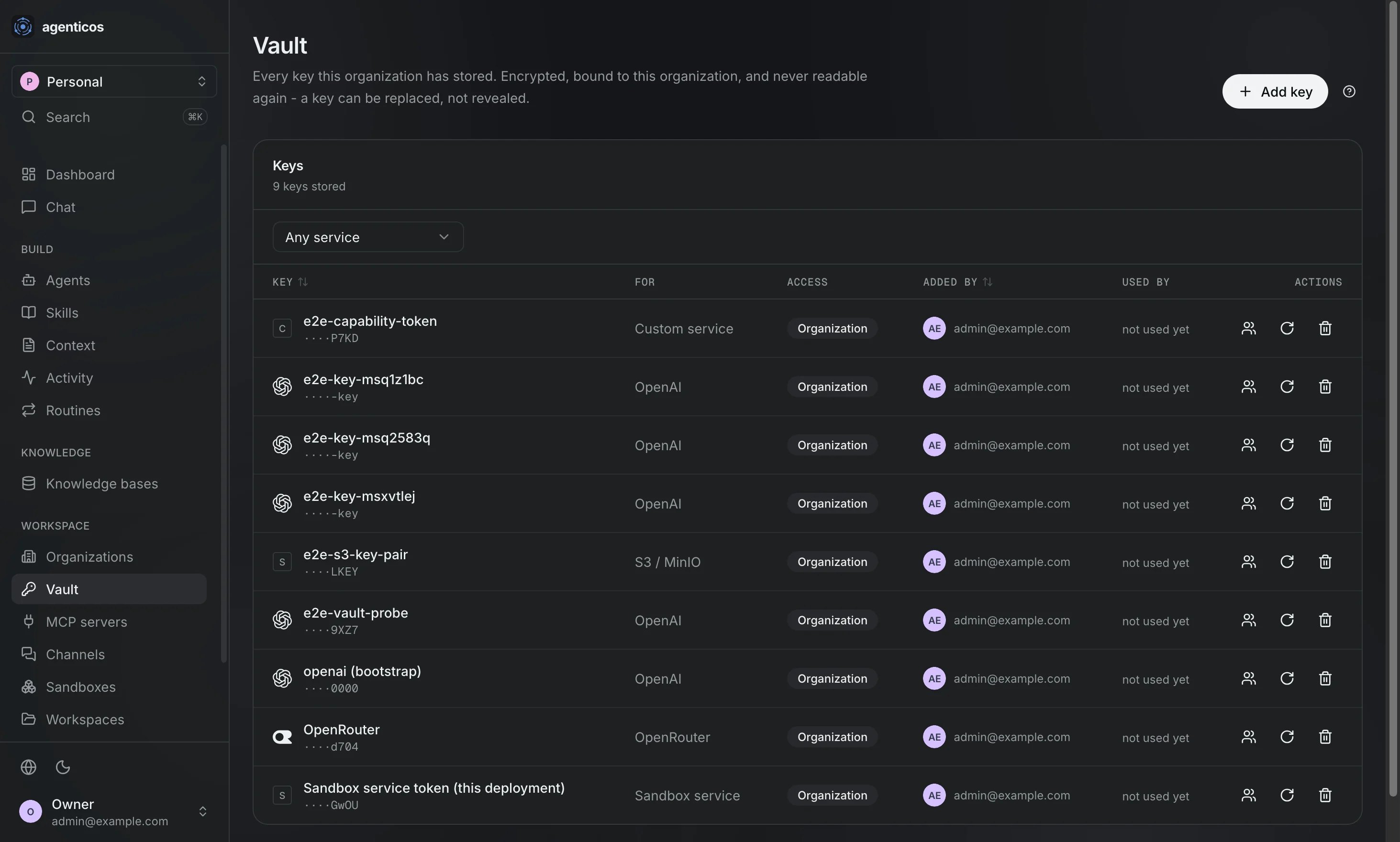
Every key this organization has stored, sealed per tenant. Replaceable, never readable again; and rotating one is invisible to a published agent, which references the secret rather than its value.
MCP servers
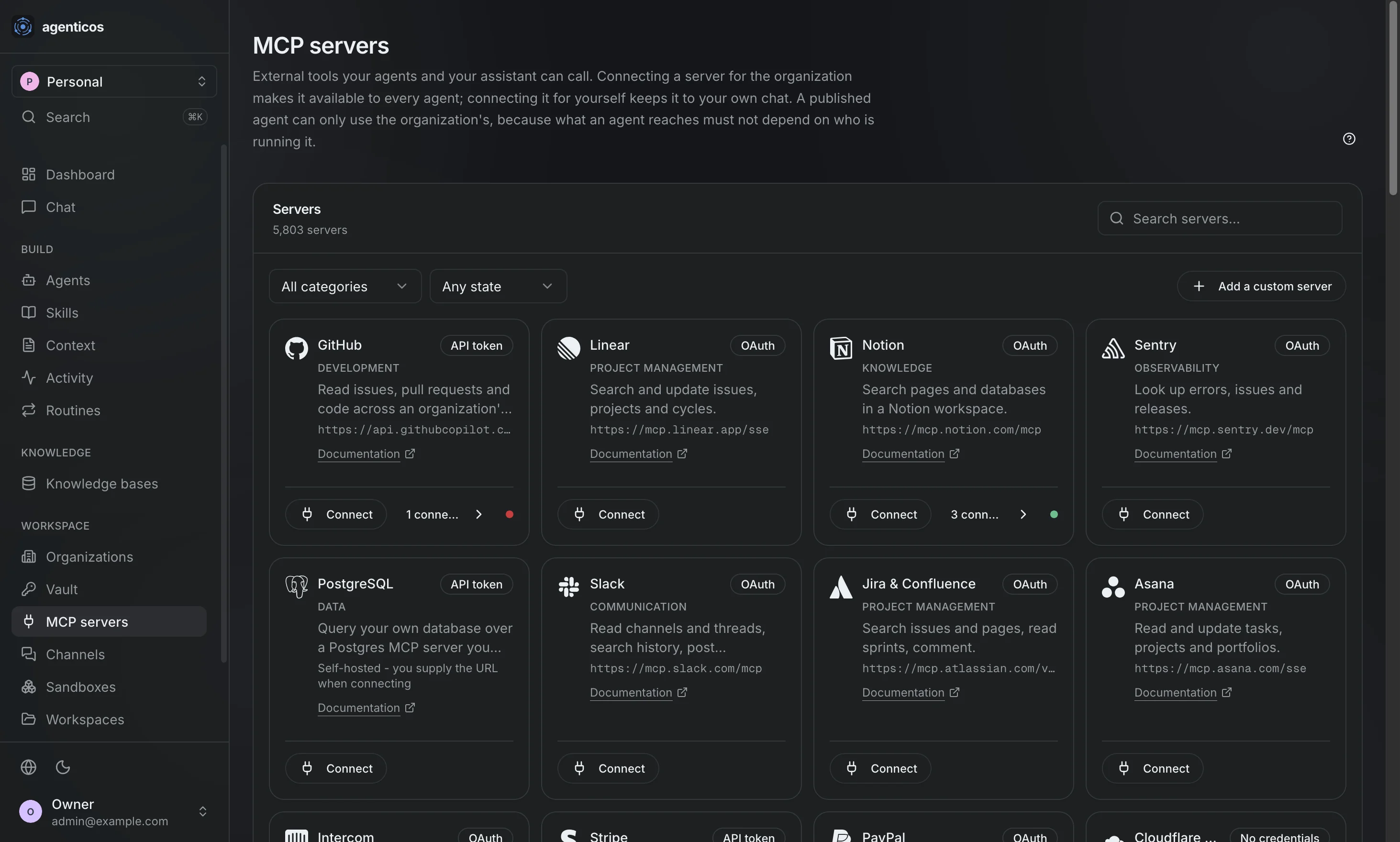
Connect any MCP server by URL and its tools become switches in the Builder. Connect it for the organization and every agent may use it; connect it for yourself and it stays in your own chat.

Channels
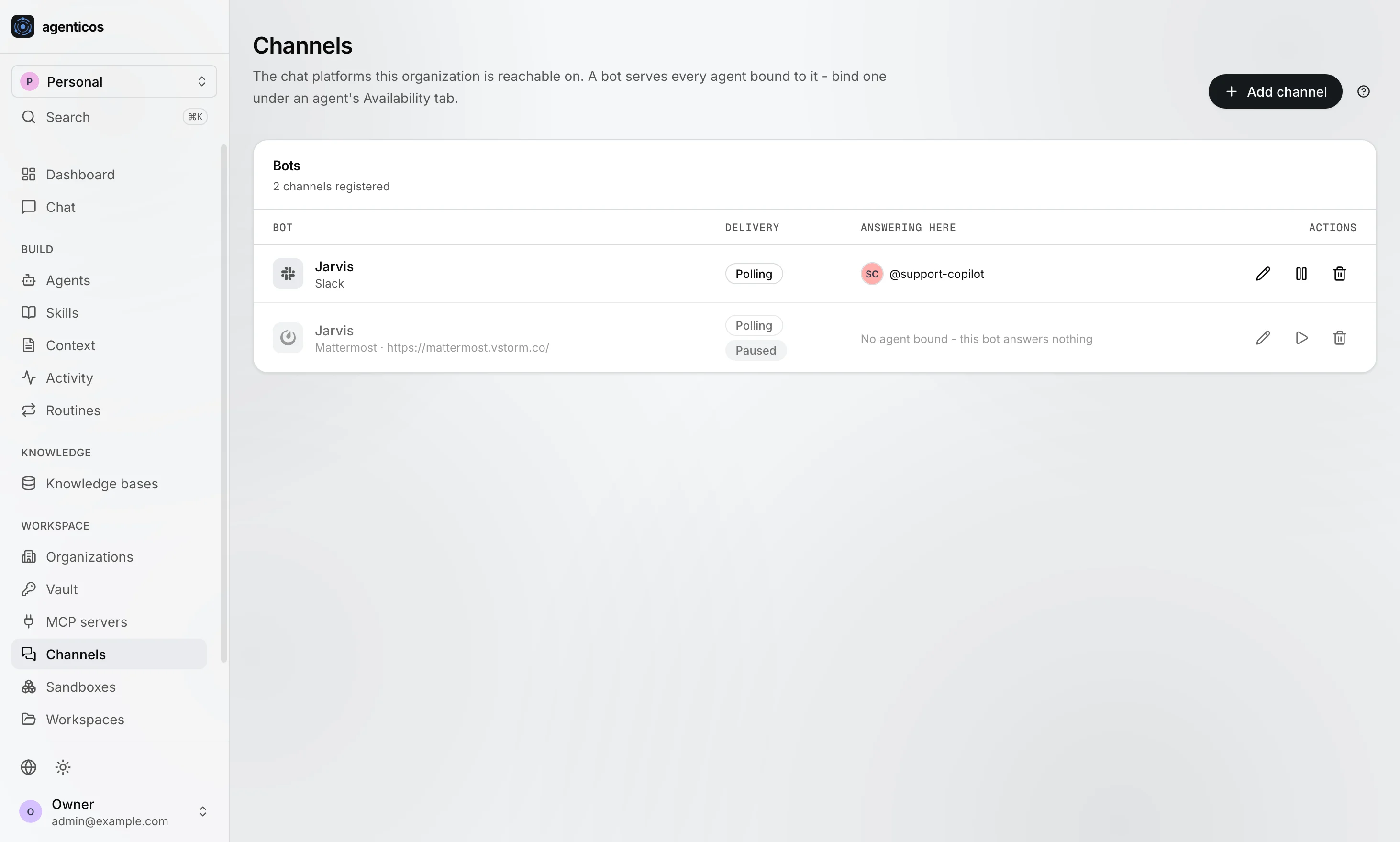
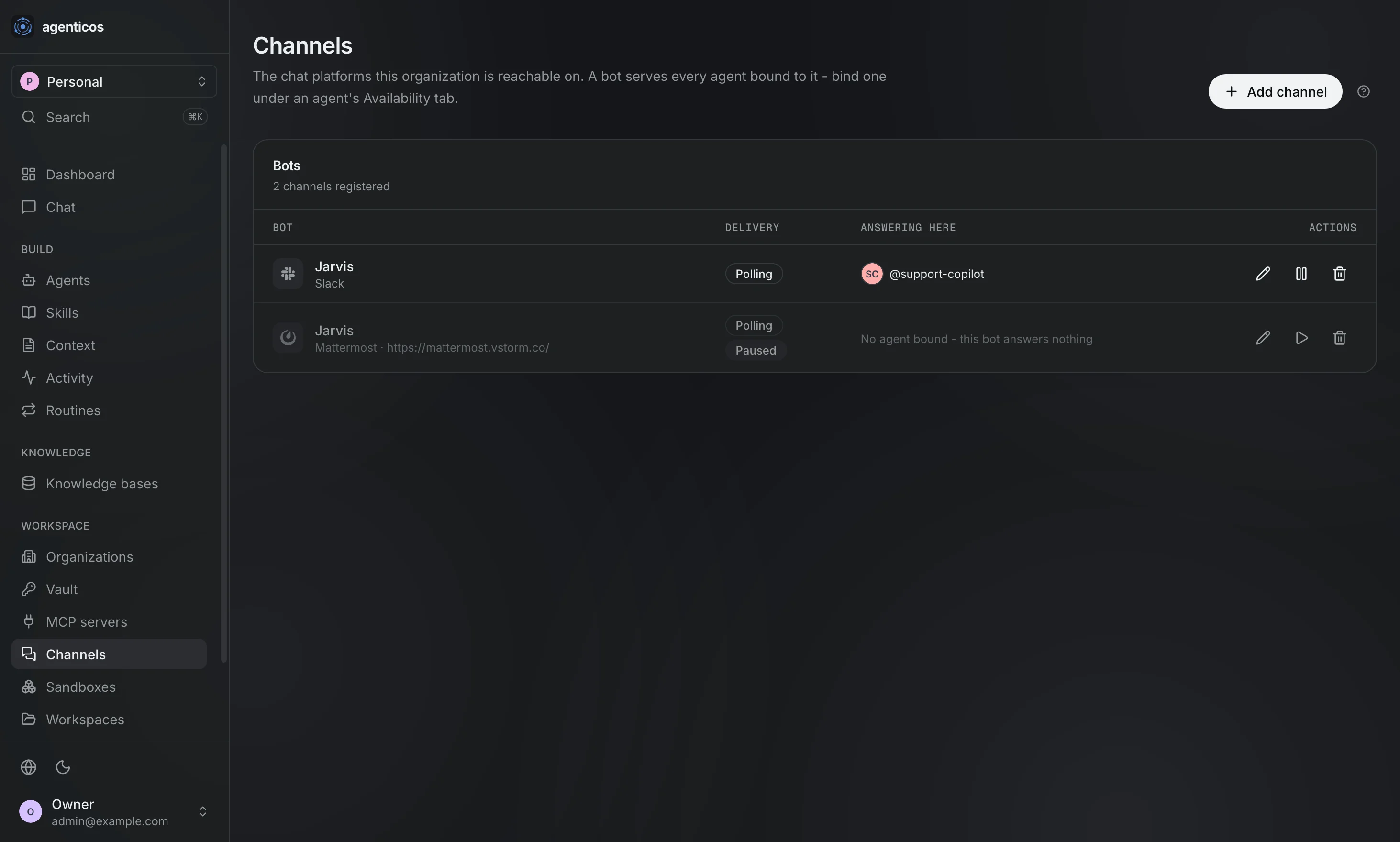
The chat platforms this organization answers on - Slack, Teams, Telegram, Mattermost. A bot serves every agent bound to it, and the binding is made on that agent's Availability tab.
Sandboxes
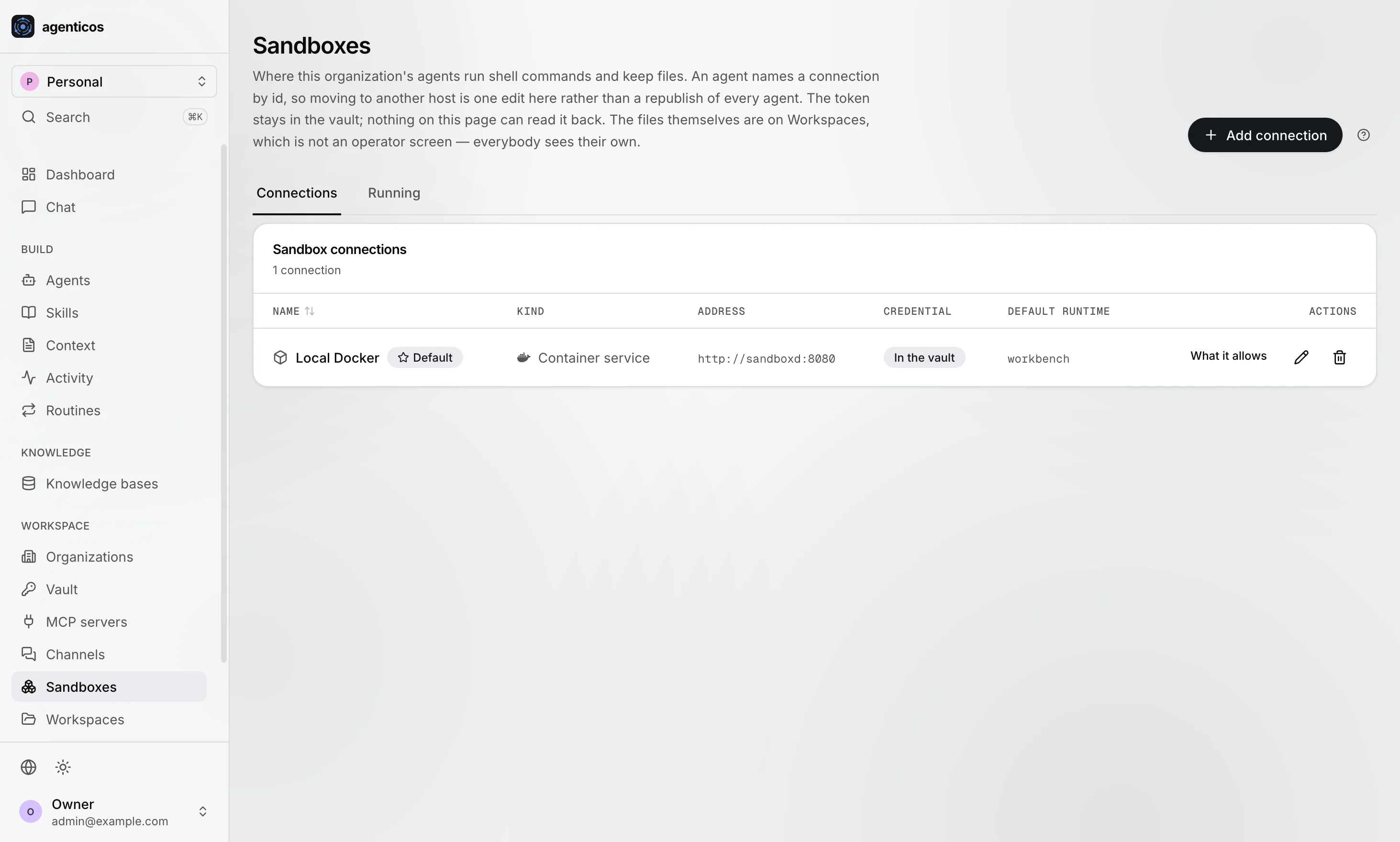
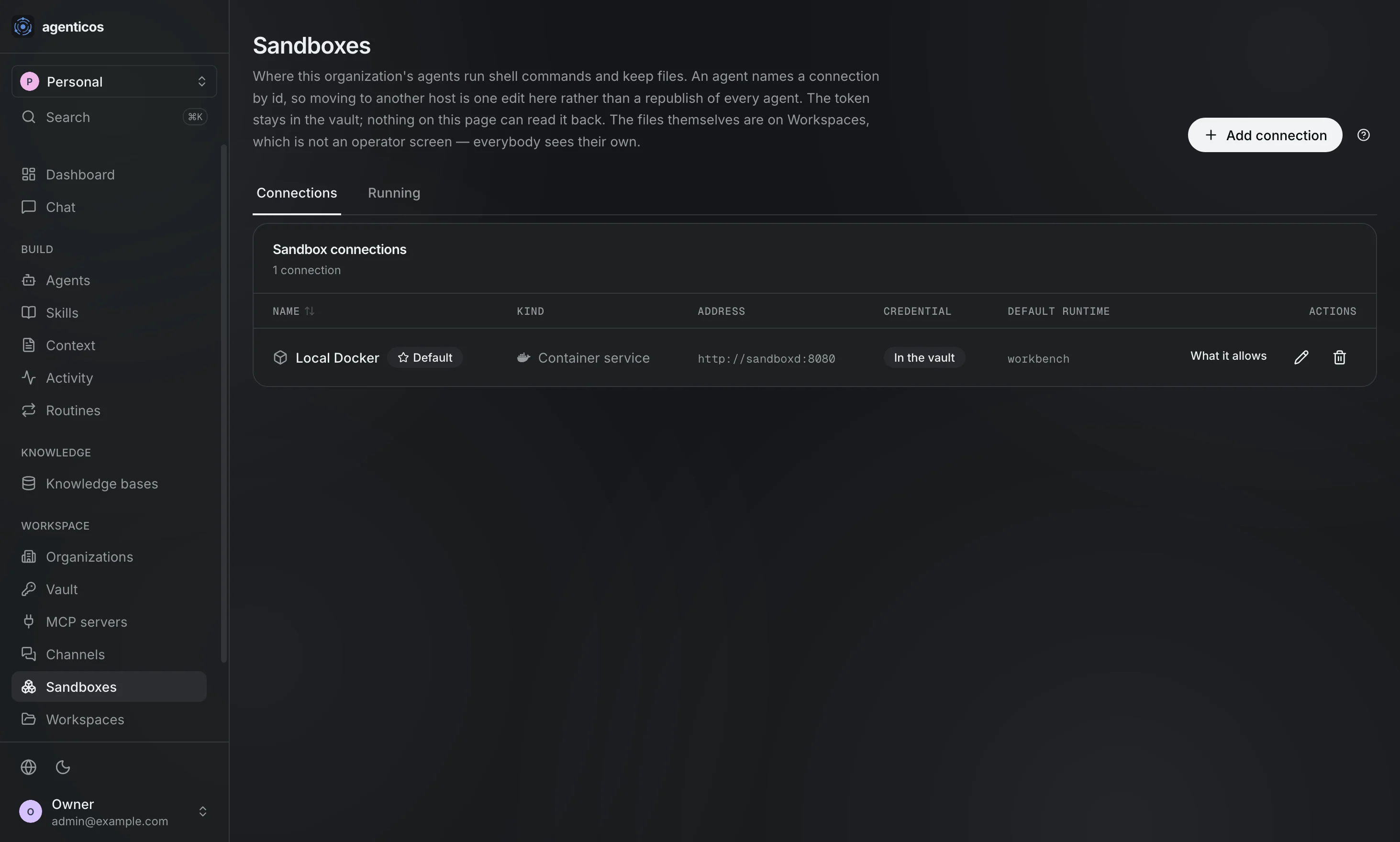
Where this organization's agents run shell commands and keep files. An agent names a connection by id, so moving to another host is one edit here rather than a republish of every agent.
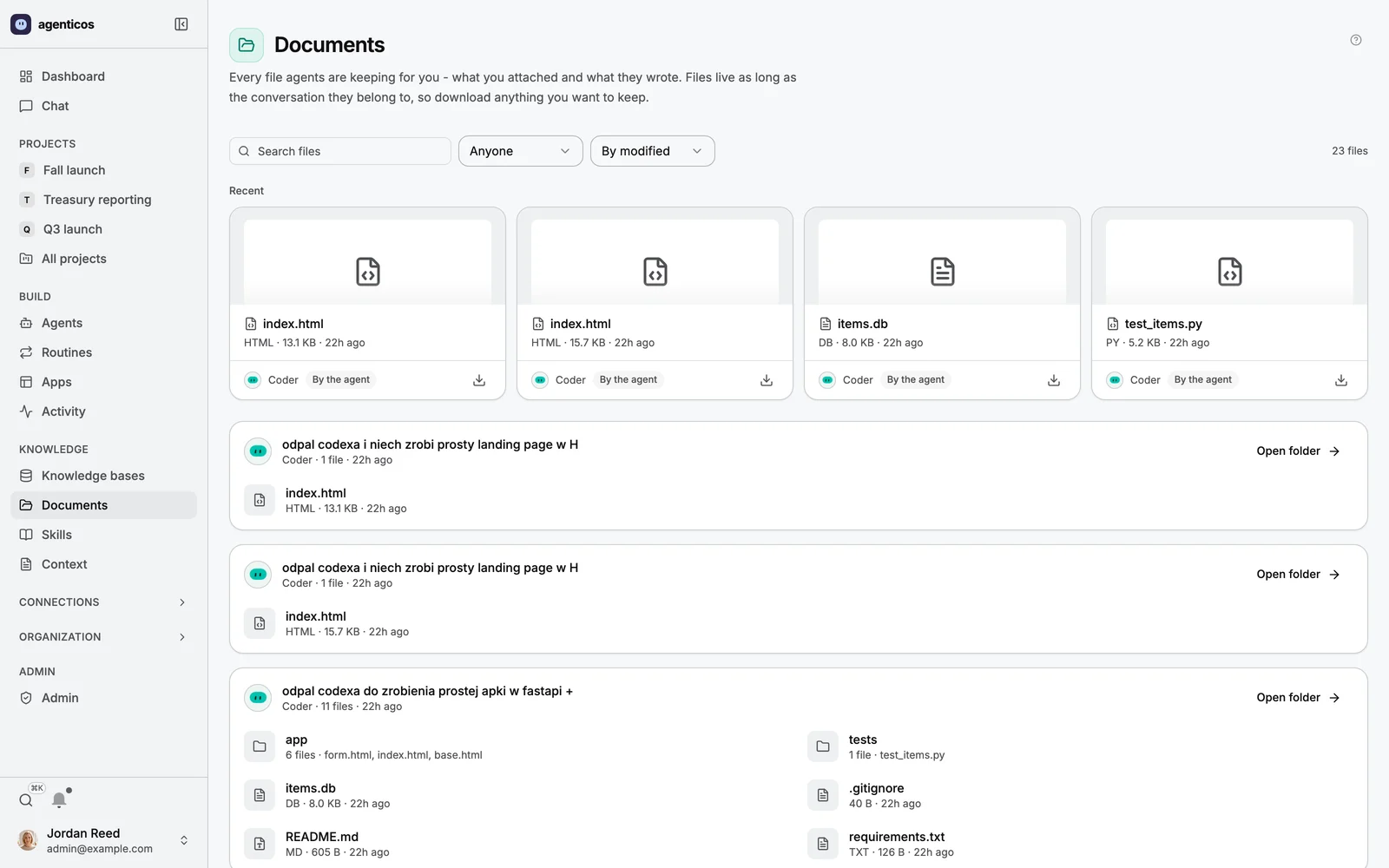
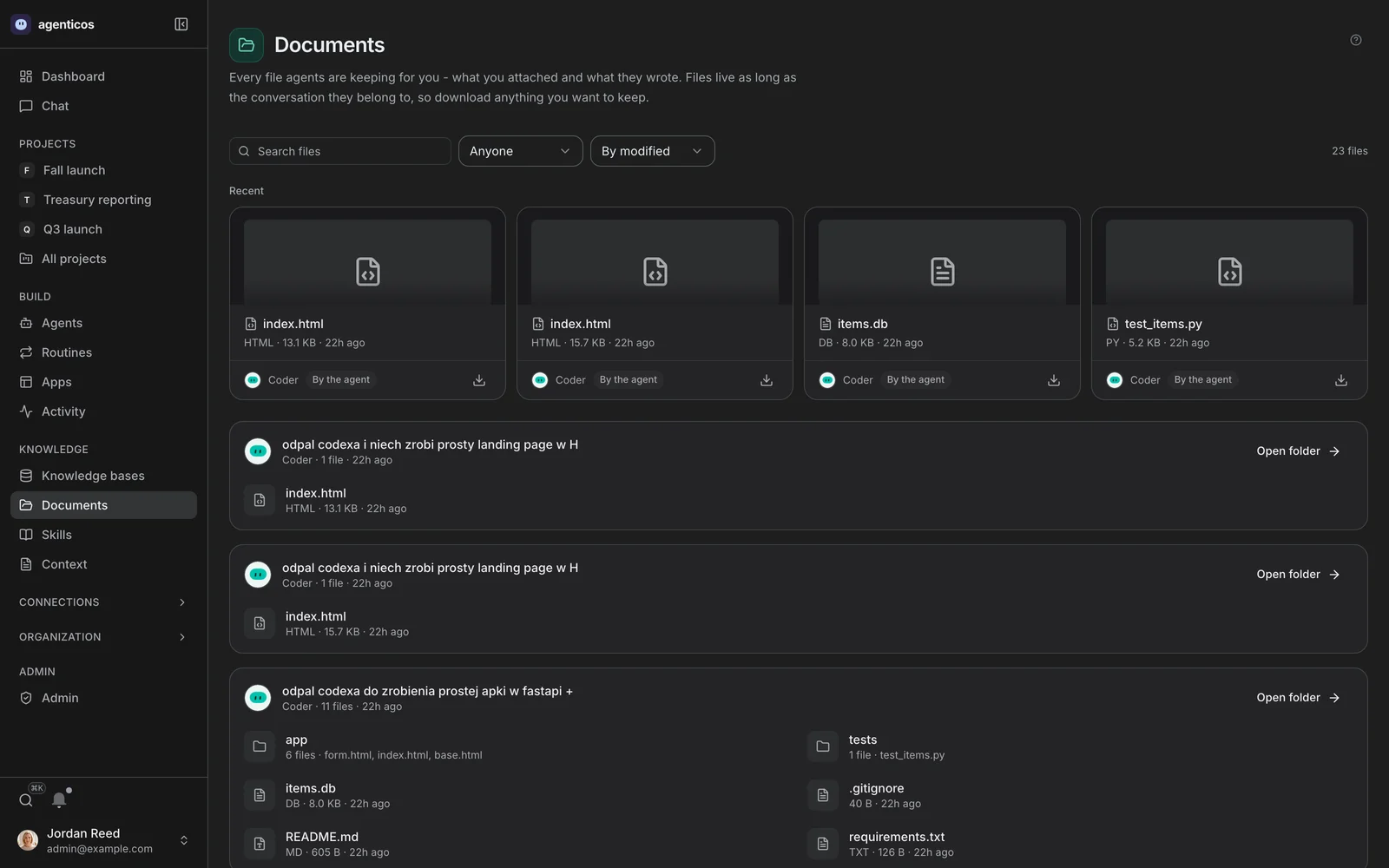
Documents
The files agents are keeping for you. A workspace is scratch space - it is deleted with the conversation it belongs to, and is not a place to store anything durable.
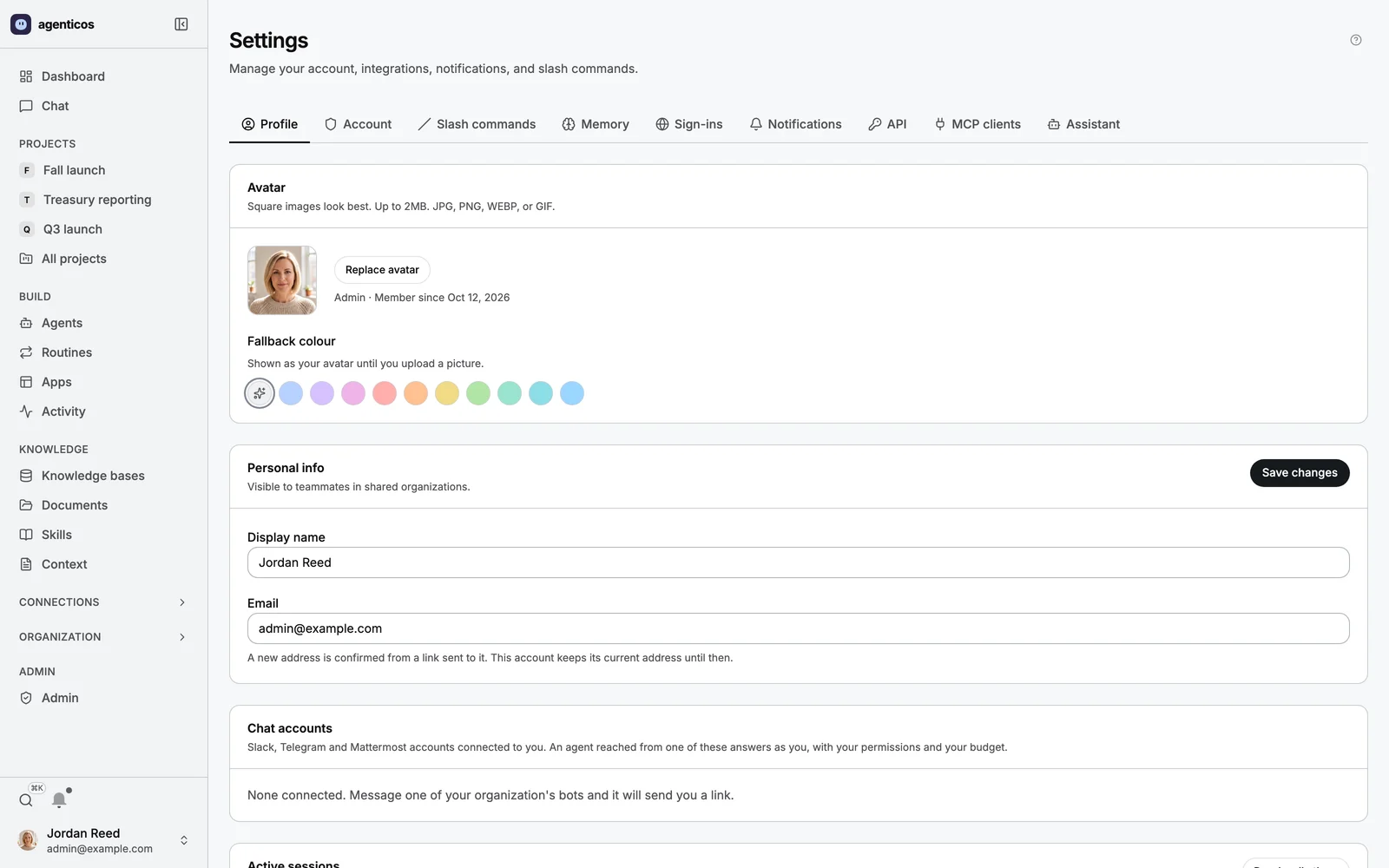
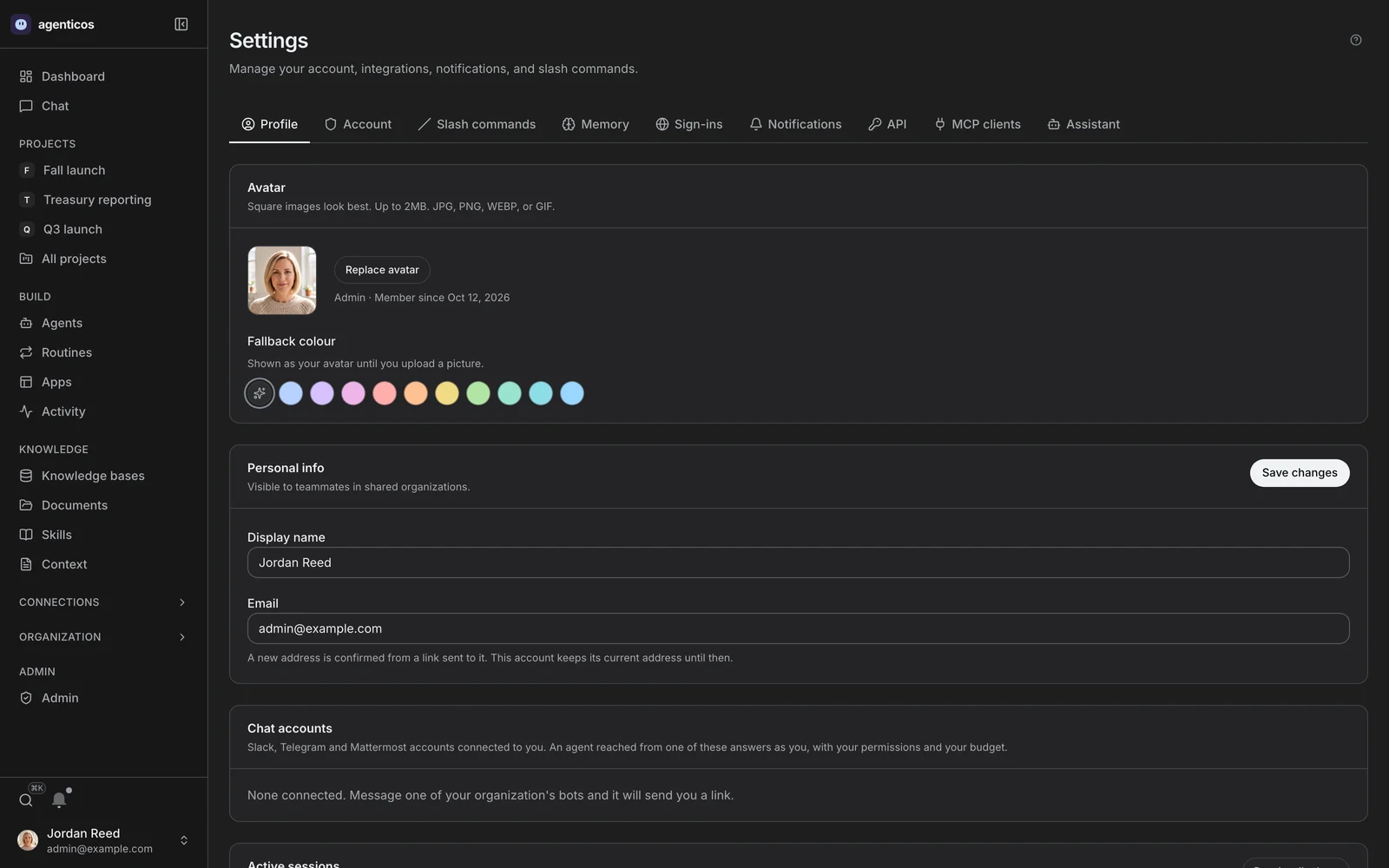
Your settings
Your profile and account, slash commands, memory, the sign-ins the browser agent keeps for you, notifications, API keys, MCP clients and the Architect - a tab each.
Deployment administration
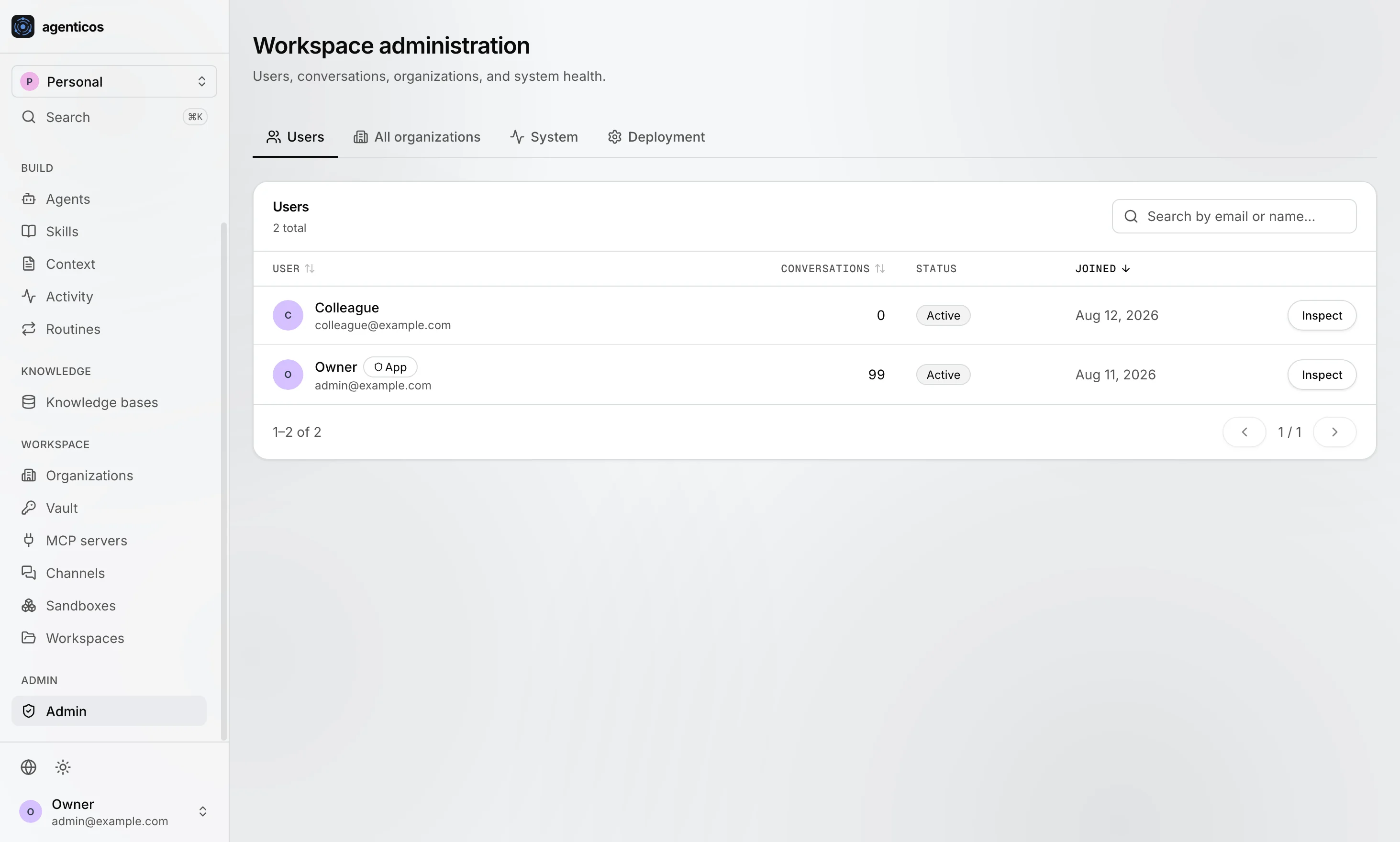
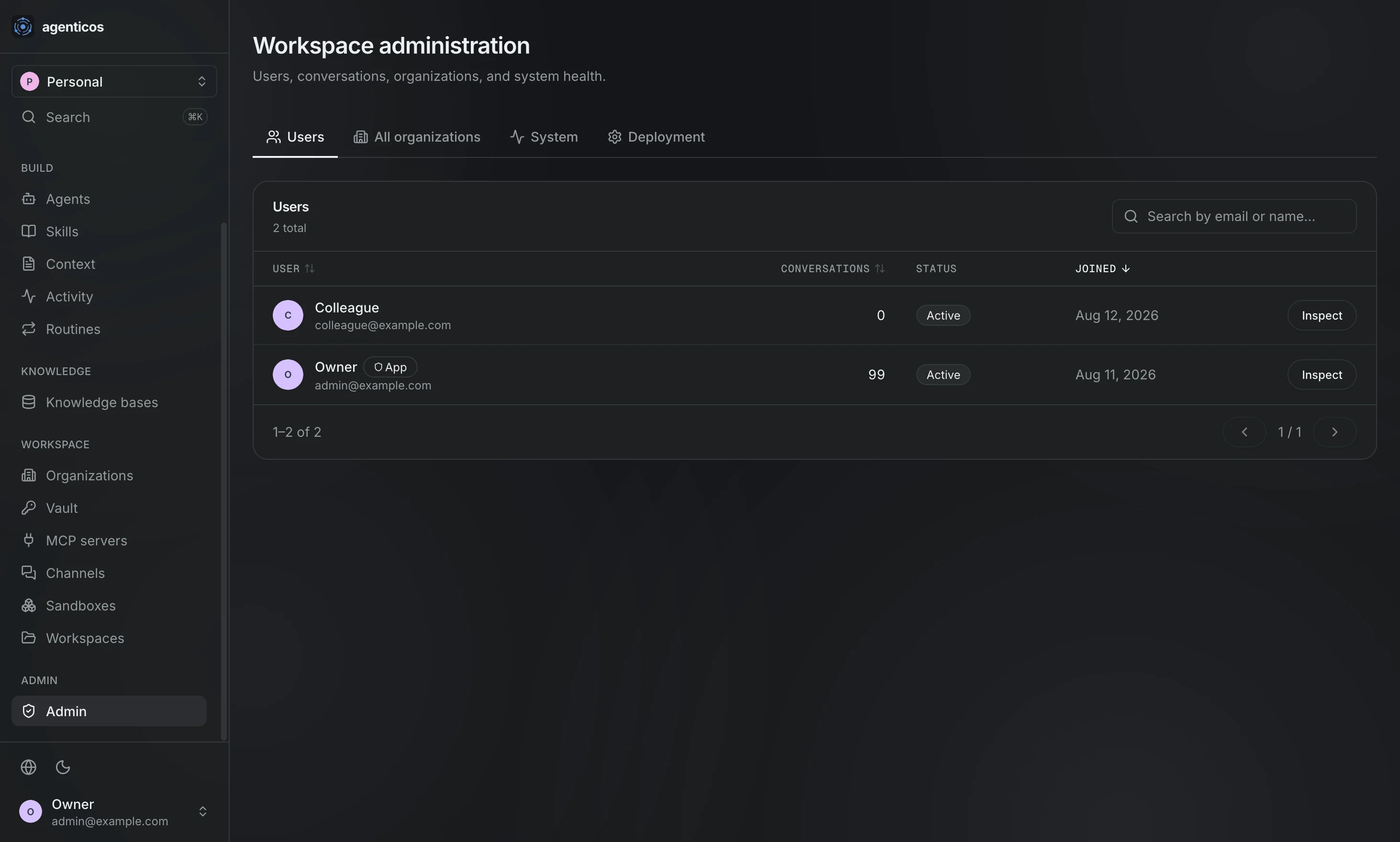
Users
Everybody who can sign in to this deployment, and the app-admin flag that is separate from any organization role.
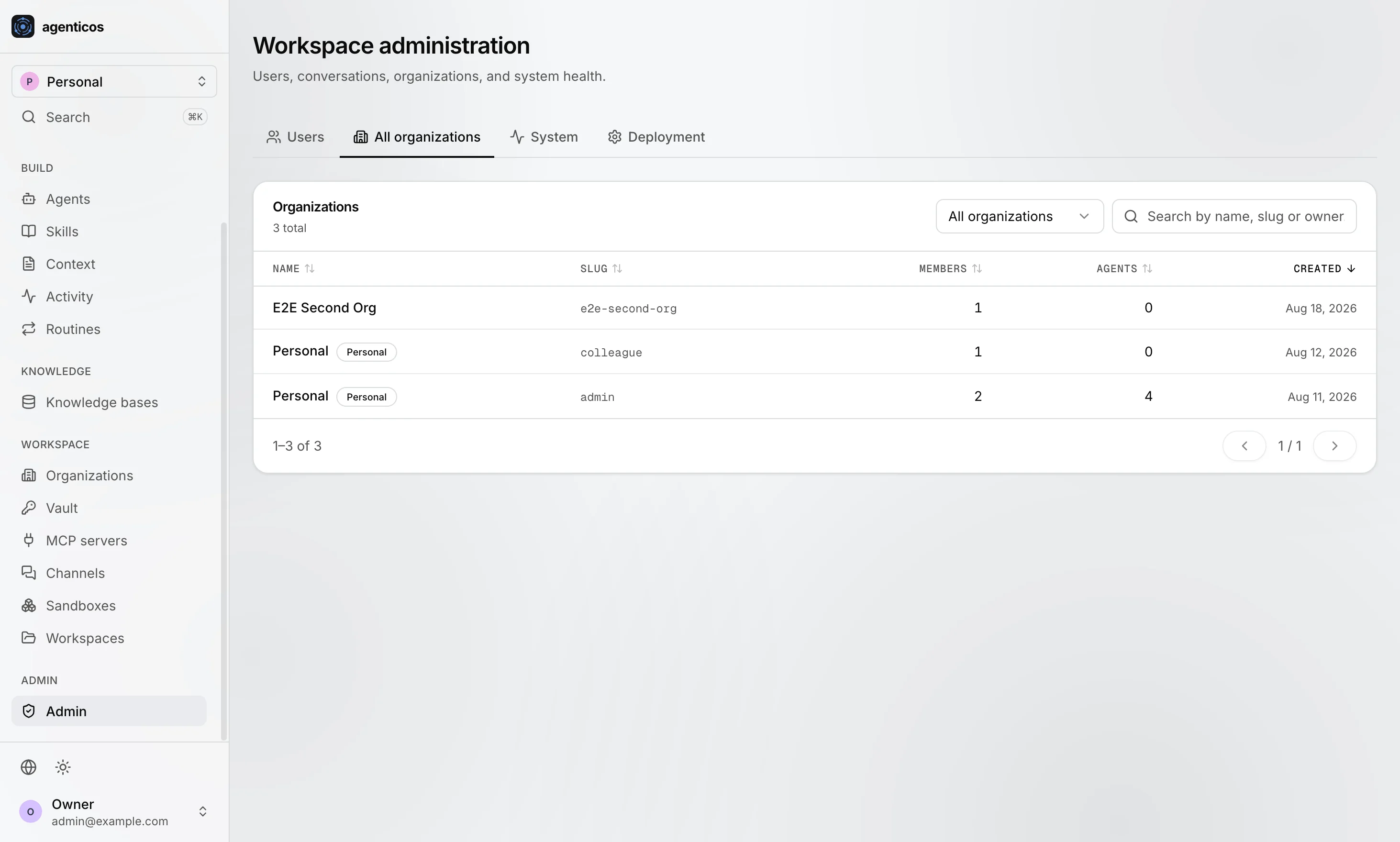
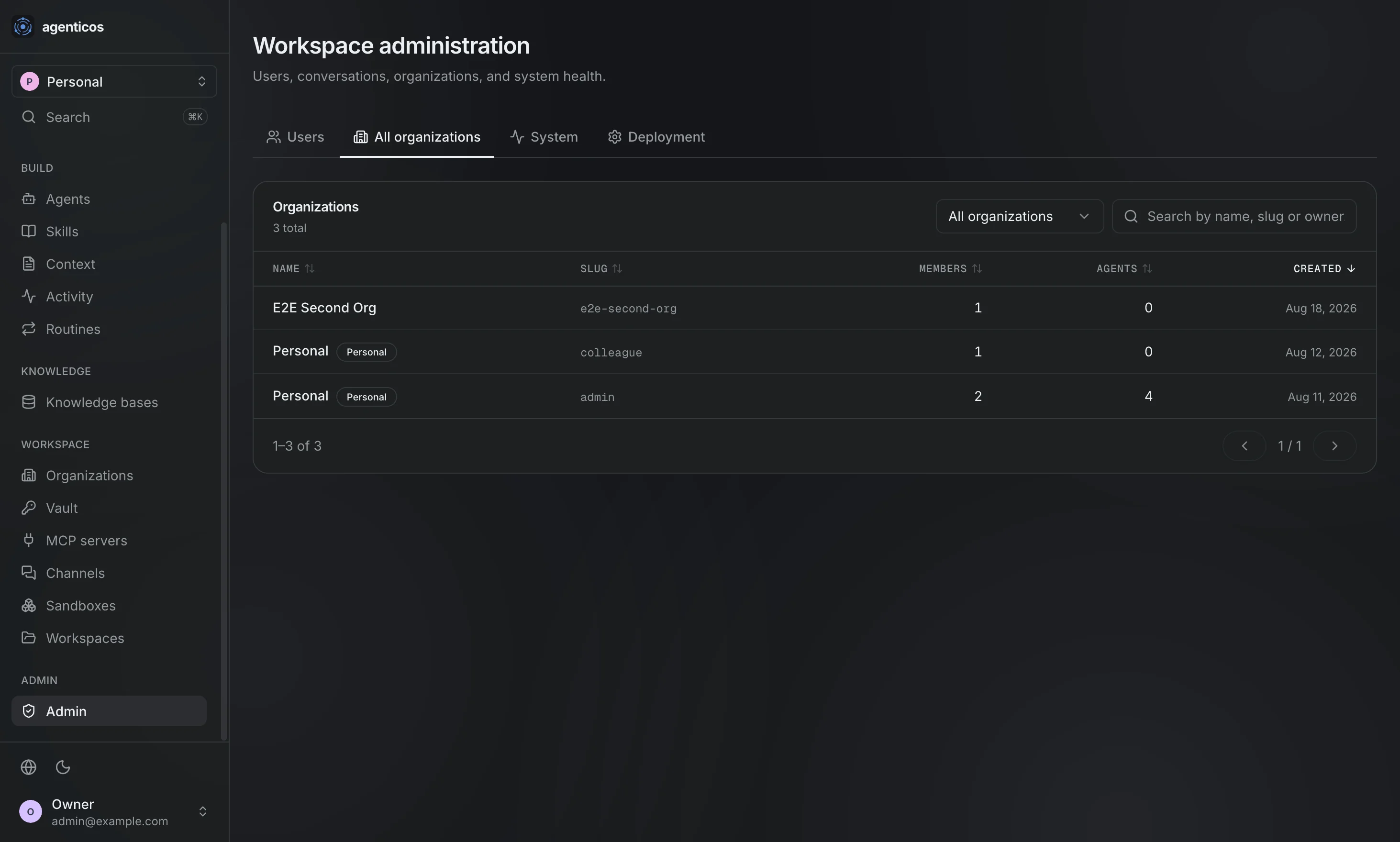
All organizations
Every tenant on this deployment, with its owner, members and agents.
System
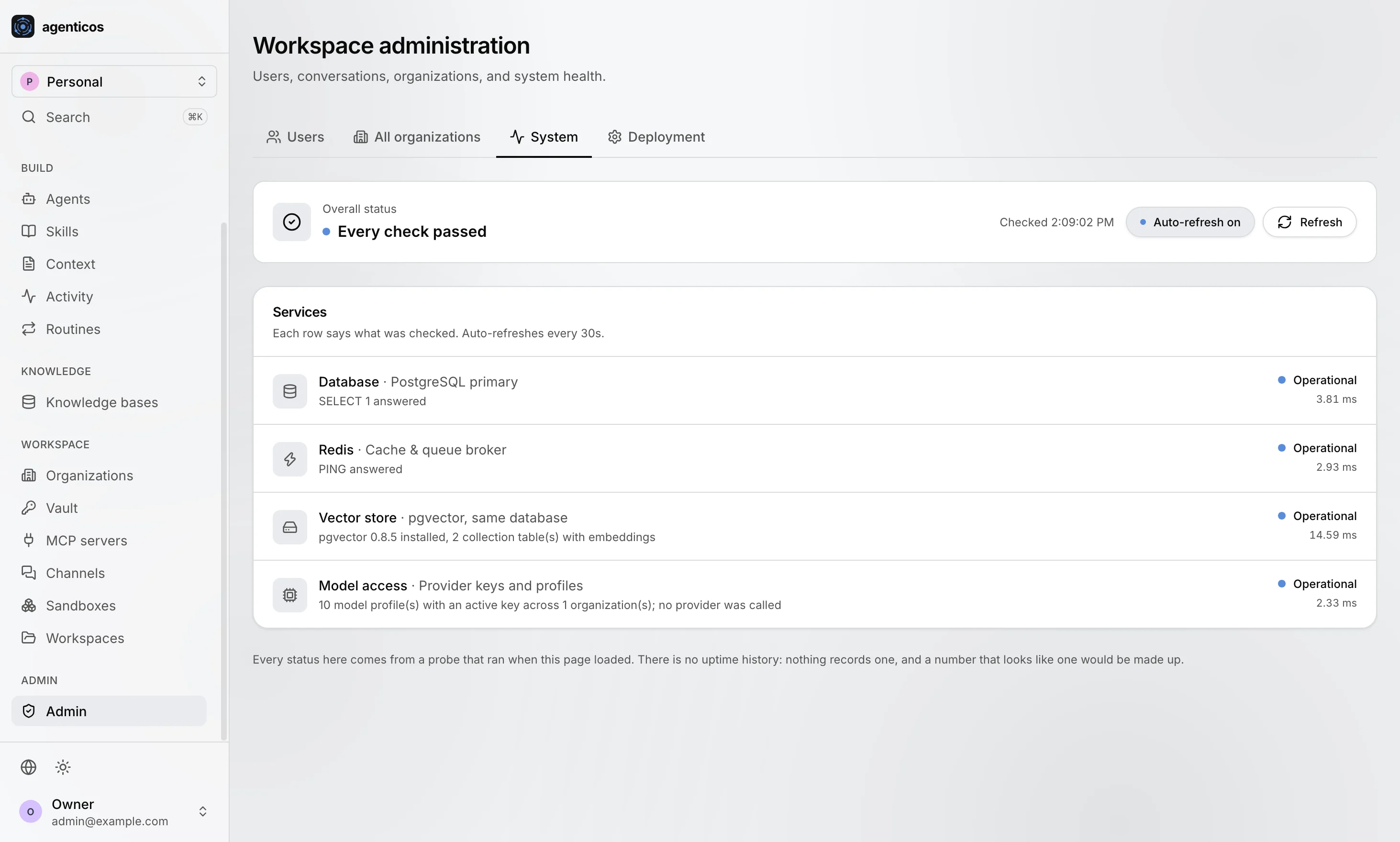
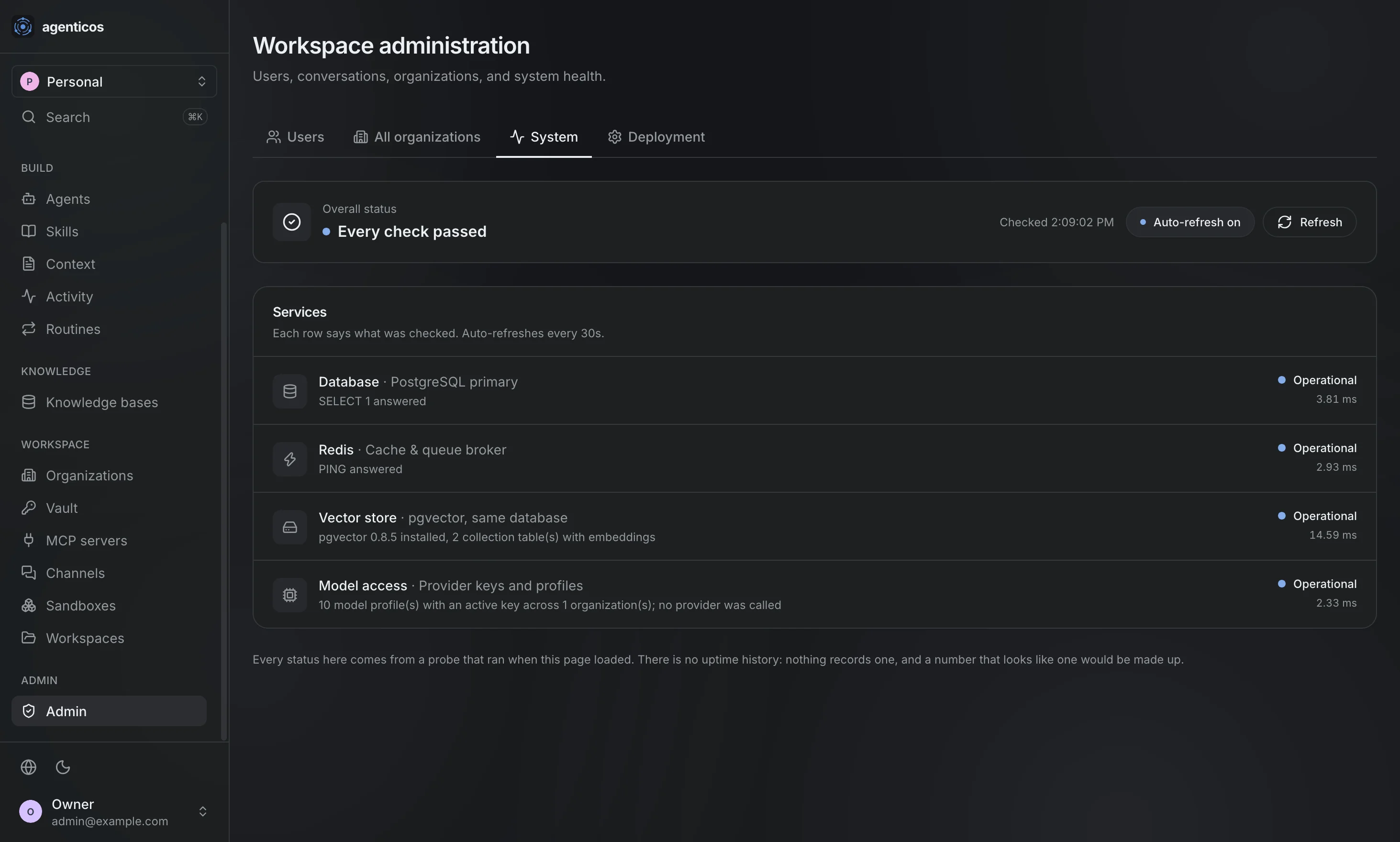
Database, Redis, the vector store, model access and scheduled jobs - the same checks agenticos cmd doctor runs, on a page.
Deployment
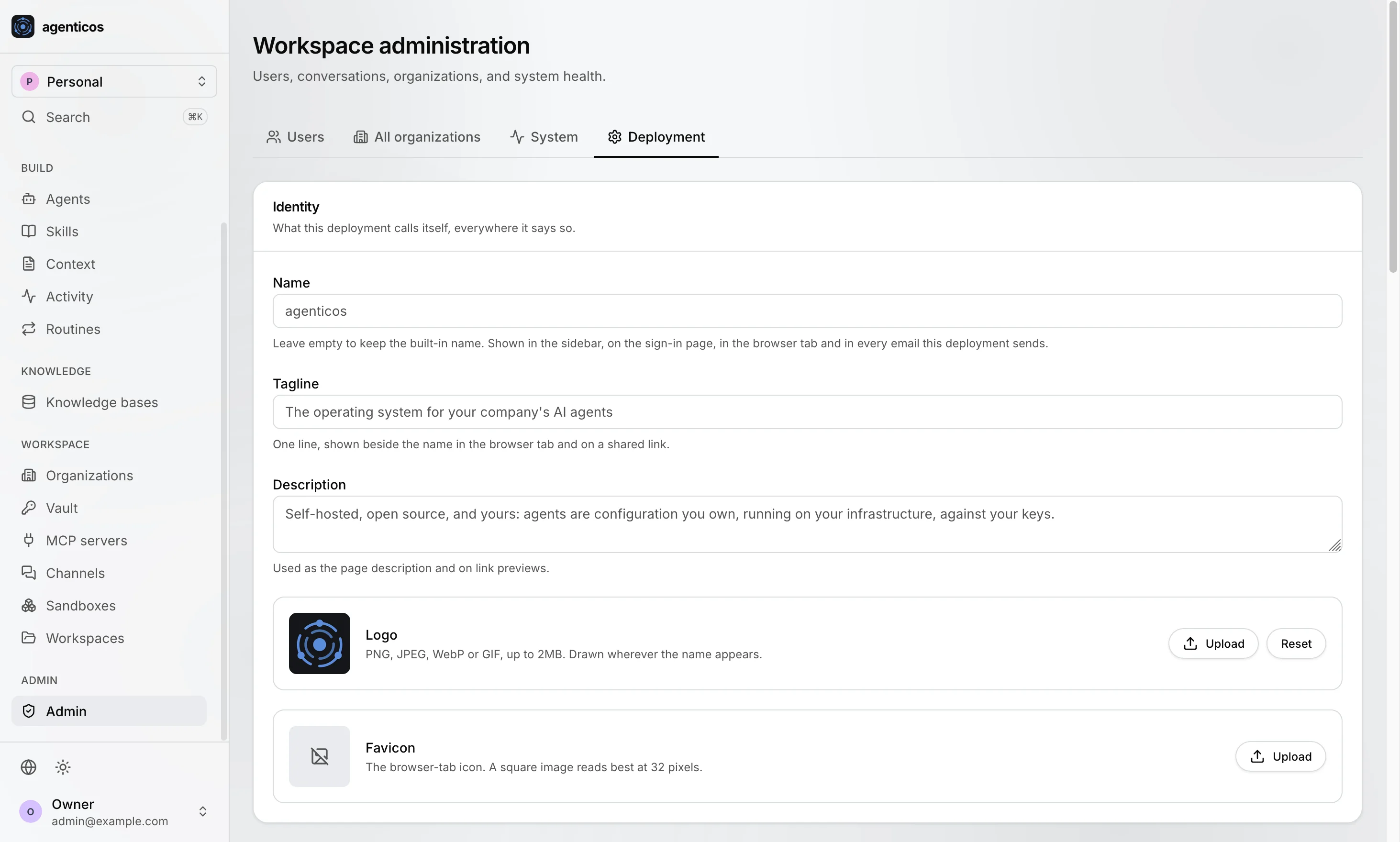
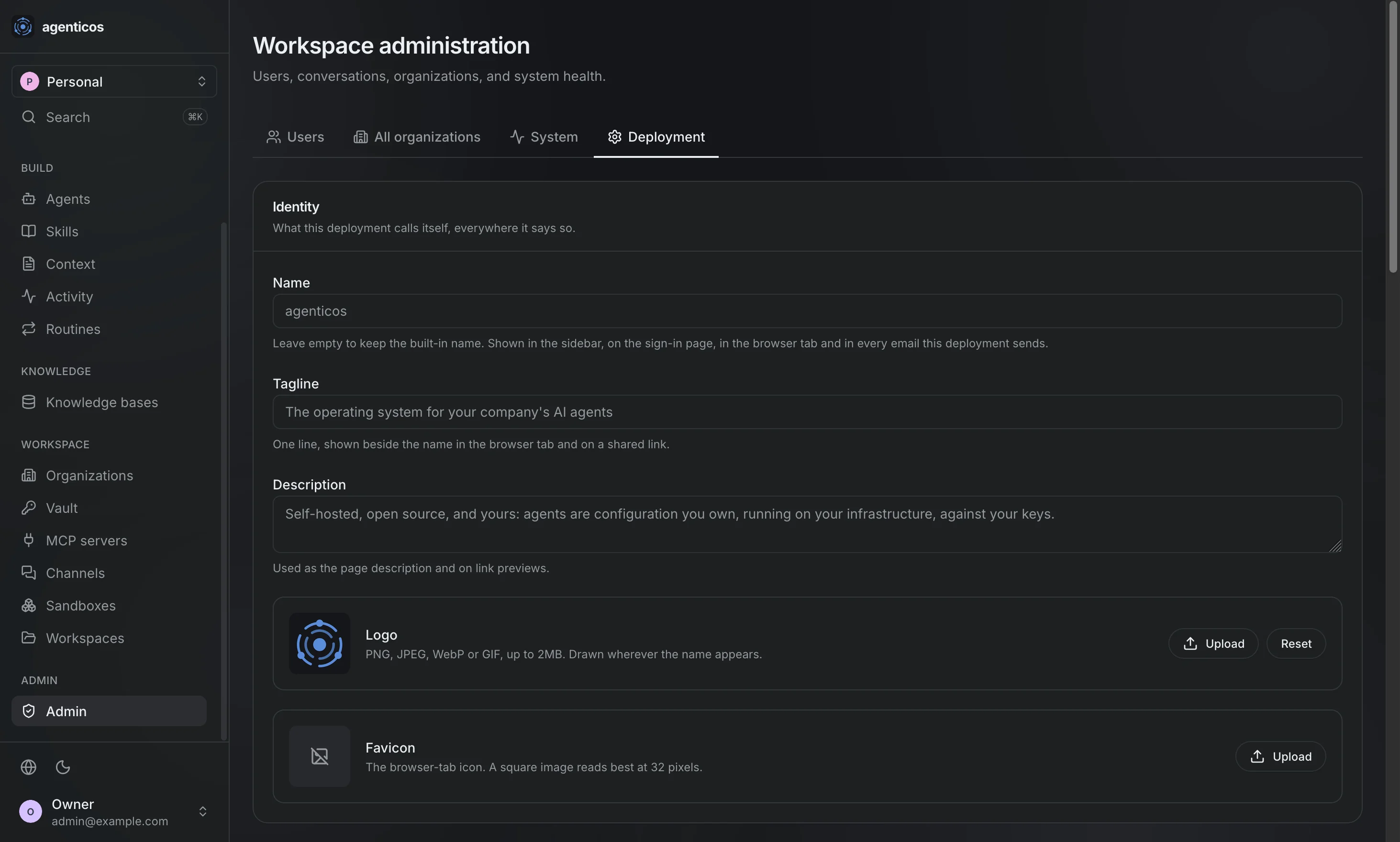
This deployment's own identity and policy: sign-up, invitations, notices, and what a first-time visitor meets.
What is not here yet
Sign-in, the first-run onboarding and the in-product walkthrough are not captured yet.
Recap
Each screen is shown in both themes, from one demo organization. docs/assets/screens/capture.mjs takes them all again against any running deployment, so a changed screen is a re-run rather than a hand-made picture.